Configure notifications for a hunt
Email people when they collect an object or win a prize along the hunt.
Hunts use the campaign's notifications. The two that suit a hunt best:
| Notification | Sent when |
|---|---|
| Touchpoint Unlocked | Someone collects a badge, unlocks an offer or finds an object |
| Winner | Someone wins one of the rewards |
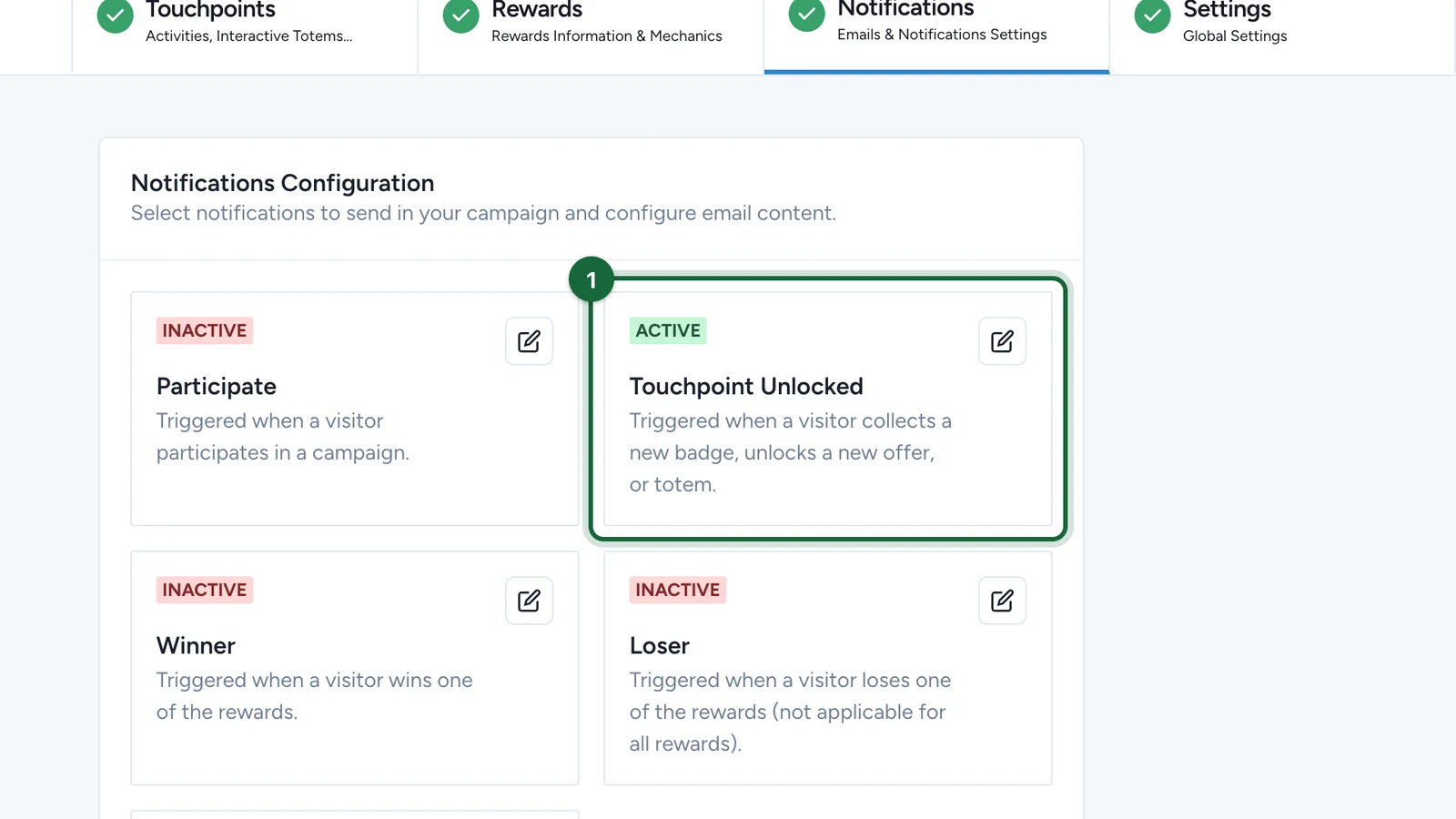
Touchpoint Unlocked sends once for every object someone finds, so a five-object hunt sends up to five emails. To change the email for one object only, use the by Touchpoint tab: see Configure notifications by touchpoint.
Turn on the Touchpoint Unlocked email
-
In Build > Notifications, select the edit button on Touchpoint Unlocked.
-
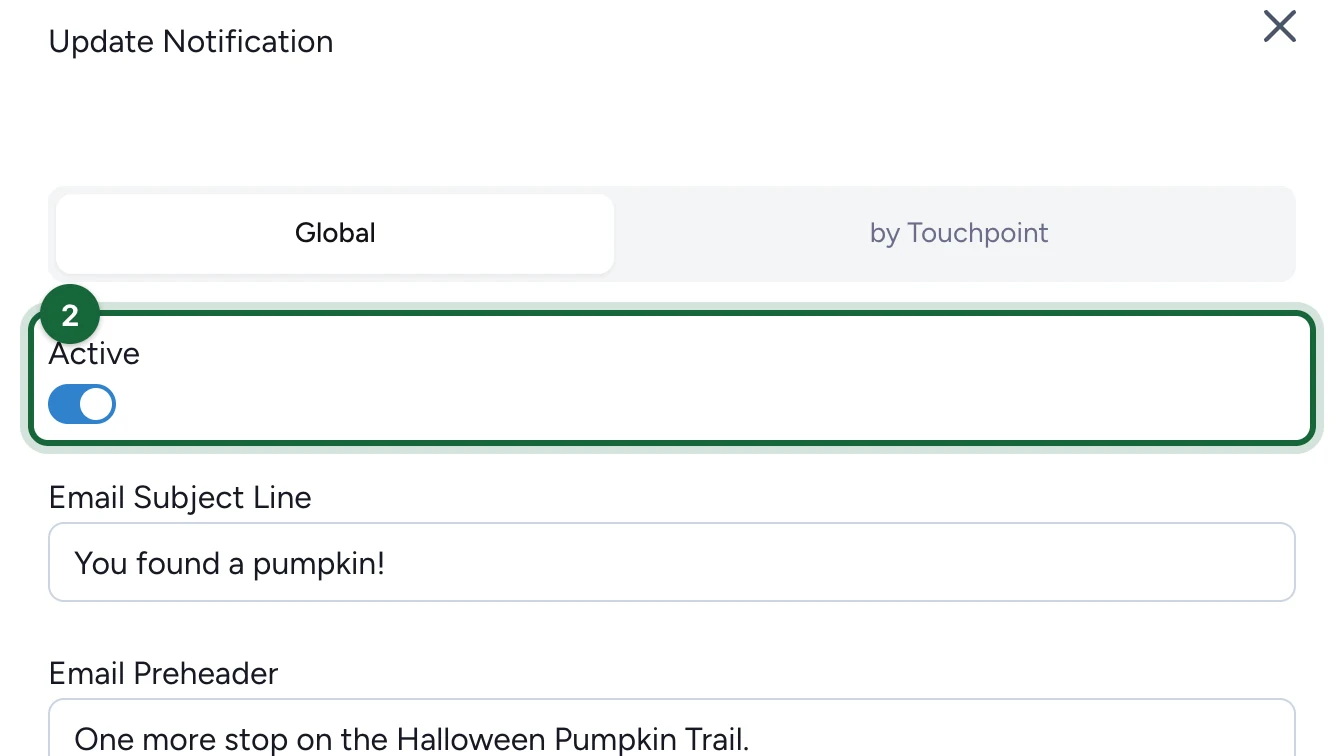
Turn on Active.
-
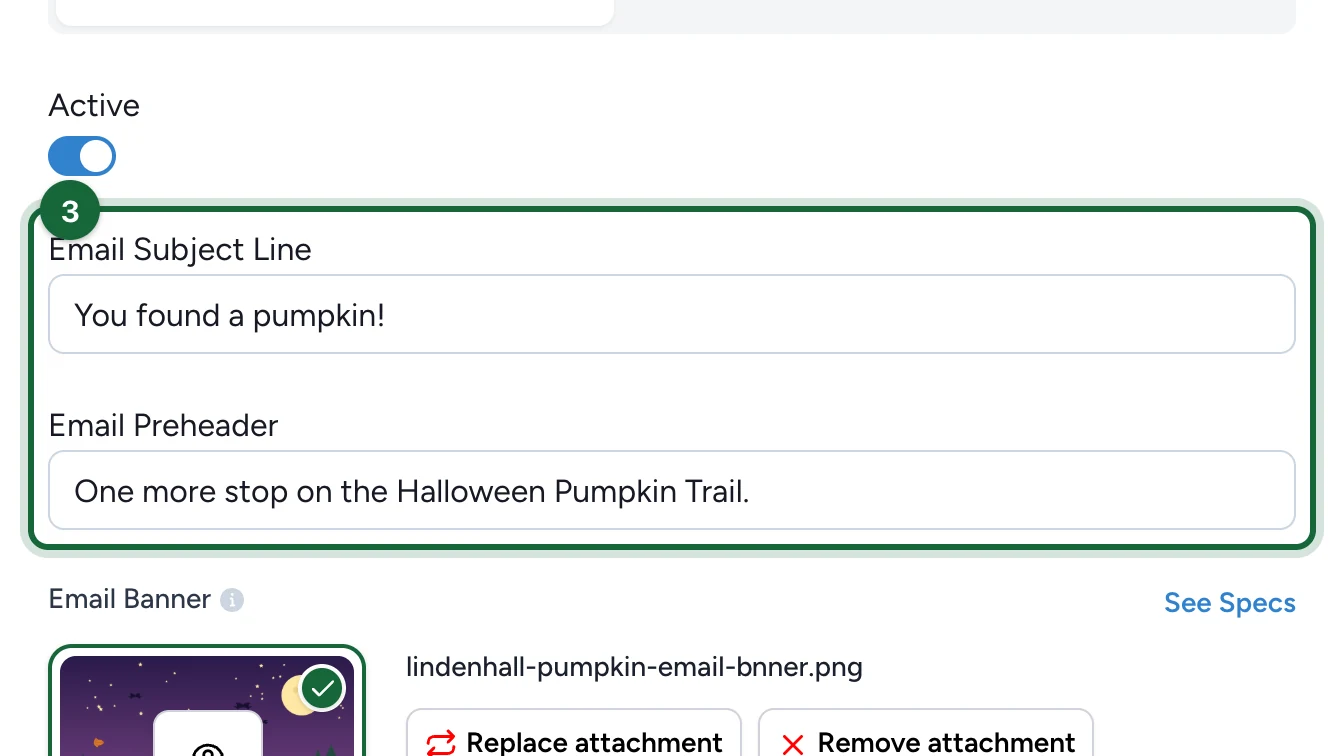
Enter the Email Subject Line and Email Preheader.
-
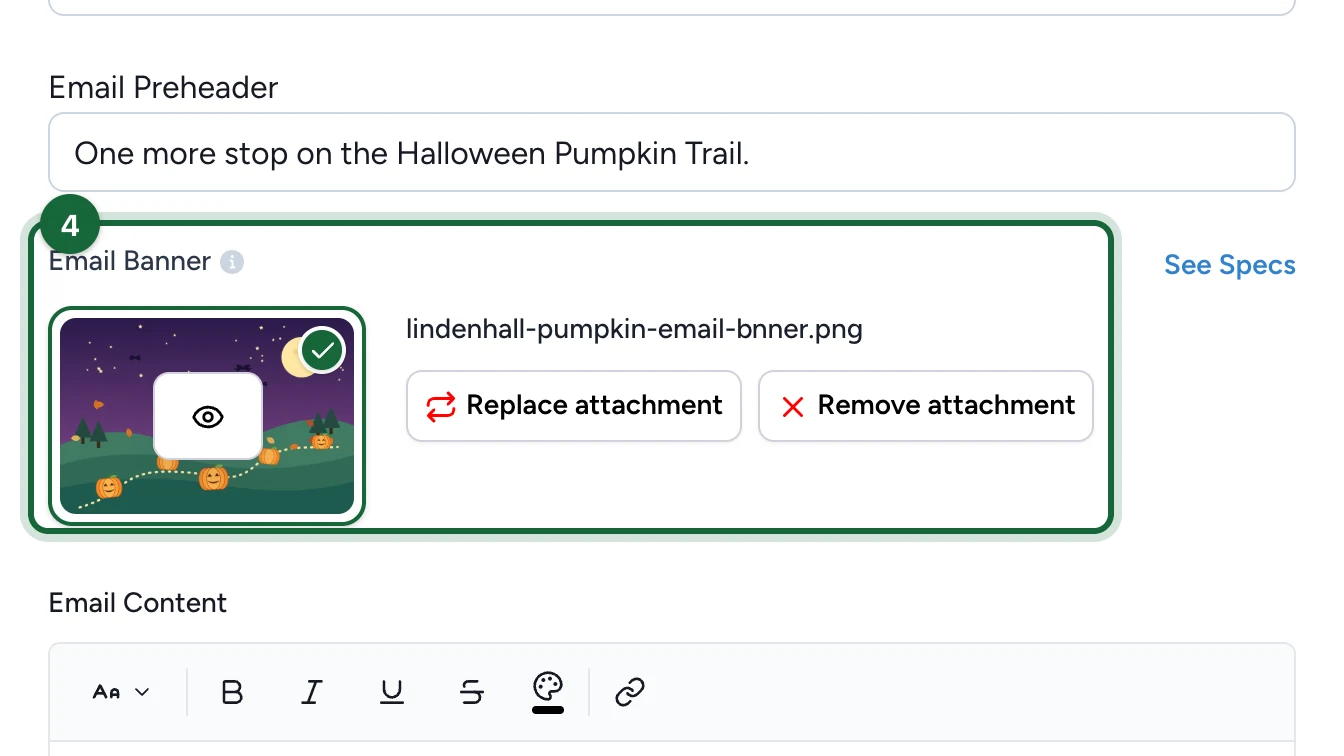
Under Email Banner, upload the banner.
-
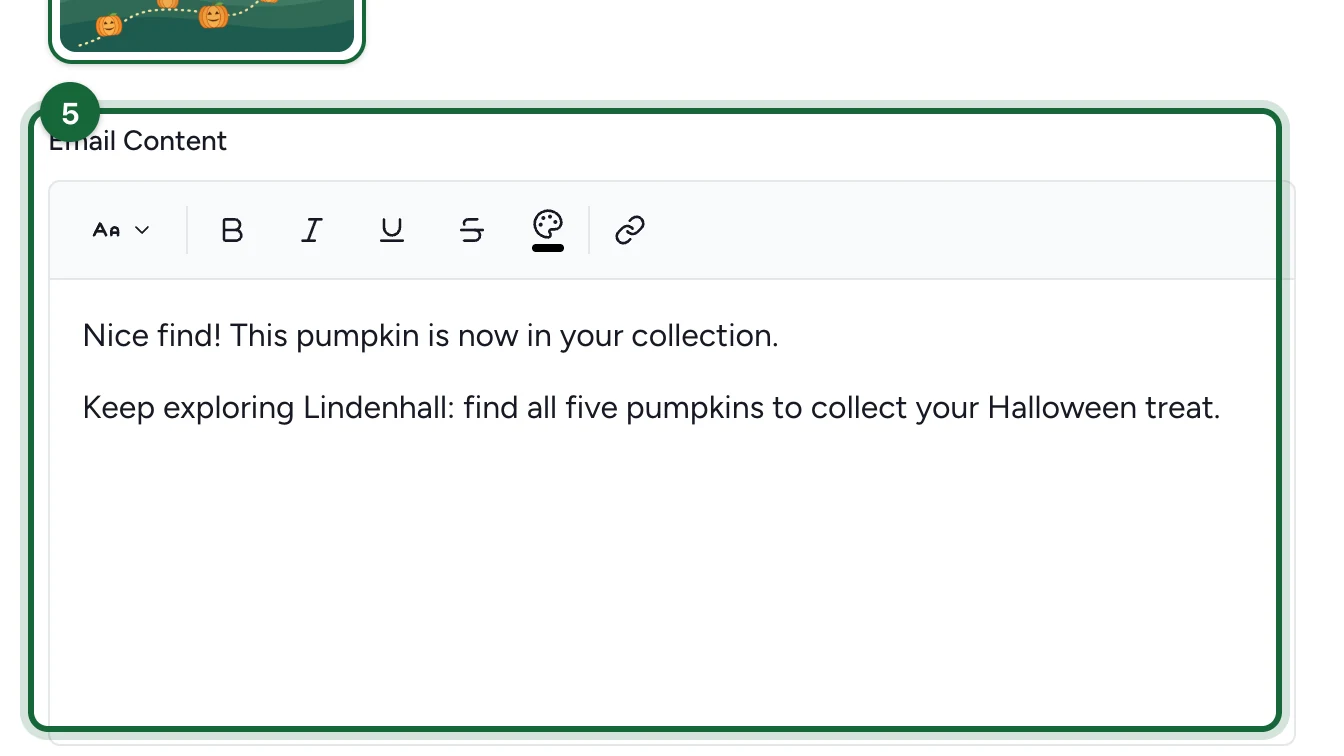
Write the Email Content.
-
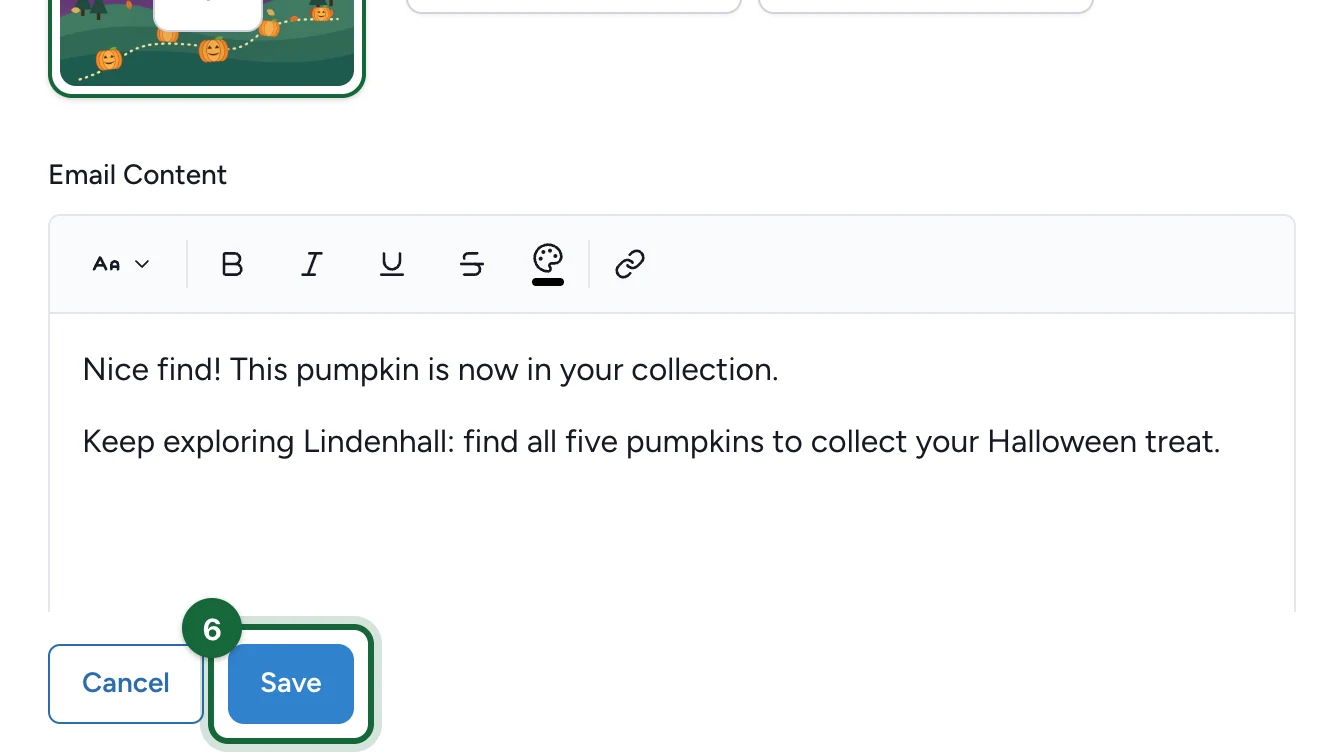
Select Save.
For the Winner email, open Winner in step 1 instead, then follow the same steps.
The email sends only when the campaign's email add-on (Cheetah or Salesforce Marketing Cloud) is on. For every field, see Configure notifications globally.
If publishing is blocked
- "Email subject line is missing for Touchpoint Unlocked notification": enter the Email Subject Line.
- "Email banner image is missing for Touchpoint Unlocked notification": upload the Email Banner.
- "Email content is missing for Touchpoint Unlocked notification": write the Email Content.
A missing Email Preheader only raises a tip.