Correct a receipt decision
Approve, refuse or edit a receipt in the Receipt Host App when the reading or your rules got it wrong.
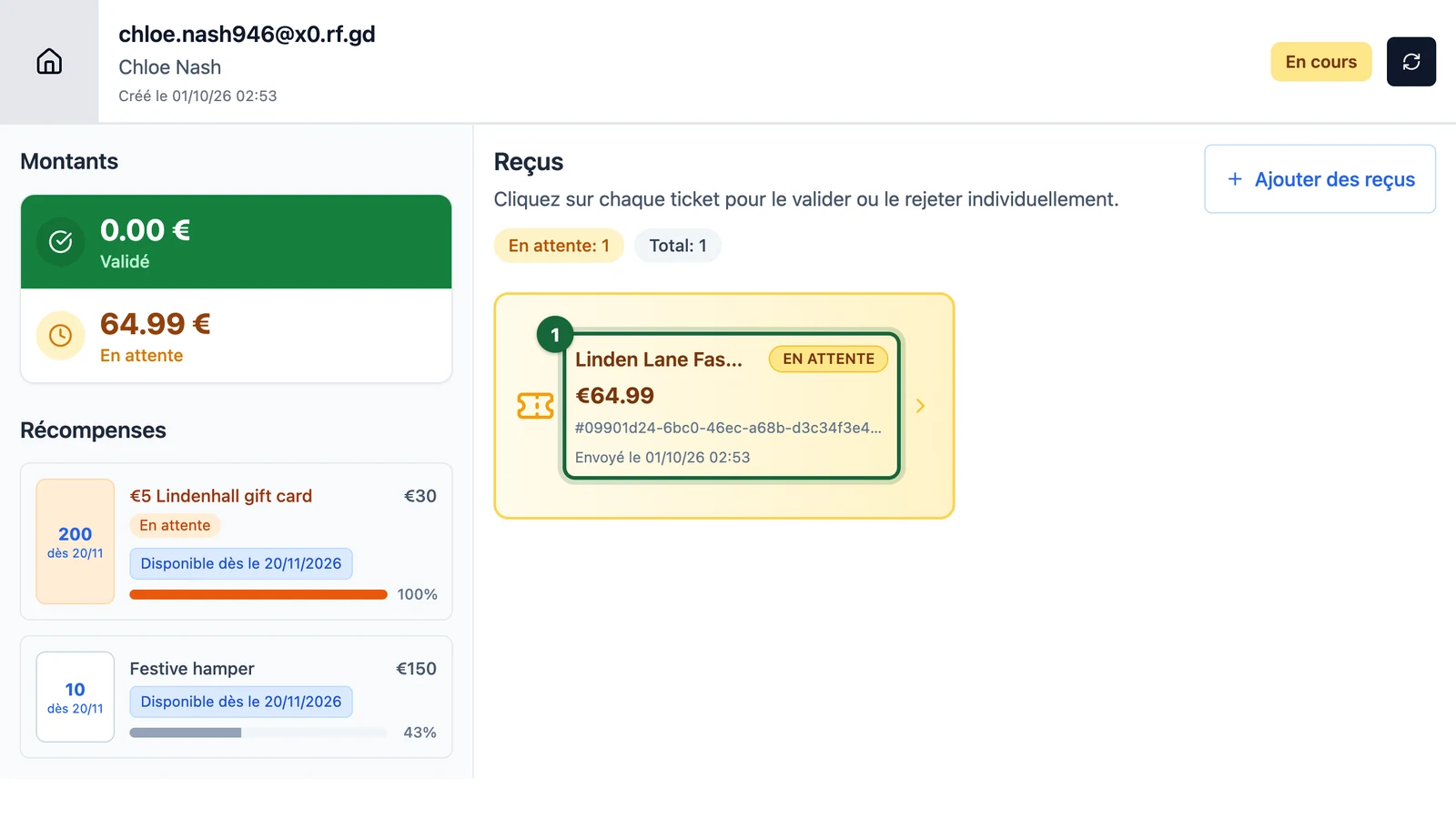
The automatic reading of a receipt helps, but it isn't perfect: a €45.00 total can come back as €4.50. Here, Lindenhall's welcome desk checks Chloe Nash's €64.99 receipt from Linden Lane Fashion.
What each action does
| Action | What happens |
|---|---|
| Valider (approve) | The receipt counts as it is, even if it breaks one of your rules |
| Refuser (refuse) | The receipt stops counting |
| Modifier (edit) | You correct the store, amount, date or time, then your rules check it again |
Which one to use, and the steps to approve or refuse, are in Check each receipt. A button that can't change anything is greyed out: Déjà Validé (already approved) or Déjà Refusé (already refused).
Edit a misread receipt
Open Chloe Nash's session first: see Find the shopper's session. Then:
-
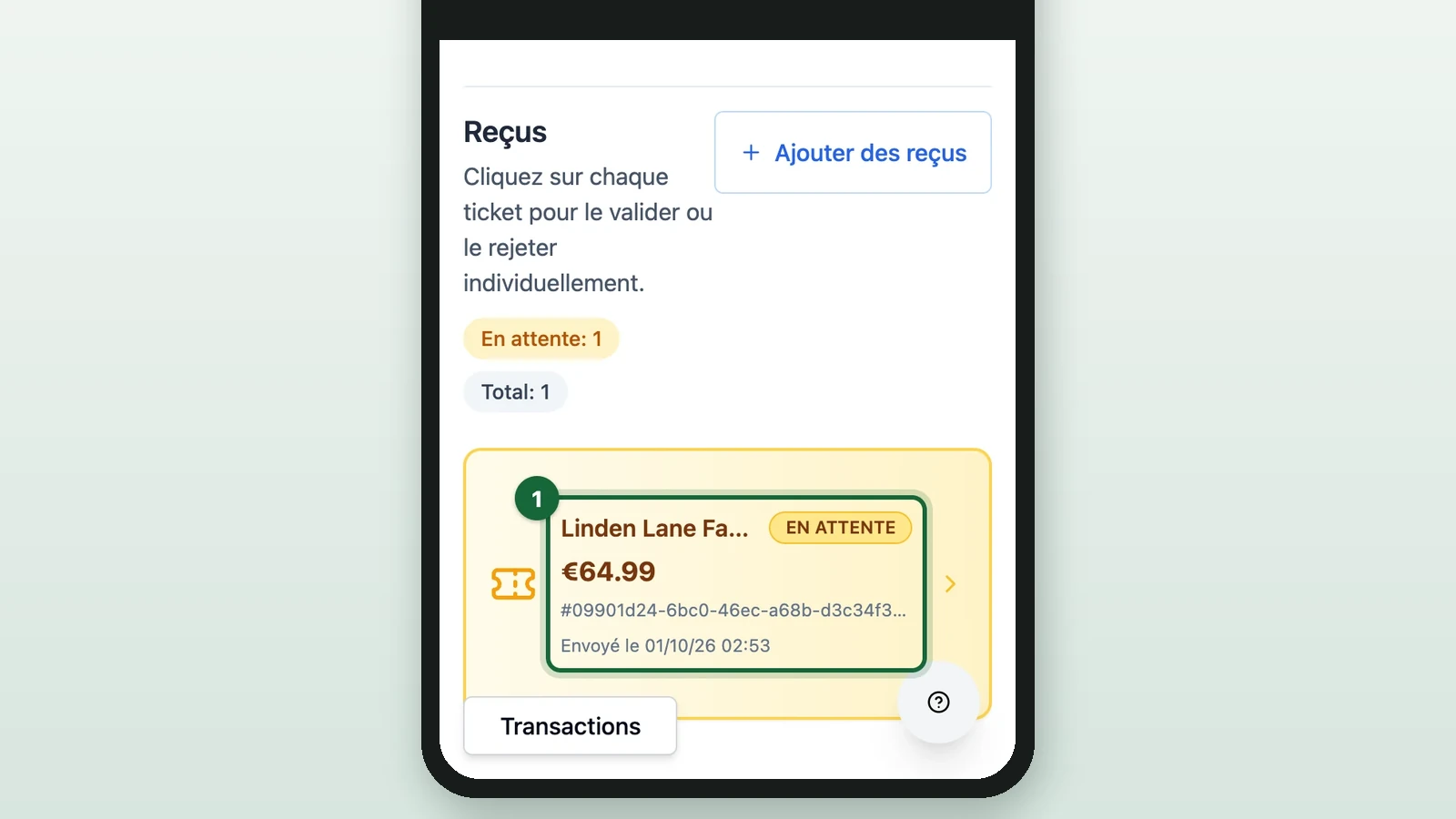
Under Reçus (receipts), select the receipt, here Linden Lane Fashion's.
-
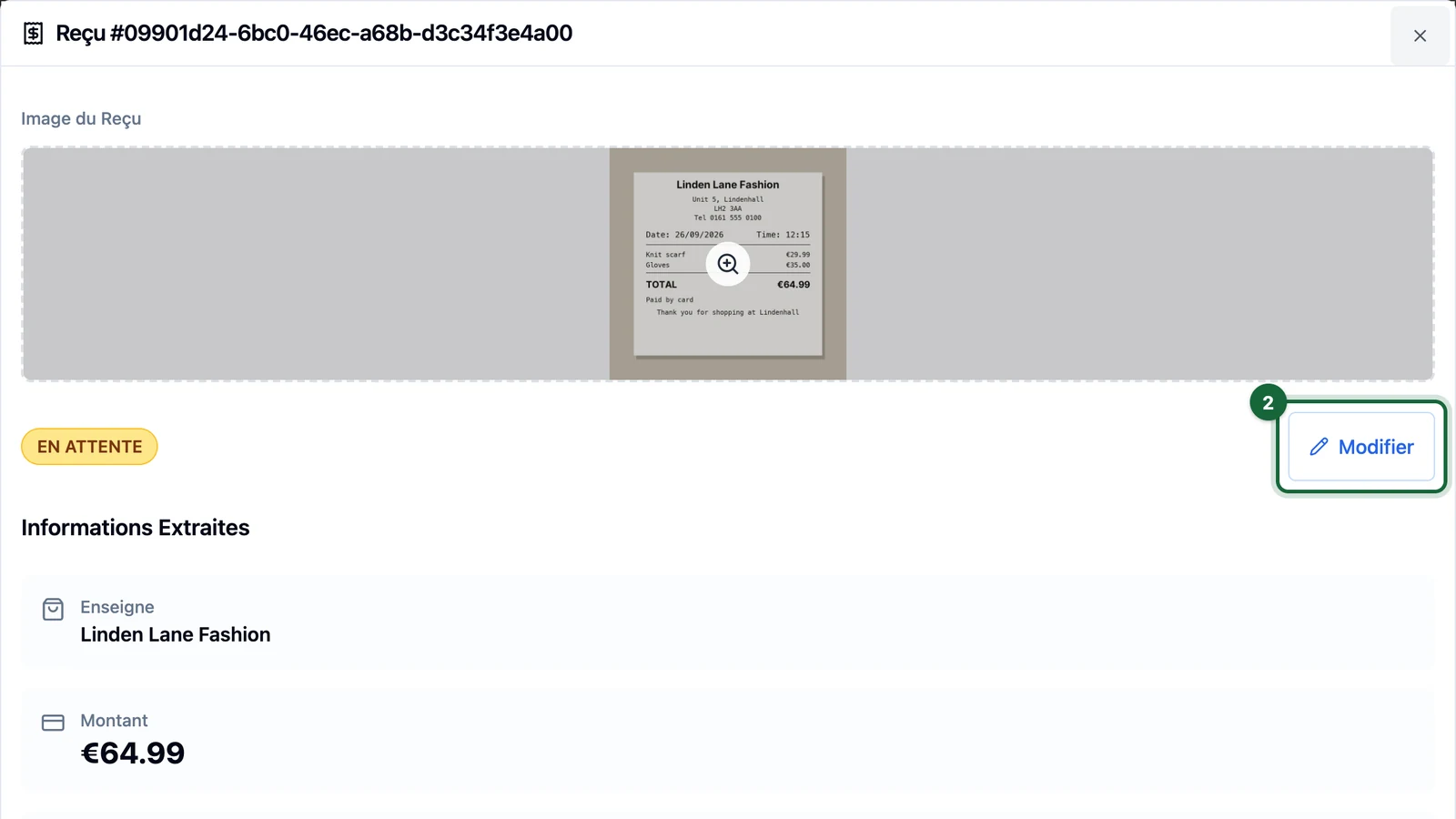
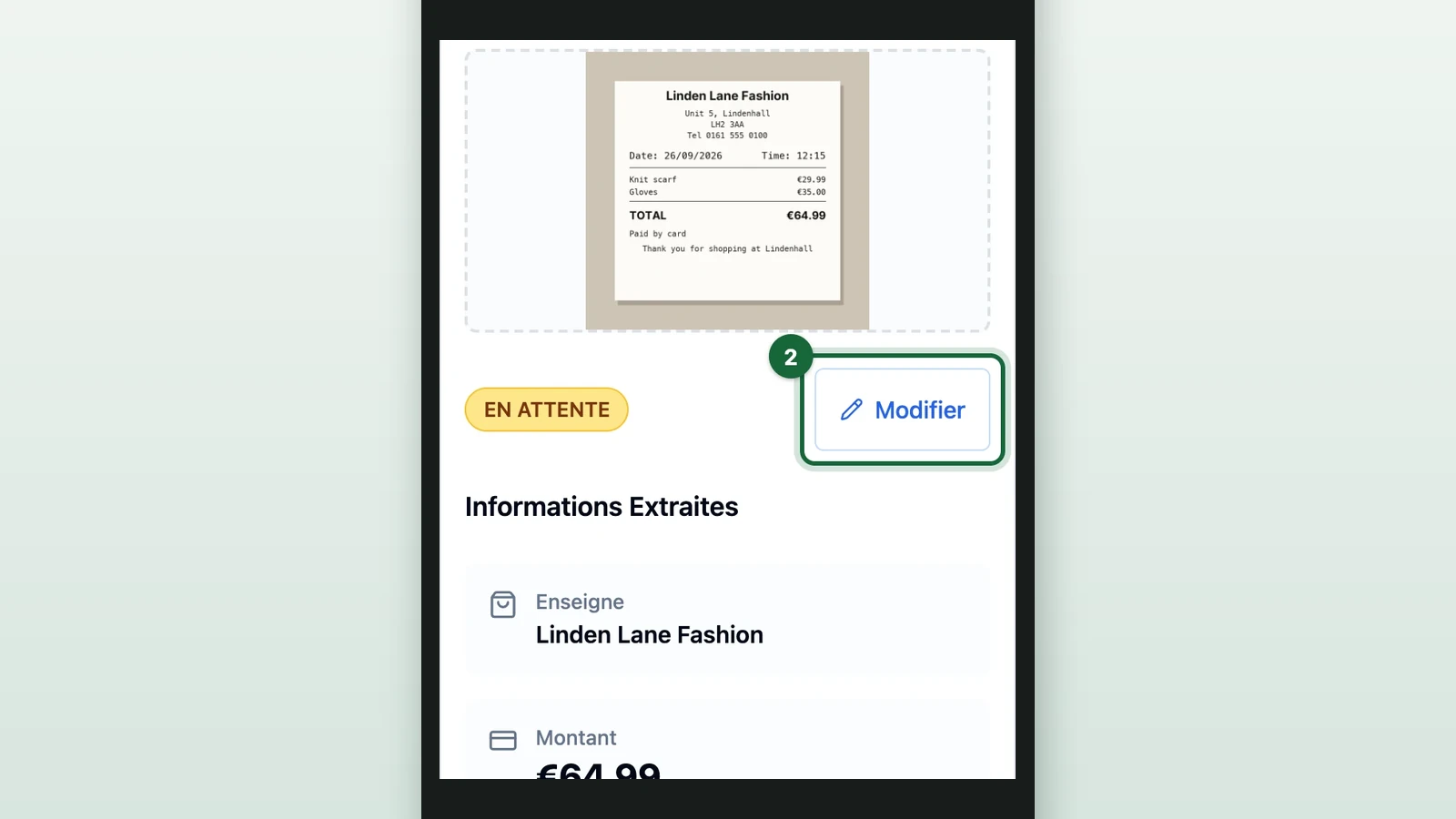
Select Modifier (edit).
-
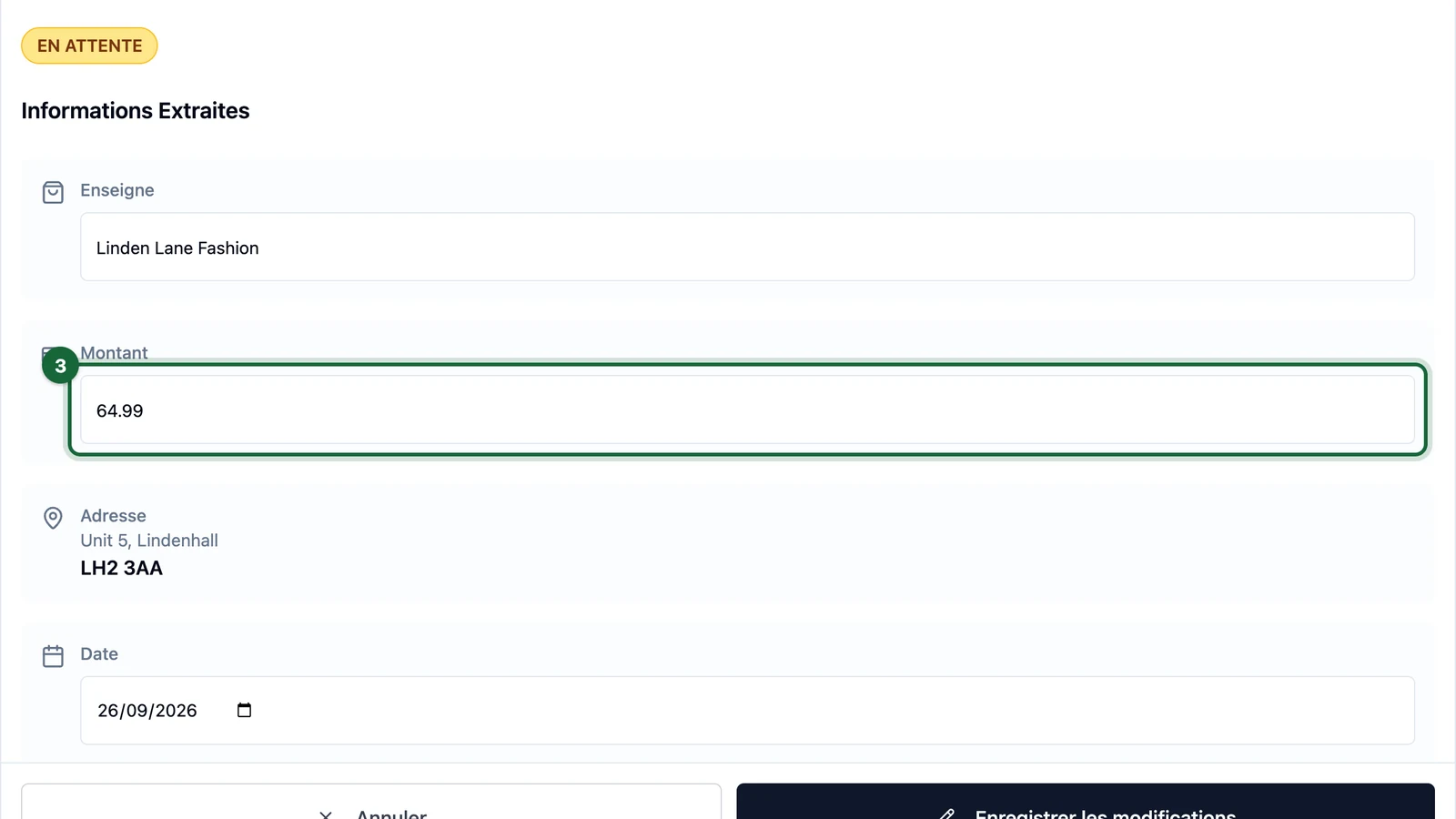
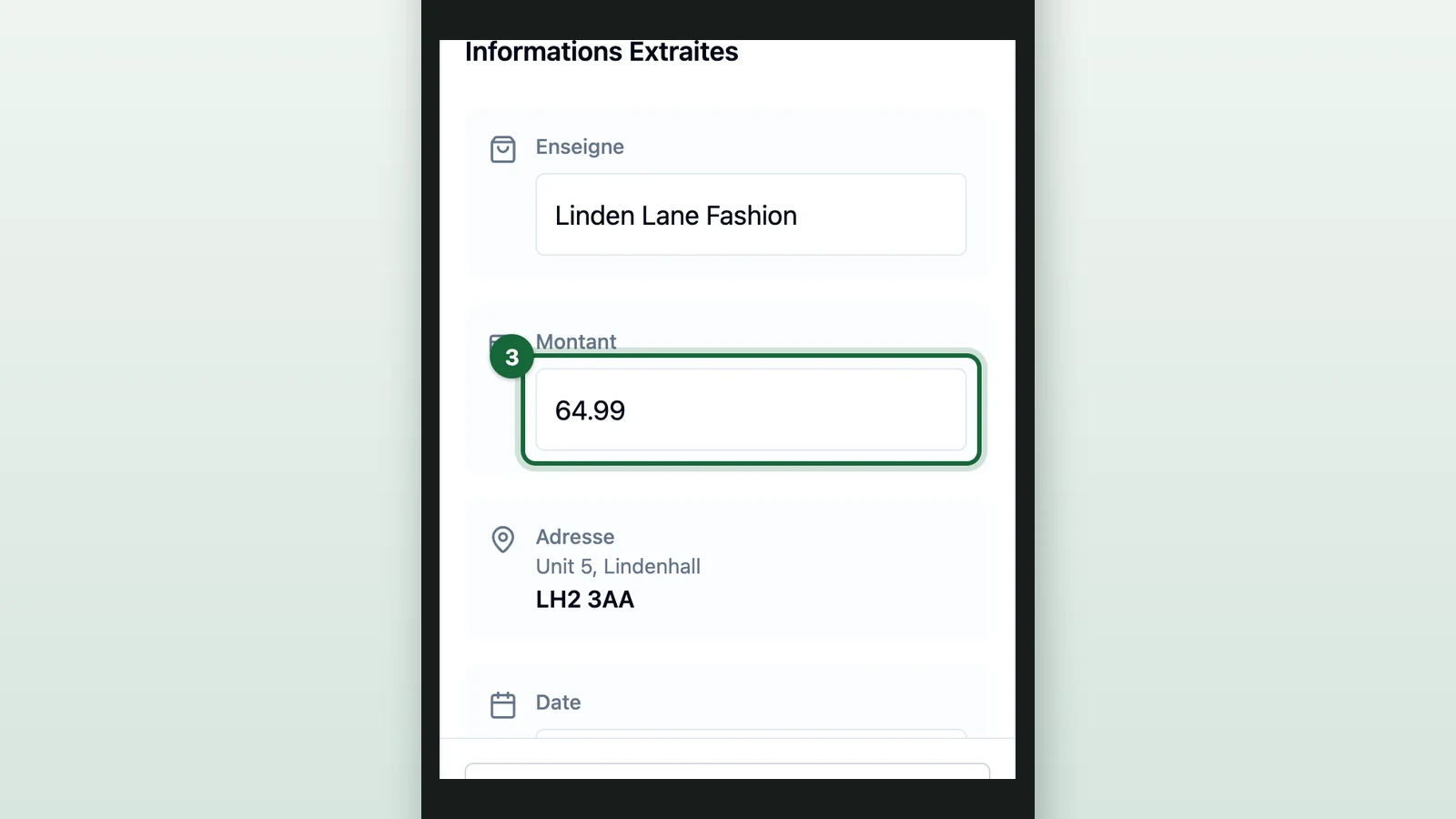
Under Montant (amount), enter the total printed on the paper receipt.
-
(Optional) Correct the Enseigne (store), Date or Heure (time).
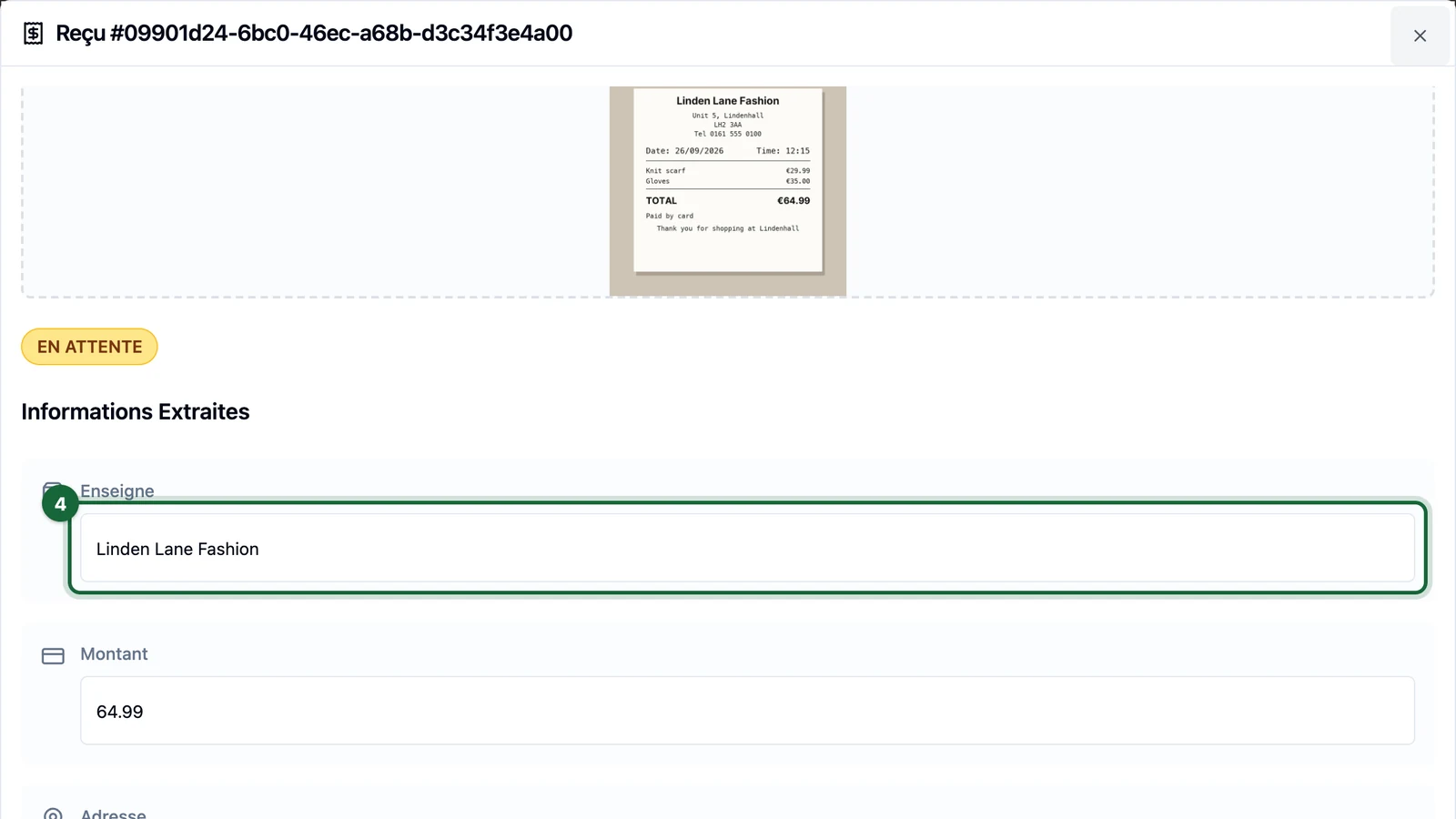
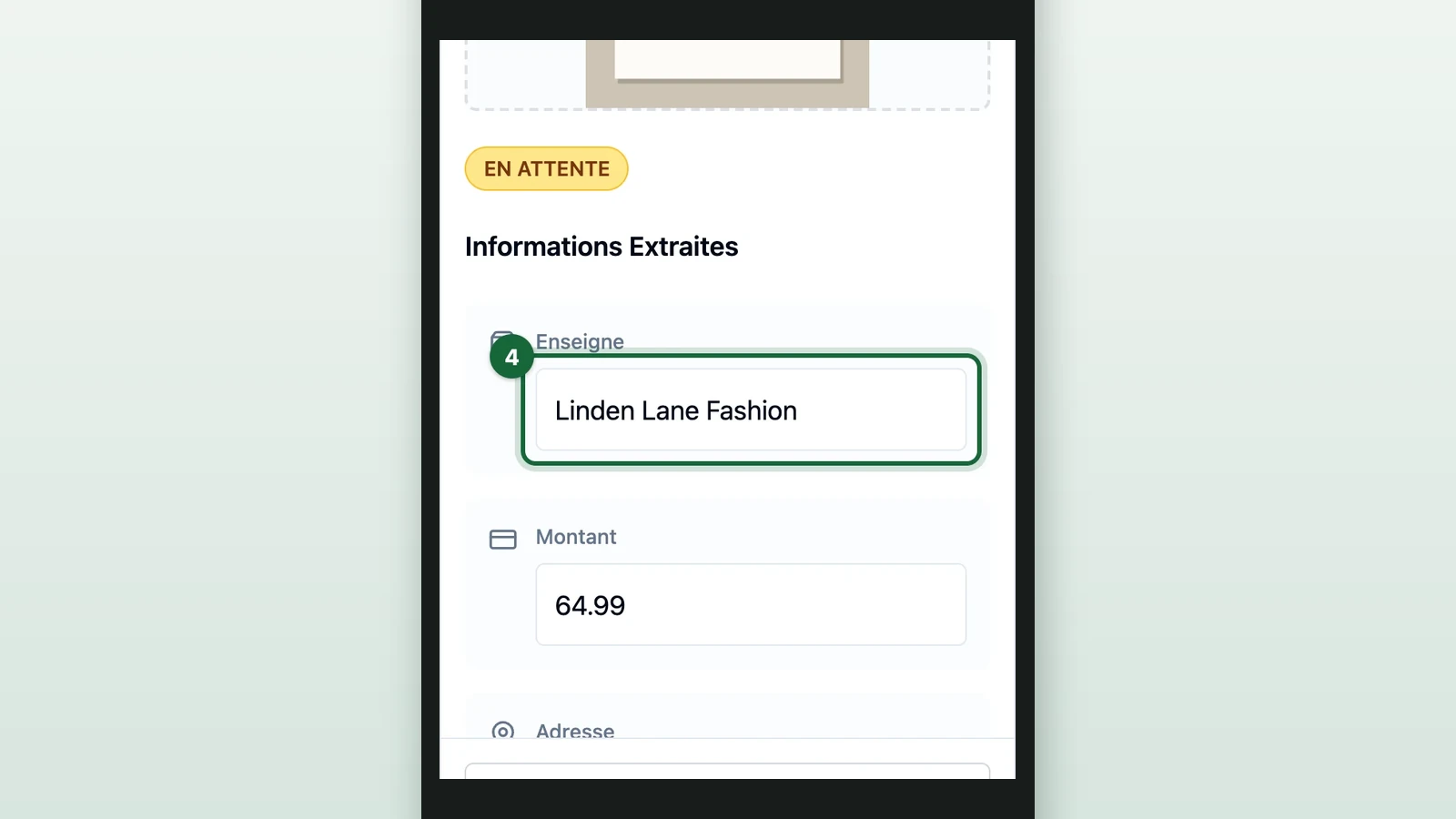
The address can't be changed.
-
Select Enregistrer les modifications (save changes).
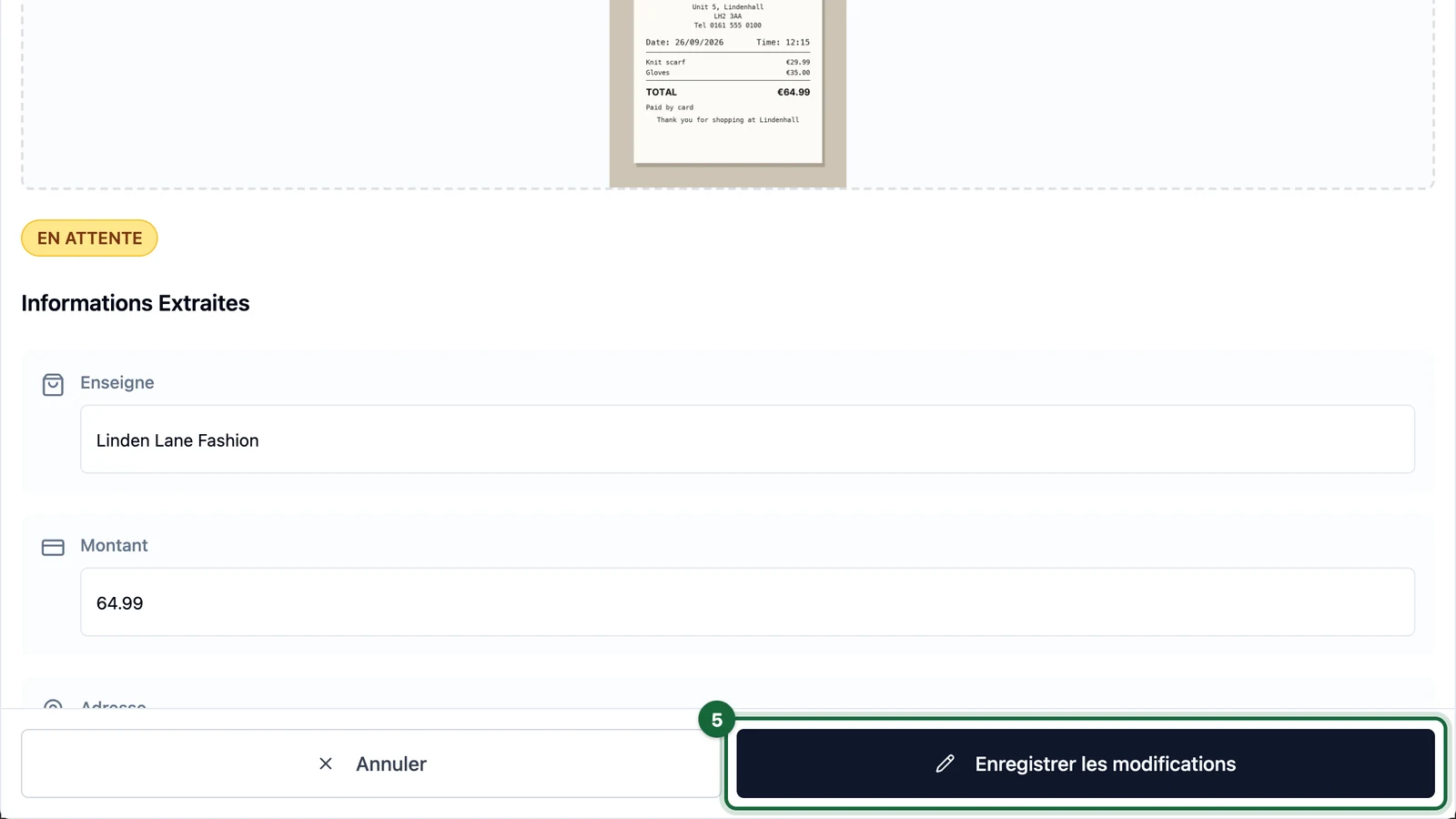
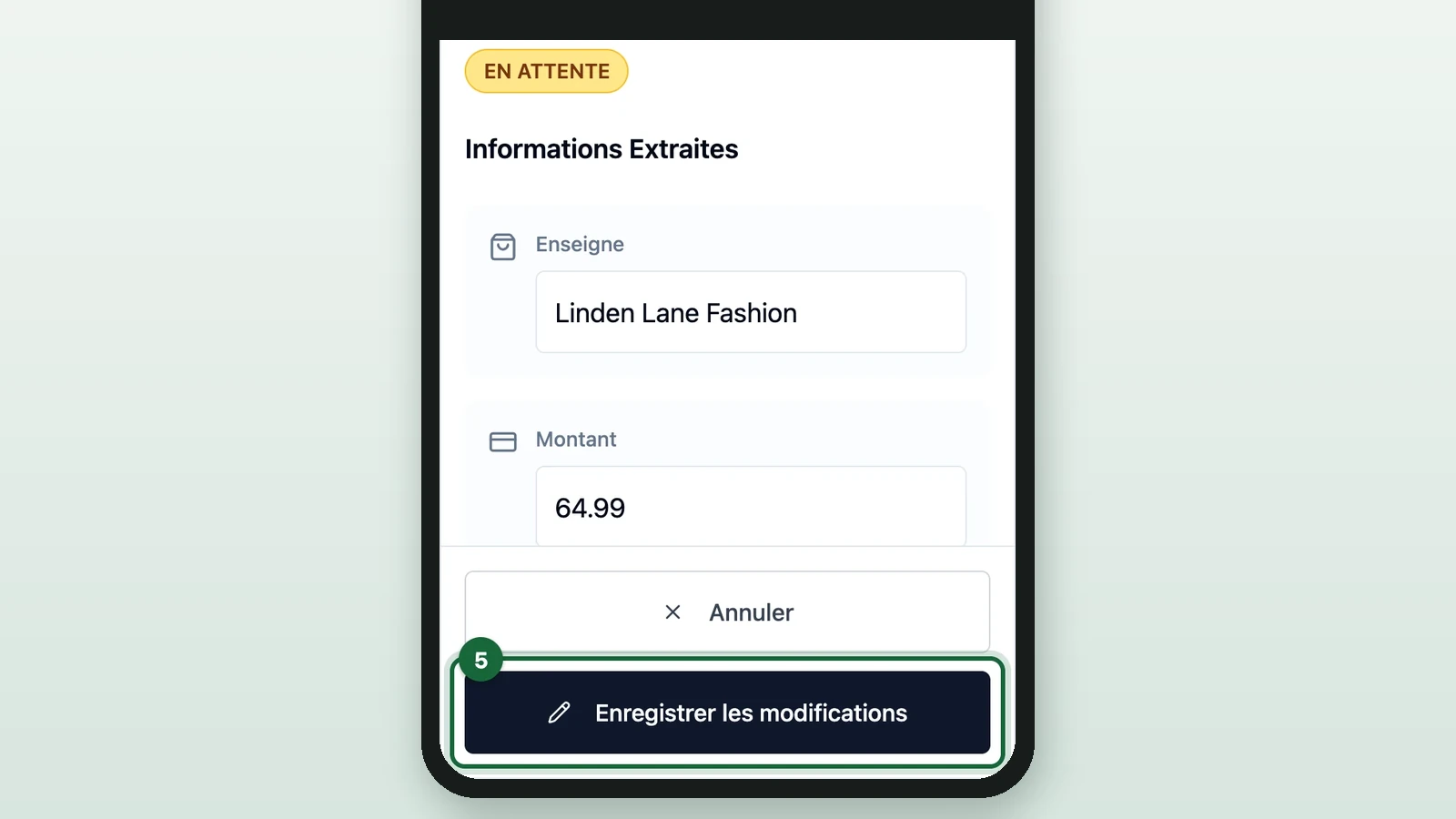
After you save, your rules check the receipt again, and its badge changes:
- VALIDÉ (approved) with Automatic validation, if it now meets your rules.
- EN ATTENTE (pending) with Manual validation. Select Valider to count it.
- REFUSÉ (refused) if it still breaks a rule, such as a shop outside the game.
What a correction changes
- Prizes not yet unlocked follow the receipts. They're worked out again after every action, so a refusal can remove one. For a prize already unlocked, see the warning in Hand out the prizes.
- A session can end before you correct it. See ended sessions.