Check a shopper's session
Open one shopper's session to see their receipts, their progress towards each prize and the prizes they've won.
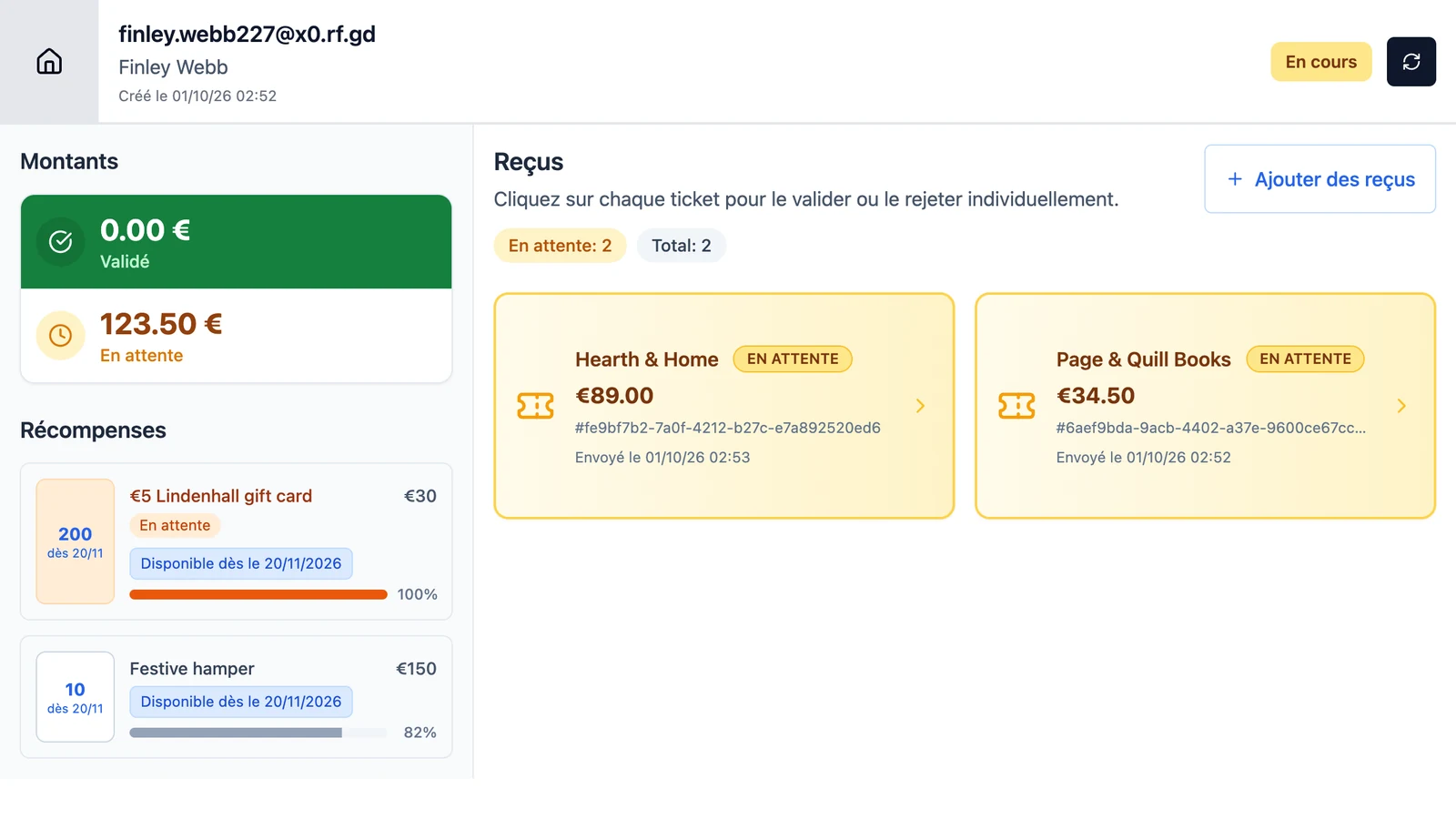
When a shopper asks about a prize, their session shows what happened. Here, Lindenhall checks why Finley Webb hasn't had the €5 Lindenhall gift card. Open the session from Liste des clients (customer list): see Find the shopper's session.
Read the session page
| Part | What it shows |
|---|---|
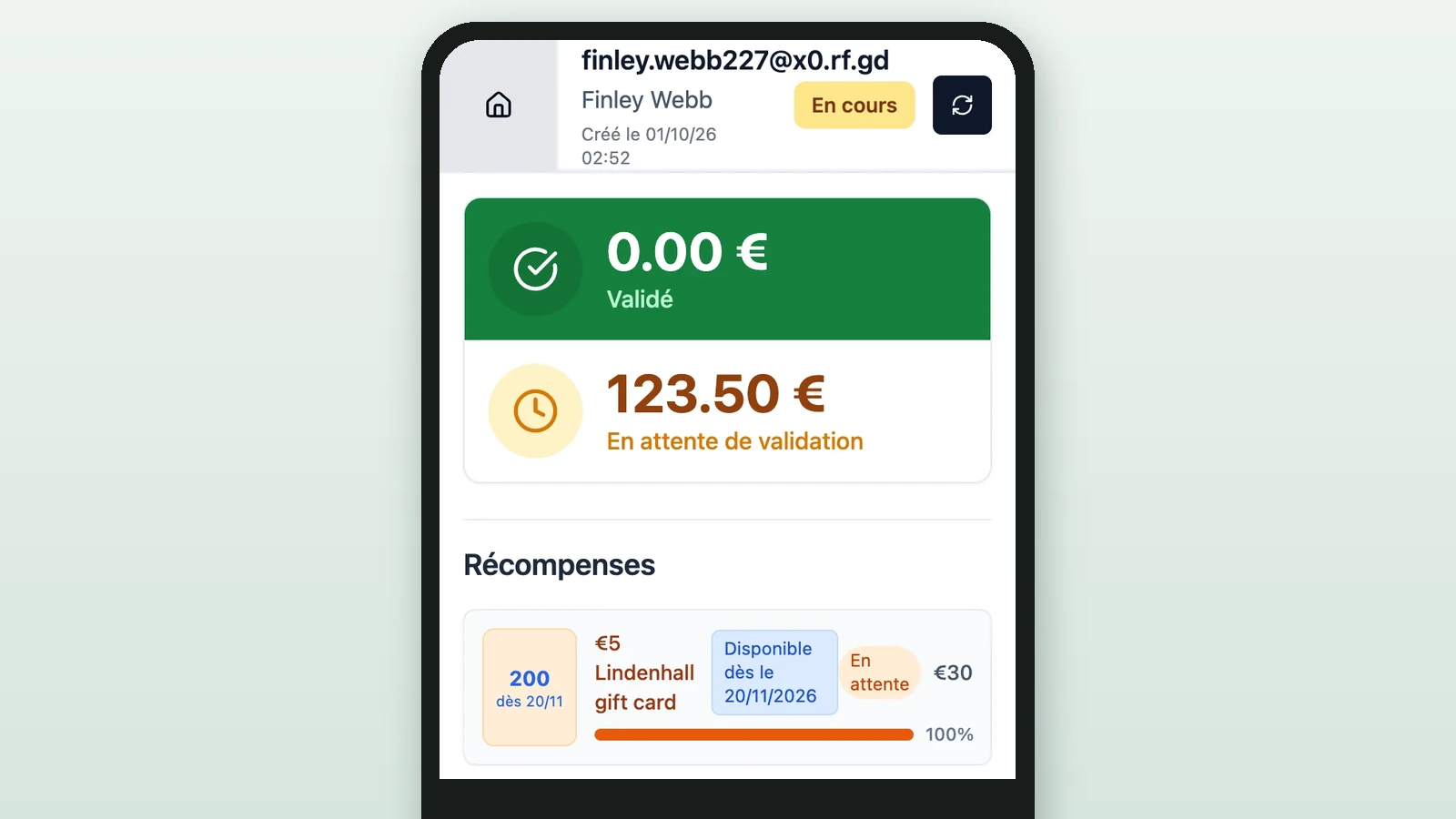
| The header | The shopper's email and name, Créé le (created on), and En cours (in progress) or Terminée (ended) |
| Montants (amounts) | Validé (approved spend) and En attente (spend awaiting review) |
| Récompenses (prizes) | Each prize with its spend threshold, a progress bar and the stock left |
| Reçus (receipts) | Each receipt's store, amount, Envoyé le (sent on) and badge, with duplicates under Doublons |
Held sideways, the device shows Montants and Récompenses on the left. Held upright, they sit above the receipts: the amounts have no heading, and the pending one reads En attente de validation (awaiting approval).
The progress bar counts approved and pending spend, but only approved spend unlocks the prize. A prize can also carry one of these:
| Label | What it means |
|---|---|
| Débloqué (unlocked) | Unlocked at the desk, or by the shopper with a Self Unlock rule: see Hand out the prizes |
| En attente (awaiting review) | Reached only once pending receipts are approved |
| Dépassé (superseded) | An Exclusive rule gives the shopper a higher prize instead |
| Bloqué (blocked) | An Exclusive rule stops it, because the shopper already has a prize from that rule |
Finley Webb's gift card reads En attente: both receipts still wait for approval. Approve them as in Check each receipt, then hand out the prize as in Hand out the prizes. What each receipt badge means is in Receipt statuses.
Read the Transactions history
-
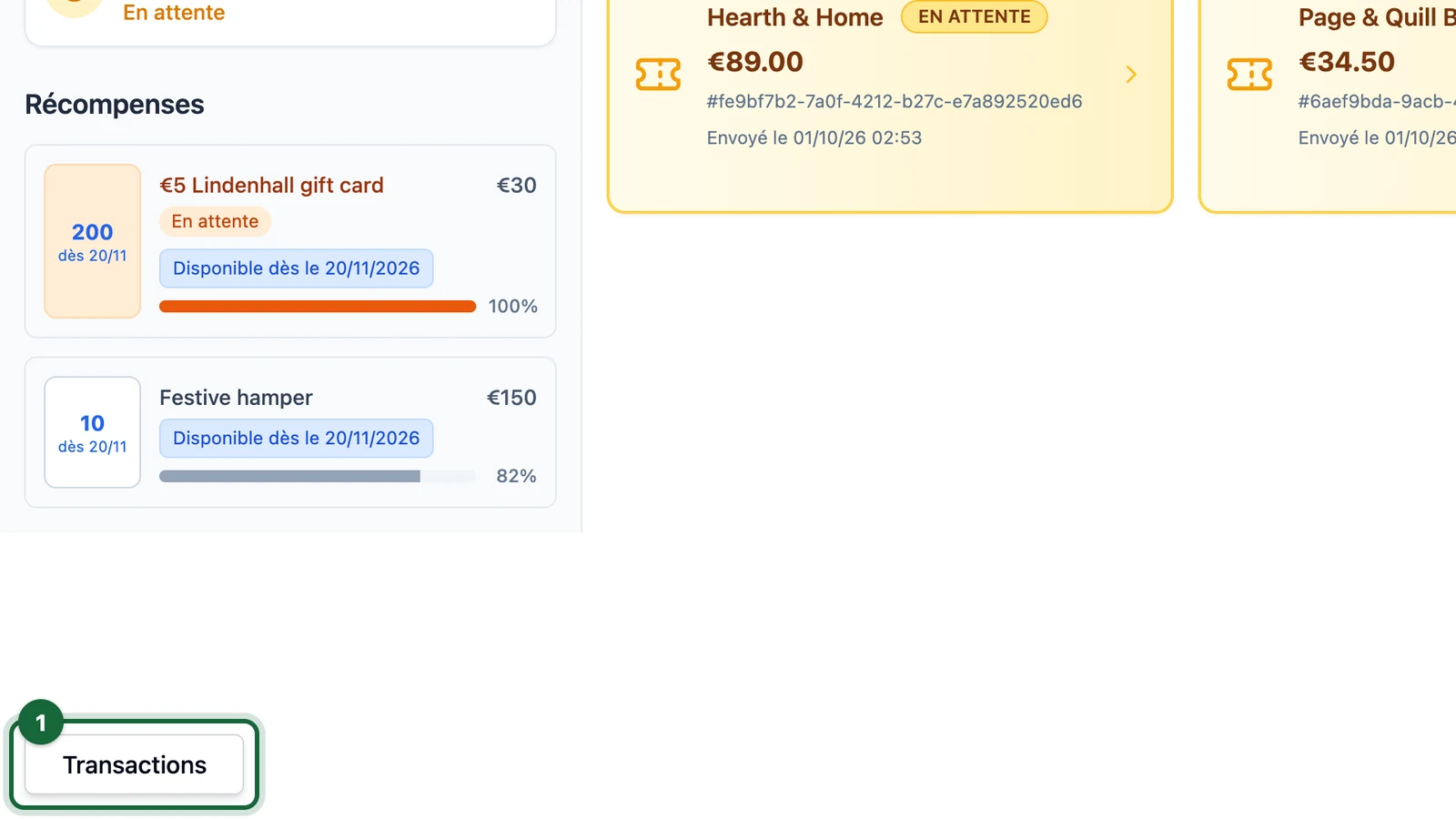
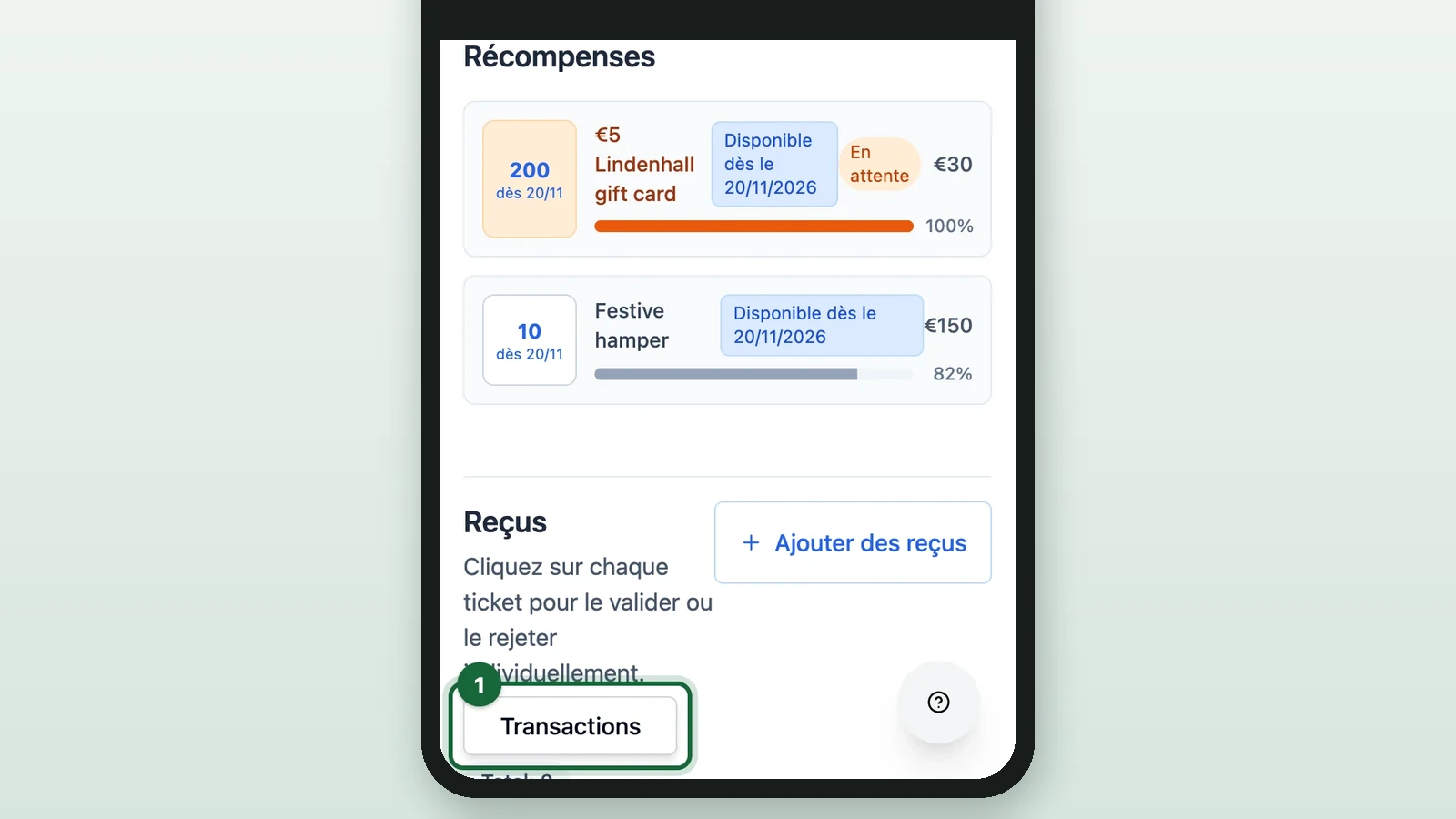
On the session page, select Transactions at the bottom left.
-
(Optional) Select Actualiser (refresh) to load the latest entries.
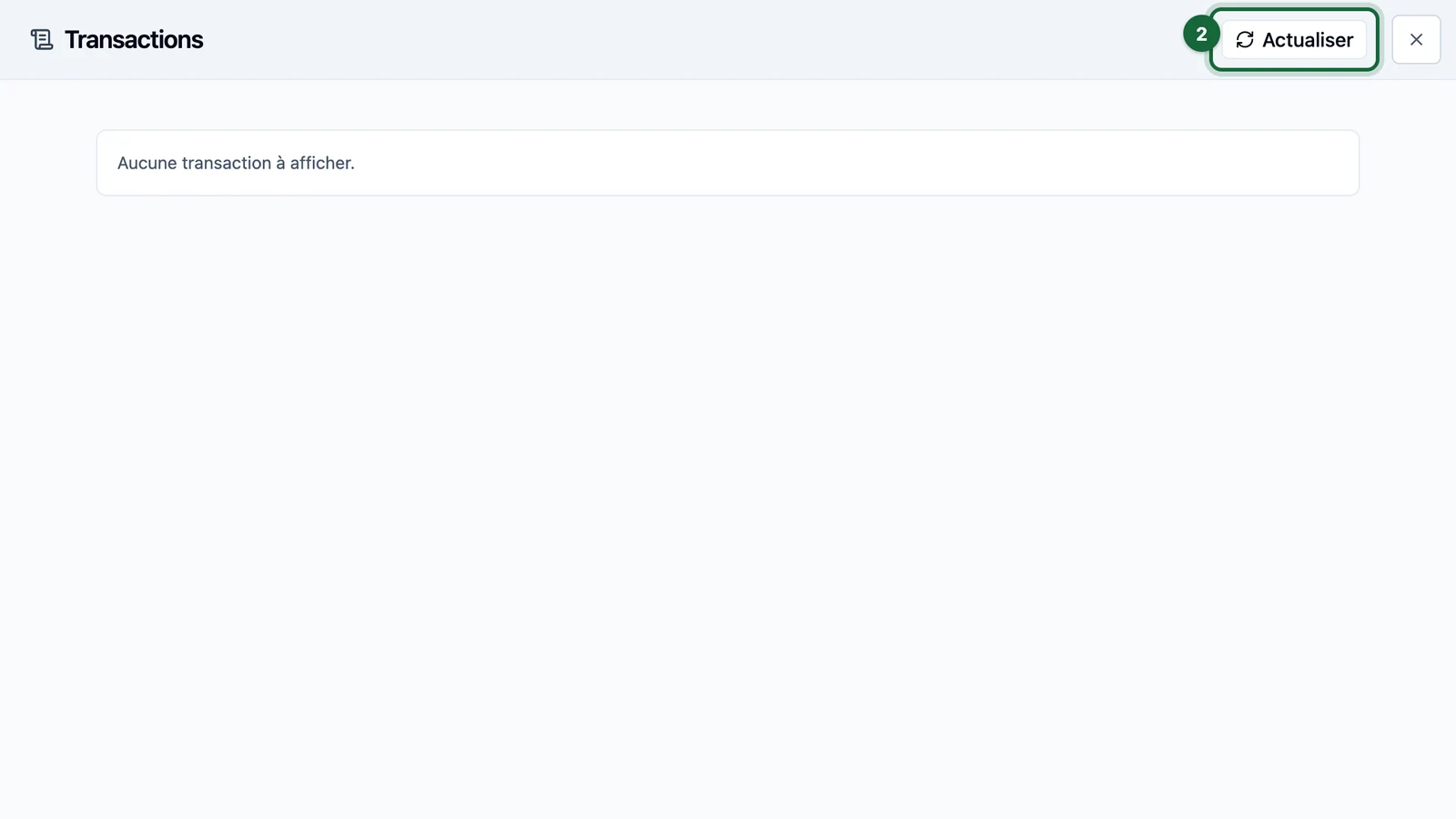
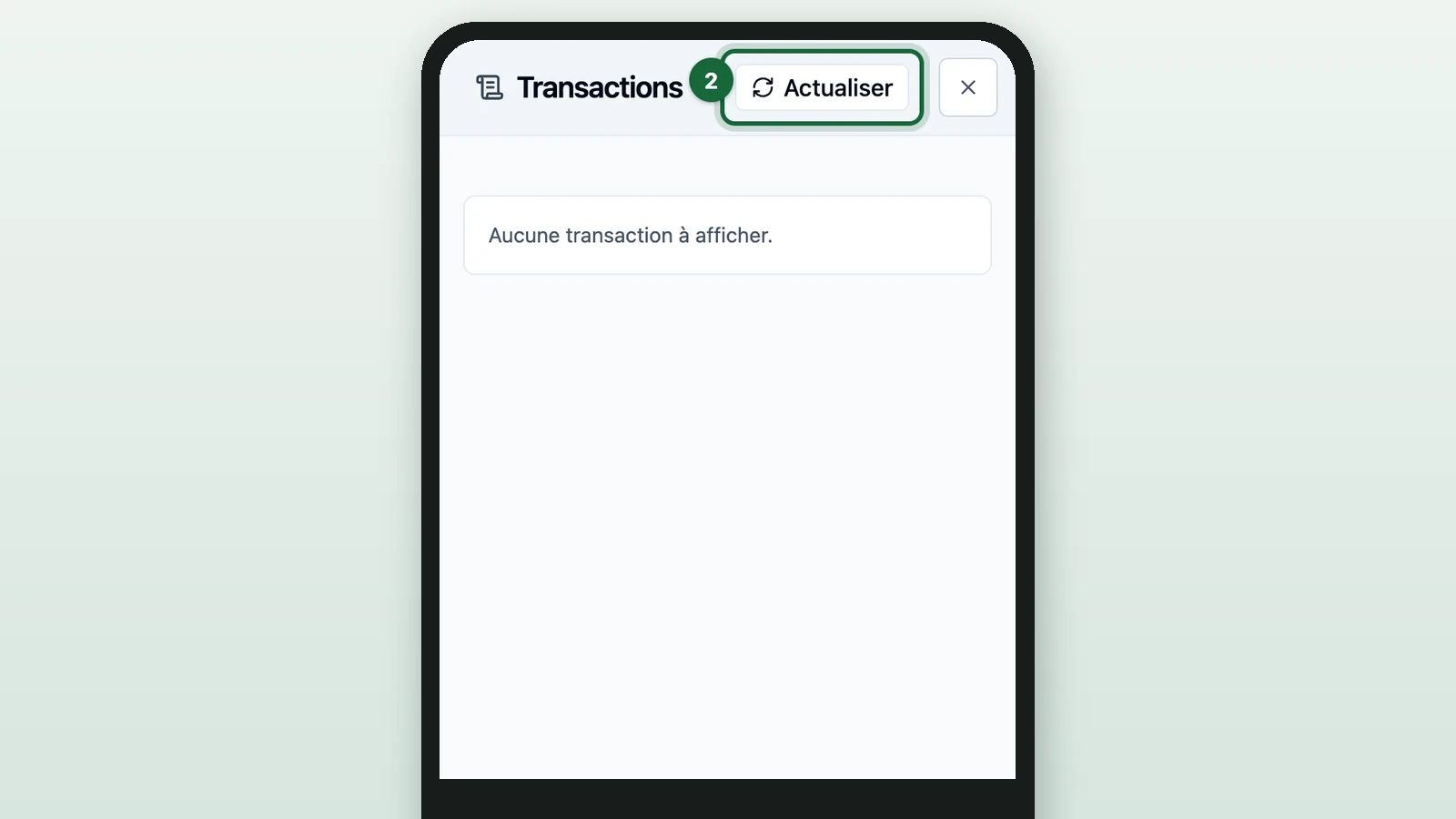
Each entry is a prize the shopper won in the campaign: WINNER, the time, and Reward: with the prize's name. Receipt decisions aren't listed here: read the badges under Reçus.
A prize delivered through a connected partner adds a delivery check: Statut SELP (delivery status) reads SUCCES (sent) or ECHEC (failed). On ECHEC, the partner didn't confirm the prize, and SELP Response shows its reply. Contact support with the campaign, the shopper's email, the time and the SELP Reward Ref.