Analytics exports
Export the scans and settings of all your Smart Links to a spreadsheet.
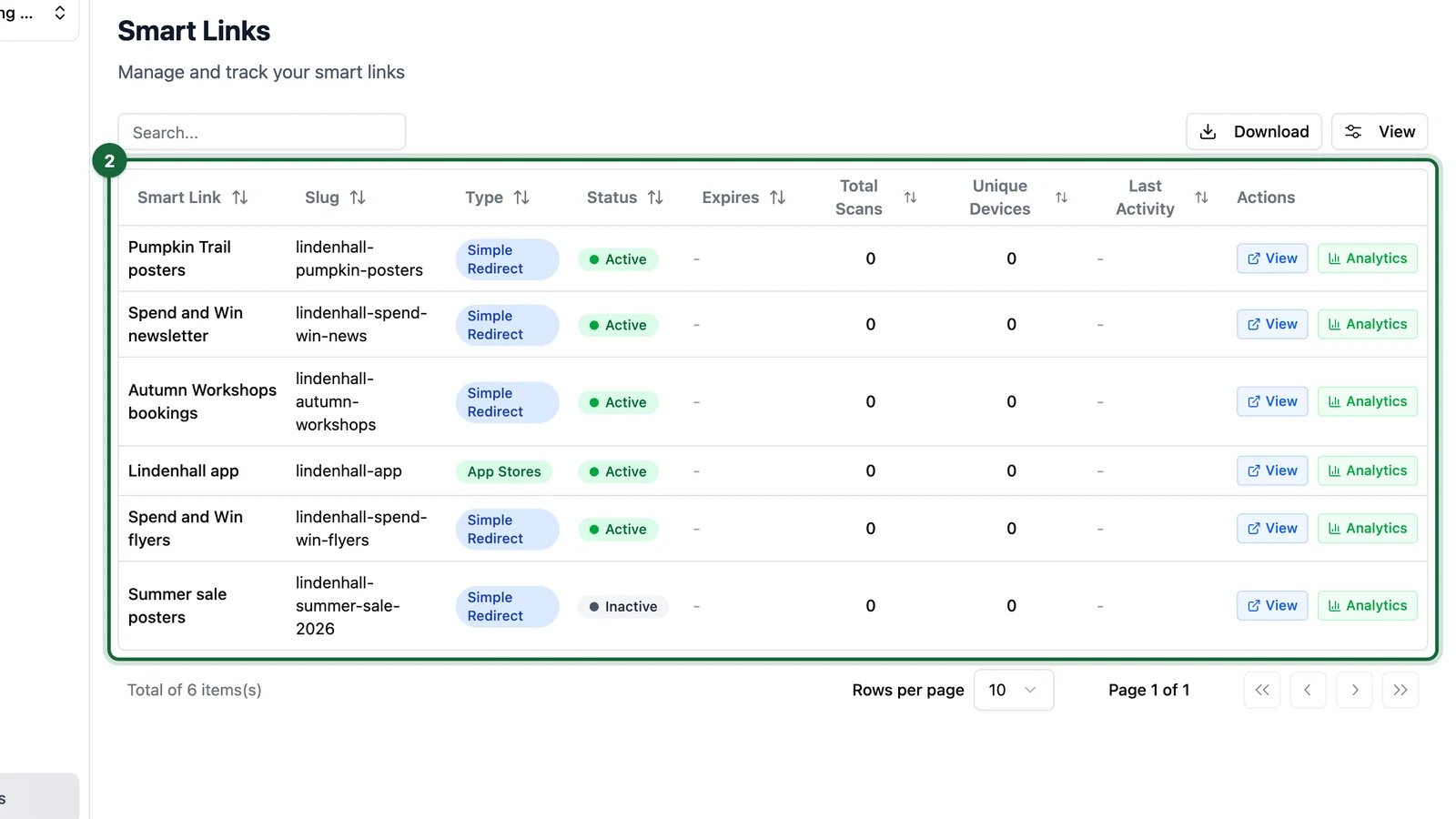
Reports puts every link of the centre selected at the top of the side menu in one table. Compare them there, or download the table as a CSV file.
Download the table
-
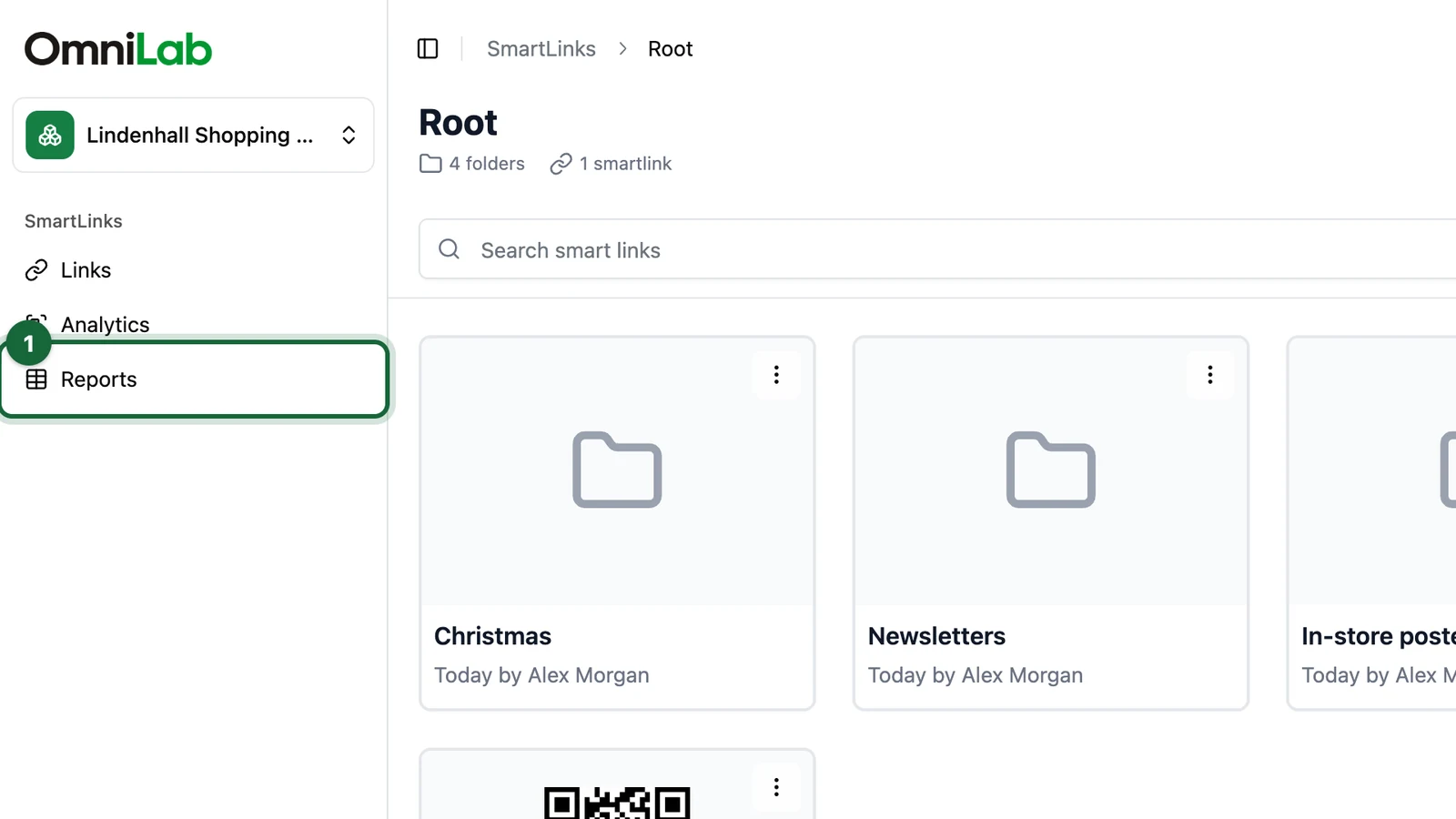
In Smart Links, select Reports in the side menu.
-
Check the table: search it, or sort any column.
-
Select Download.
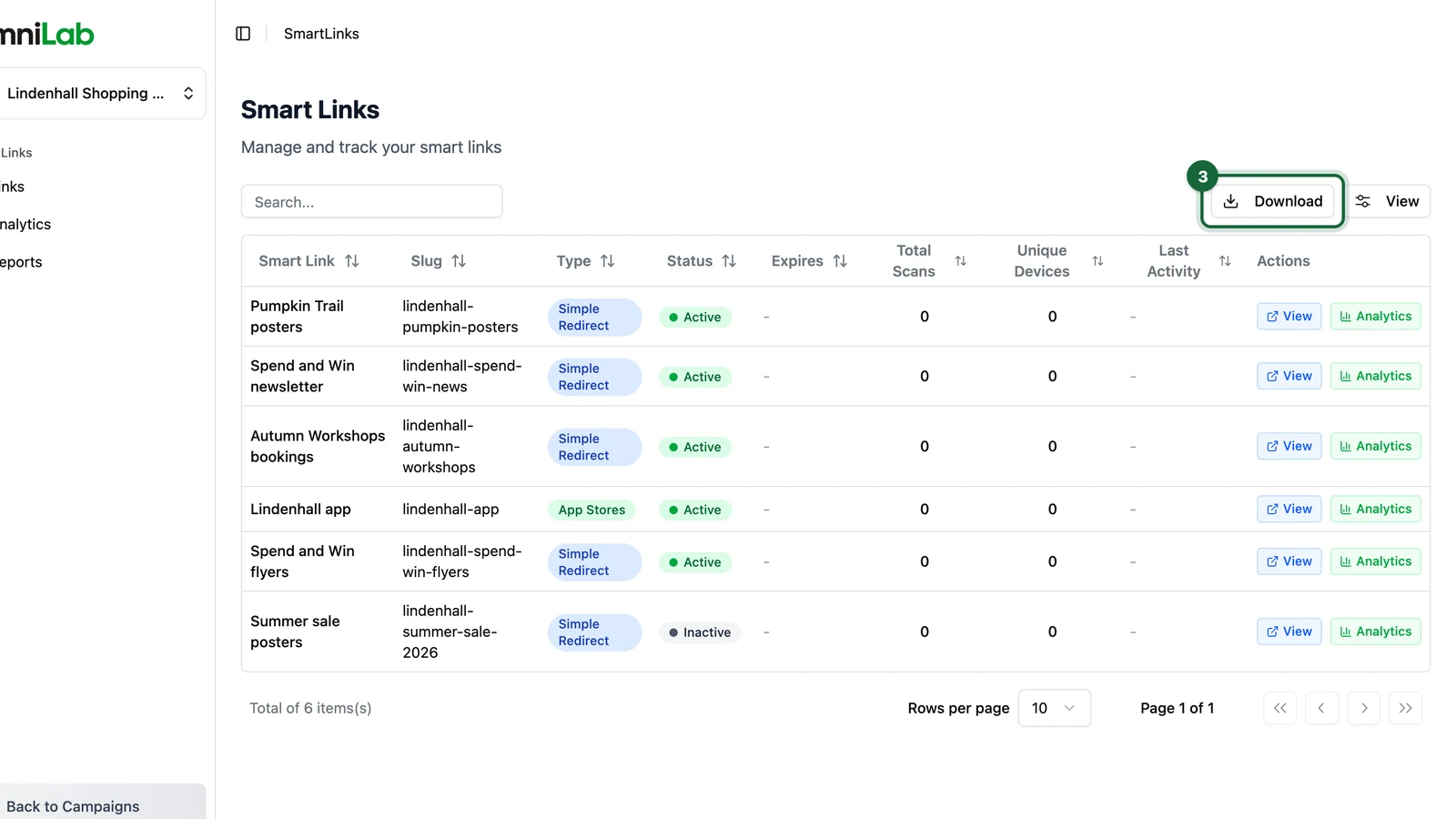
You get smart-links.csv, with every link of that centre, whatever you searched.
What the file holds
| Columns | What they tell you |
|---|---|
| Smart Link, Slug, Description, Type, Status, Expires | What each link is, and whether it works today |
| Total Scans, Clicks, Unique Devices, Last Activity | How much it's used, and when it was last opened |
| UTM Source, Medium, Campaign, Term and Content | The tags it adds |
| Created and updated, with by whom | Who set it up and last changed it |
Clicks goes up the moment someone opens the link. Total Scans comes from the link's analytics, like Number of scans, so it can trail behind Clicks. Compare links on Total Scans, to match what their analytics show.
The file lists totals, one row per link. For scans per day, per device or per variant, open the link's analytics. The file names the people who made each link, so share it with care.