Slug rules
Keep Smart Link slugs short, readable, and unique across your organisation.
This reference explains how Smart Link slugs work, which format is safest to use, and why a good slug makes QR-based distribution easier to manage.
What a Smart Link slug does
The Smart Link Slug is the public ending of the Smart Link URL. OmniLab adds it after /l/, for example:
https://your-domain.example/l/spring-launch-posterBecause this is the public URL people scan, type, or share, the slug should be treated as part of the final distribution asset, not just as an internal label.
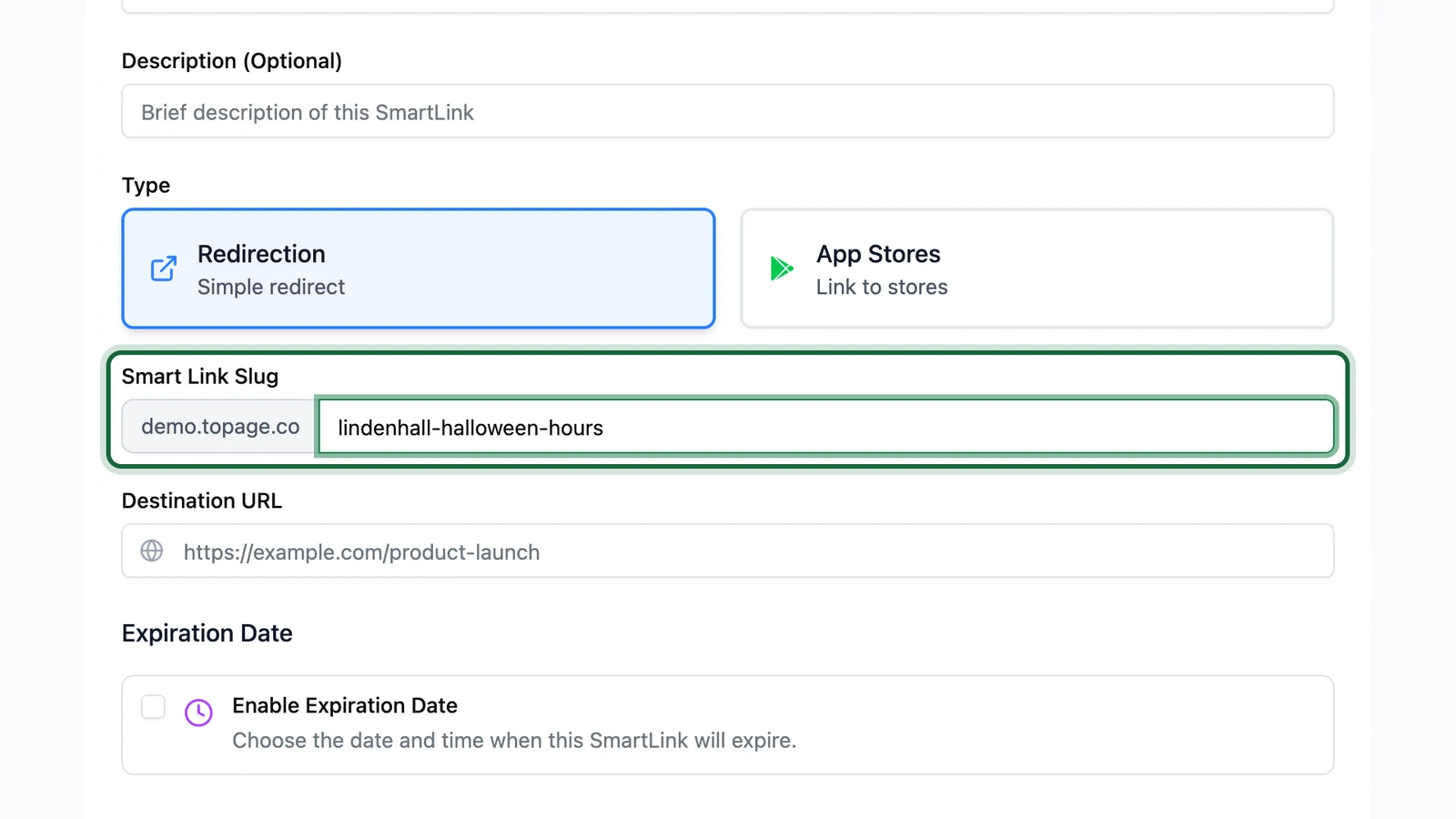
On the create or edit form, Smart Link Slug is the field that becomes the /l/<slug> segment. OmniLab may show the domain prefix; you only type the slug itself.

Recommended slug rules
Use this conservative pattern for customer-facing Smart Links:
| Rule | Recommendation | Why it matters |
|---|---|---|
| Characters | lowercase letters, numbers, and hyphens only | Produces clean, easy-to-read public URLs |
| Length | keep it short | Shorter slugs usually produce simpler QR codes |
| Meaning | describe the real share asset or destination | Makes the link easier to identify later |
| Uniqueness | keep it unique across the whole organisation | Prevents save conflicts and accidental overlap |
| Stability | avoid changing it after launch | Printed and shared URLs may already be in use |
Use one organisation-wide naming rule
Folder structure does not make a slug unique. A Smart Link slug should stay unique across the whole organisation, even if the link lives in a different folder.
Good slug examples
| Use case | Good example | Why it works |
|---|---|---|
| Poster for one campaign | spring-launch-poster | Short, readable, and specific |
| Venue placement | paris-centre-window | Clear location context |
| Newsletter link | may-newsletter-game | Tied to a real channel |
| App download | brand-app-download | States the destination clearly |
Slugs to avoid
| Example | Why to avoid it |
|---|---|
Spring Launch Poster | Spaces and uppercase letters make public URLs harder to manage |
launch_poster_2026_final_final | Too long and harder to scan or reuse |
link1 | Not descriptive enough once you have many Smart Links |
promo!fr | Special characters make URLs less predictable |
Slug best practices for print
If the Smart Link will appear in a QR code on a poster, flyer, counter card, or packaging:
- keep the slug as short as you reasonably can
- avoid unnecessary dates, versions, or internal abbreviations
- use words that still make sense months later
- test the final QR code before printing, especially if you add a logo or custom colors
The QR designer gives you more flexibility over size and format, but a clean slug still helps keep the underlying URL compact.
Slug and variant URLs
The main Smart Link URL uses the slug:
https://your-domain.example/l/spring-launch-posterIf you add variants, OmniLab keeps the same base slug and distinguishes placements with the v parameter:
https://your-domain.example/l/spring-launch-poster?v=window-aThat means the slug should describe the main Smart Link, while the variant ID should describe the specific placement, channel, or location.
Related
Create a Redirection Smart Link
Use these slug rules while creating the main Smart Link type used for campaigns and web destinations.
Your first Smart Link
Follow the end-to-end setup once you are ready to create and test a first public URL.
Touchpoint URLs & slugs
Compare Smart Link slugs with campaign and touchpoint URL patterns elsewhere in OmniLab.