Configure opt-in at campaign level
Set one Opt-in Text and one terms source for the whole campaign when scope is Campaign Level.
Placeholders in this article
This article contains placeholder screenshots. Search for placehold.co in this file and replace them before publishing.
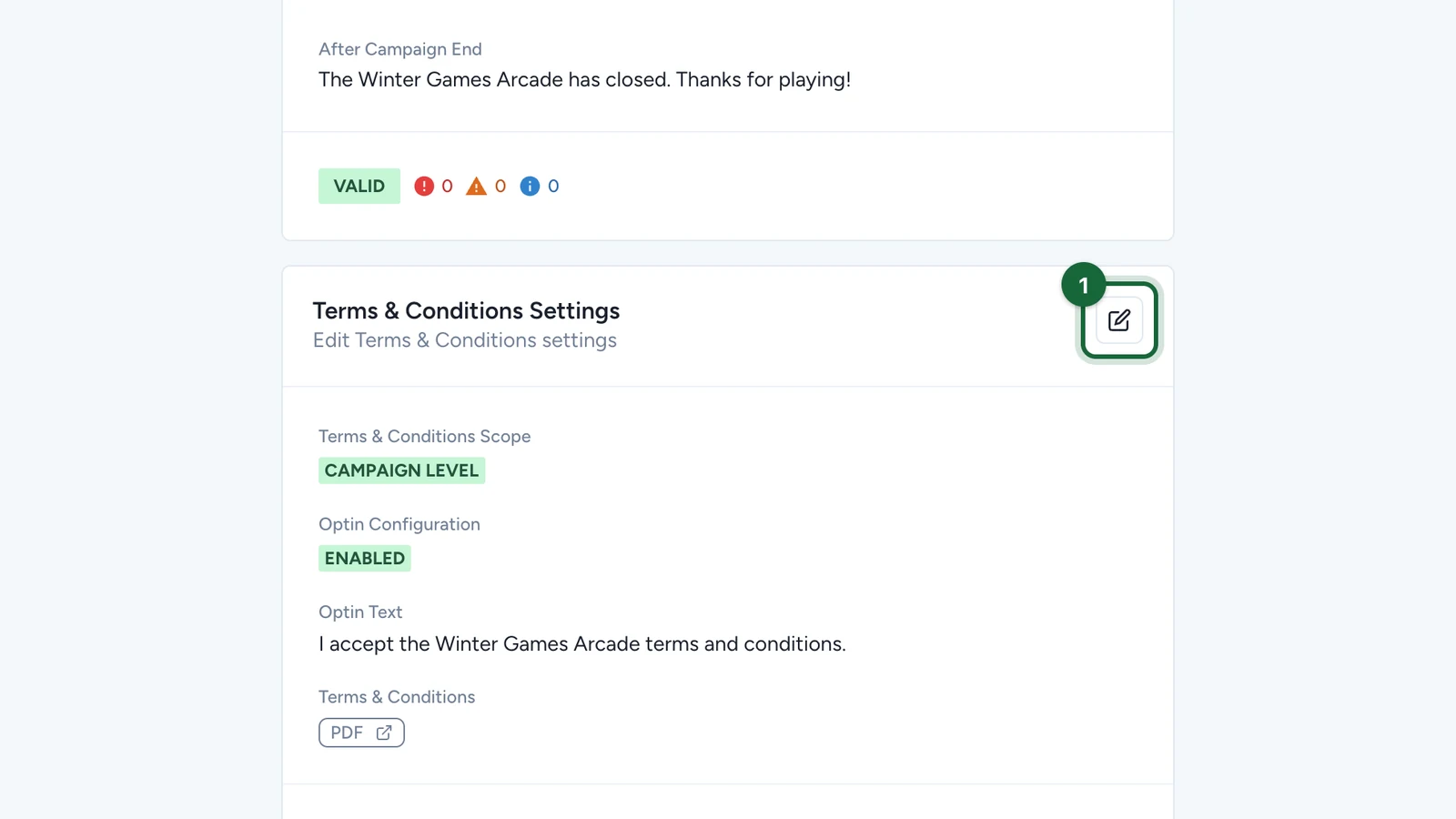
In this article, you'll configure the campaign-level Opt-in fields: the required toggle, the consent text, and the terms source used across the whole campaign.
Prerequisites
Terms & Conditions Scopeis set toCampaign Level. If it is not, see Enable opt-in and choose scope.Is Opt-In Required?is turned on.
Configuration
Pattern A: three-state
Opt-in, like Notifications and Participation Form, is a three-state feature: Disabled, Campaign Level, or Touchpoint Level.
New to this? Read How settings work across campaigns and touchpoints.
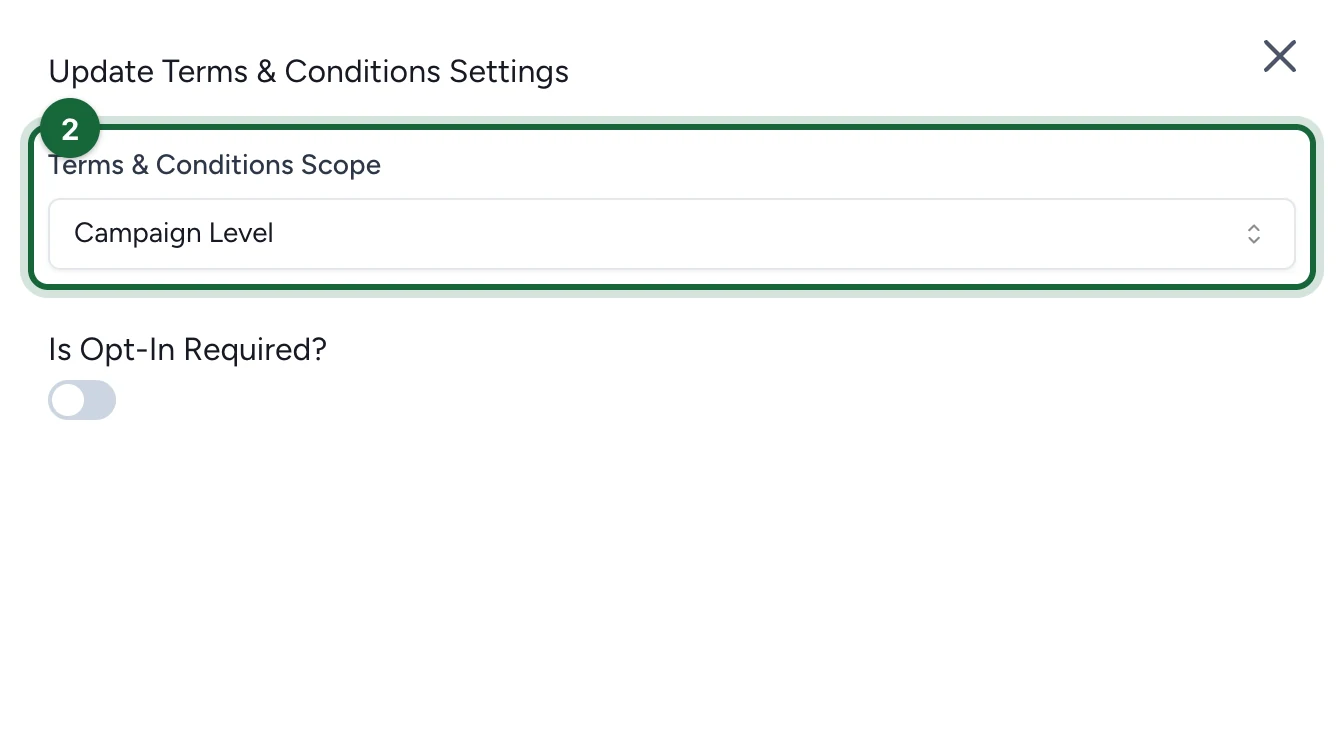
Confirm Campaign Level scope
Check that Terms & Conditions Scope is set to Campaign Level.
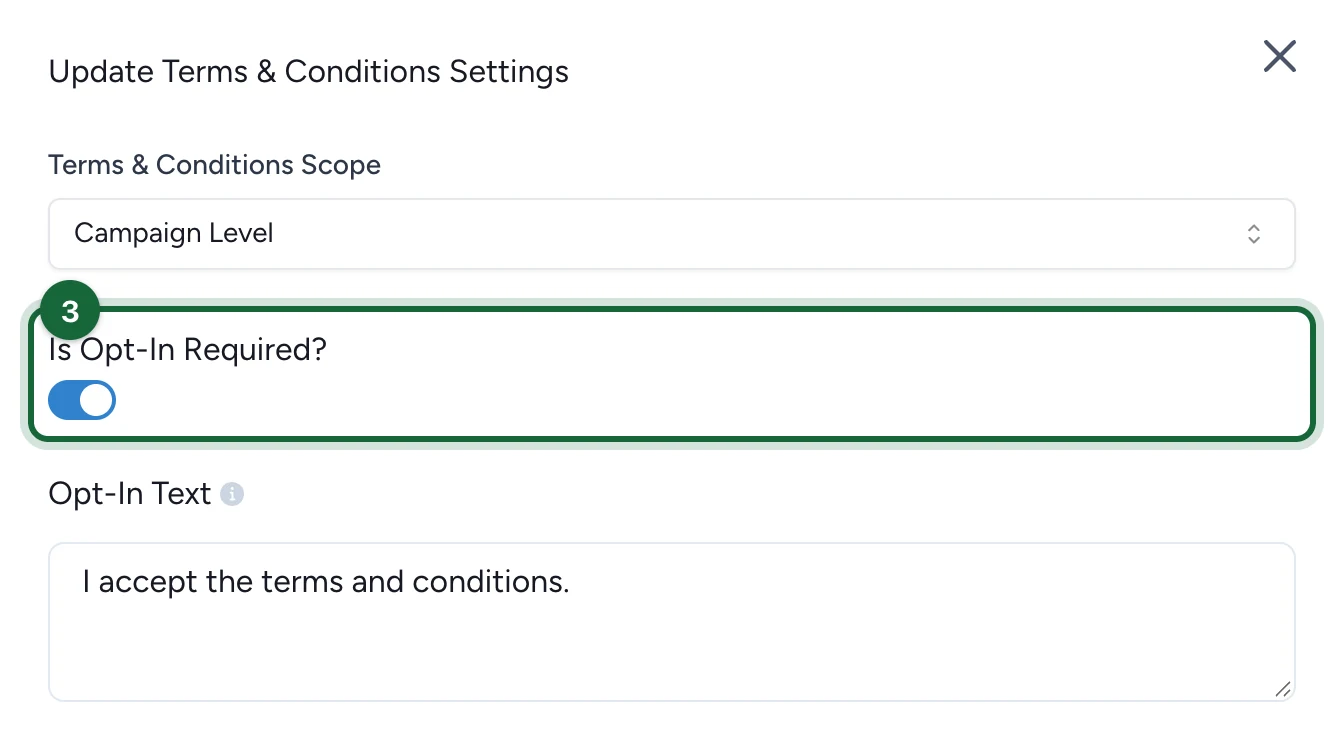
Turn on Is Opt-In Required?
If the toggle is off, enable Is Opt-In Required? so participants must accept the terms before they continue.
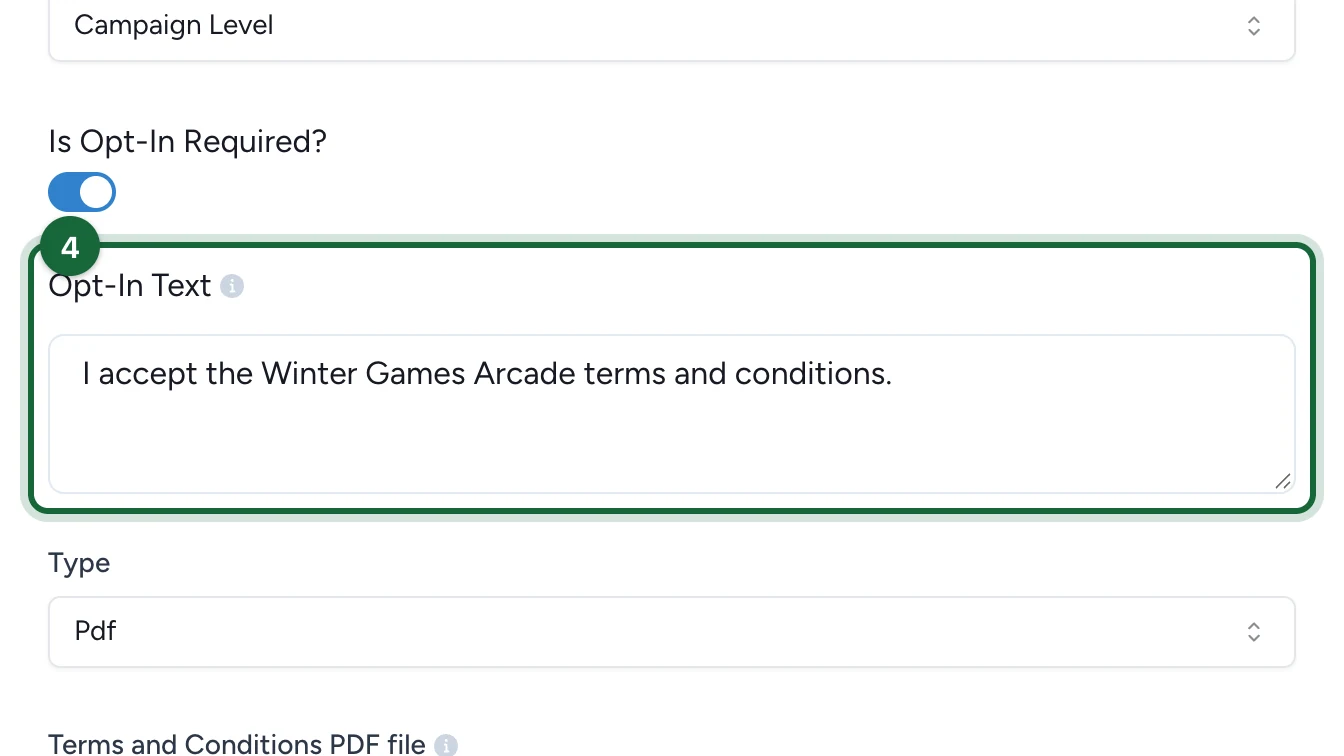
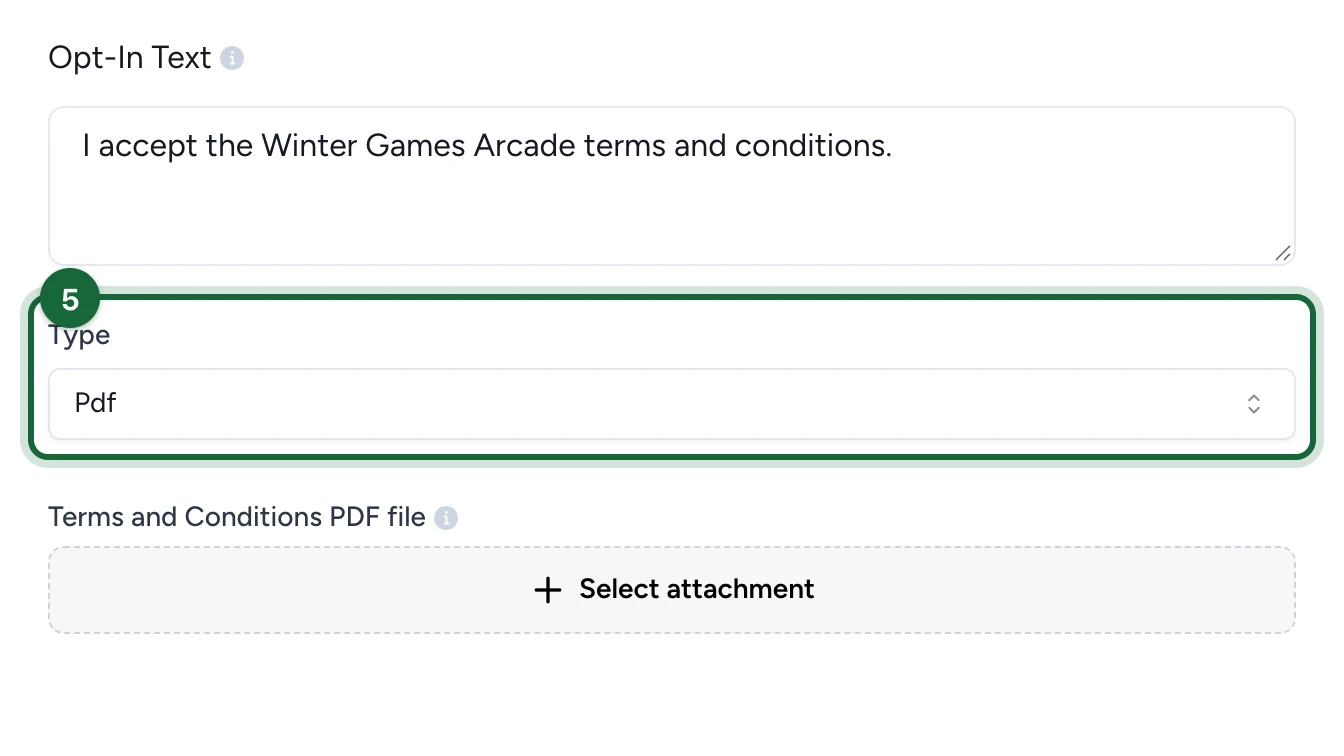
Enter the Opt-In Text
Fill Opt-In Text with the consent statement participants will read next to the checkbox.
For multilingual campaigns, add the text in every active campaign language so the consent step stays consistent across locales.
Choose the Type and provide the terms
Set Type to the source you want to use for the terms.
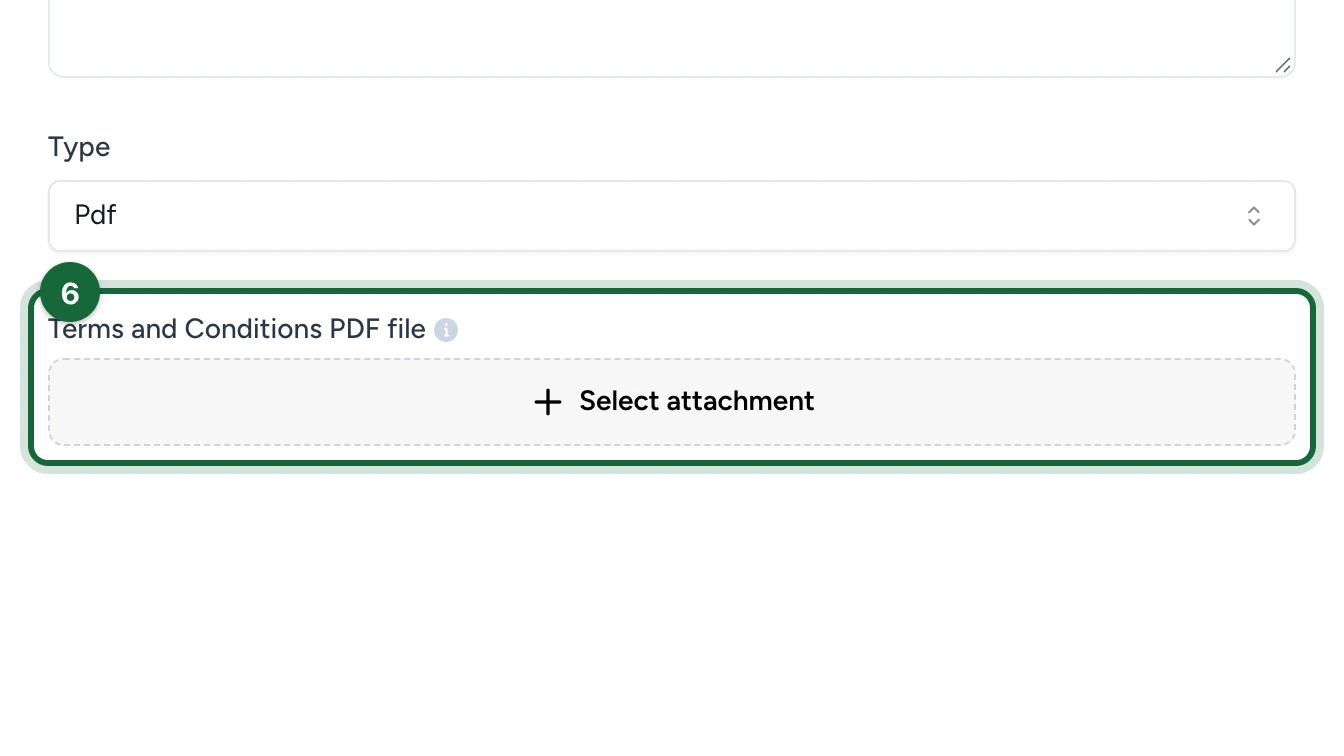
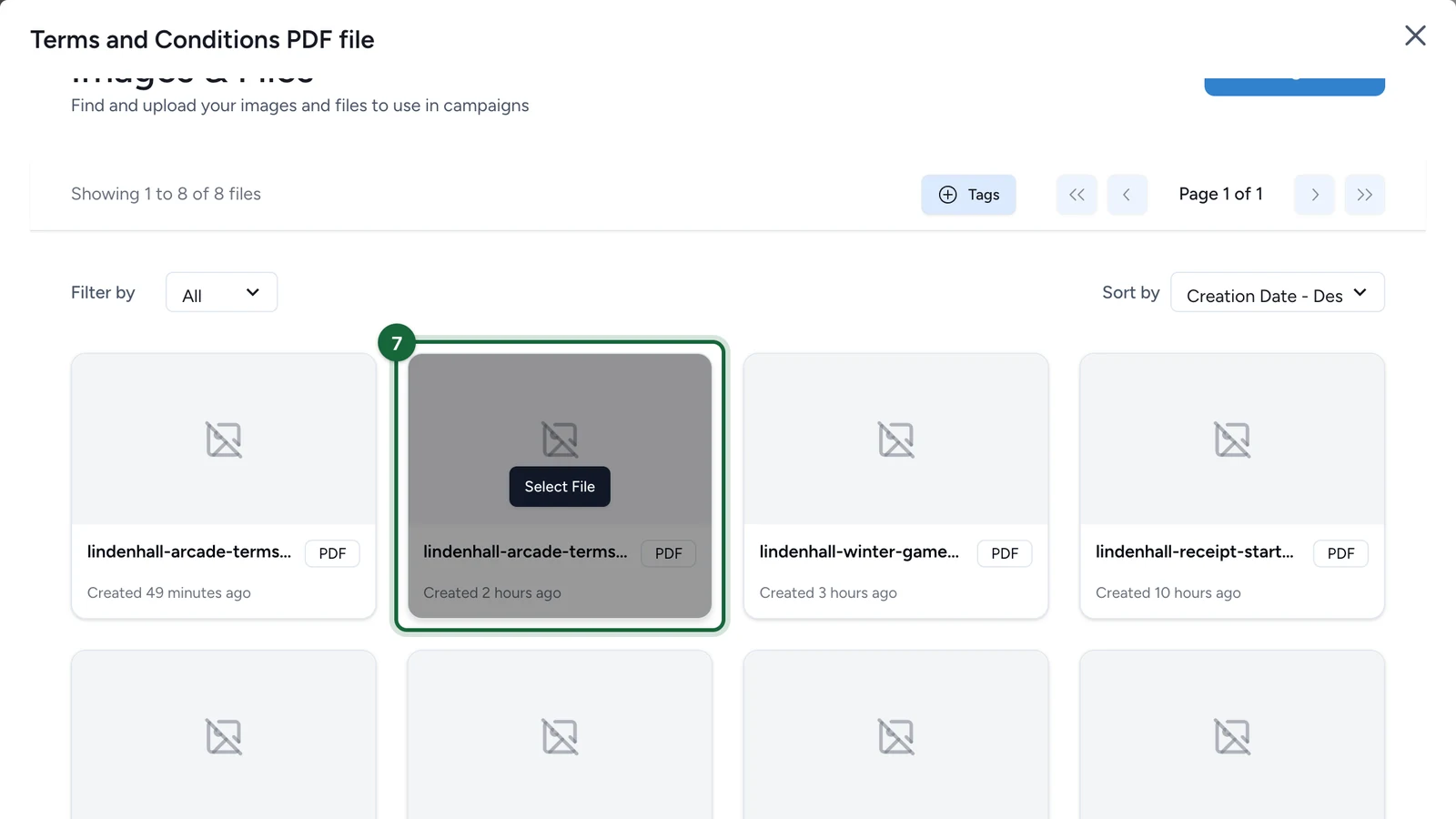
Upload the file in Terms and Conditions PDF file. The current settings UI accepts .pdf files for this field.
Enter a full URL in Terms and Conditions External URI. The validation rules expect the link to start with http:// or https://.
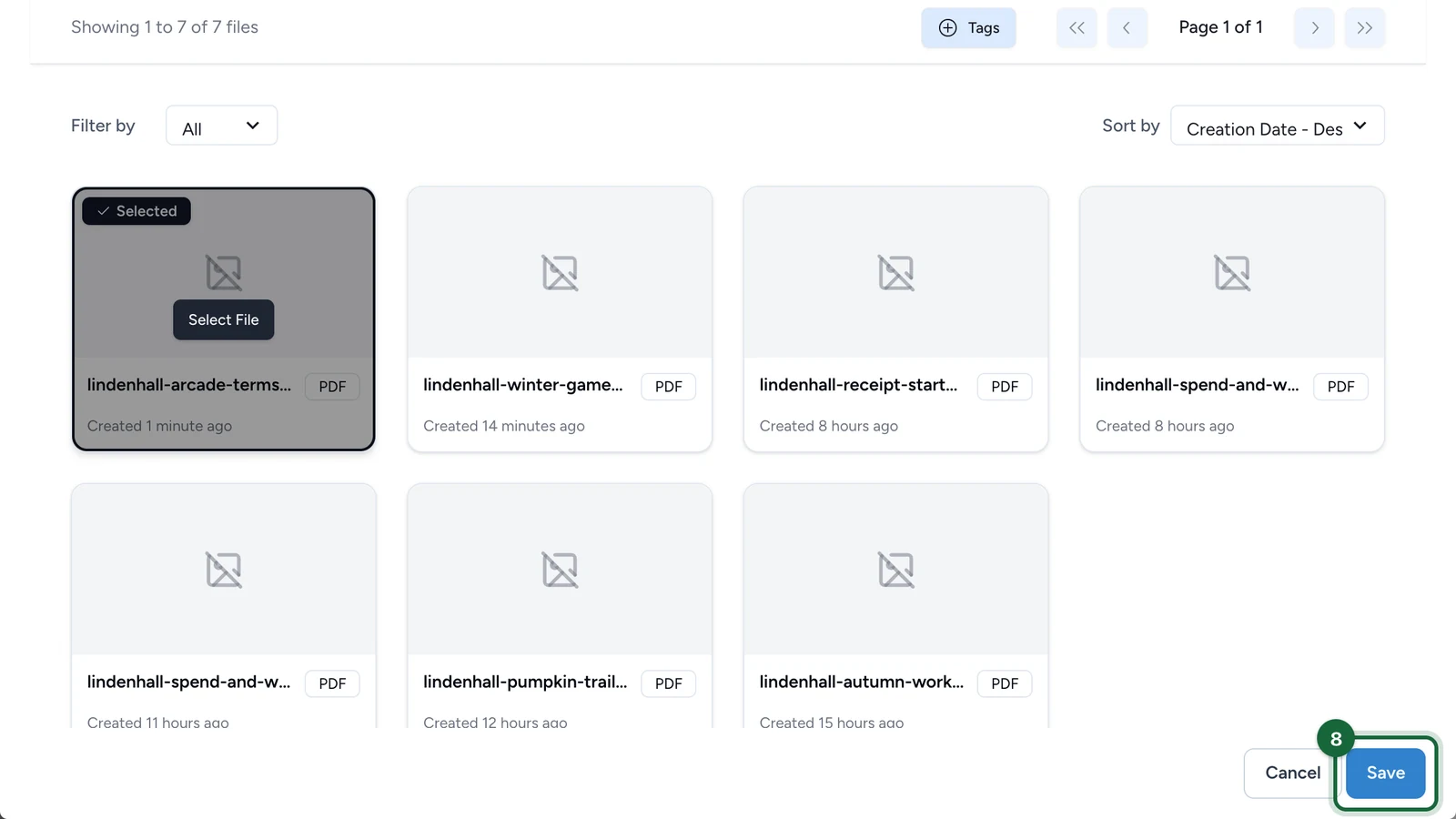
Save the configuration
Click Save. The same Opt-in configuration now applies to every Touchpoint in the campaign.
What participants see
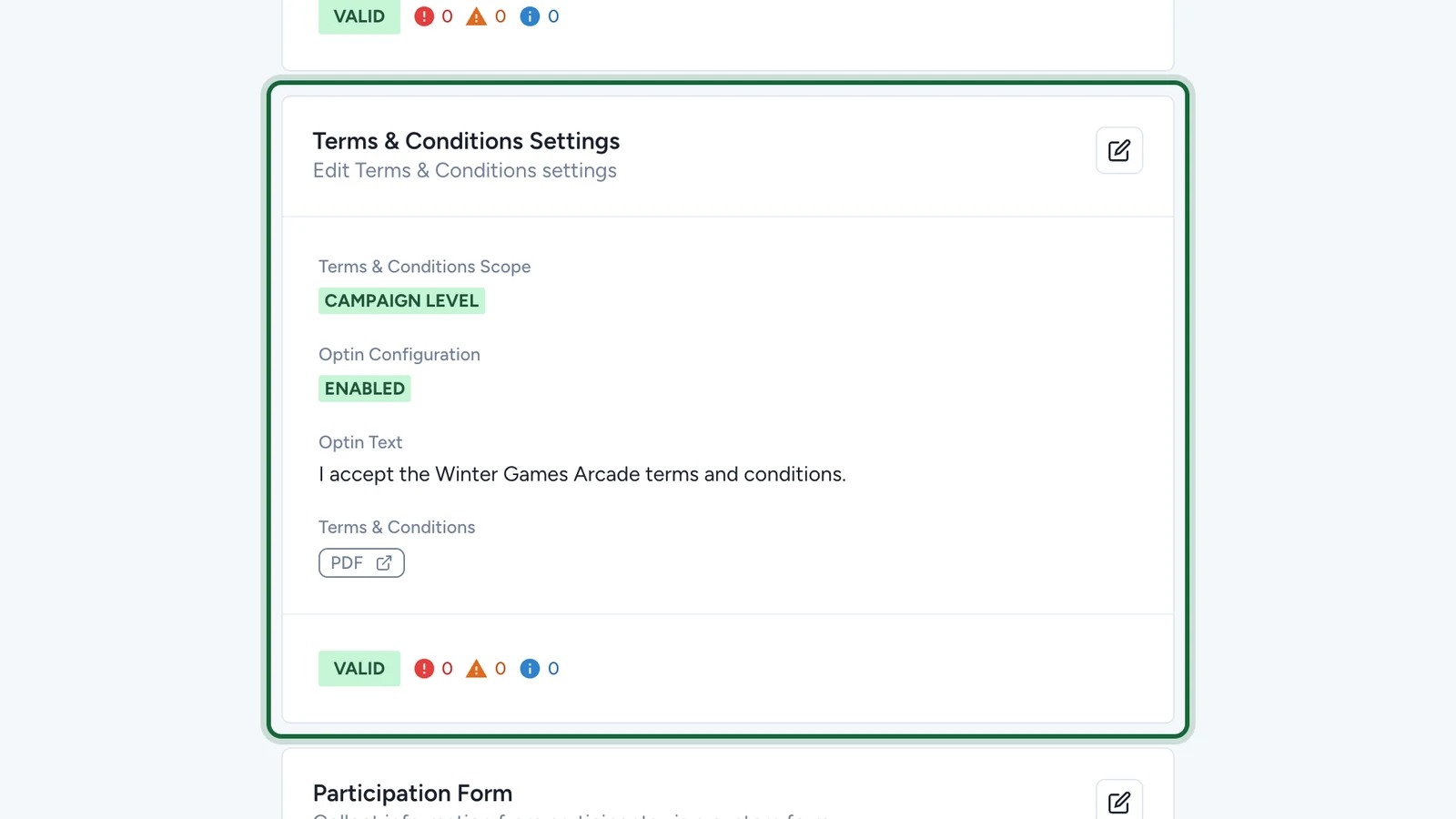
Participants see your Opt-In Text next to a checkbox, with the terms available from the same consent step as either a PDF or an external page.
Validation
If this configuration is incomplete, you'll see errors in the validation modal before publishing. The most common messages are:
| Message | Why it happens | Fix |
|---|---|---|
Opt-in is enabled but consent text is missing | Opt-In Text is empty. | Enter the consent statement participants should accept. |
Opt-in is enabled but terms and conditions type is not selected | Type has not been chosen. | Select PDF or External URI. |
PDF type is selected but no PDF file has been uploaded | Type is PDF but no file is attached. | Upload the terms PDF. |
External URI type is selected but no URL has been provided | Type is External URI but the link field is empty. | Enter the link to the terms page. |
External URL '{{invalid_url}}' is not a valid URL | The link is not a valid http:// or https:// URL. | Correct the URL format. |
If Opt-in stays disabled, validation surfaces Terms and conditions are disabled for this campaign as a warning rather than a blocking error.
See Validation & publishing for the broader publish flow.
Related
Enable opt-in and choose scope
Turn Opt-in on and choose whether it is managed at campaign or Touchpoint level.
Opt-in reference (PDF vs. External URI, GDPR)
Review field behavior, validation messages, and PDF versus External URI guidance.
Configure opt-in at touchpoint level
Move to per-Touchpoint configuration when the legal setup must vary.