Export a campaign as a template ZIP file
Save a campaign as a reusable template file and download the ZIP so you can hand it to another organisation.
Save a finished campaign as a portable template file when you need to hand its setup to another organisation. OmniLab packages the campaign structure into a ZIP, stores it in your media library, and gives you a link to download or share.
When to use the ZIP route
Choose the template file when the destination is a different organisation that someone else manages. If you only want to reuse a campaign inside the same organisation, Save as template or Duplicate is faster — see the Related cards below.
Before you begin
- You can open the source campaign you want to reuse.
- You know which organisation will receive the template file.
- You have somewhere to keep the ZIP, or someone to send the download link to.
Steps
Open the source campaign
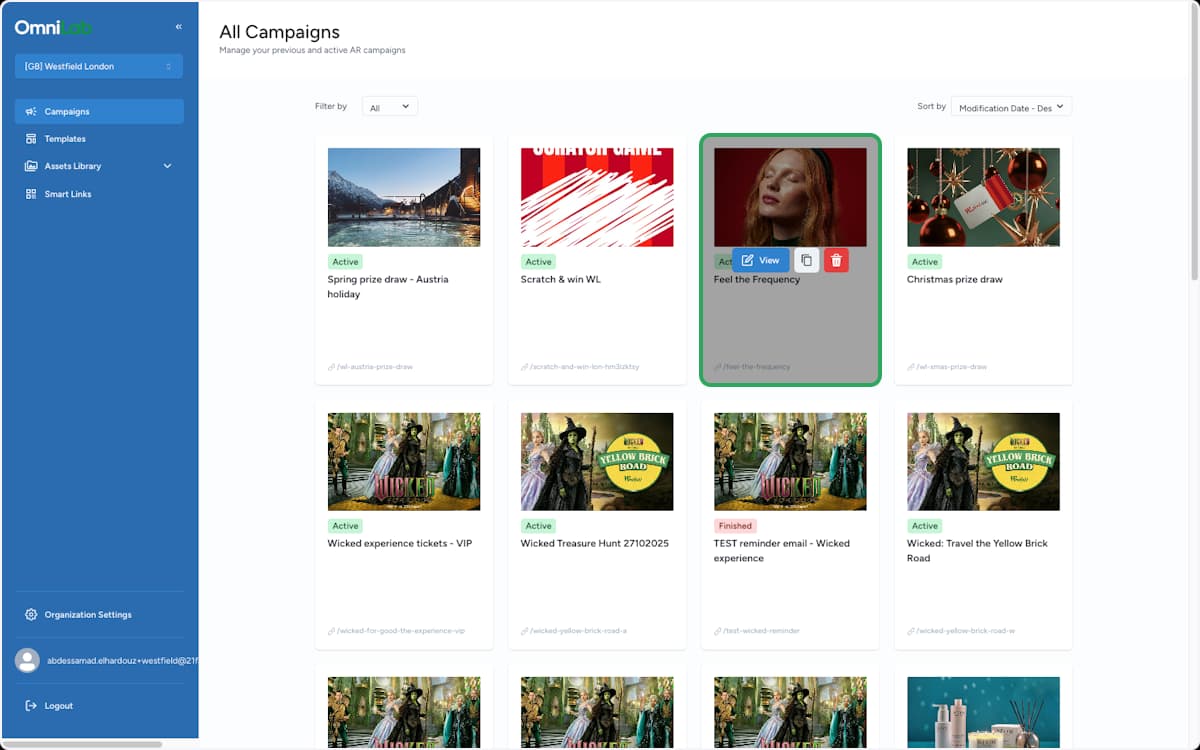
From All Campaigns, find the campaign you want to reuse and open it with View.
Save the campaign as a template file
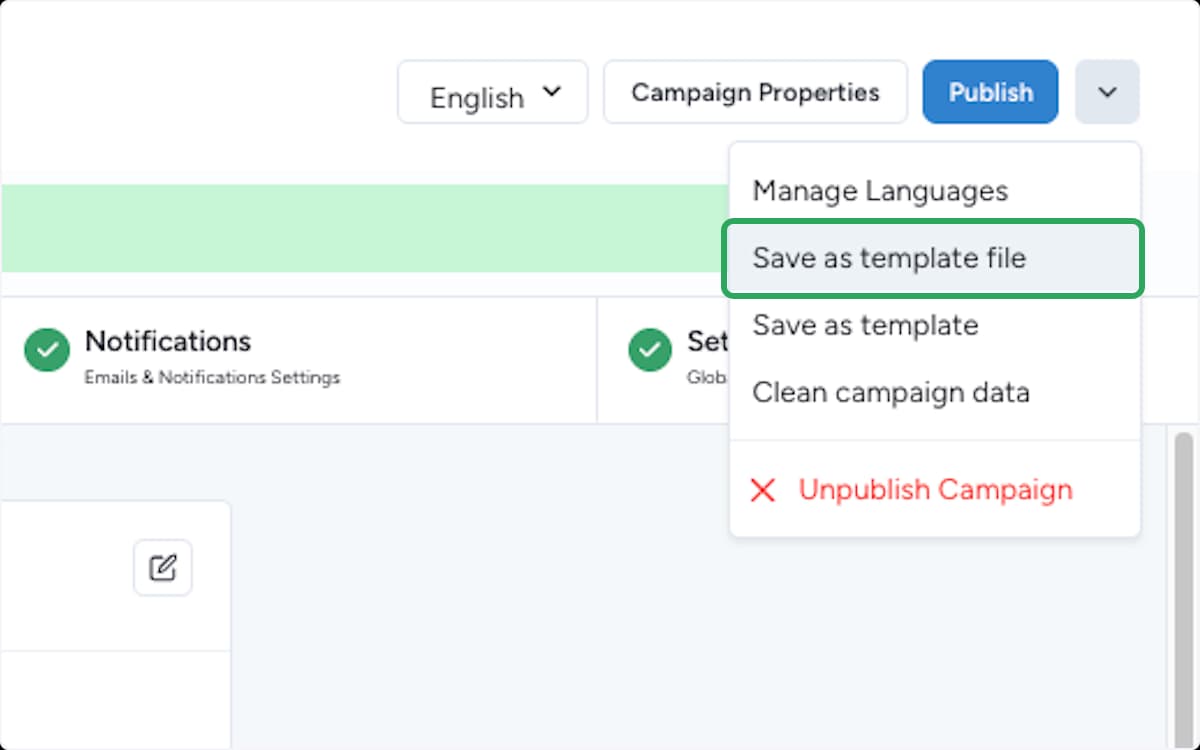
In the campaign builder, open the action menu next to Publish (the arrow button), then choose Save as template file.
OmniLab packages the campaign and saves the ZIP into your media library. The other options in this menu do different jobs:
- Save as template — creates a reusable template entry inside this organisation (no ZIP).
- Manage Languages — adds or edits campaign languages.
- Clean campaign data — clears participation data from the campaign.
Open the media library
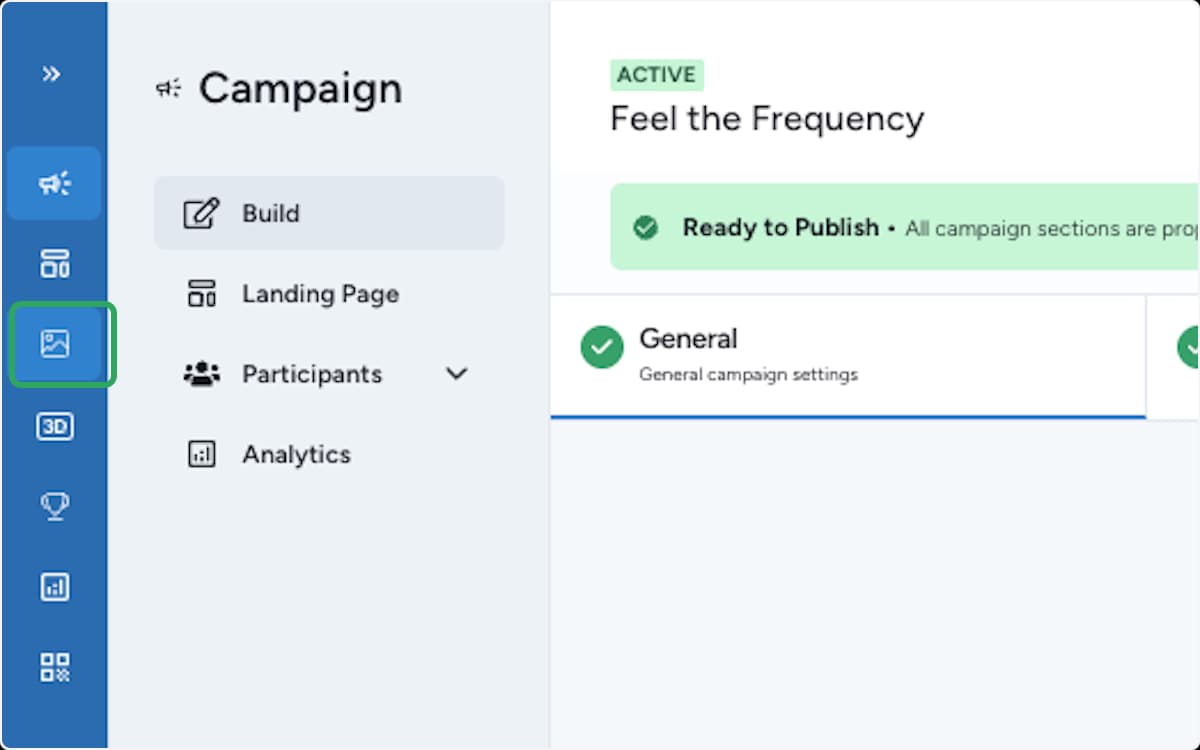
In the left toolbar, select the Images & Files icon to open the media library, where OmniLab stores the generated template file.
Find the template ZIP
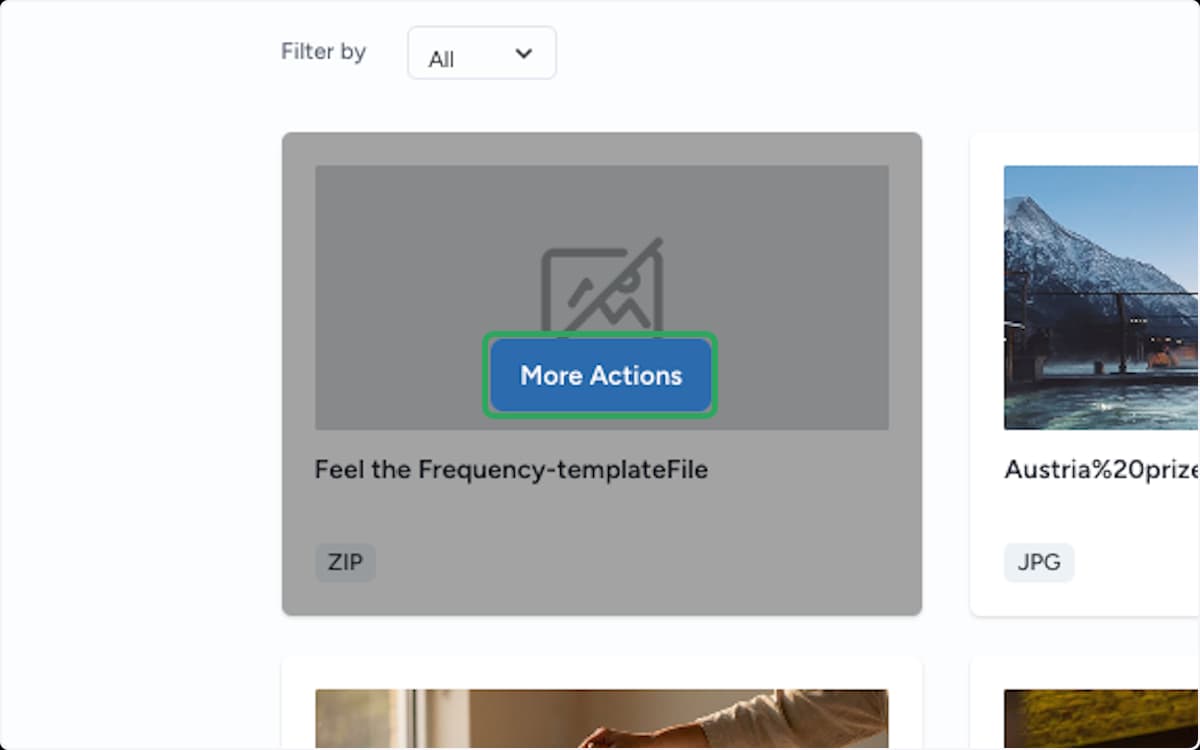
Locate the new file — its name ends with -templateFile and it carries a ZIP tag. Hover the card and select More Actions.
Copy the download link
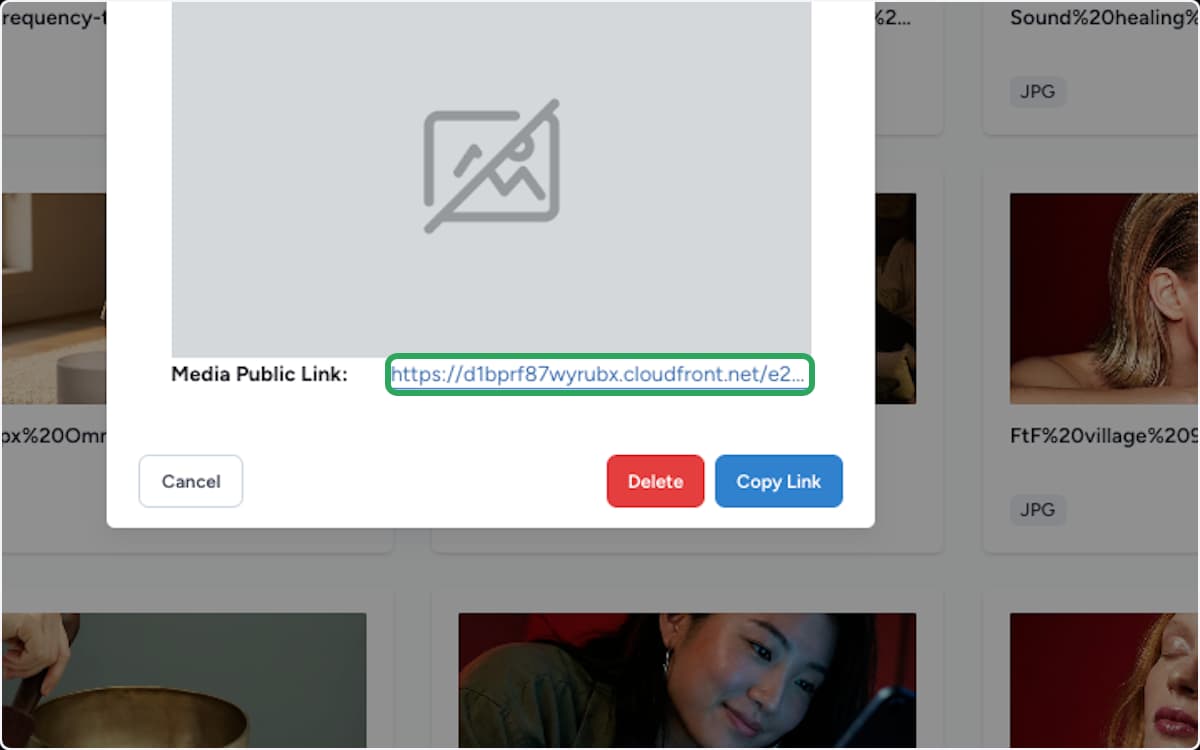
Copy the Media Public Link with Copy Link. This is the link you download the ZIP from, or share with the person setting up the destination organisation.
Result
You now have a template ZIP and a link to it. The receiving organisation imports the ZIP into Templates, then generates a fresh campaign from it.
Review the new campaign before publishing
A template carries the structure forward — touchpoints, rewards, notifications, and landing page. Destination-specific details still need a review: dates, timezone, language, public link, add-ons, and reward stock. Run validation before publishing.