Test your game
Play your game on a phone before visitors do, and check every result it can show.
1 min read
Test the published game on the kind of phone your visitors use. Before the campaign's start date, each game shows your before-start message instead of Play Now, so nobody can play it yet, you included.
Open the game on your phone
-
In Build > Touchpoints, select Preview on the game.
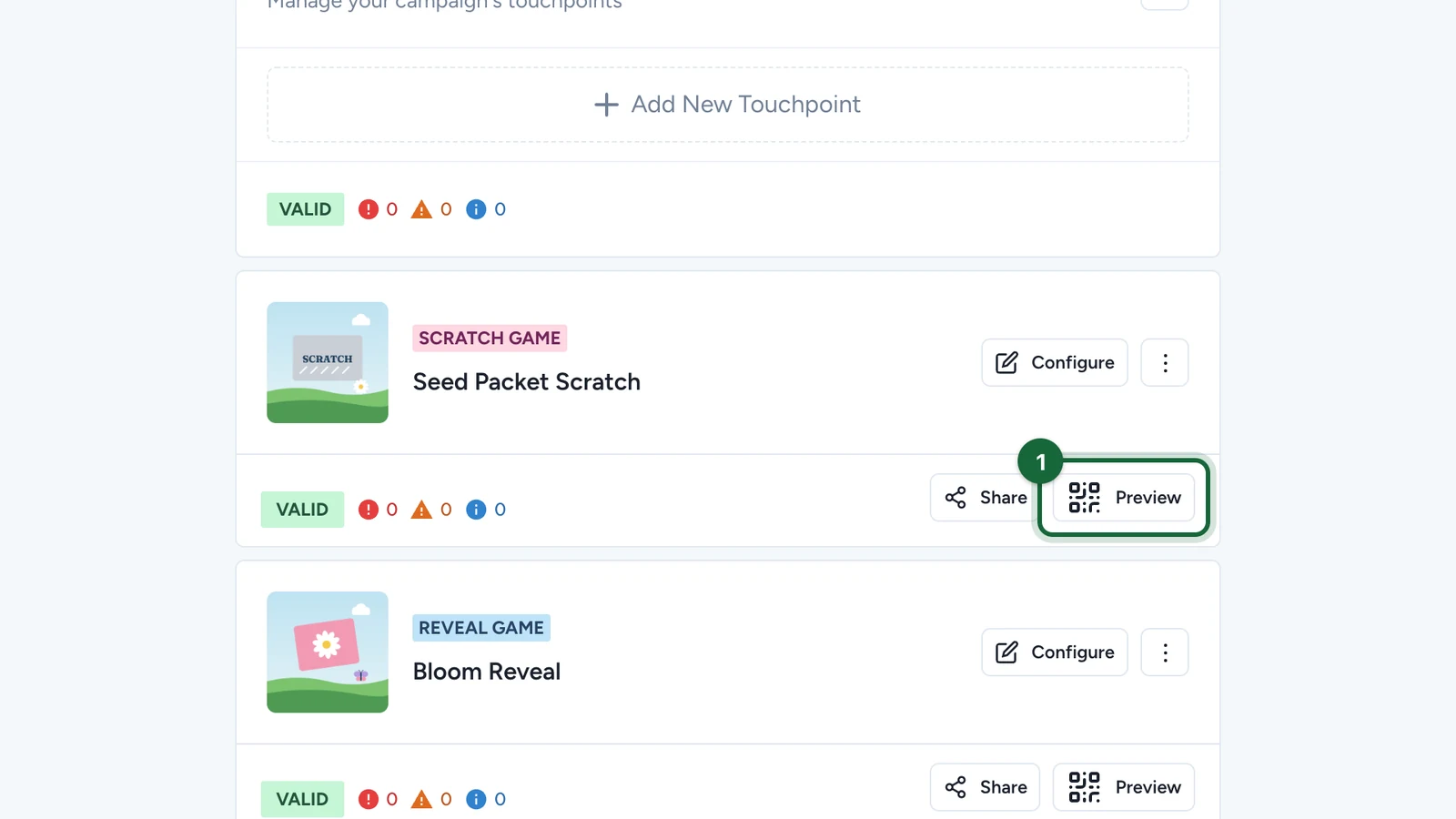
-
Scan the QR code with your phone.
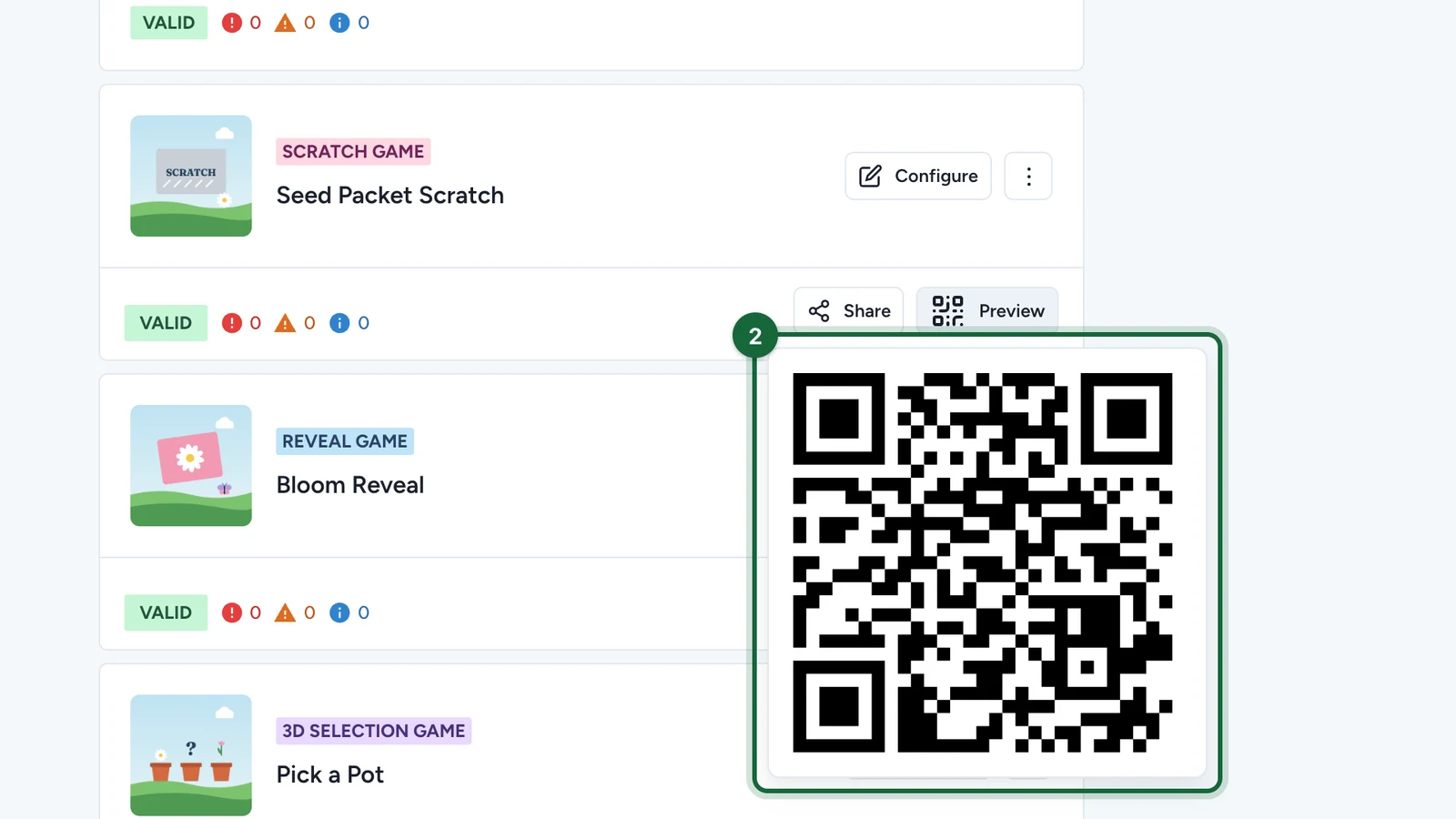
It opens the game's public link, the same one visitors use.
Test before the start date
Duplicate the campaign, give the copy dates that start today, then publish and play the copy: see Duplicate a campaign. Players and results stay with each campaign, so your tests don't count on the real one.
What to check
| Check | How |
|---|---|
| Each result | On a copy of the campaign, set the winning odds to 99% and play, then to 1% and play again: each option needs at least 1%. The message, the picture and the prize should match what you set. |
| The limits | Play again: after the limit, the game should say so. |
| Sign-up and consent | Sign up with a new email address, and read the consent text. |
| Emails | Check the inbox and the spam folder after a win. |
| The way in | Open the game from its own link, and from the landing page if the campaign has one. |