Form
Collect answers to your own questions, and give a leaderboard prize to the players who complete the form fastest.
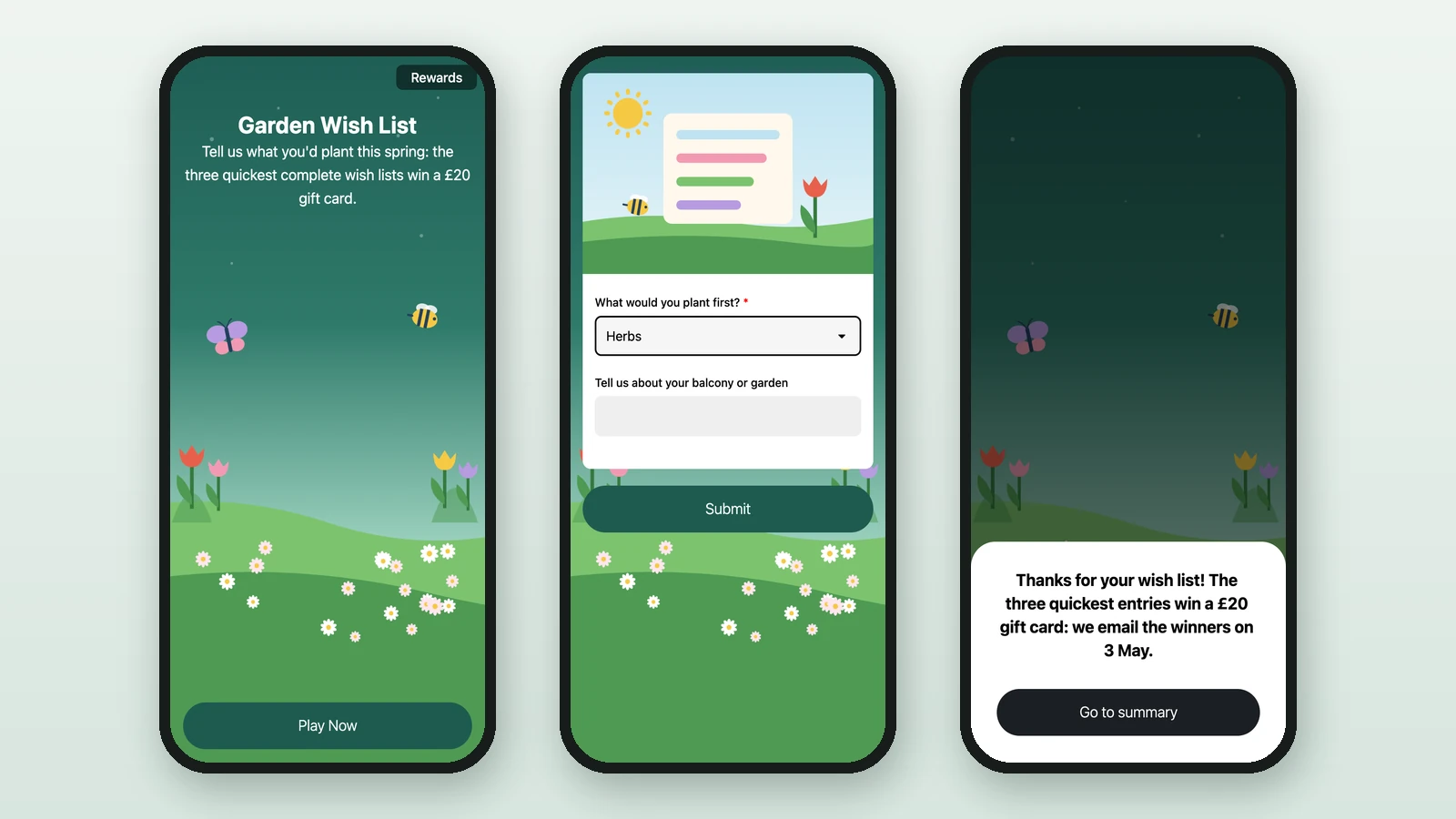
A Form game is a short questionnaire played as a game: players answer your questions and send them in, and the quickest win. Studio lists it as Form. Here, Lindenhall's Garden Wish List asks what people would plant this spring, and three players win a £20 gift card.
To collect details from everyone who joins the campaign instead, use a participation form.
Before you begin
- A campaign open in Build: see Your first campaign.
- A Performance Based Reward for the winners: see Leaderboard rewards.
- Your images:
Background Image
RequiredThe full-screen visual behind any game (wheel, scratch, reveal, quiz, and more).
- Requiredexcept for instant reward and sign-up games
- Size1536 × 2048 px
- Aspect ratio3:4
- FormatsJPEG / WEBP / PNG
It fills the screen from the top centre, with the title, the game and the button on top, and phones crop about a fifth off each side: keep text and faces in the middle.
Header Image
OptionalAn optional banner shown above the form fields.
- Optional
- Size1200 × 800 px
- Aspect ratio3:2
- FormatsJPEG / WEBP / PNG
Reward Icon
OptionalThe icon that represents a reward.
- Optional
- Size800 × 800 px
- Aspect ratio1:1
- FormatsJPEG / WEBP / PNG
Circular design and a transparent background work best.
Add the game
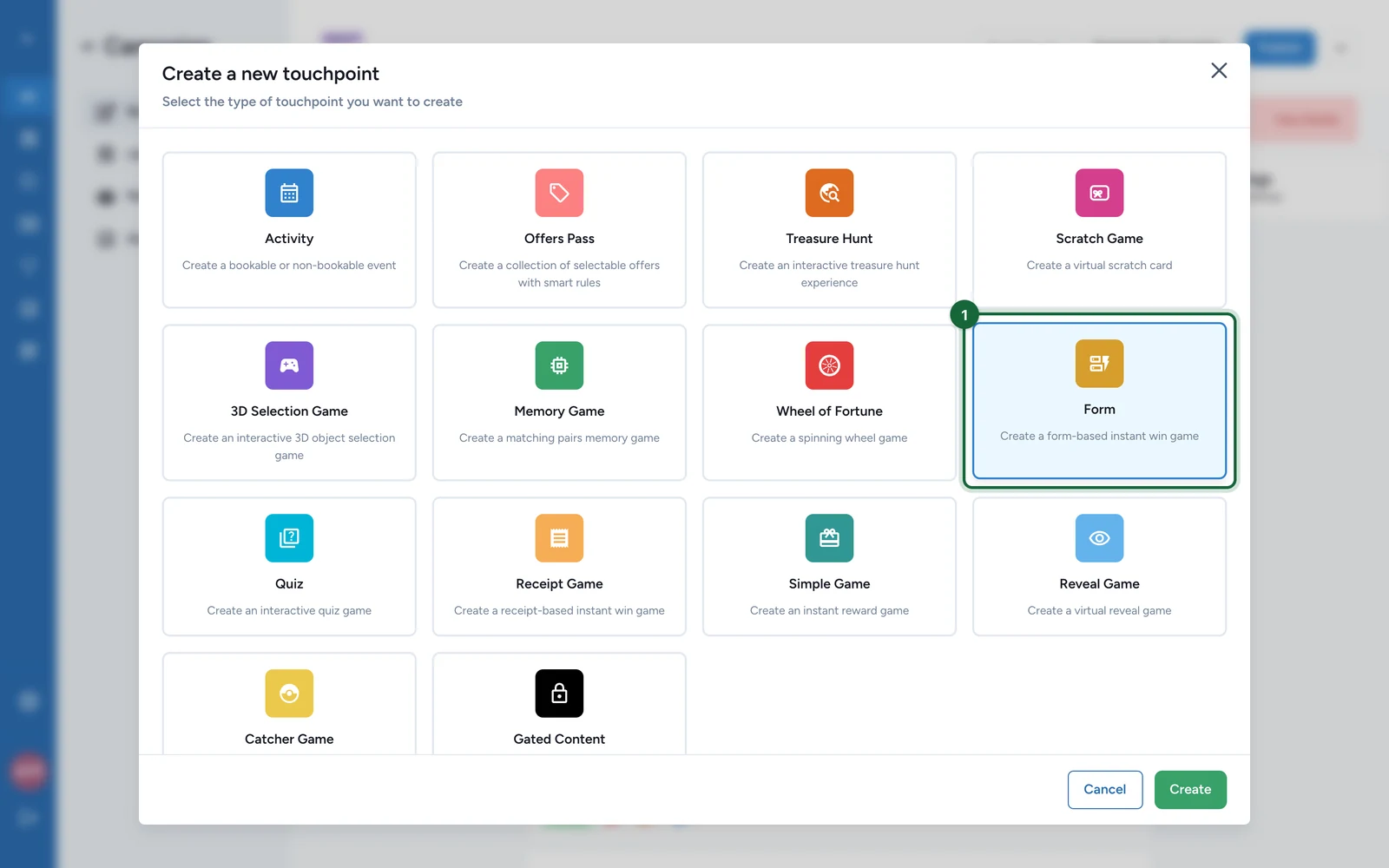
In Build > Touchpoints, select Add New Touchpoint.
-
Select Form, then Create.
-
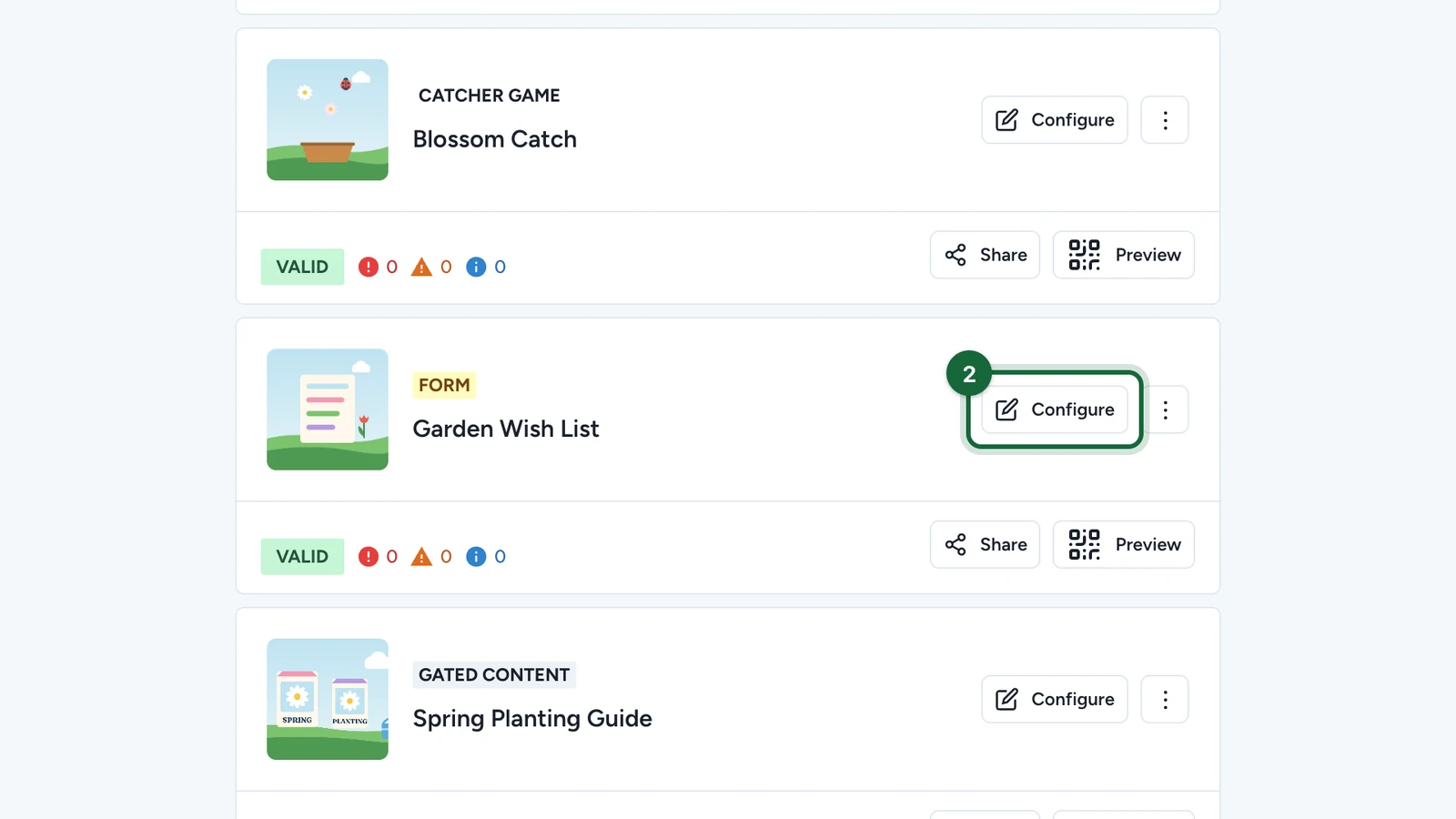
On the new game, select Configure.
Set the page
On the Appearance tab:
-
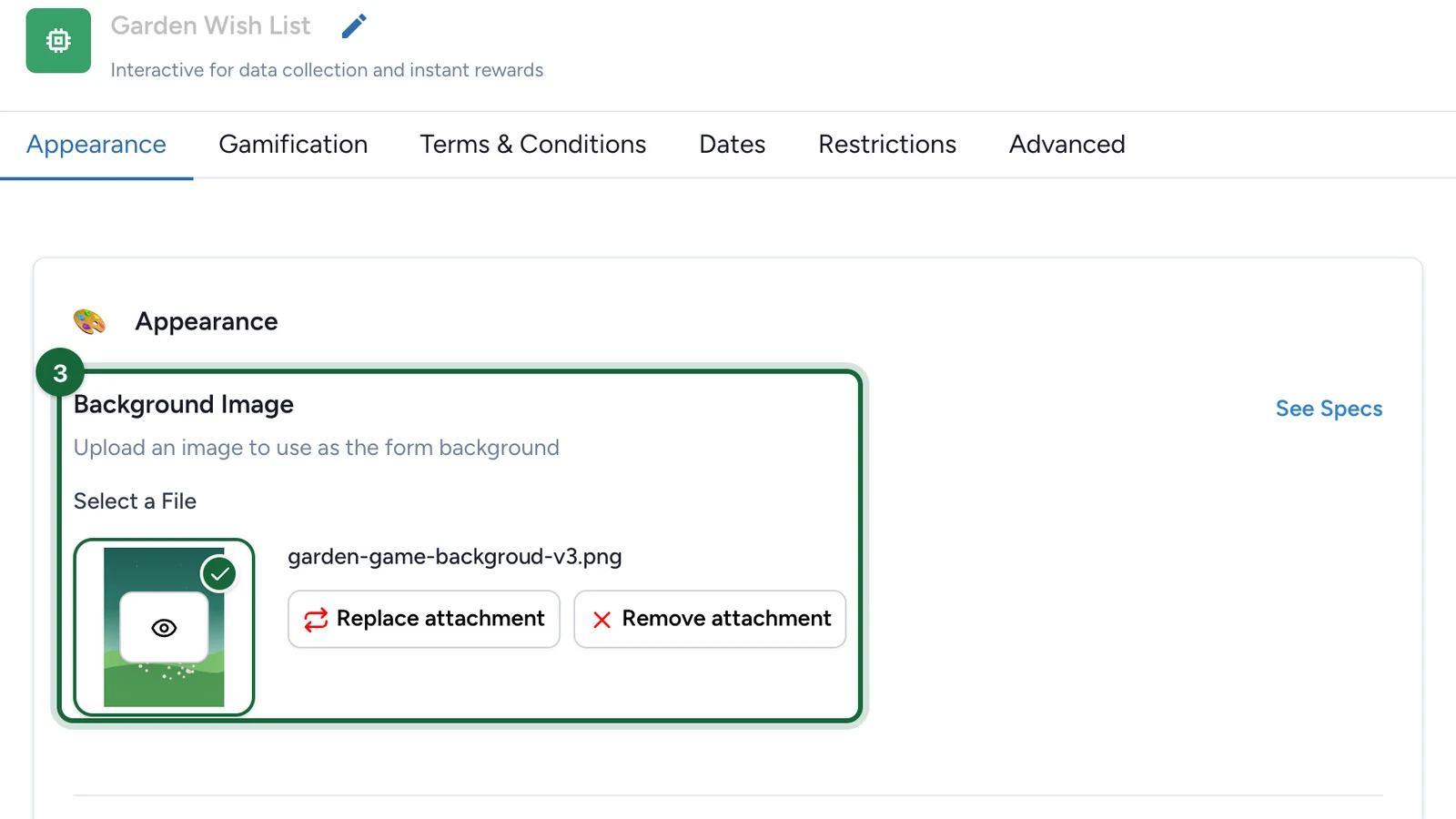
Under Background Image, choose the picture behind the form.
-
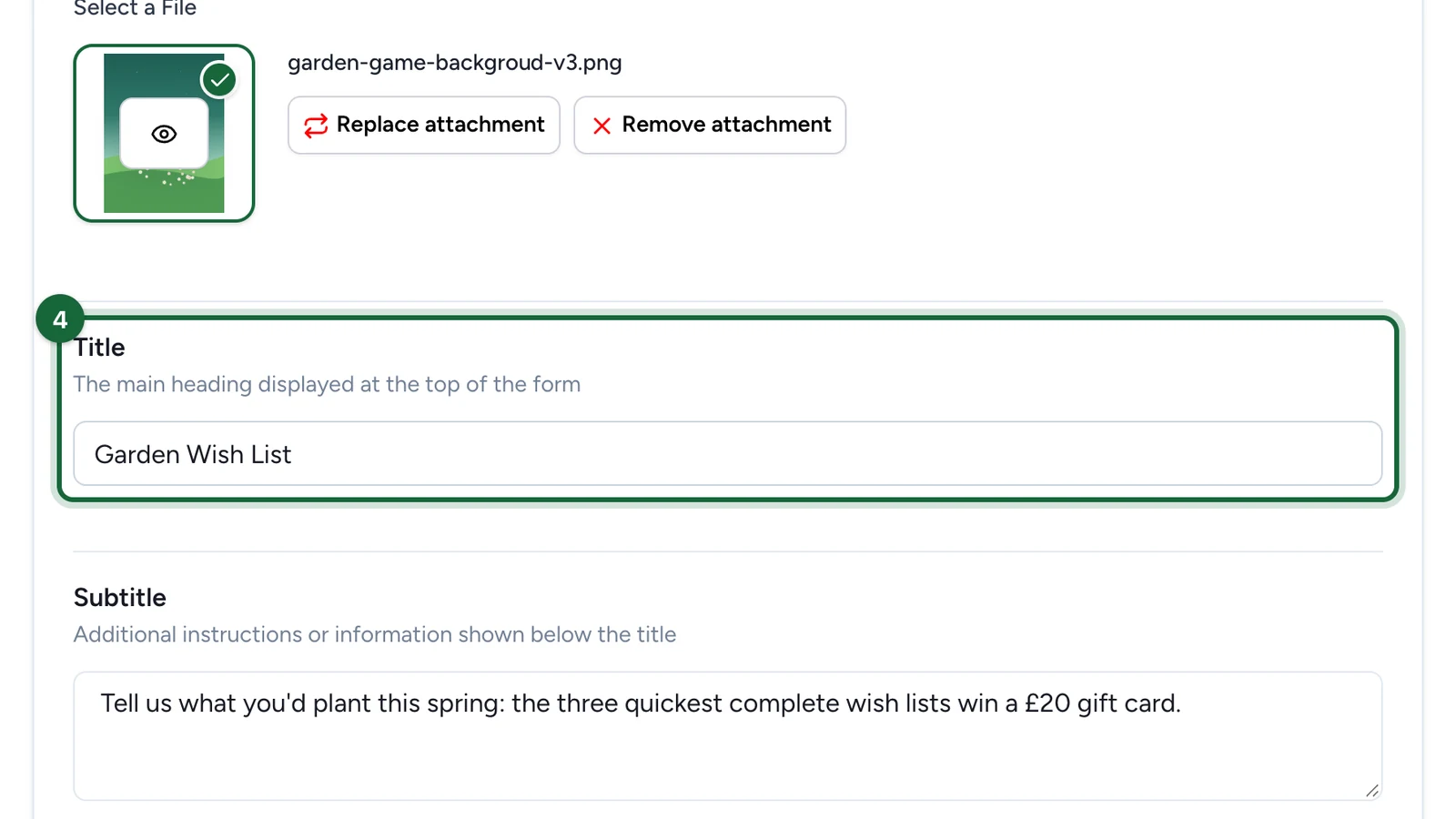
Enter the Title.
-
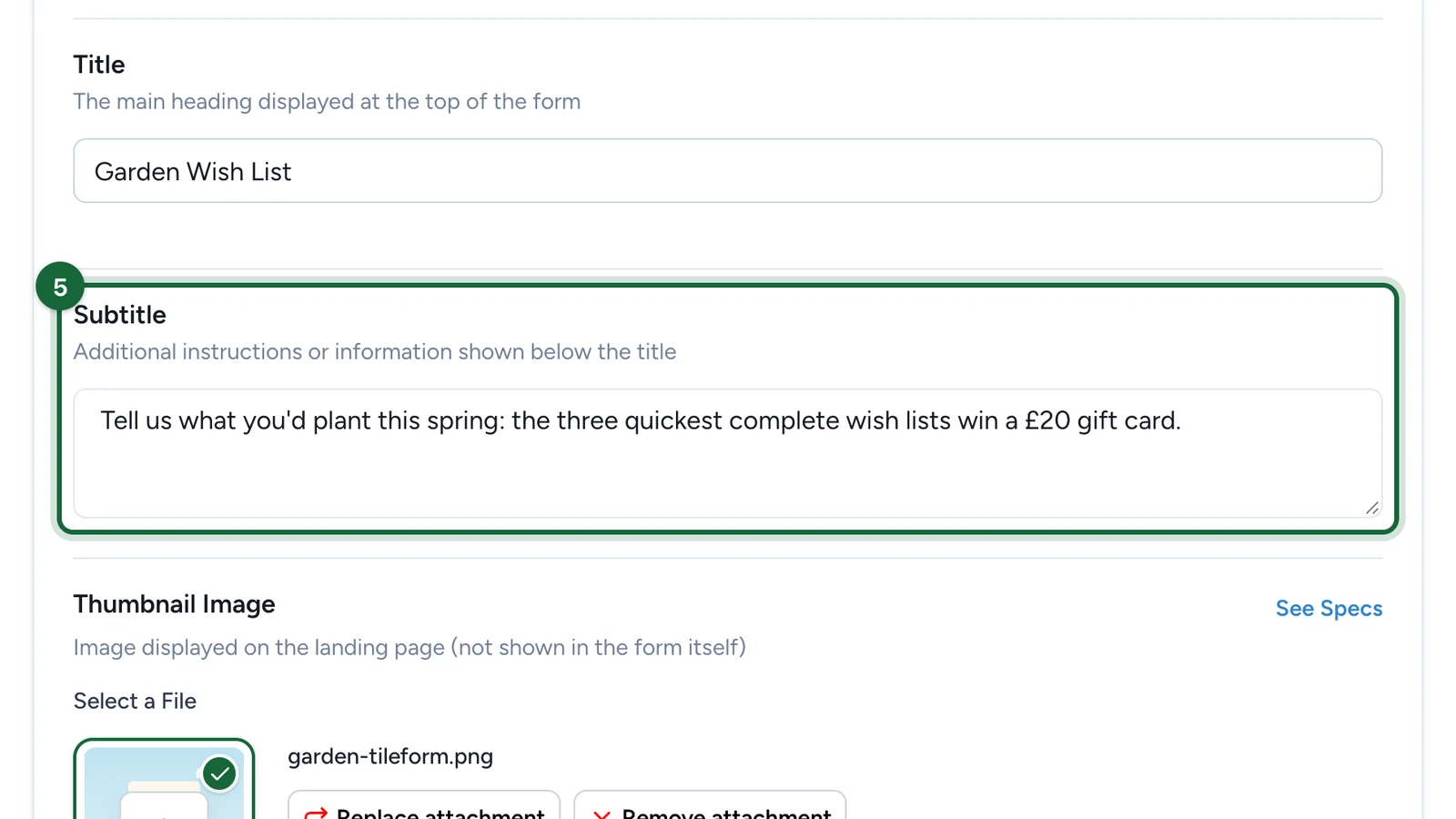
Enter the Subtitle: say what players can win, and that the quickest win it.
-
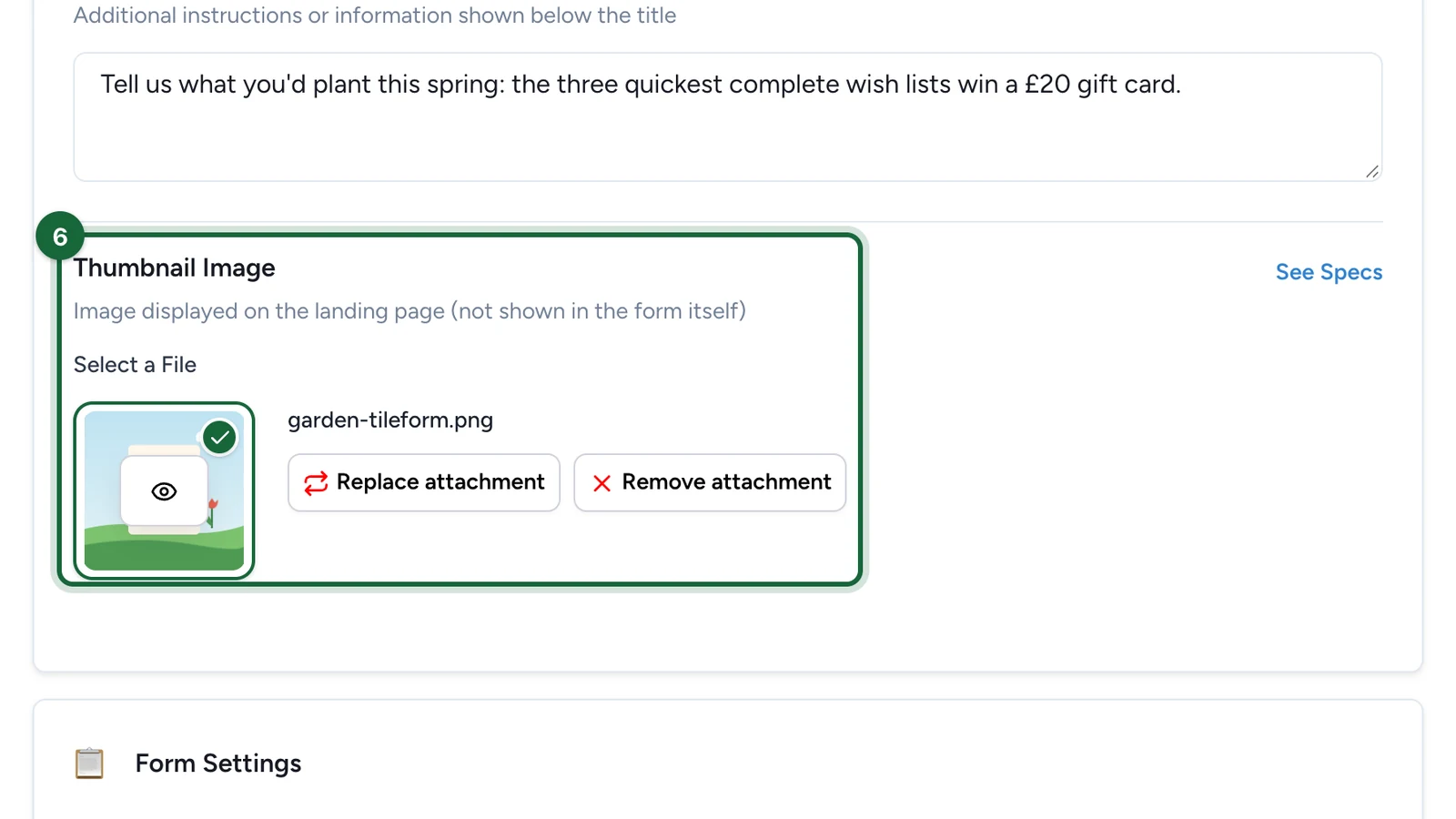
(Optional) Under Thumbnail Image, choose the game's picture on the landing page, if the campaign has one.
-
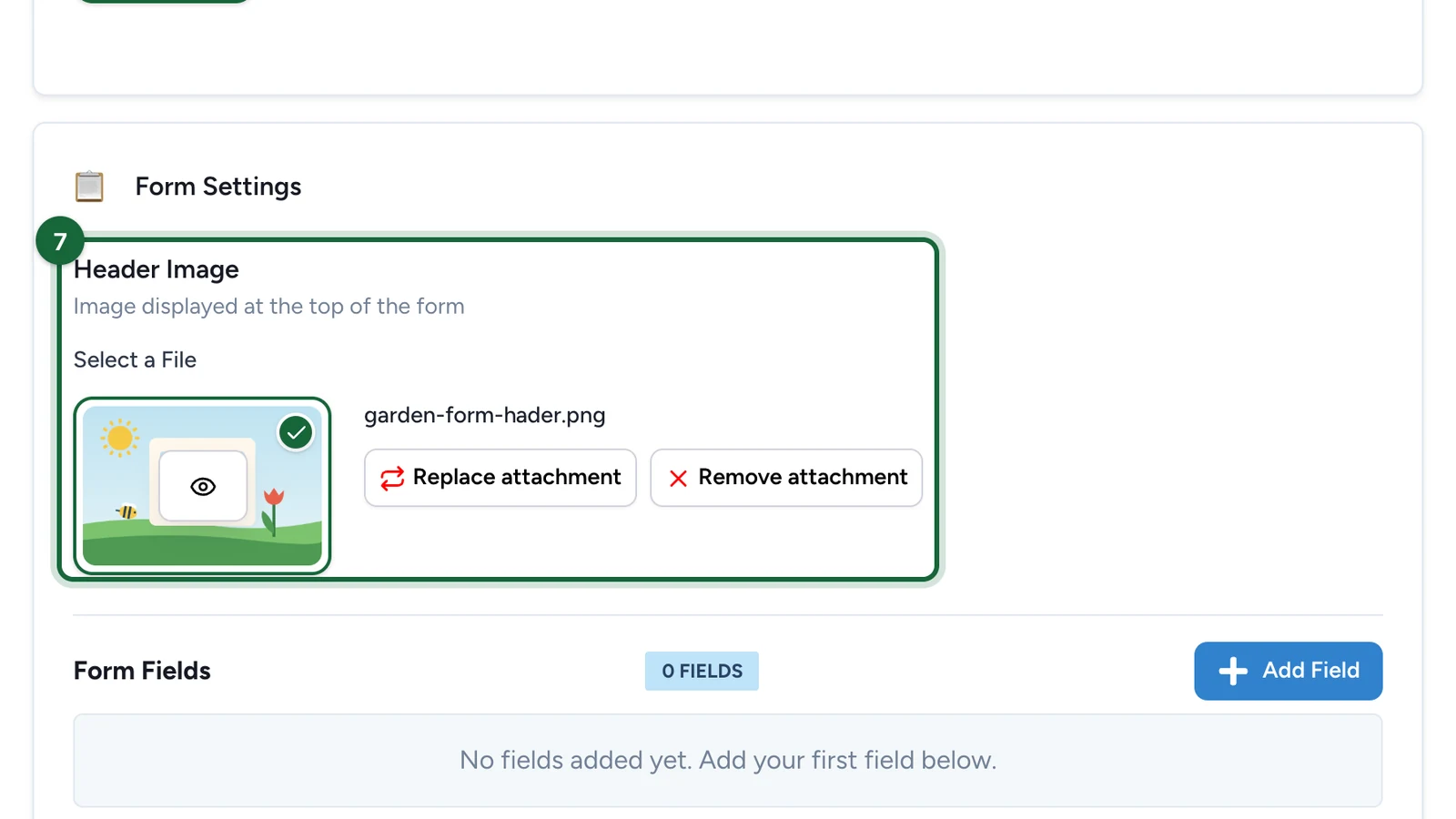
(Optional) Under Header Image, choose the banner above the questions.
Add the questions
-
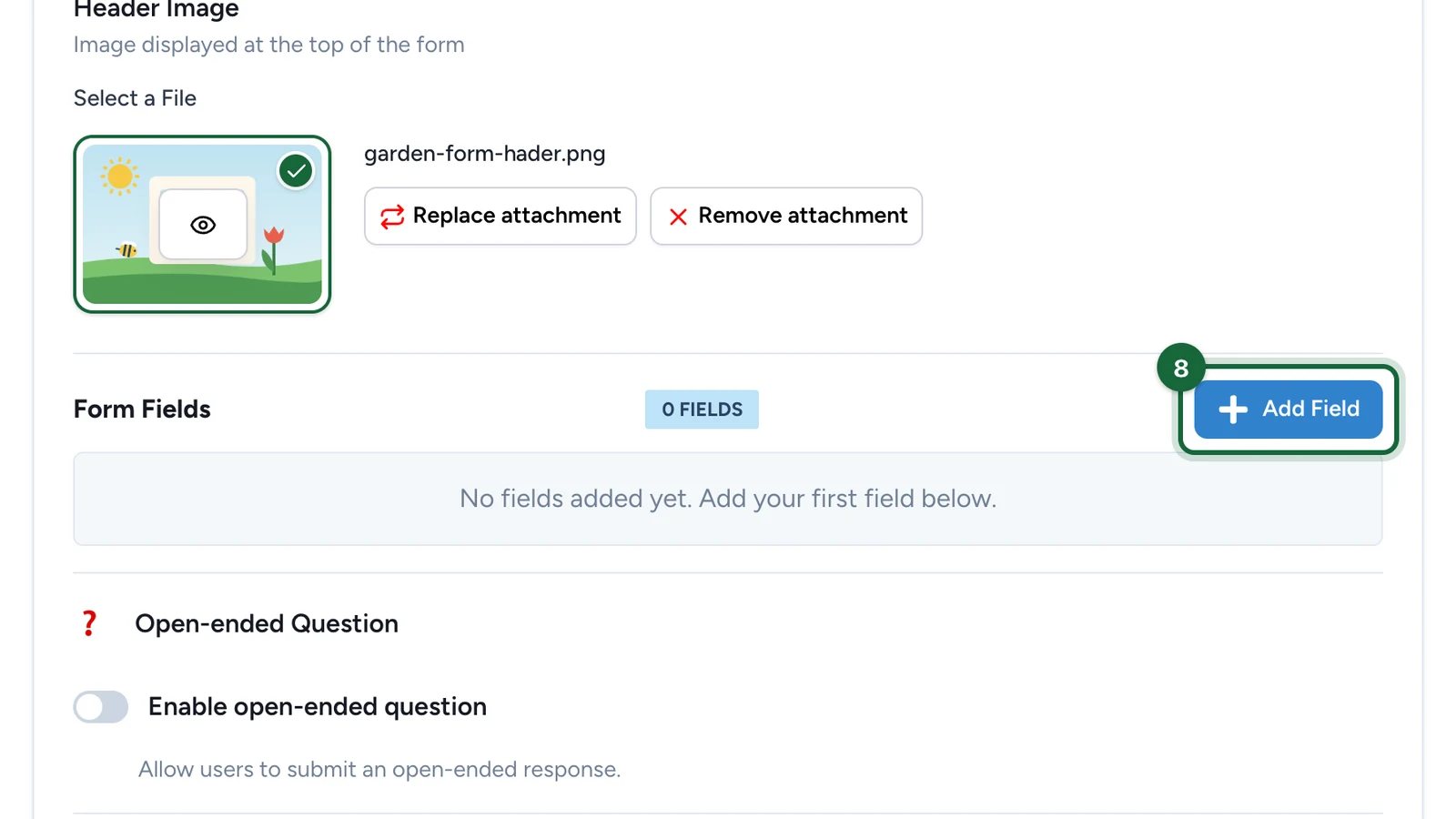
Under Form Fields, select Add Field.
-
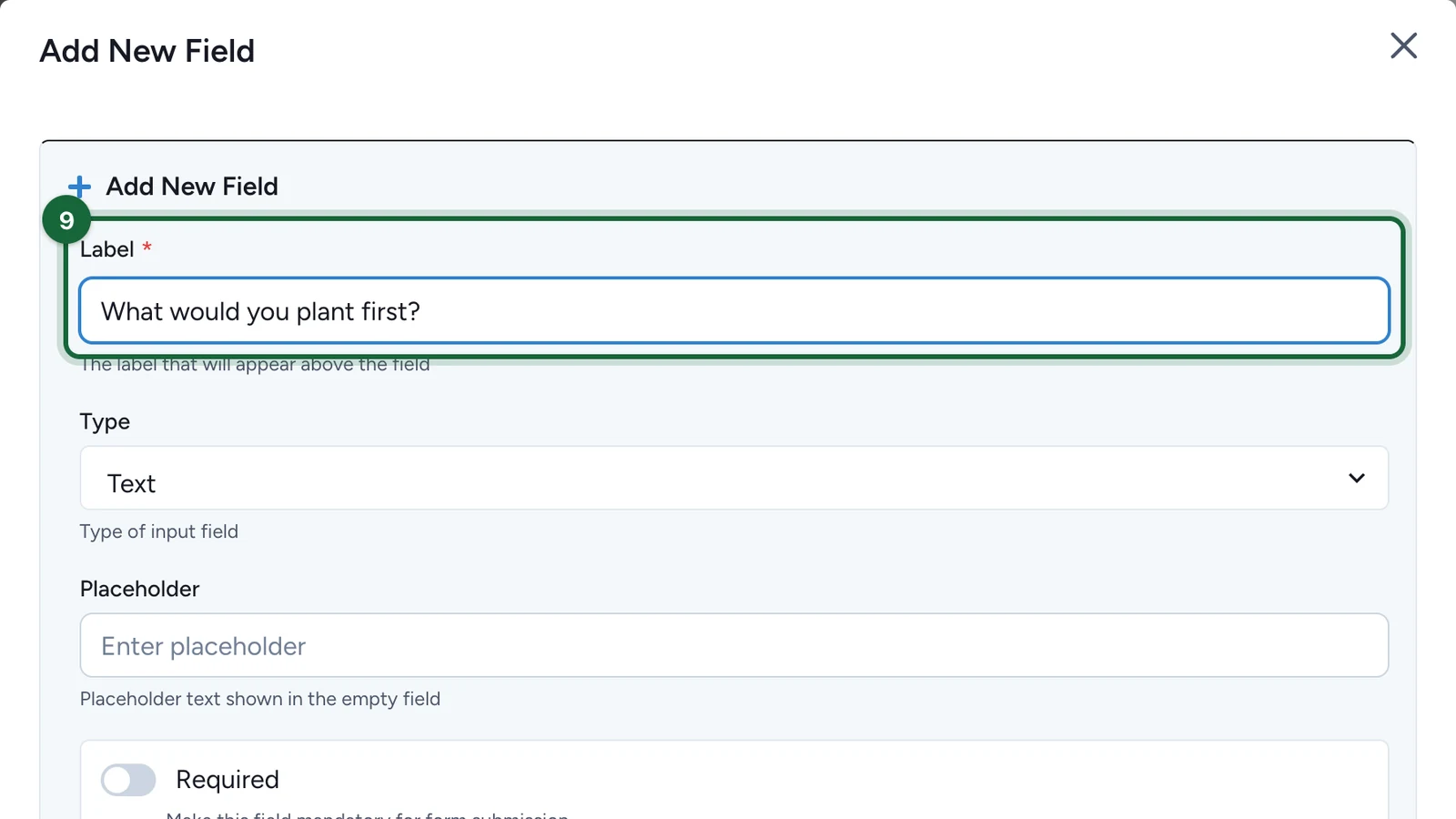
Enter the Label: the question players see.
-
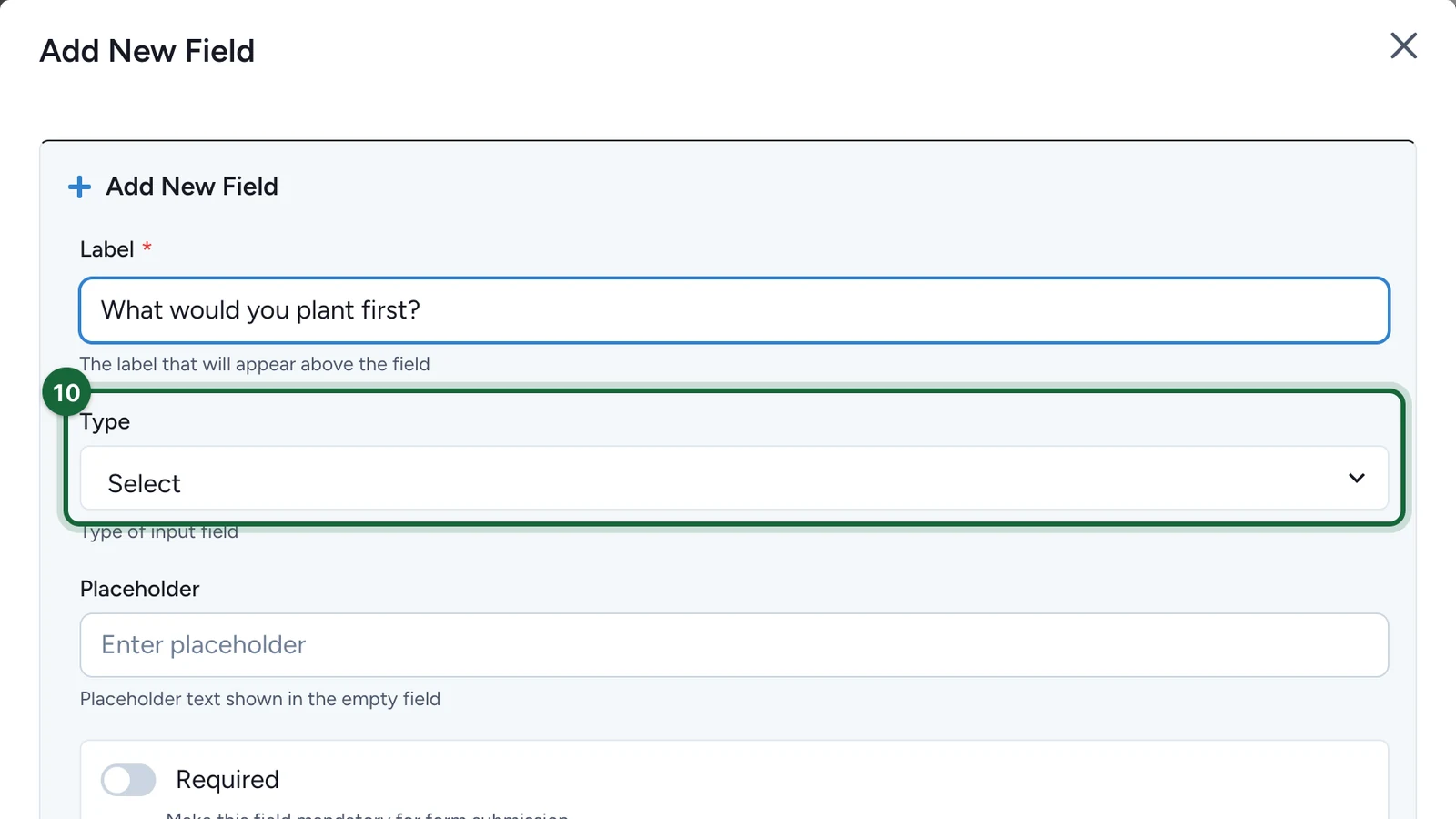
Choose the Type of answer, such as Text, Select or Date.
-
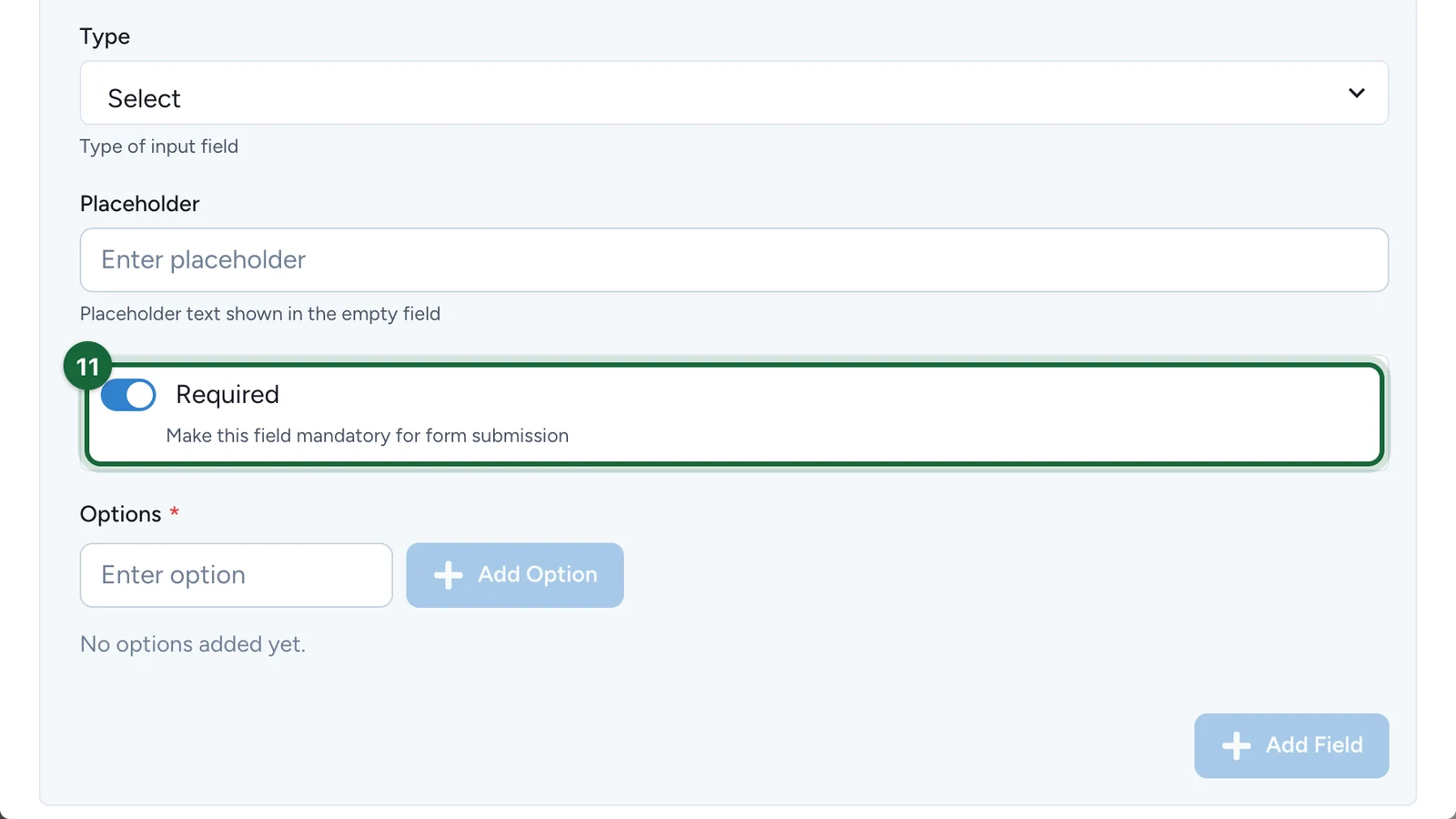
(Optional) Switch on Required so players can't skip the question.
-
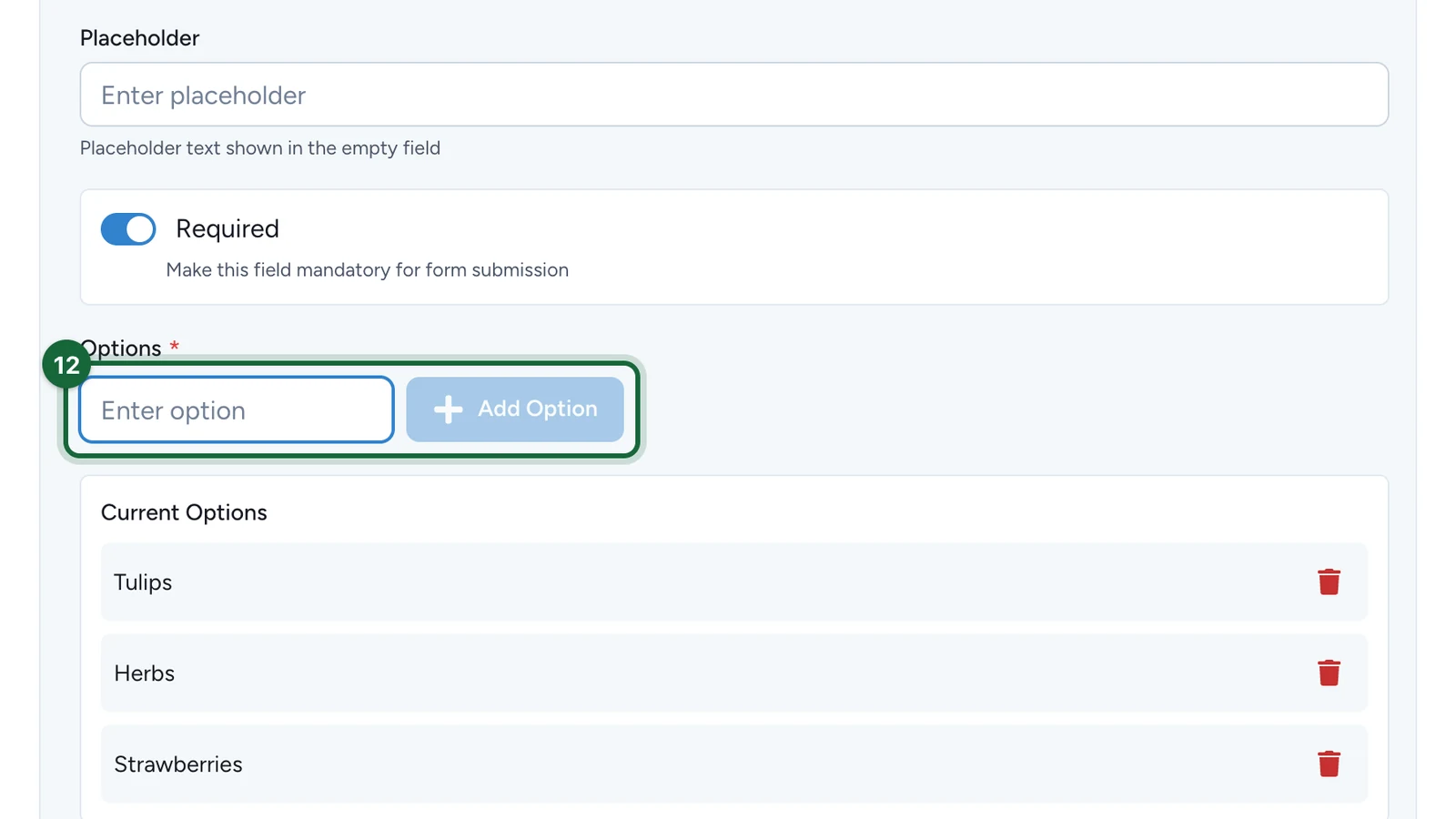
For Select, enter each choice under Options, then select Add Option.
-
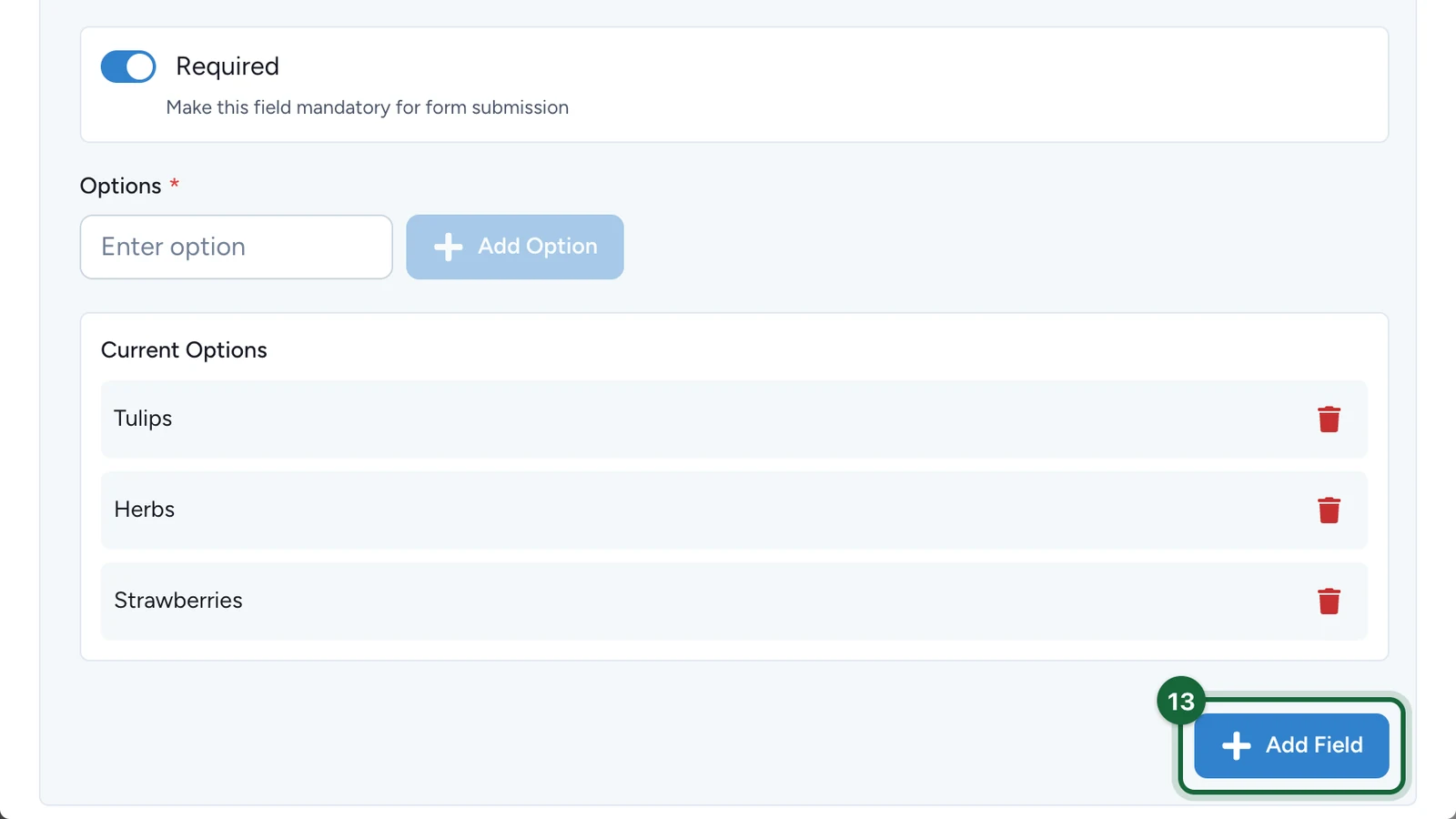
Select Add Field.
-
Add the other questions the same way, and check the list.
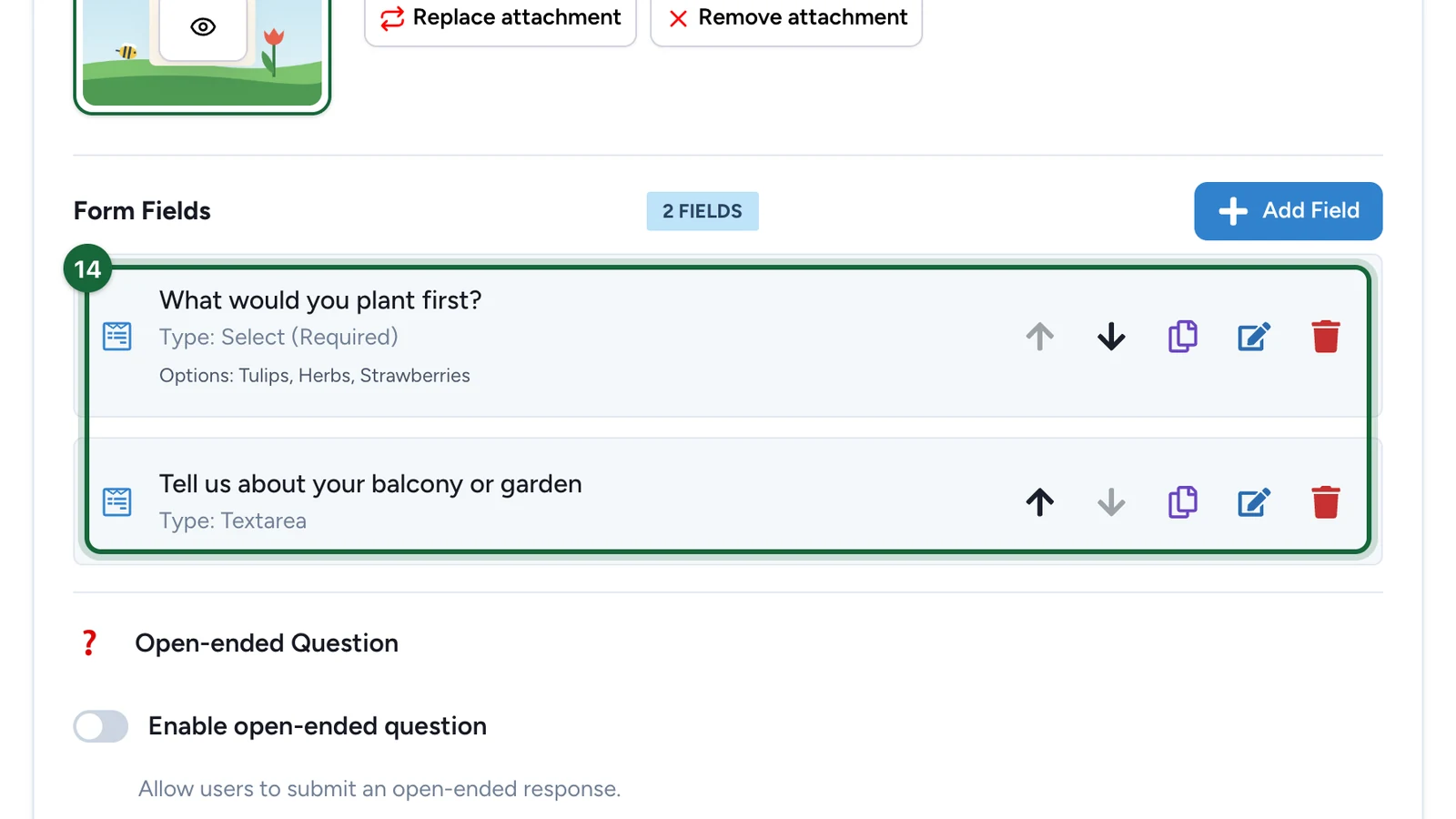
The arrows reorder the questions. The other buttons copy, edit or delete one.
-
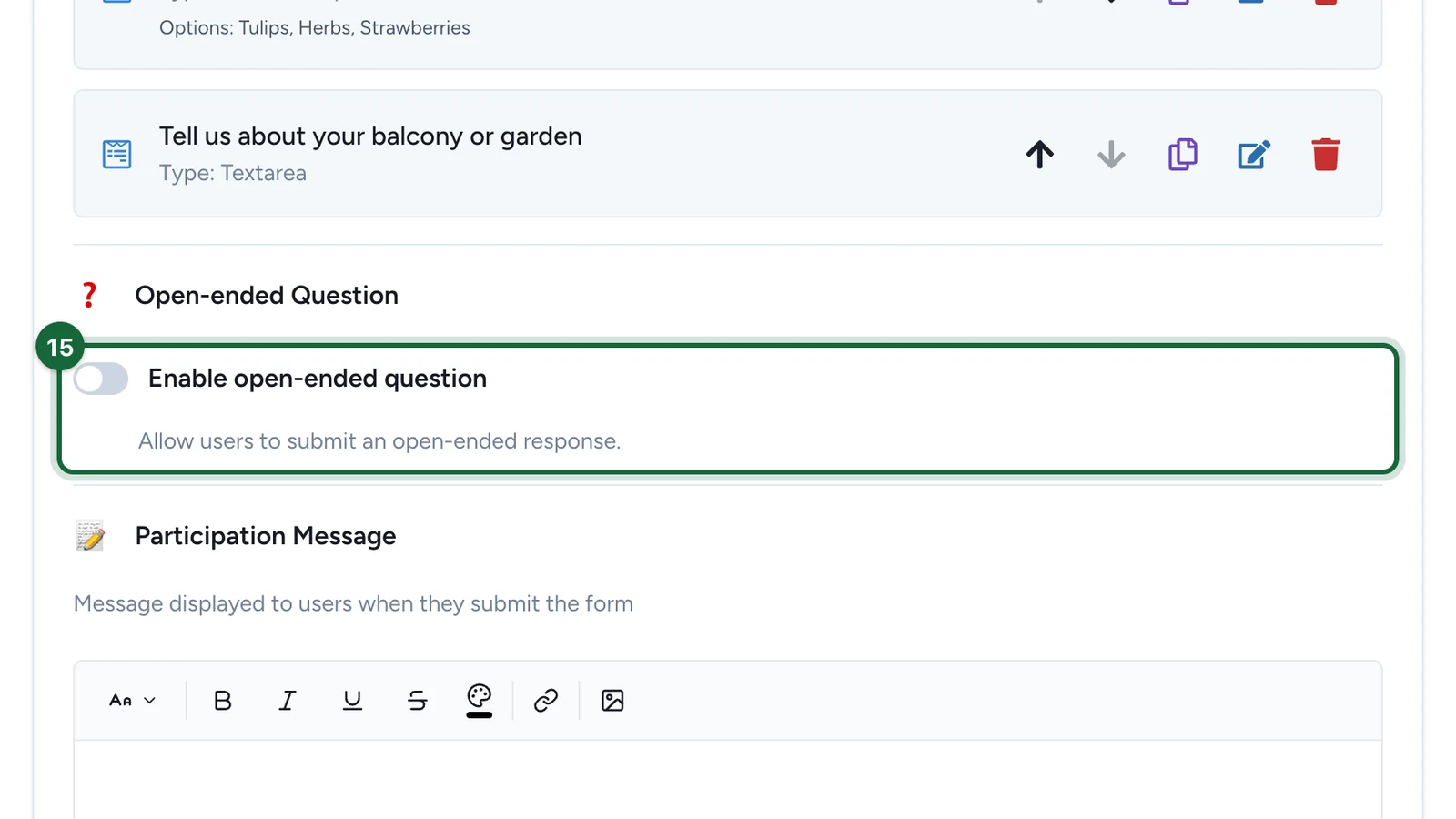
(Optional) Switch on Enable open-ended question for one free-text question at the end.
Reward the winners
-
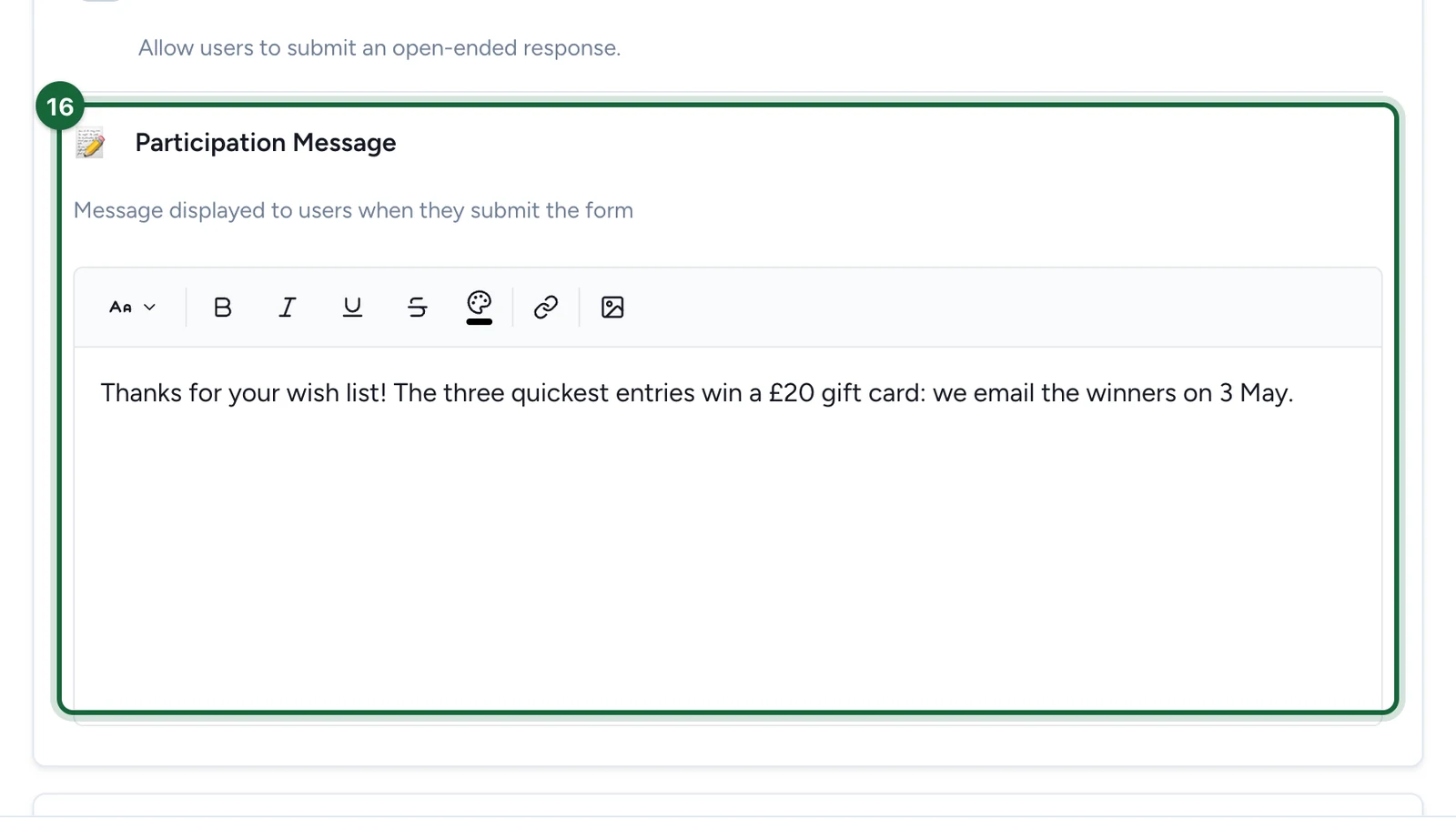
Write the Participation Message players see once they send the form.
-
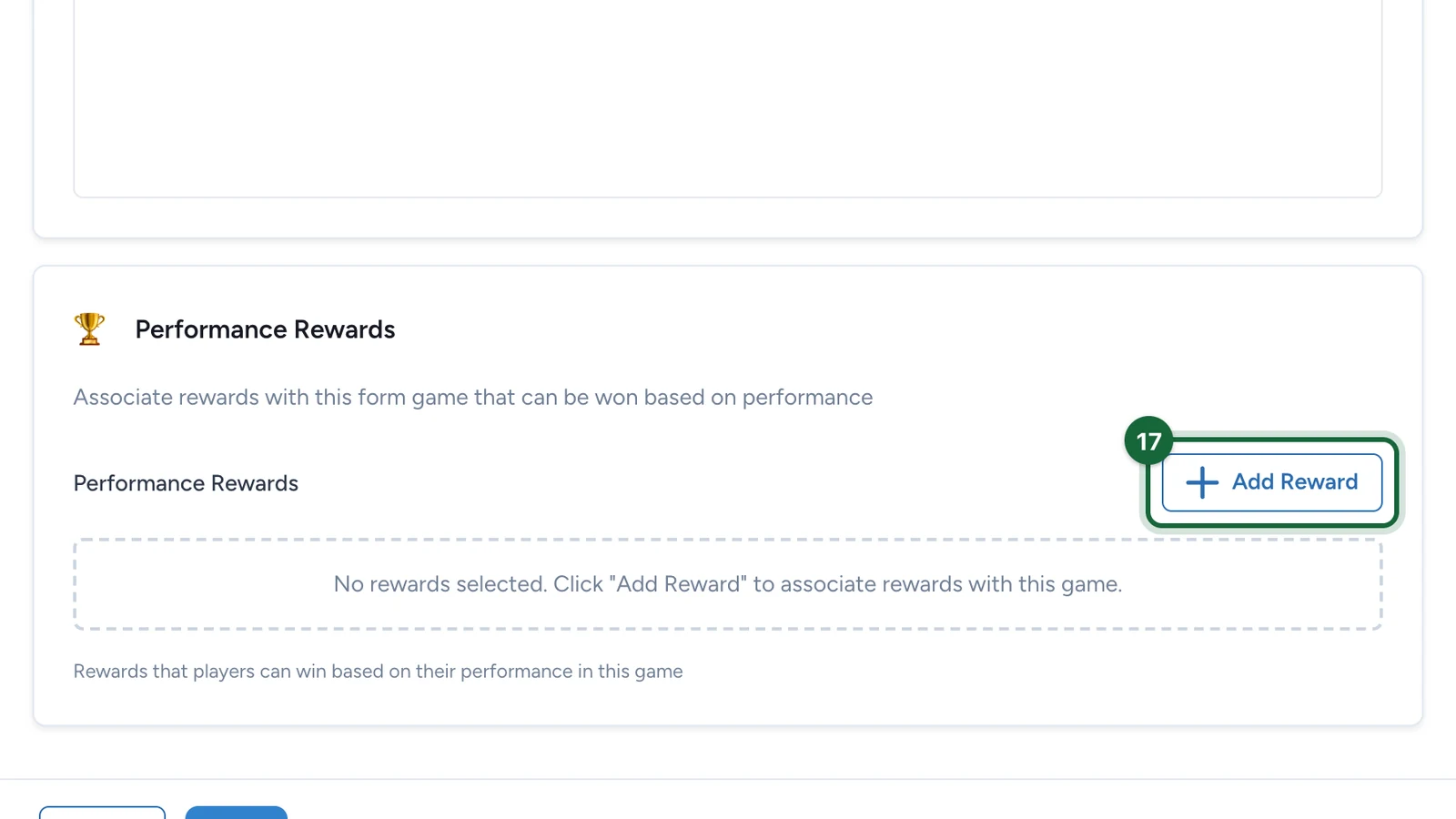
Under Performance Rewards, select Add Reward.
-
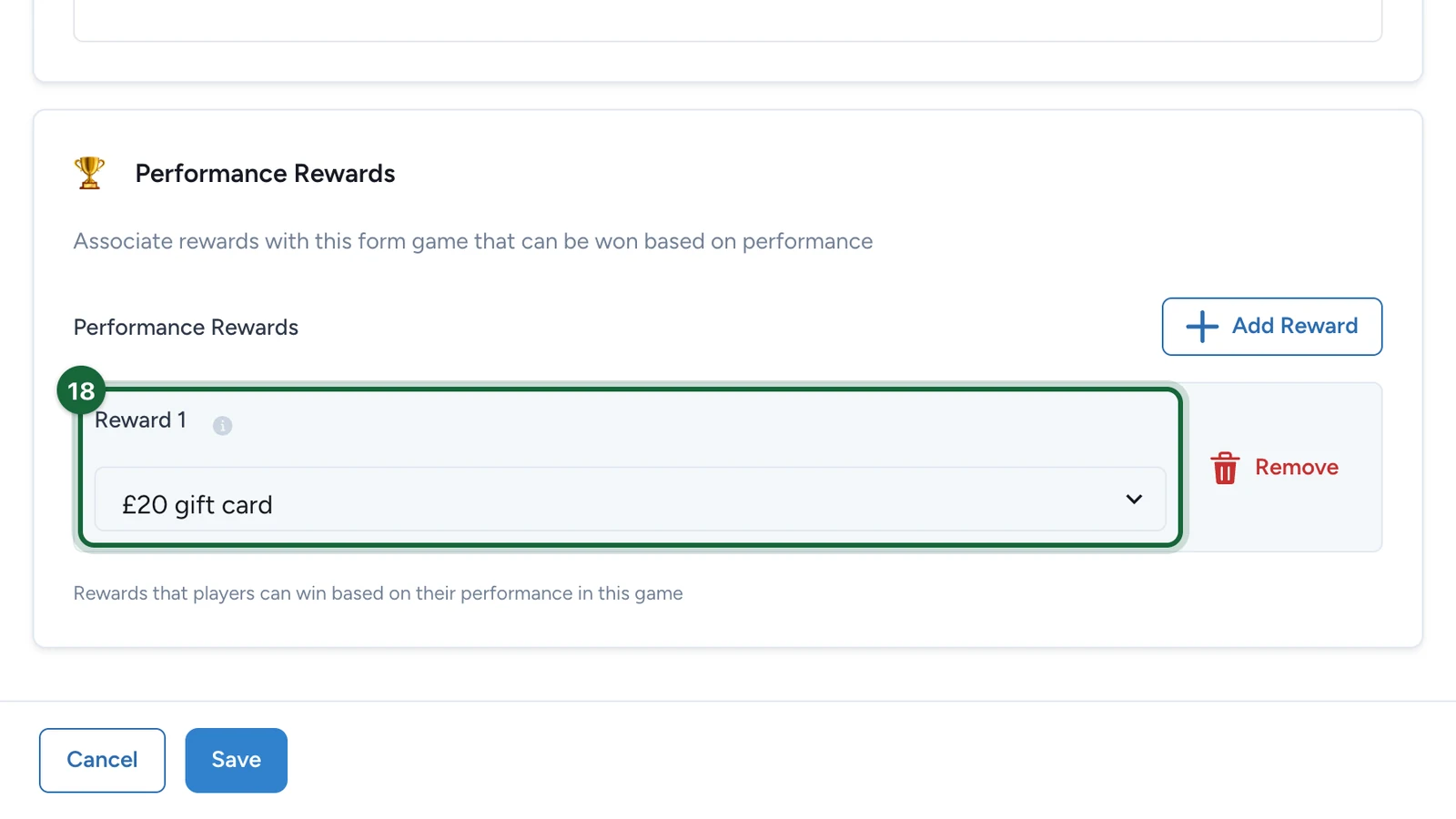
Under Reward 1, choose the prize.
-
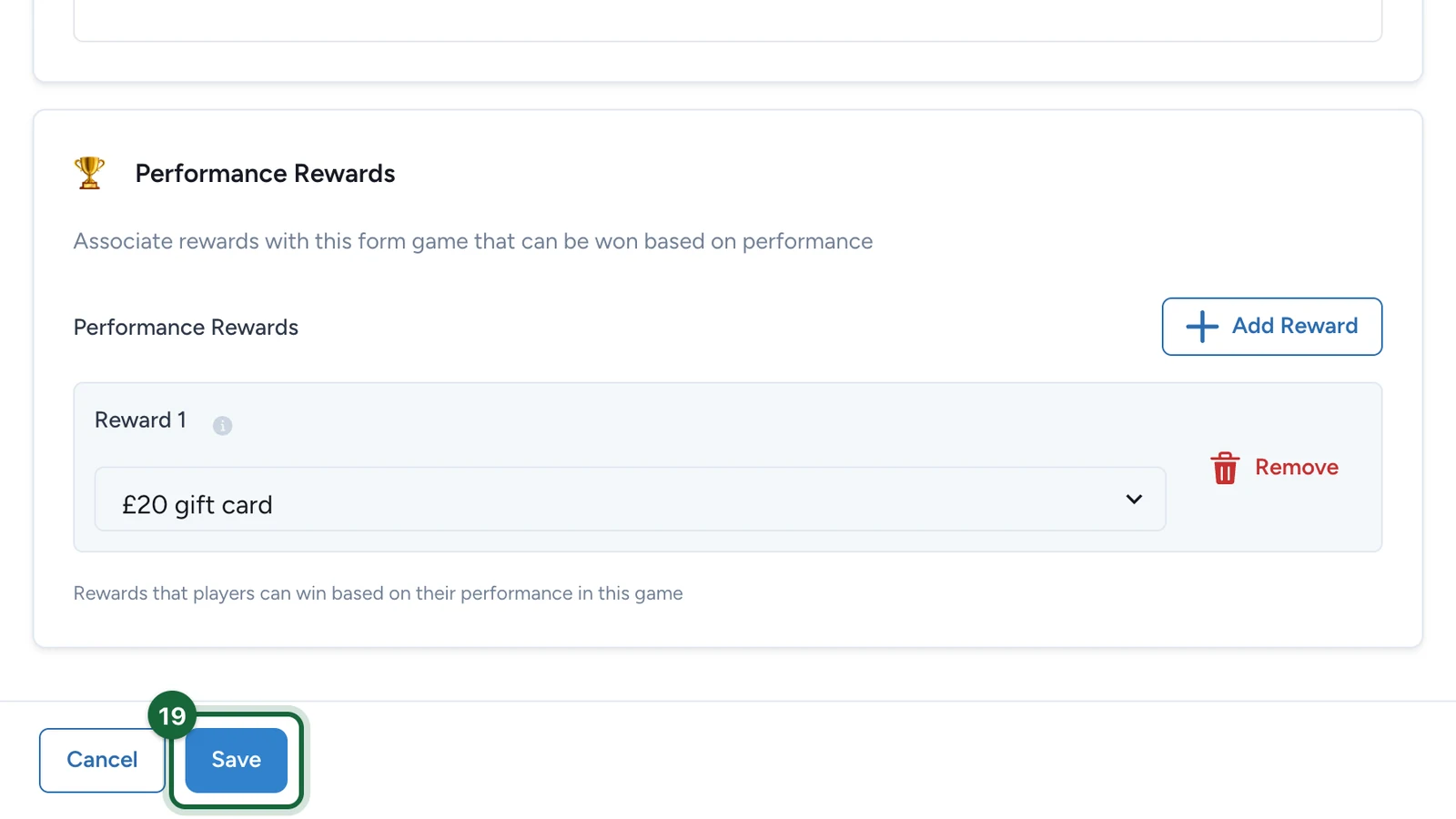
Select Save.
Publish the campaign again for players to see the game: see Publish a game. The Leaderboard ranks players by how fast they complete the form. When the game closes, declare the winners there: see Leaderboard rewards.
If publishing is blocked
- No background image, or no thumbnail while the landing page is on: choose them on the Appearance tab.
- No Participation Message: write one, step 16.
- No questions, or a question without a label or a type: add or complete it under Form Fields.
- A Select question with fewer than two options: add at least two.
- The open-ended question is on, with no question text or answer type: fill both in, or switch it off.
See also Game validation errors.