Publish an event
Take the campaign live so attendees can open and book its events.
1 min read
Publishing is campaign-wide: every Activity and touchpoint in the campaign goes live together.
Publish the campaign
-
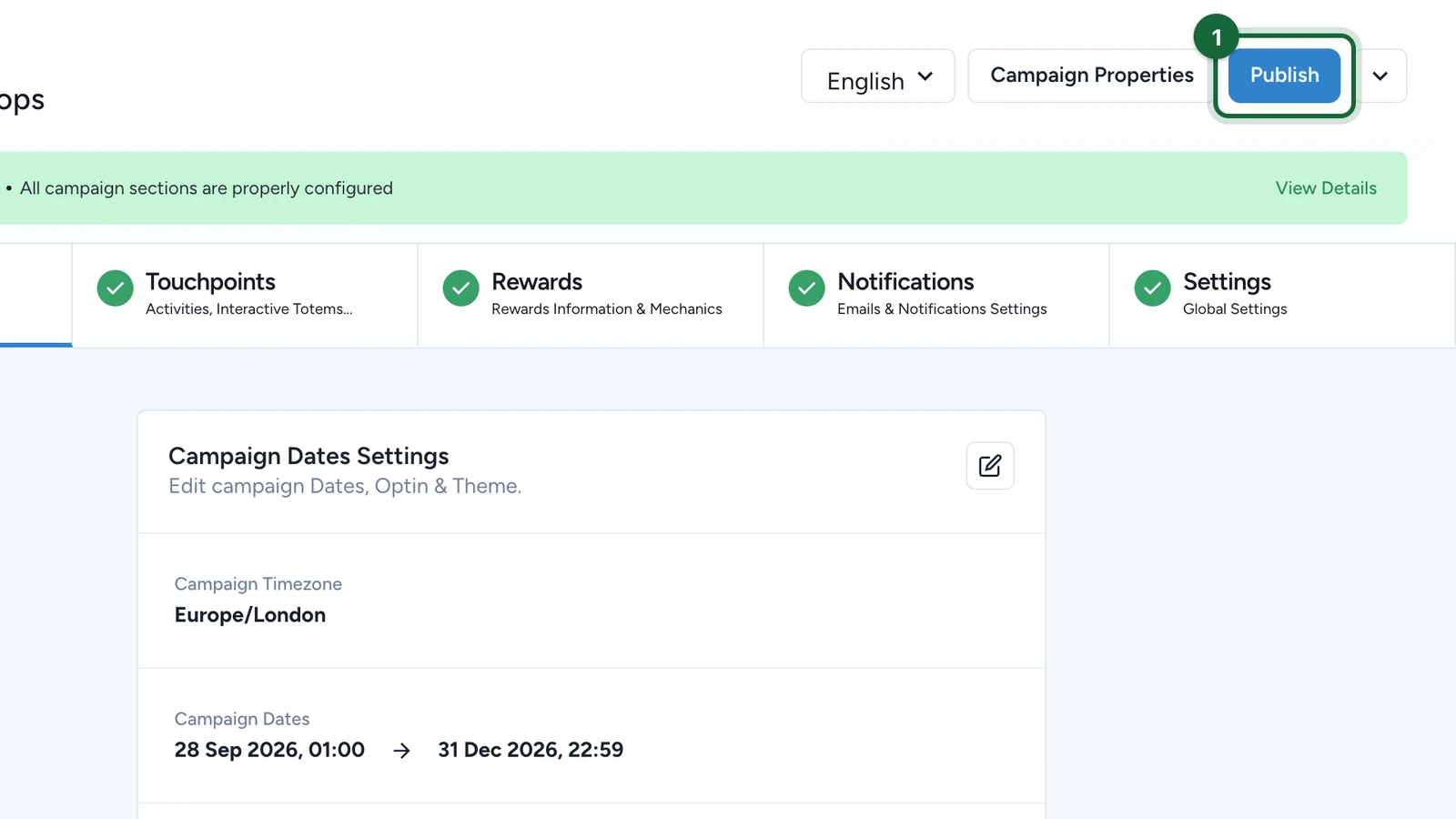
At the top of the campaign, select Publish.
-
When the window says Campaign is ready to publish!, select Publish.
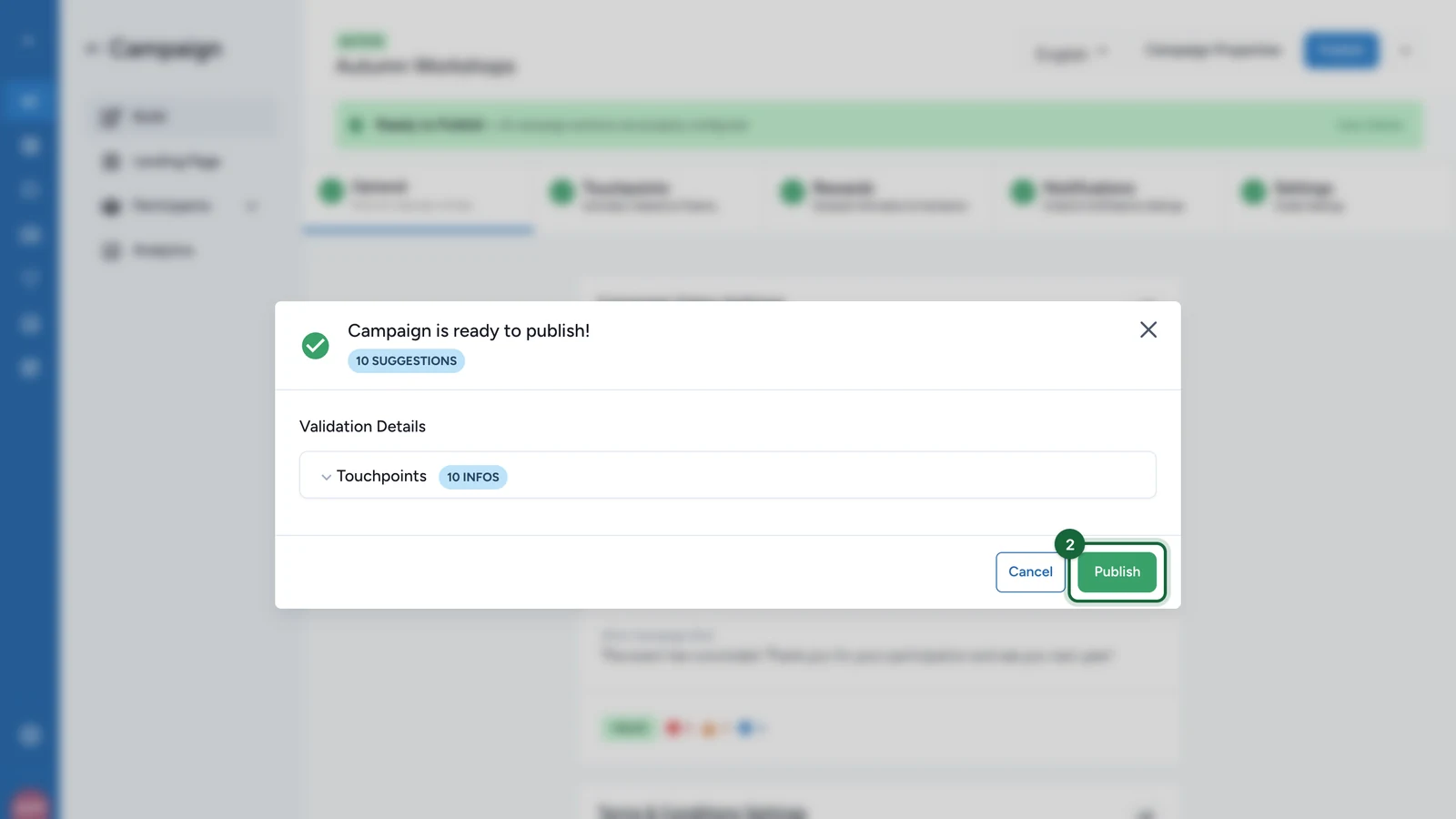
Errors block publishing. Warnings and suggestions don't. After any later change, publish again before attendees see it.
If publishing is blocked
The window lists each problem and where to fix it. For the event-specific ones, see Event validation errors. For everything else, see Validation and publishing.