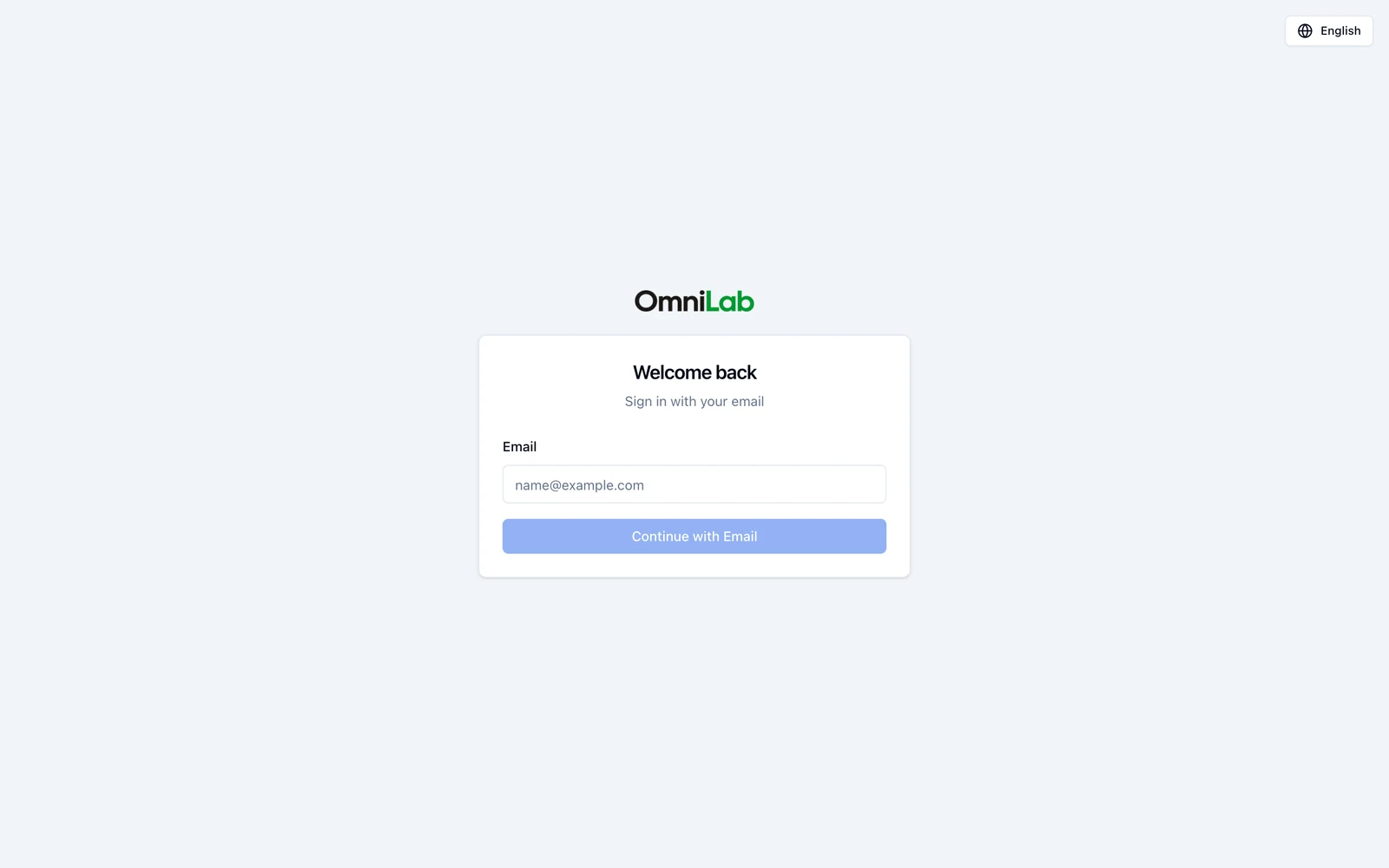
Users and authentication
See how users sign in and how roles, module access, and organisation assignments shape access in OmniLab.
Understand how a teammate signs in to OmniLab and why what they can do depends on more than one setting. This page shows how sign-in, roles, module access, and organisation assignments work together.
What an OmniLab user account contains
Each OmniLab user account is defined by a small set of access settings:
| User account setting | What it controls | Good to know |
|---|---|---|
| Email address | The identity used for sign-in | The account must be created for the exact email address the user will sign in with |
| Authentication Provider | How this user is allowed to sign in | Every account is assigned exactly one provider, chosen when the account is created |
| Role | Whether admin-only settings are available | The two roles are Admin and Contributor |
| Module access | Which product areas appear in navigation | OmniLab Campaigns and OmniLab Smart Links are assigned separately |
| Assigned organisations | Which organisations the user can select in OmniLab Studio | A user can be assigned to one or several organisations |
A user account combines several access settings
In OmniLab, access is not controlled by one single field. What a user can do depends on the combination of role, module access, assigned organisations, and the organisation currently selected in OmniLab Studio.
Authentication methods
The sign-in page shows only the methods enabled for your OmniLab environment.
| Sign-in method | What users see | What to expect |
|---|---|---|
| Company single sign-on — logging in with your company account, such as Microsoft | A company sign-in button on the sign-in page | OmniLab signs the user out of Studio after 24 hours, regardless of the session length allowed by your company's identity system |
| Email sign-in | Continue with Email on the sign-in page | OmniLab emails a one-time sign-in link to the approved address, and the link expires after 24 hours |
Each user signs in one way
An environment can offer several methods, but an individual account is tied to exactly one of them. If a user is assigned company single sign-on, requesting an email link for that address does not sign them in — and the reverse is true too. The method is part of the account, not a menu the user picks from.
This is what makes single sign-on actually enforce your company's rules. When an account can only authenticate through your identity provider, whatever that provider requires — multi-factor authentication, device or network conditions — applies to OmniLab as well, and disabling someone there ends their OmniLab access too. Leaving email sign-in open as a second route for the same person would quietly bypass all of it.
| Rule | What it means in practice |
|---|---|
| A method is required when the account is created | There is no default. Whoever creates the account chooses it, even when your environment enables only one method |
| Only an Admin can set or change it | A Contributor cannot change how anyone signs in, including themselves |
| It must be a method your environment enables | You cannot assign a method that is switched off for your environment, and turning a method off blocks the users assigned to it |
Where you choose it
The field is called Authentication Provider on the create- and edit-user forms, and it explains itself: "This user can only sign in through the selected provider." It appears when your environment enables more than one provider. With only one enabled there is nothing to choose, so the field is hidden and that provider is assigned for you.
If a user cannot sign in
The sign-in page names the reason. The most common ones:
| What the user sees | What it means |
|---|---|
| Wrong sign-in method | They authenticated a different way than their account allows. They must go back and use their assigned method |
| User not found | No account exists for that email address in this organisation |
| Email domain not allowed | Their email domain is not on the allowed list for this environment |
| No organisation assigned | The account exists but has no organisation, so there is nothing to sign in to |
| Wrong organisation | Their identity provider account belongs to a different organisation than this OmniLab environment expects |
| Sign-in unavailable | OmniLab could not verify the account just then. This one is worth retrying |
A Wrong sign-in method message is worth reading carefully: because the user is already signed in with their identity provider, clicking that same button again re-authenticates silently and fails the same way. They have to switch methods, not retry.
What controls what a user can see
| Access layer | What it controls | Good to know |
|---|---|---|
| Role | Whether admin-only settings are available | The two roles are Admin and Contributor |
| Module access | Which product areas appear in navigation | OmniLab Campaigns and OmniLab Smart Links are assigned separately |
| Assigned organisations | Which organisations the user can select in OmniLab Studio | Users can switch only between organisations assigned to their account |
| Selected organisation | The campaign and settings context | OmniLab Studio changes what you can see and manage when you switch organisation |