The customer activation platform.Every interaction becomes a qualified contact. Book a demo

Roles and permissions

Compare Admin and Contributor access, and see how role, module access, and organisation scope work together.

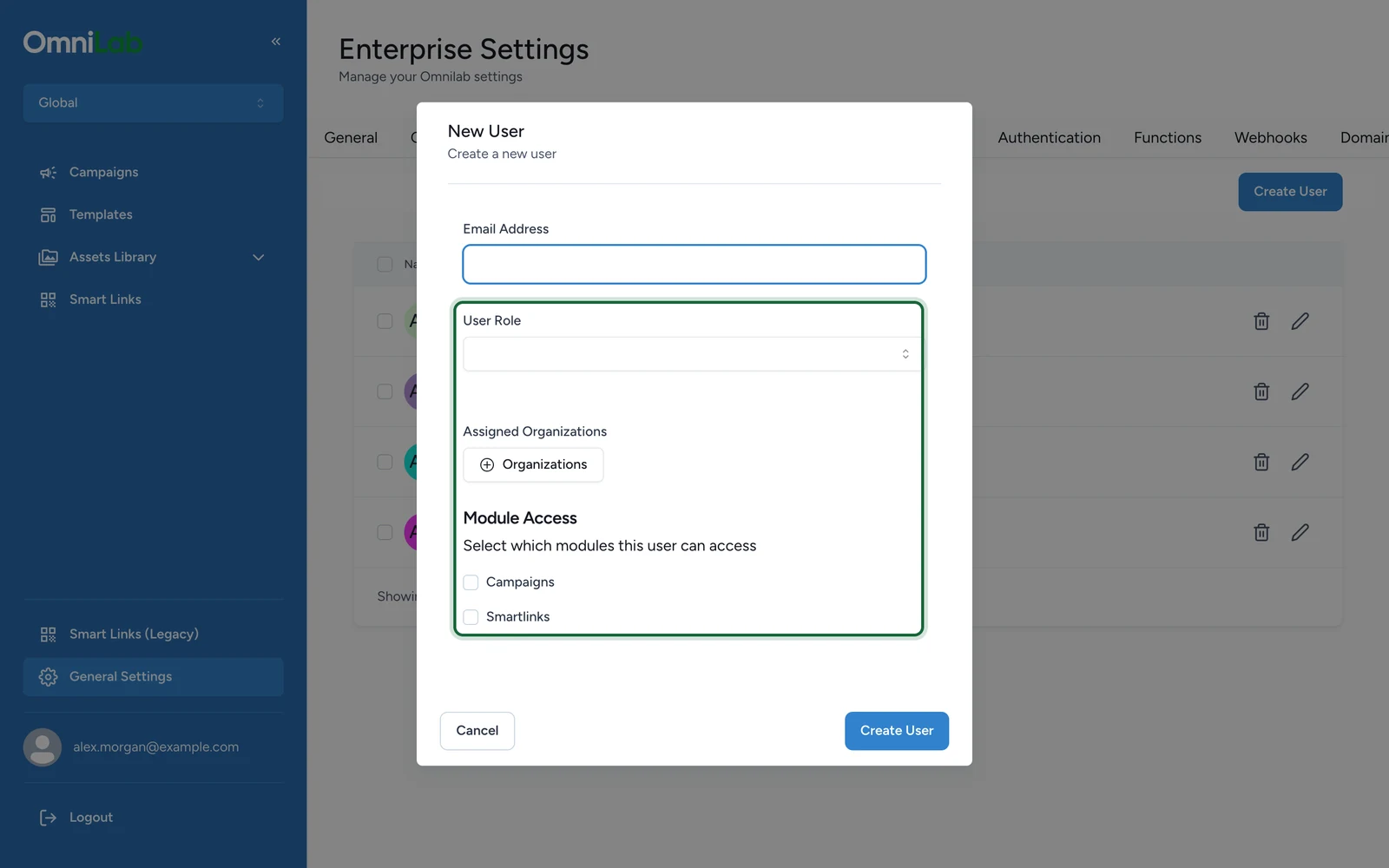
This reference explains the current role model in OmniLab, the main permission boundaries between Admin and Contributor, and how module access and organisation assignments affect visibility.

Current roles in the user form

The current user management screens expose two roles:

RoleMain purposeTypical outcome
AdminBroader governance and administrationCan open admin settings surfaces and manage users
ContributorDay-to-day delivery workFocuses on campaign and content work inside assigned organisations

Role is account-wide

In the current user model, one role applies to the whole account. Organisation assignments decide where the user can work, but they do not create a different role per organisation.

Permission matrix

ActionAdminContributorNotes
Open the Campaigns moduleYesYesRequires Campaigns module access
Open Templates, Rewards, and related build surfacesYesYesThese surfaces sit inside the Campaigns side of Studio
Open SmartlinksYesYesRequires Smartlinks module access and an organisation where Smart Links are enabled
Switch between assigned organisationsYesYesUsers can switch only to organisations assigned to their account
Open General Settings from the Global organisationYesNoThis is where the Organisations and Users tabs live
Open Organization Settings from a regular organisationYesNoContributor users are redirected away from the Settings area
Create, edit, or delete usersYesNoManaged from General Settings > Users

Module access can override role

Role is only one part of access. Module access can still hide whole product areas.

ModuleWhat it addsImportant note
CampaignsCampaigns, Templates, Rewards, files, and related build workThe user still needs at least one assigned organisation
SmartlinksSmart Links navigation and related workThe current organisation must also have Smart Links enabled

Scope still matters

Even an Admin user does not automatically see every organisation. Visibility always depends on the organisations assigned to the account and the organisation currently selected in Studio.

If you need the cross-product explanation of scope, see Organisations and scope in OmniLab. If you need the day-to-day switching workflow, see Multi-org access.

Was this helpful?

Optional comments help us improve this page for future authors and readers.

On this page