Set the participation form for a hunt
Ask hunt players extra questions, such as a team name, when they start the hunt.
1 min read
A participation form collects answers that the sign-up form doesn't, such as a team name or a favourite shop.
You need a form schema first: see About participation forms.
Add the form to the hunt
-
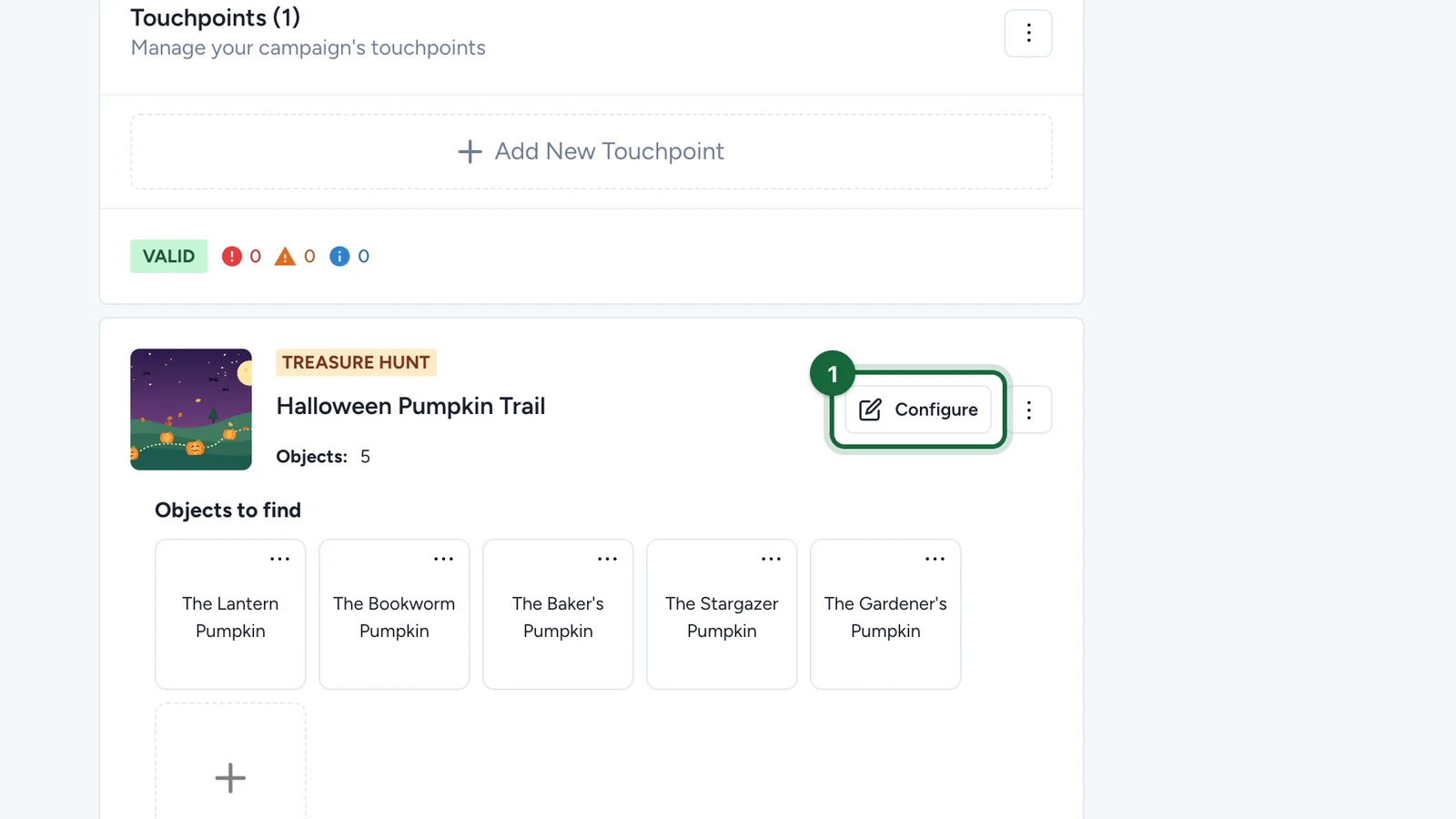
In Build > Touchpoints, select Configure on the hunt.
-
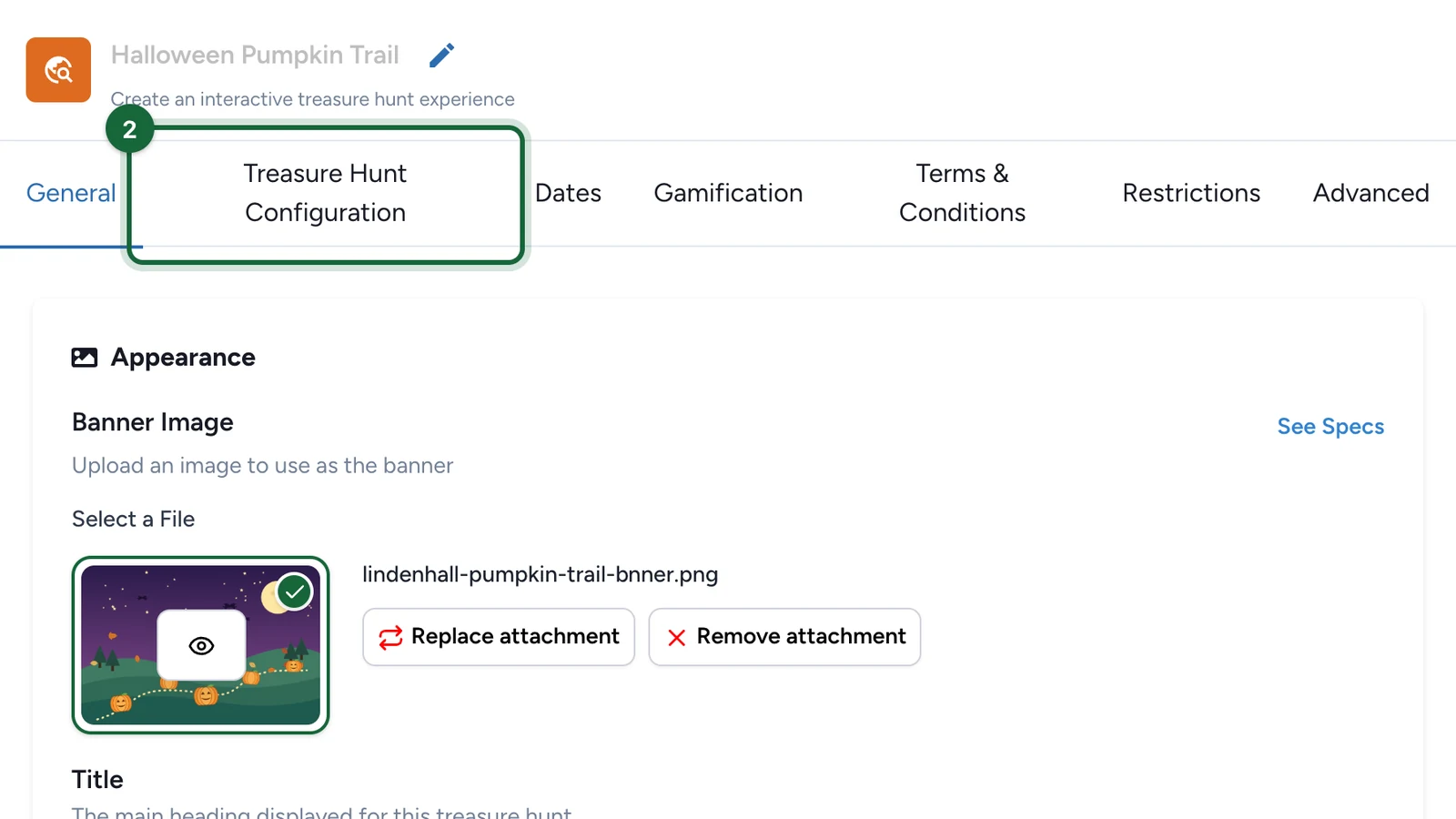
Select the Treasure Hunt Configuration tab.
-
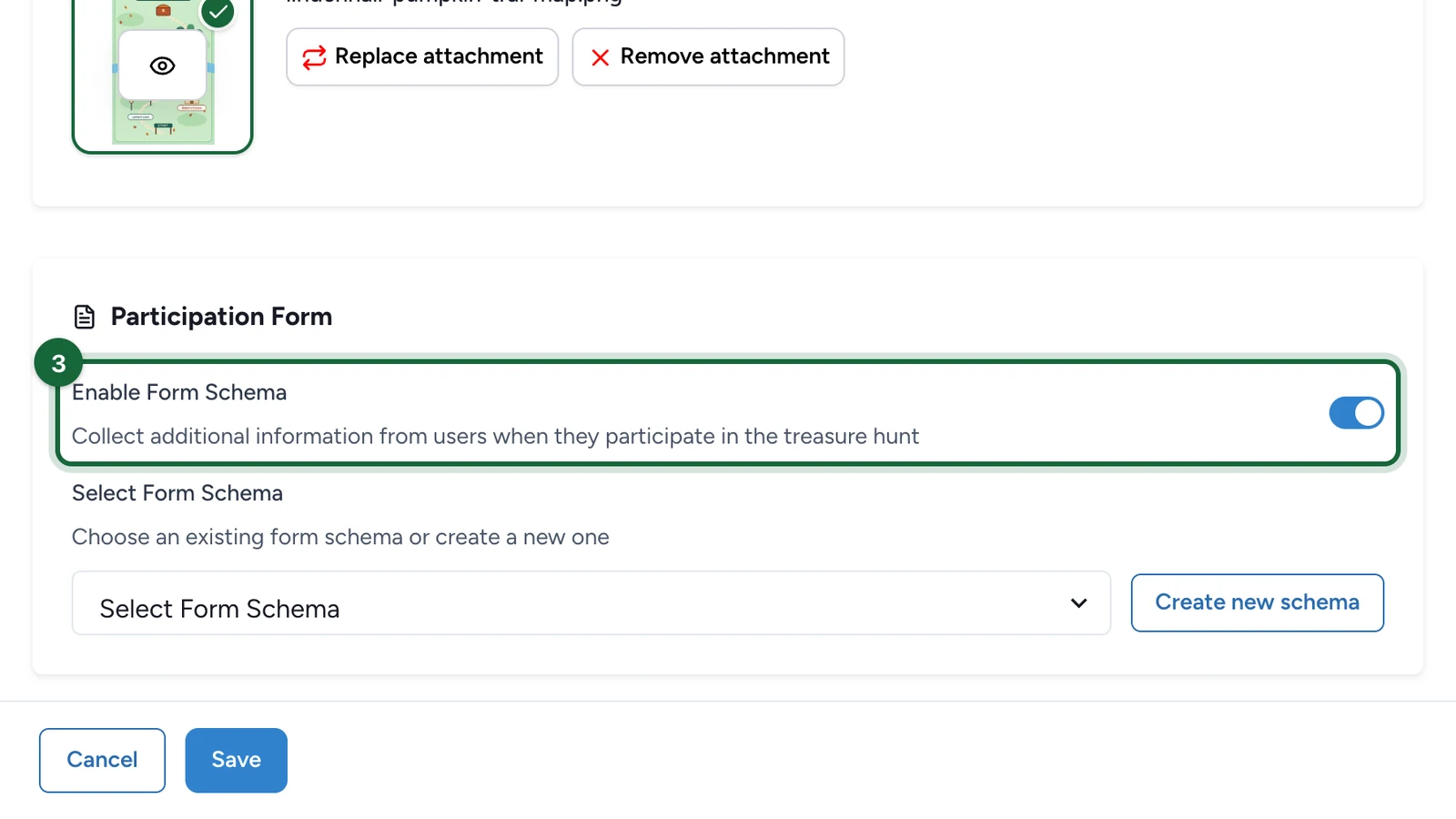
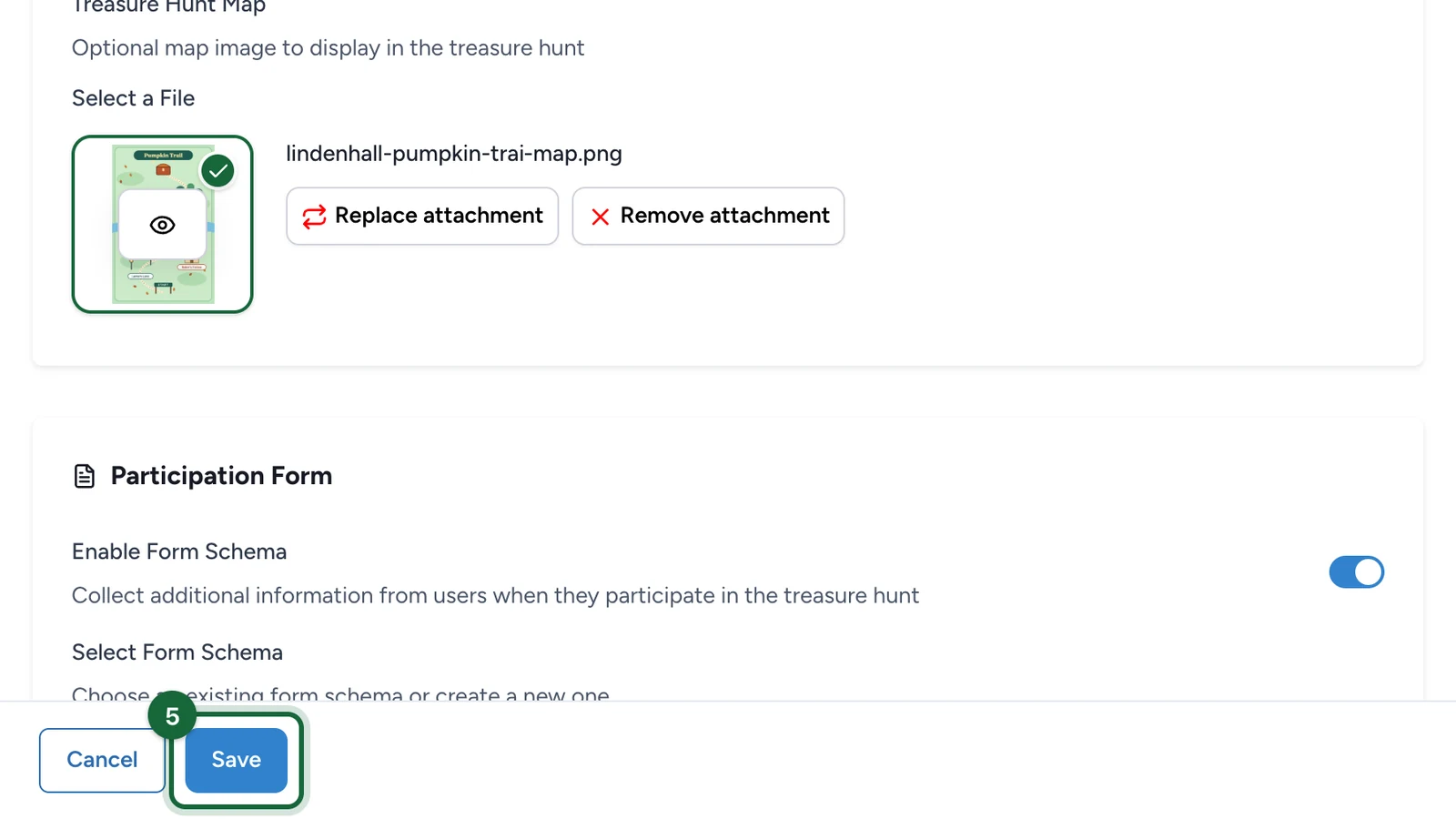
Under Participation Form, turn on Enable Form Schema.
-
Under Select Form Schema, choose the form.
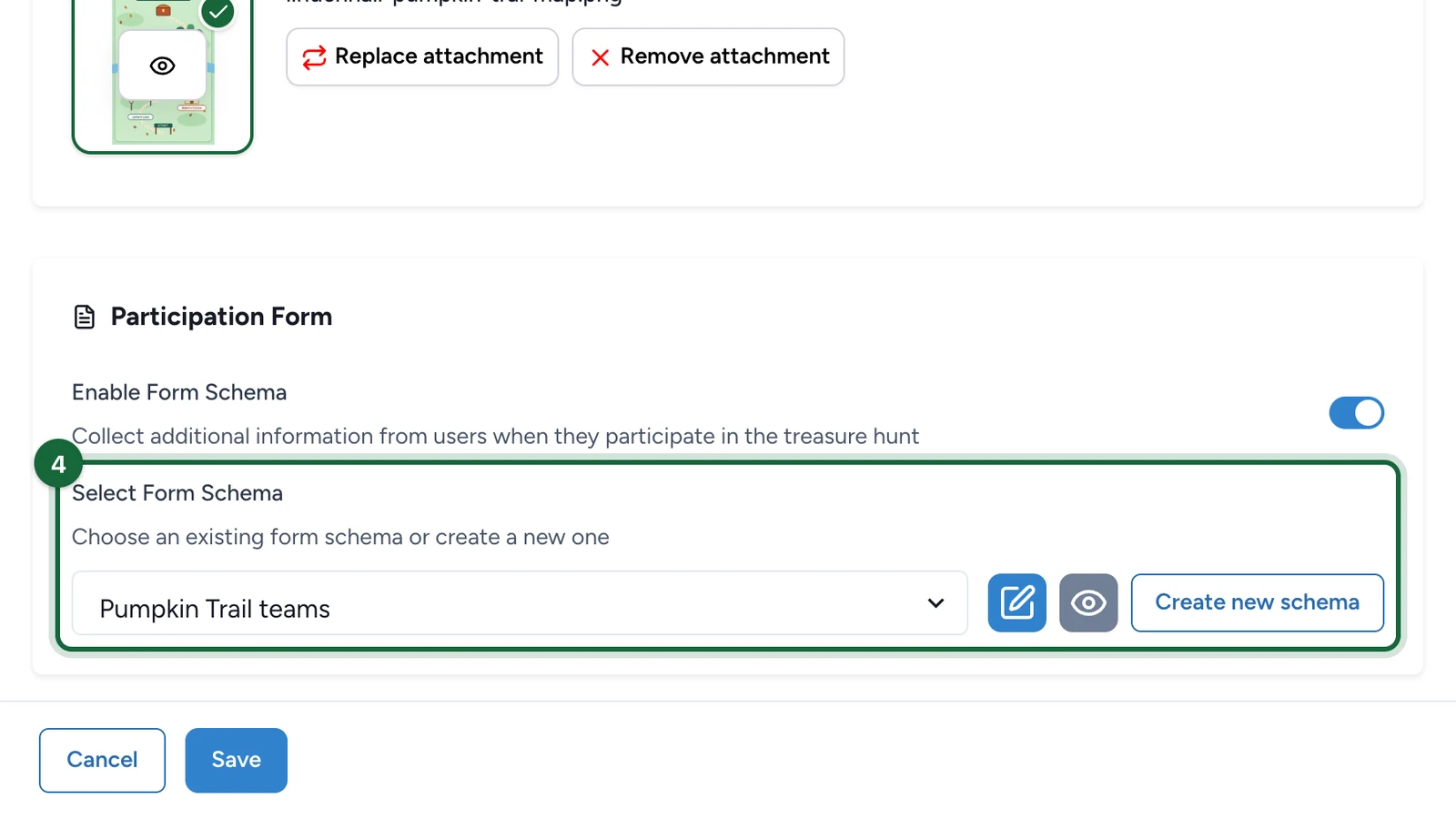
No form yet? Select Create new schema to build one.
-
Select Save.
If every touchpoint in the campaign asks the same questions, set the form once at campaign level instead.