Set the participation form for a receipt game
Collect extra details a receipt can't give you, and decide where the form is set up.
1 min read
A participation form asks what the receipt can't show, such as a favourite shop. It's optional: leave it off for the shortest path to a prize.
Add a form
-
In Build > General, find Participation Form.
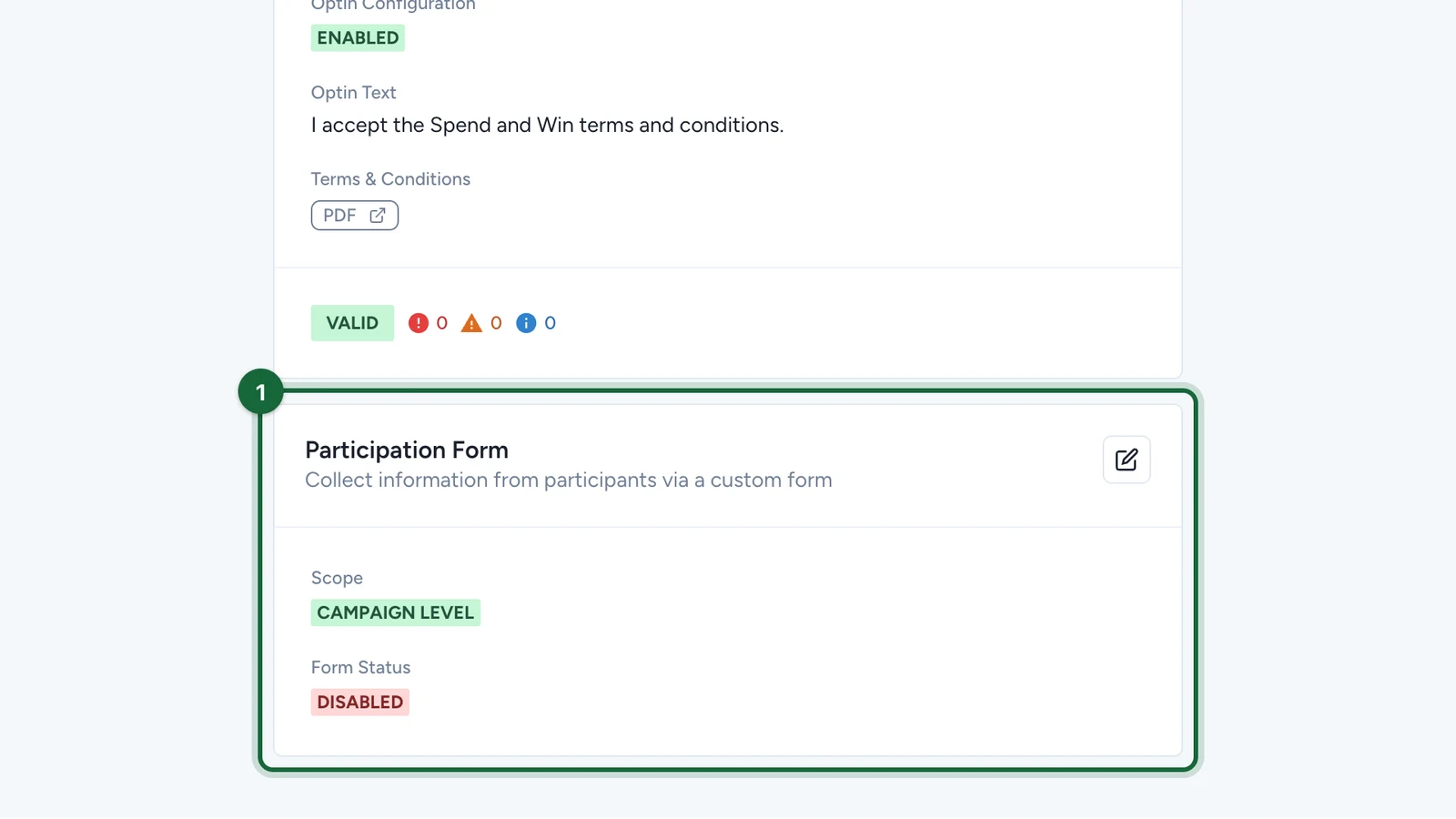
-
Select the edit button.
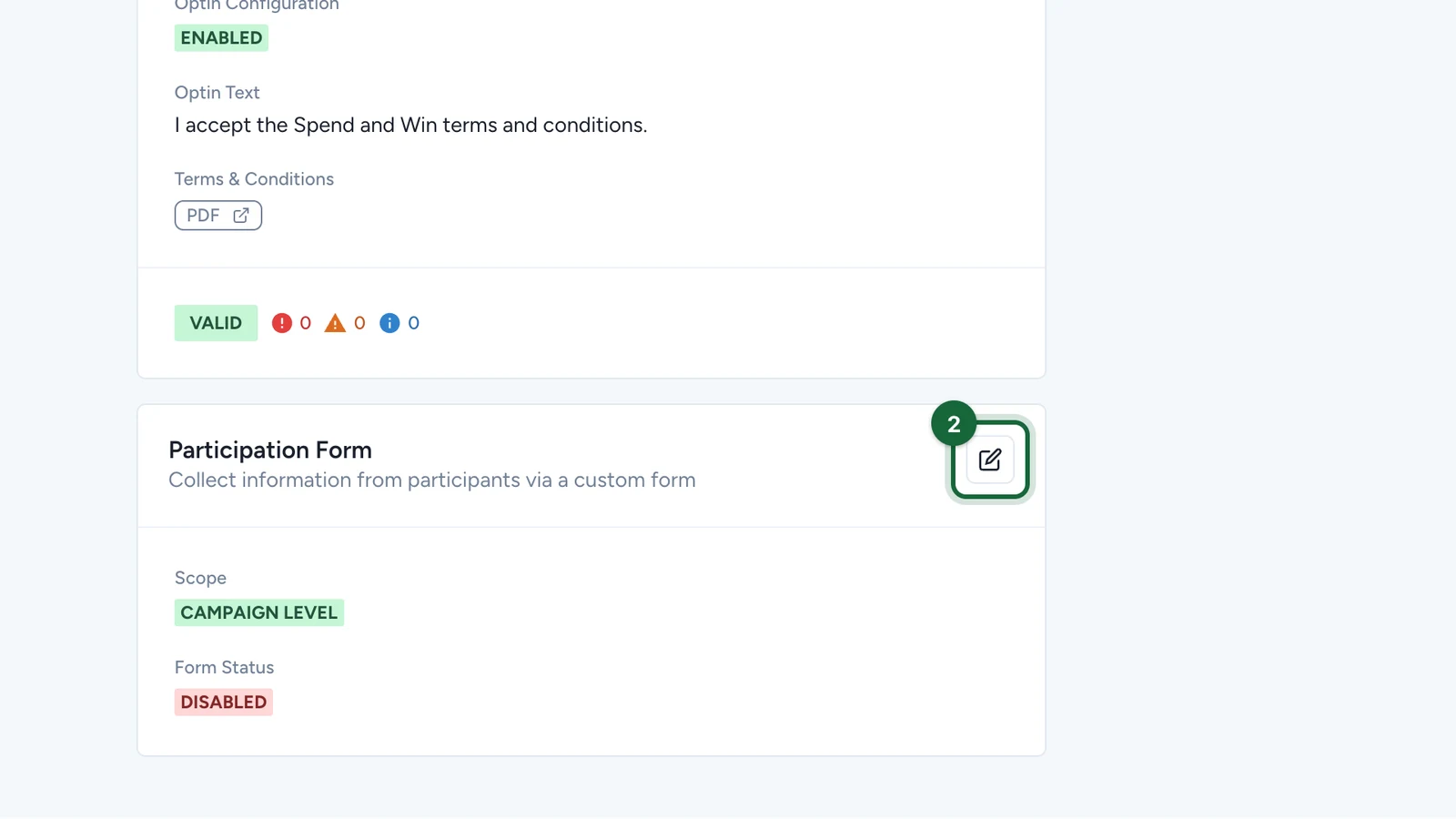
For a form on the receipt game only, set Participation Form Scope to Touchpoint Level, then use the receipt game's Terms & Conditions tab.
-
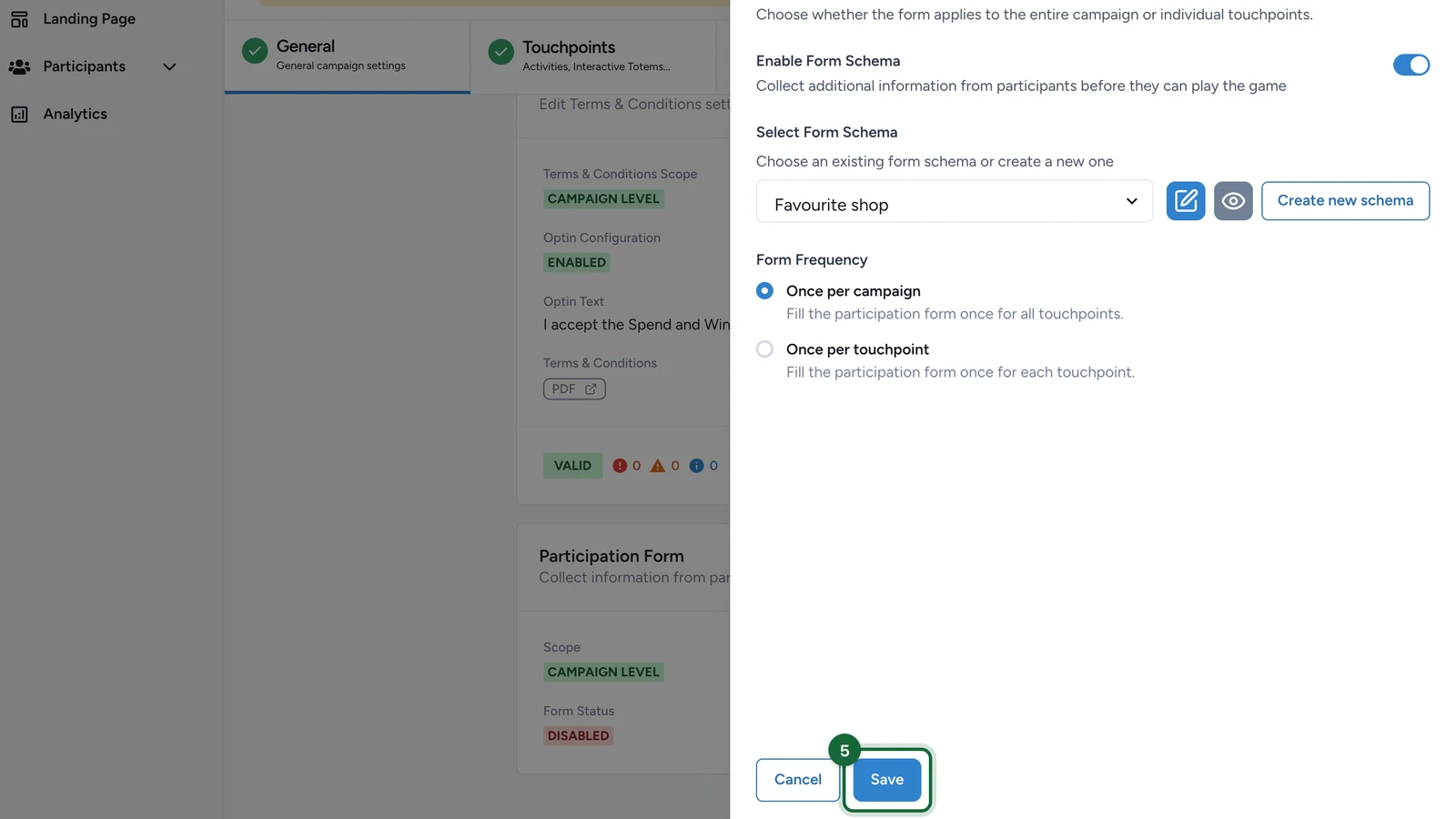
Turn on Enable Form Schema.
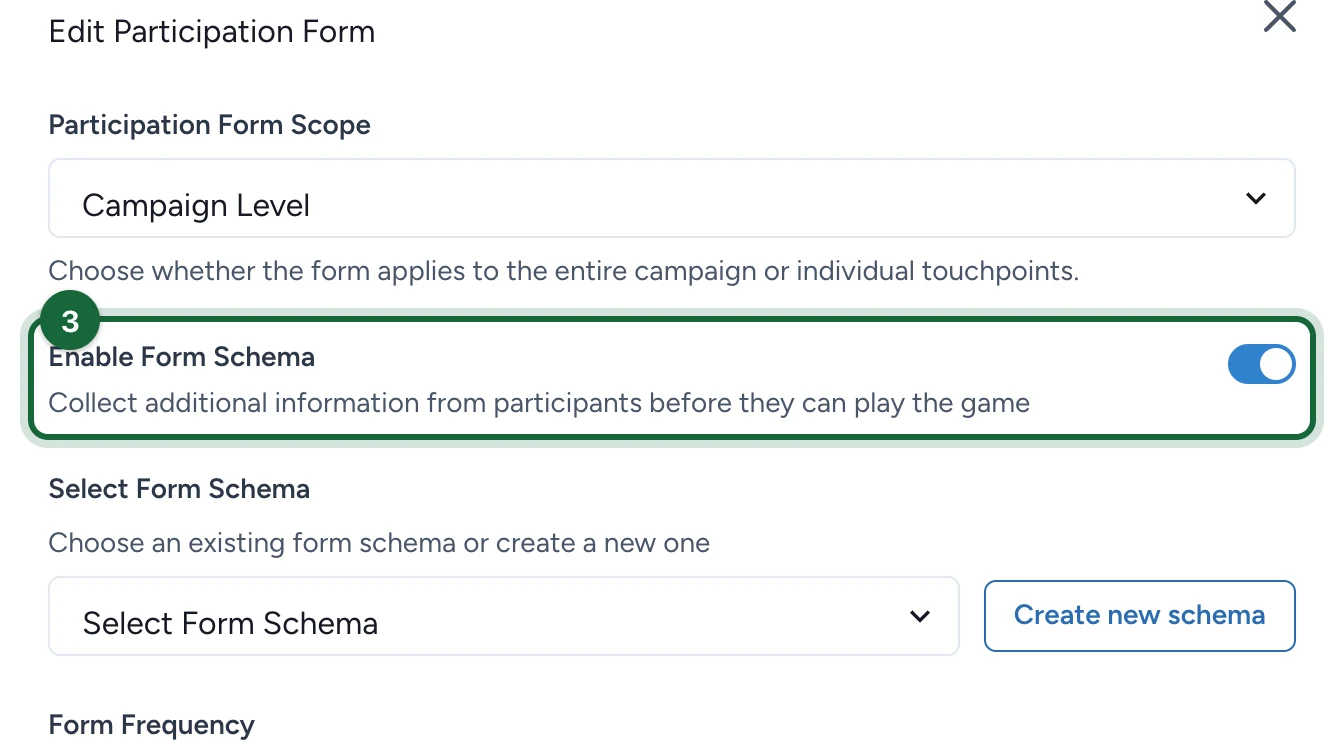
-
Under Select Form Schema, choose the form.
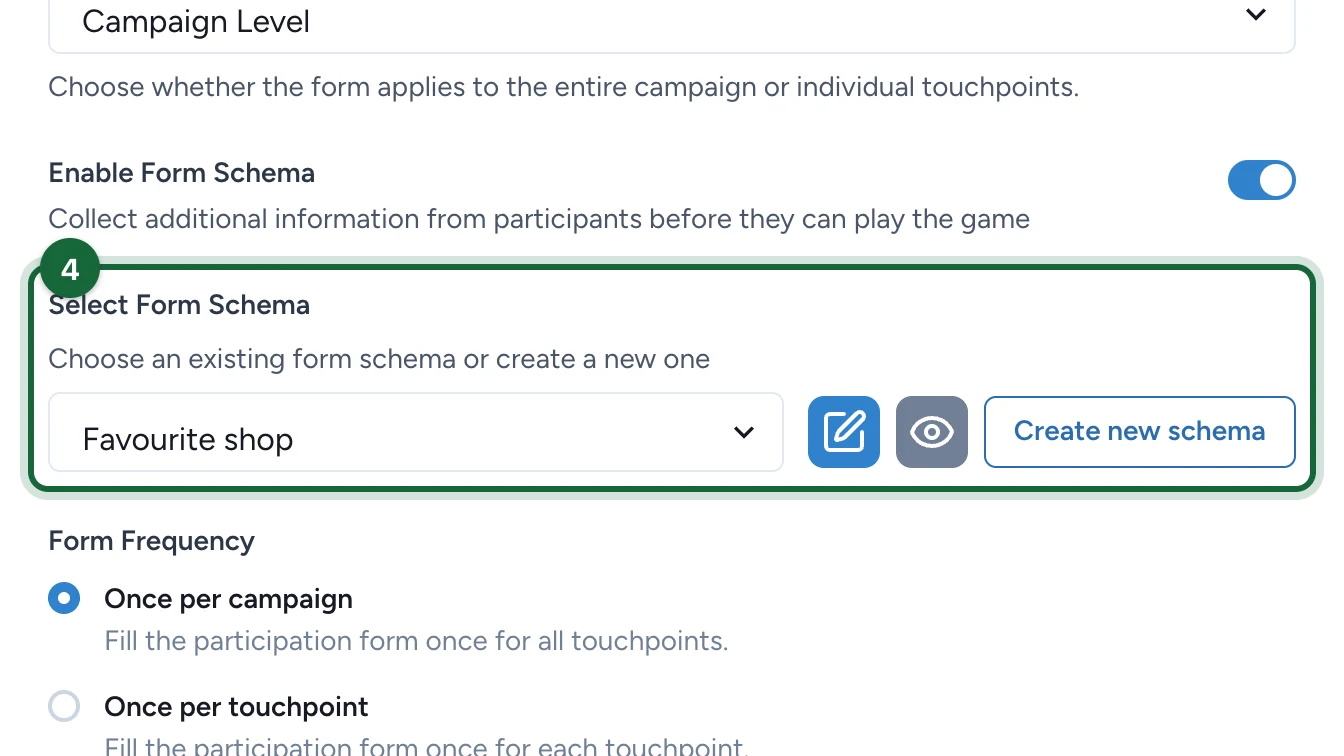
No form yet? Select Create new schema: see Configure at campaign level.
-
Select Save.
Don't ask for what's already on the receipt, such as the shop or the amount.