Configure merchant rules
Choose which shops' receipts count, which never count, and how closely names must match.
Merchant rules decide which shops' receipts count. They need the Merchant field turned on. The shop name comes from the receipt photo, so clear photos match more reliably.
Choose the shops
In the receipt game's Configuration tab, scroll to Receipt Acceptance Policy.
-
Under Merchant, list the shops that count in Allowed Merchants (comma-separated).
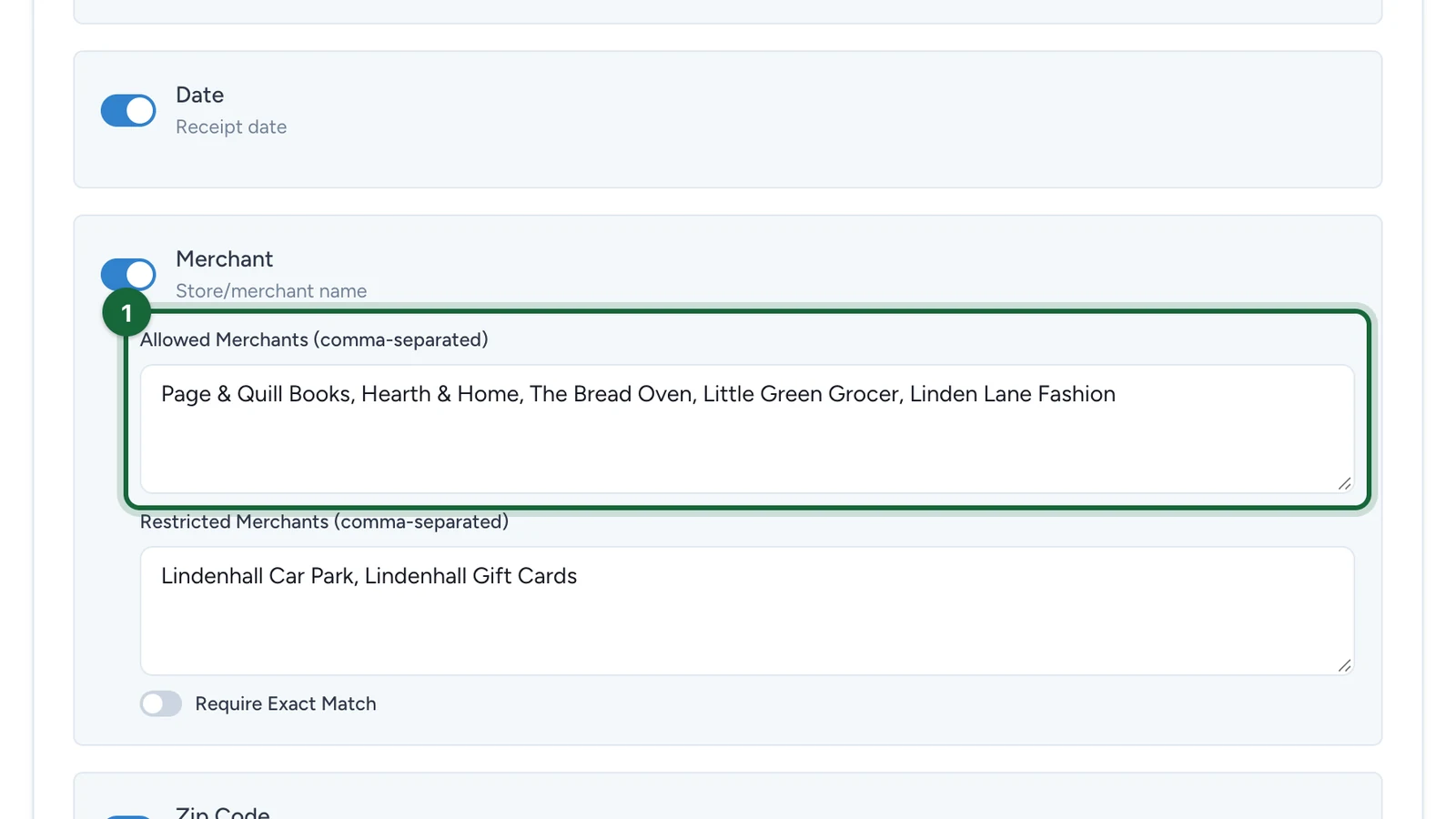
Use this when only some shops take part. With the list empty, a receipt from any shop counts.
-
(Optional) List the shops that never count in Restricted Merchants (comma-separated).
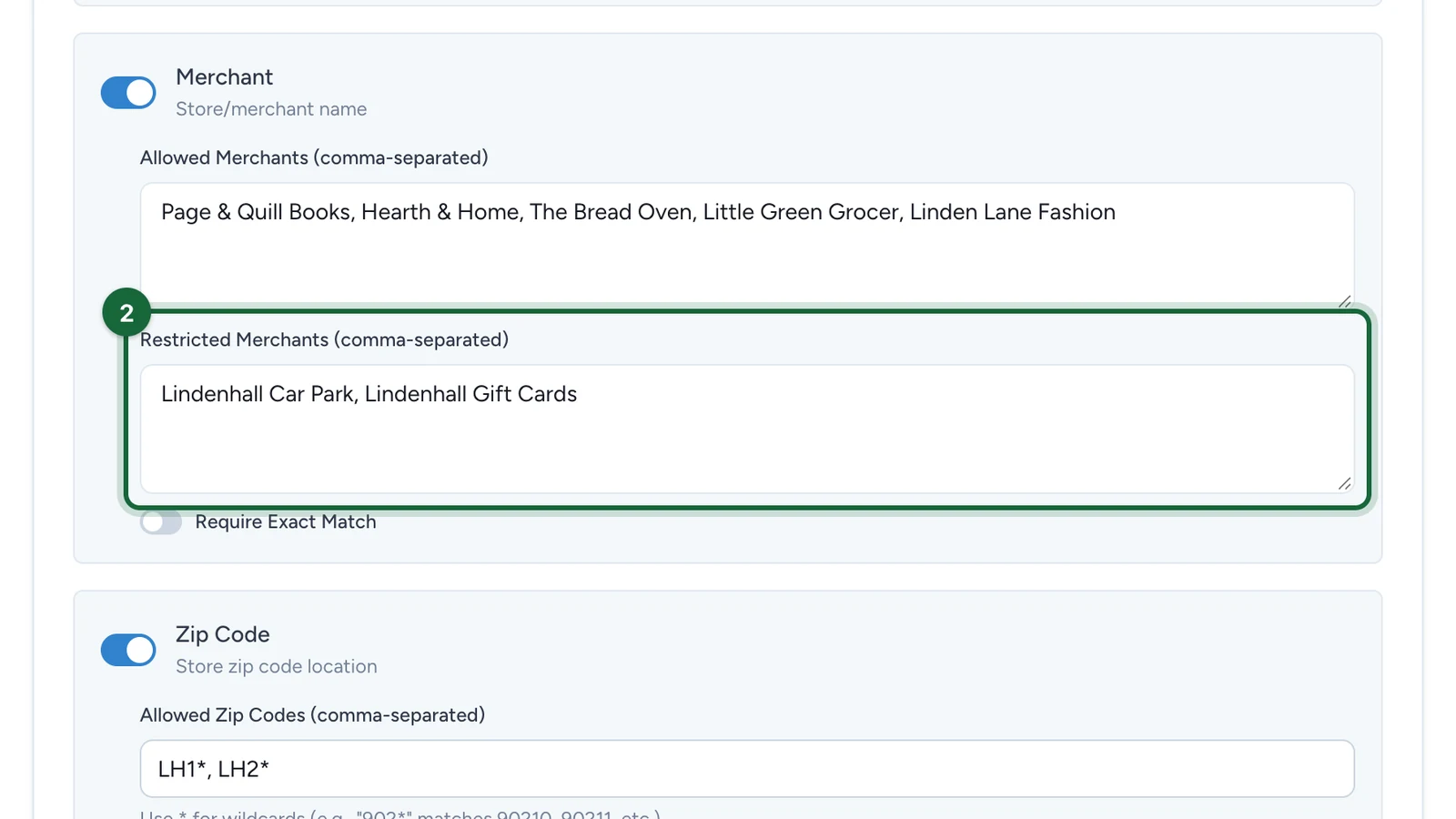
Use this for an open game with a few exclusions, such as car parks. Studio warns when both lists are filled: one list is usually enough.
-
(Optional) Turn on Require Exact Match so only the exact names count.
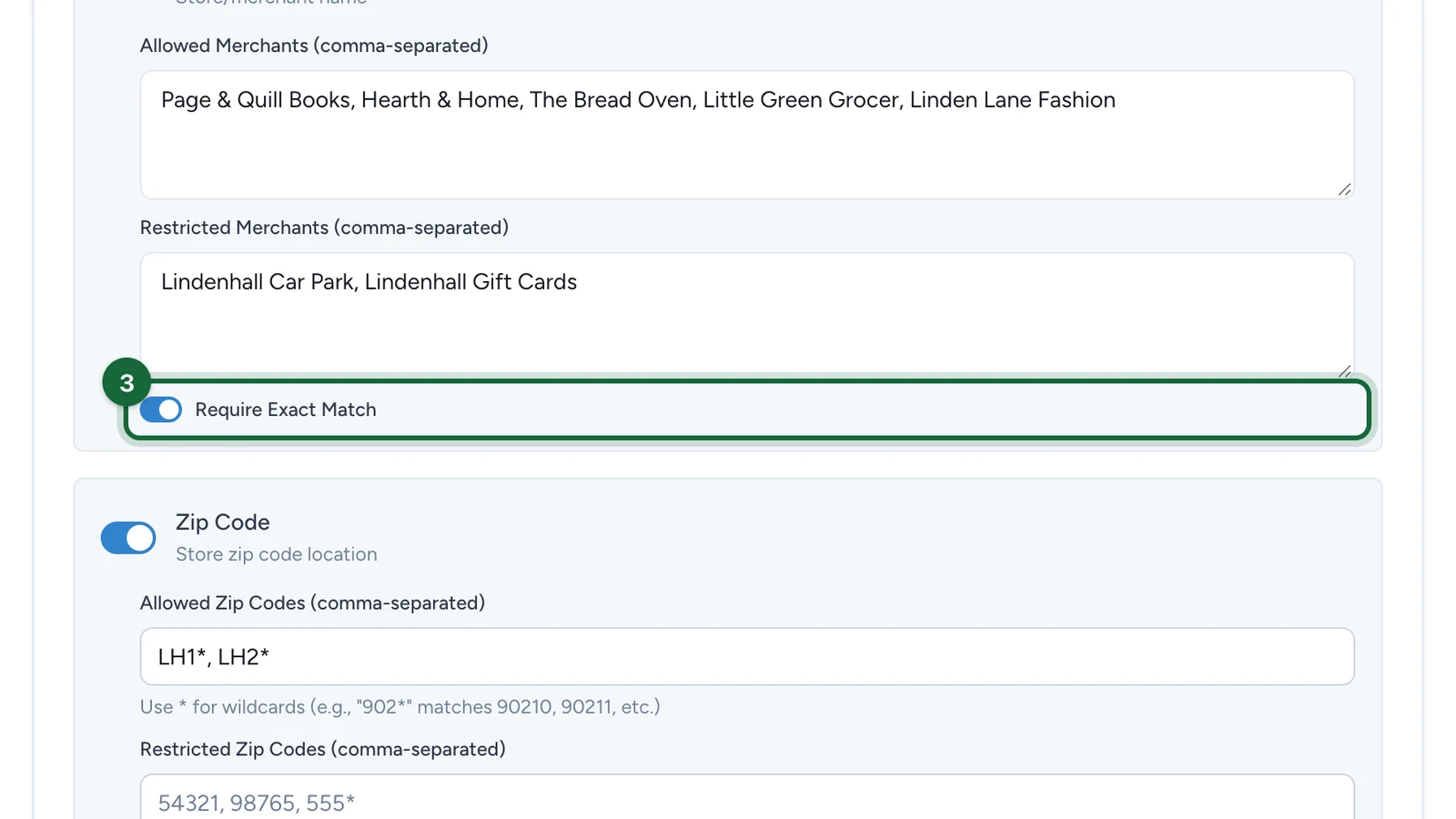
Leave it off when photos vary: near matches, such as a missing "&", then still count.
-
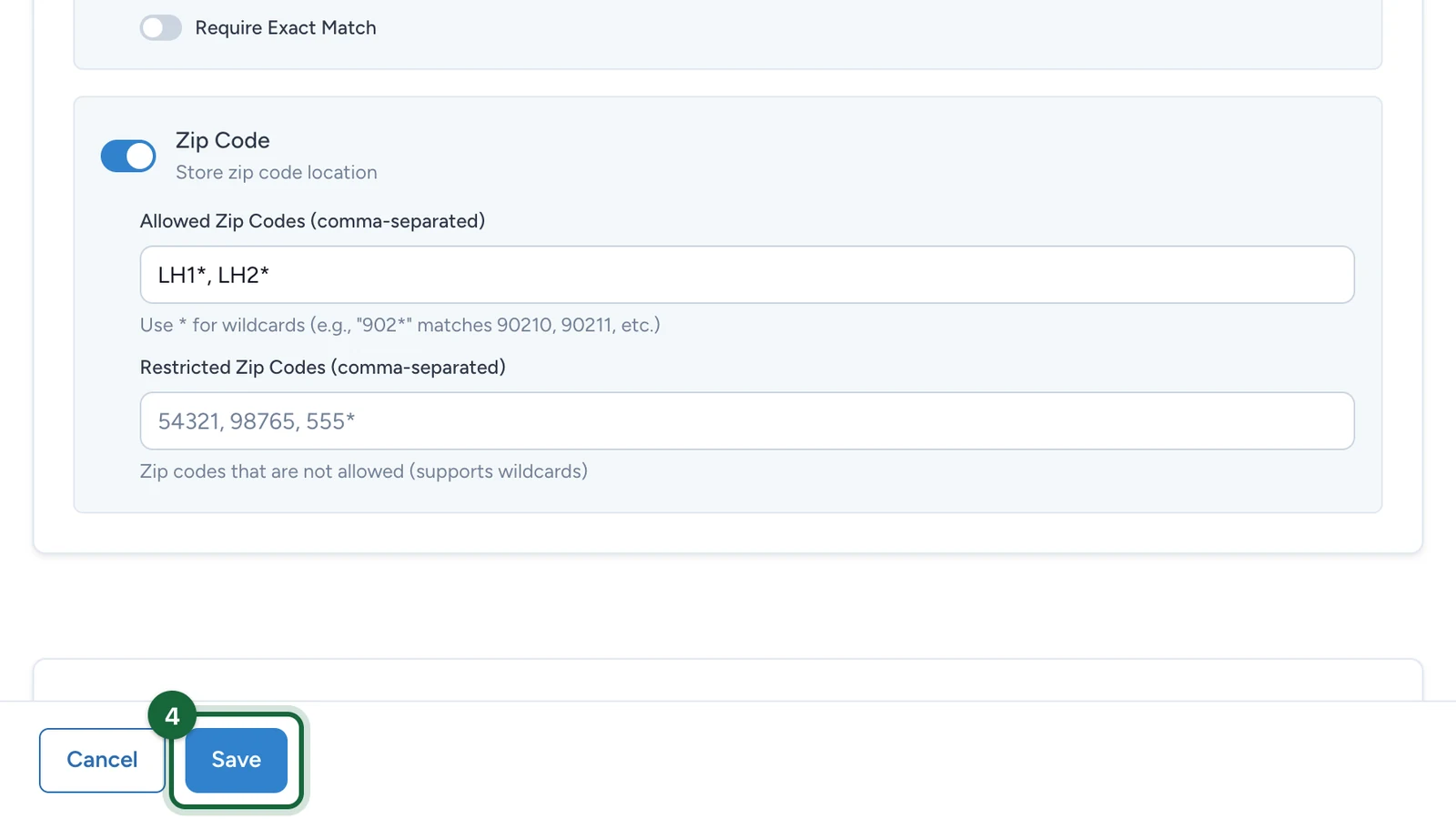
Select Save.
If receipts match the wrong shops
- A shop is in both lists: remove it from one.
- A list has an empty entry: remove the extra comma.
- Good receipts are refused: turn off Require Exact Match, or add the name as it's printed on receipts.