Configure location rules
Use zip-code rules when a receipt game is limited to specific stores or areas.
1 min read
Zip code rules limit a receipt game to some locations, such as the shops in one centre. They need the Zip Code field turned on.
Choose the areas
In the receipt game's Configuration tab, scroll to Receipt Acceptance Policy.
-
Under Zip Code, list the zip codes that count in Allowed Zip Codes (comma-separated).
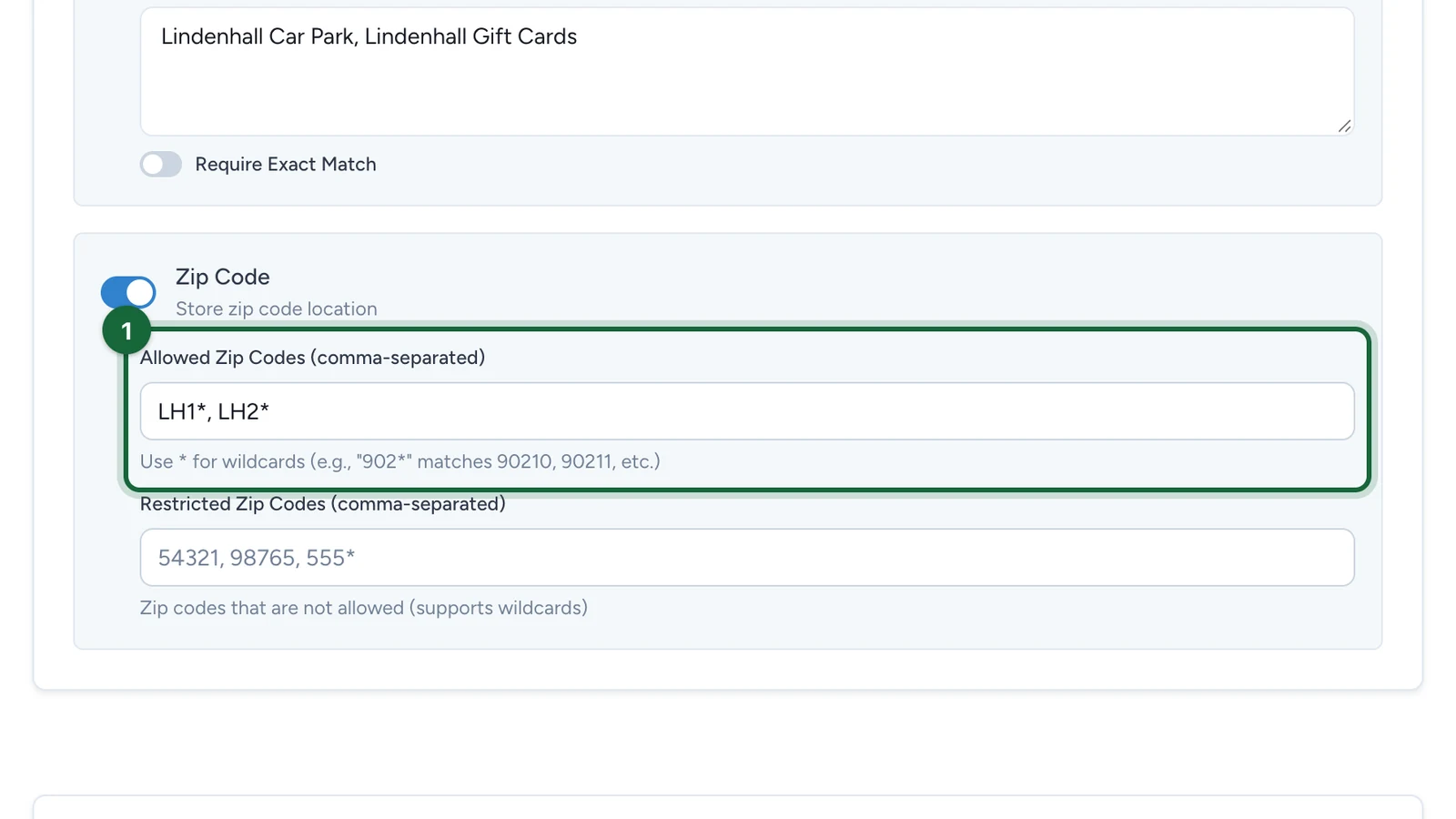
Every code matches as a start:
LH1matchesLH1 2AB, but alsoLH12 3CD. A final*changes nothing, so write the full district you mean. -
(Optional) List the areas that never count in Restricted Zip Codes (comma-separated).
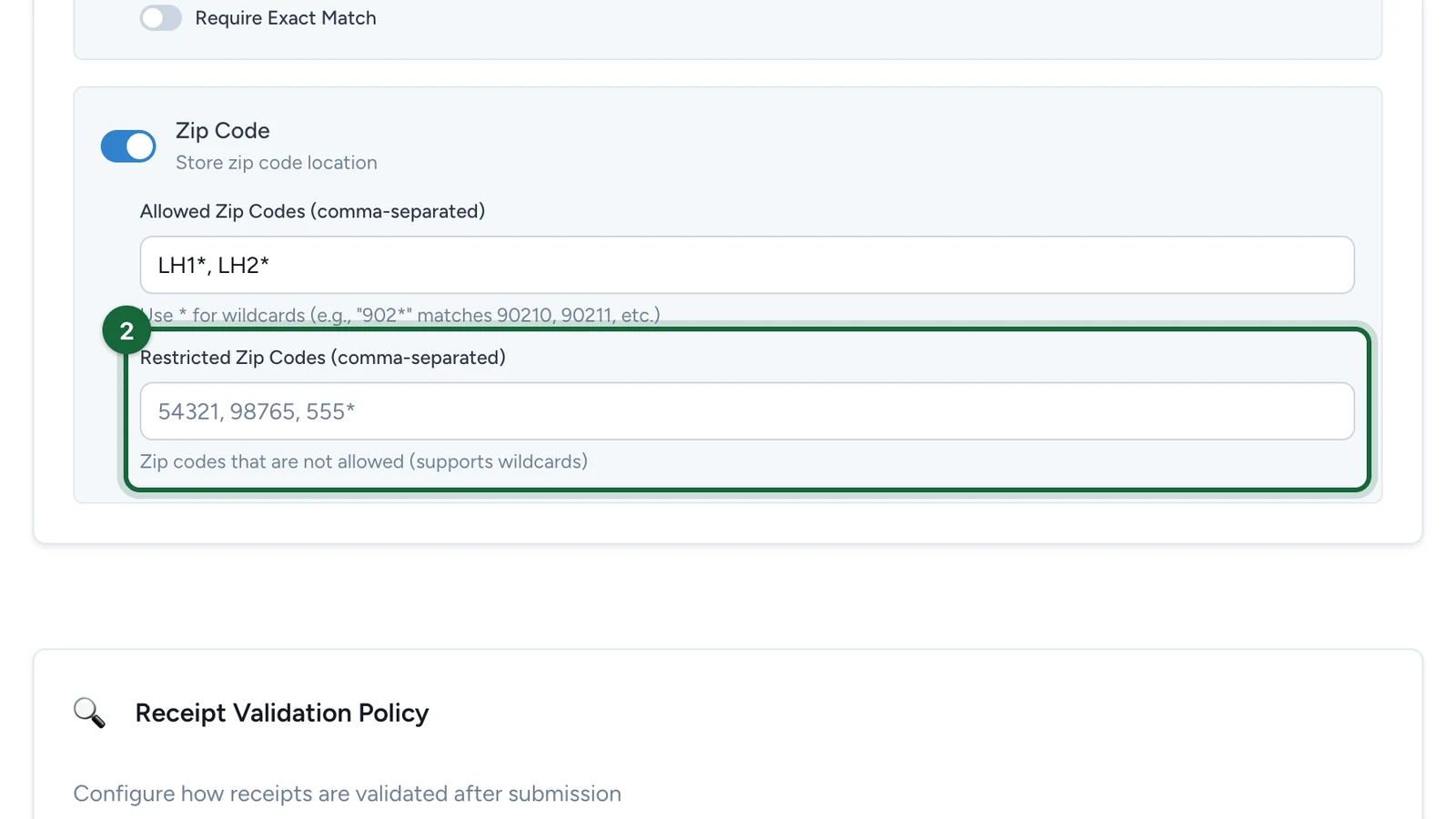
-
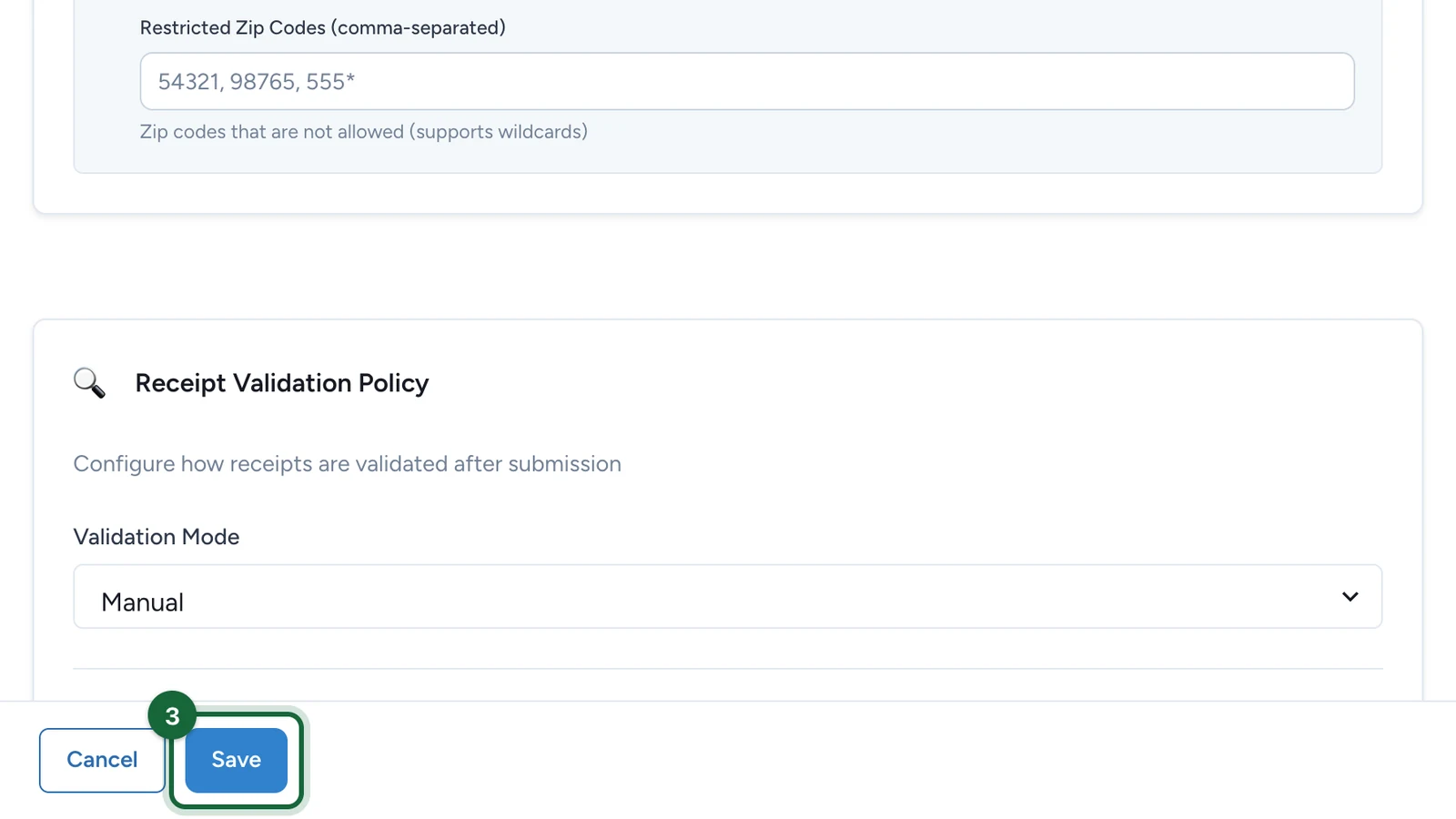
Select Save.
If good receipts are refused
- A zip code is in both lists: remove it from one.
- The receipt shows no zip code: turn off the Zip Code requirement, or use merchant rules instead.