Configure amount rules
Refuse receipts below or above a total, such as under €5.
1 min read
Amount rules refuse receipts below a minimum or above a maximum. They need the Amount field turned on: see Configure field requirements.
Set the limits
In the receipt game's Configuration tab, scroll to Receipt Acceptance Policy.
-
Under Amount, enter the Min Amount and Max Amount.
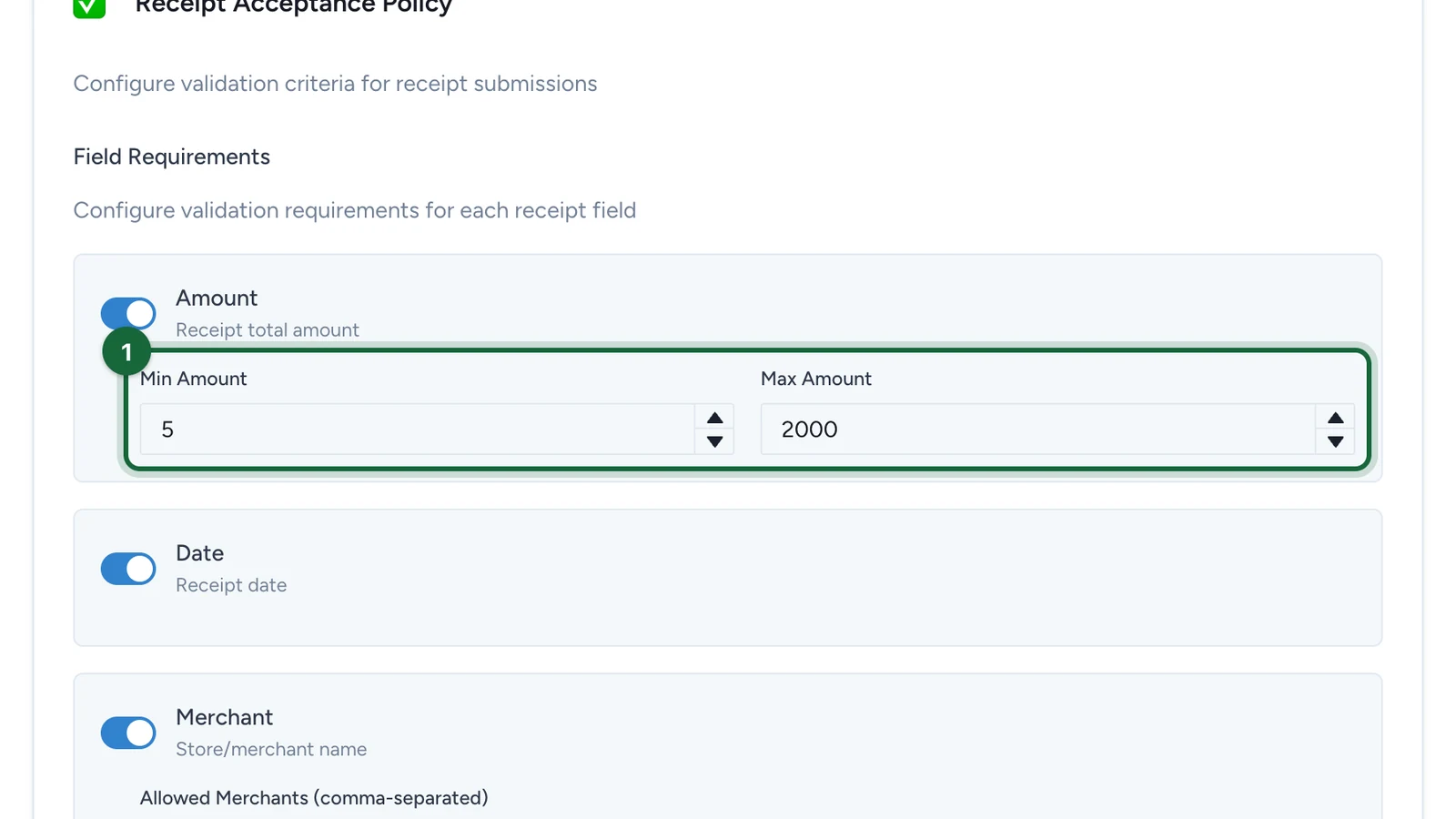
Leave Max Amount empty unless very large receipts, such as bulk buys, shouldn't count.
-
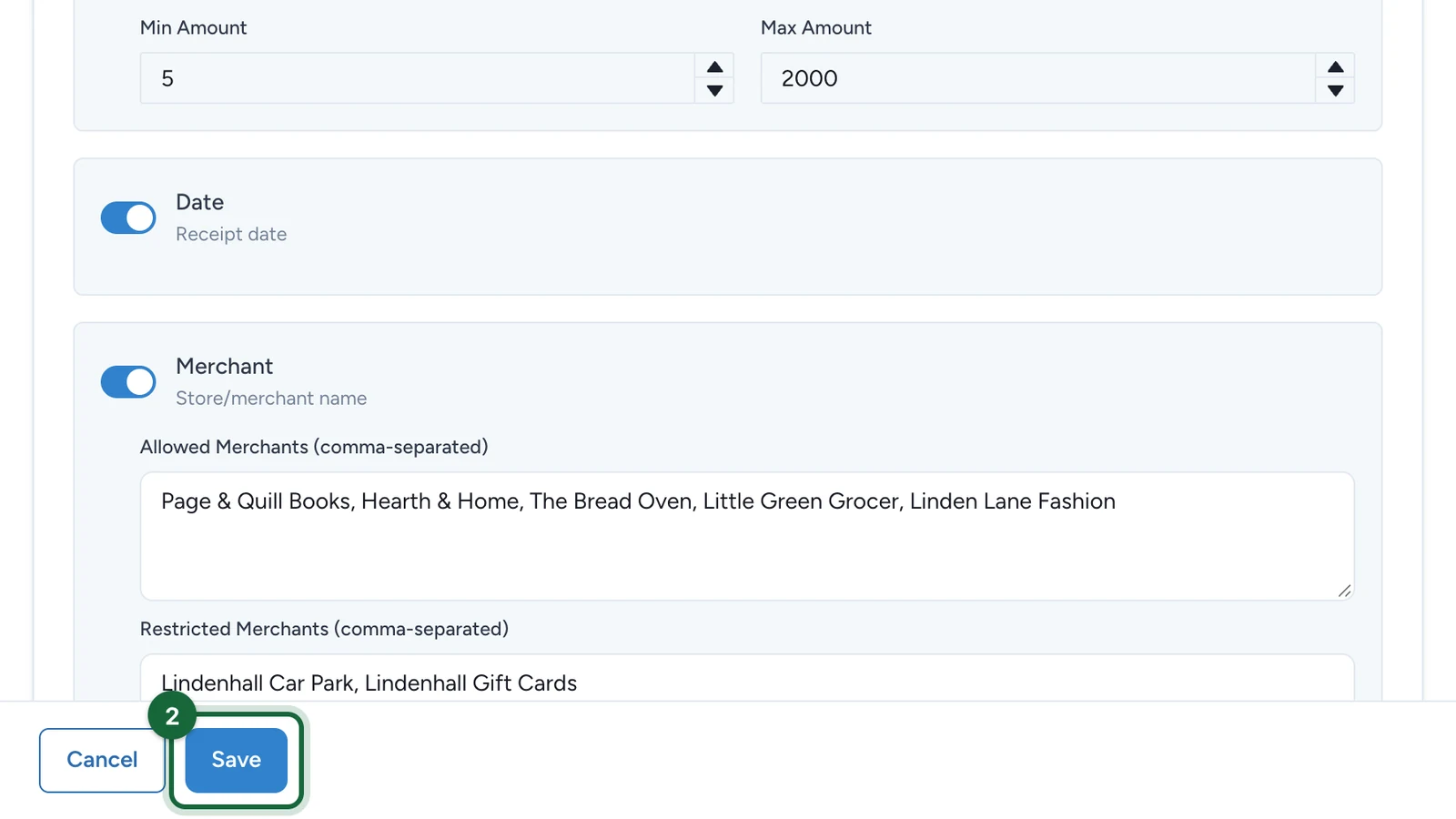
Select Save.
The amount a rule needs to unlock a prize is set in the rule itself, as the Minimum Amount Threshold: see Create a rule. Keep the two in step: a €5 minimum here and a €30 rule means €5 to €29 receipts count towards progress but don't win on their own.
If receipts are refused on amount
- Min and max are reversed: make Min Amount lower than Max Amount.
- The minimum is too high: check it against the spend you promised shoppers.