Scans don't show up
Find out why a Smart Link's analytics shows fewer scans than you expect, or none.
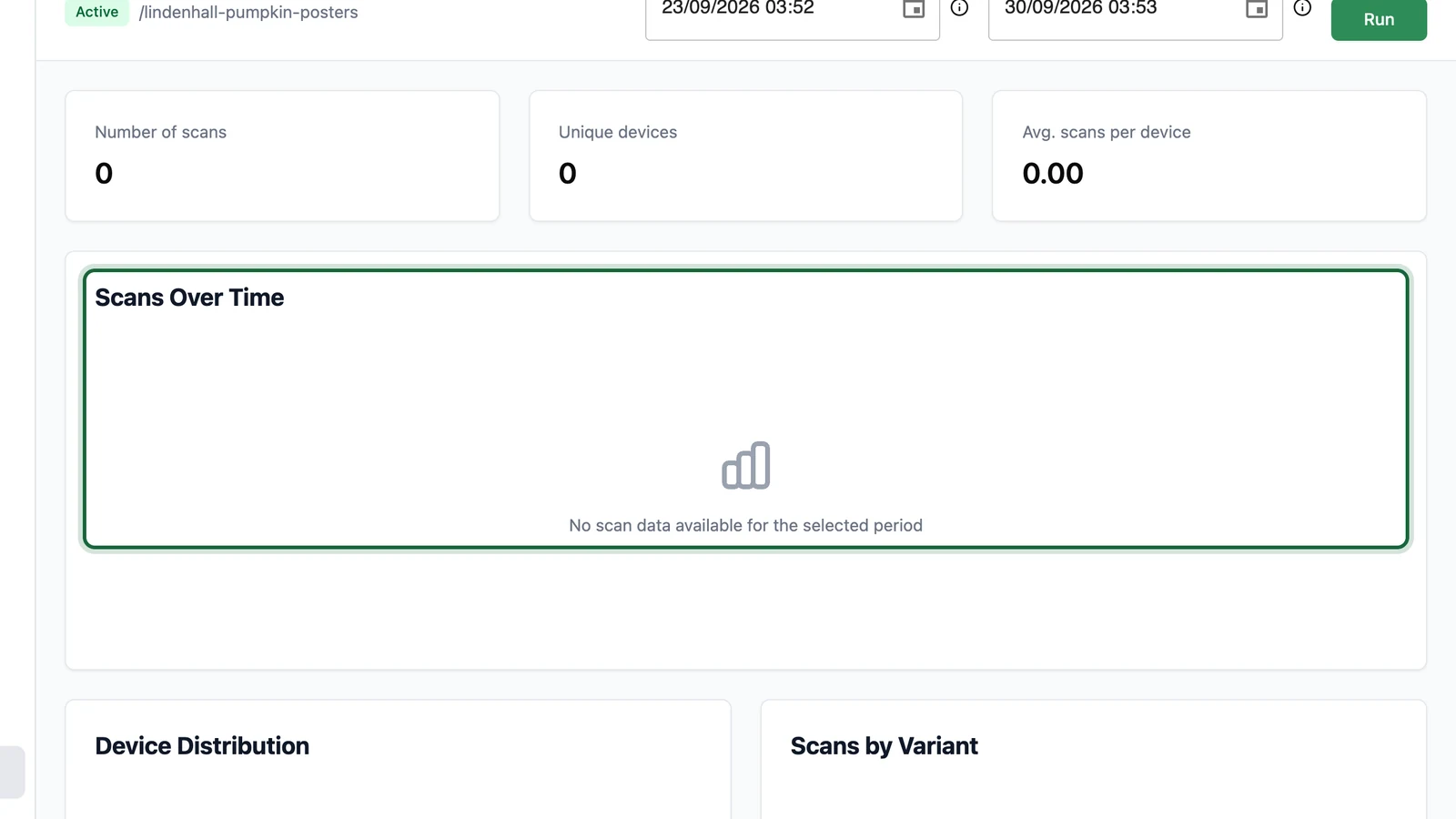
Analytics is empty
Why this happens: the dates don't cover the scans, or you haven't selected Run since changing them.
Fix it: set a Start Date before the first scan and an End Date after the last one, then select Run. The dates are in your centre's time zone, shown by the ⓘ next to each date.
The link opens, but a test scan isn't counted
Why this happens: scans can take a few minutes to reach analytics.
Fix it: wait, then select Run again. If it still shows nothing after an hour, contact your OmniLab administrator.
Fewer scans than expected
Why this happens:
- The QR code or its surroundings make it hard to scan: too small, too pale, or on a curved surface.
- People scan the destination's own QR code or address, not the Smart Link's.
- The link is disabled, or its expiration date has passed: scans then don't open the page.
Fix it: check the link is Active on its details page, test a printed code on two phones, and replace any code that points to the destination directly. See Print-ready exports.
Scans open a "Not Found" page
Why this happens: the link is disabled (its badge reads Inactive), its expiration date has passed (Expired), or the address has a typo.
Fix it: on the link's details page, check the badge reads Active, and check the expiration date. Then compare the printed address with the Smart Link URL.
One variant is missing
See Variant errors.
Your web analytics shows other numbers
Why this happens: Smart Link analytics counts scans. Your web analytics counts visits that loaded its tracking, after cookie consent. Some people leave before the page loads.
Fix it: compare trends, not totals. Check the UTM tags arrive with a test scan.