Set up an acquisition form
Edit what people read when they join: the heading, the news and offers question, and where the privacy line points.
A new campaign's sign-up form comes with generic wording. Change it before you publish. Here, Lindenhall gives the Winter Games Arcade its own title, rewrites the marketing choice in plain UK English, and points the privacy line to its policy.
Change the wording
In the campaign, open Build.
-
Select Settings.
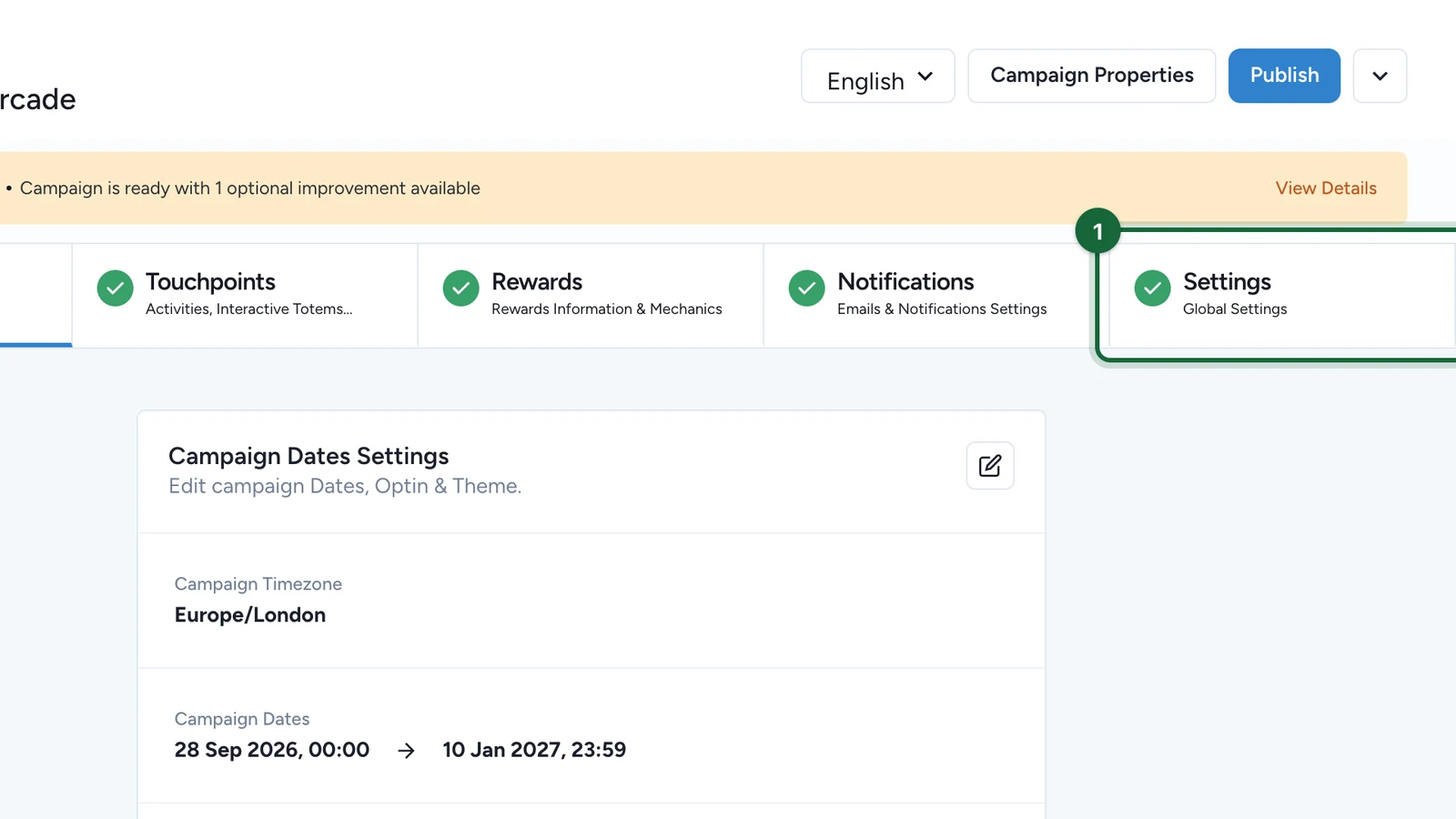
-
On Campaign Translation, select the edit button.
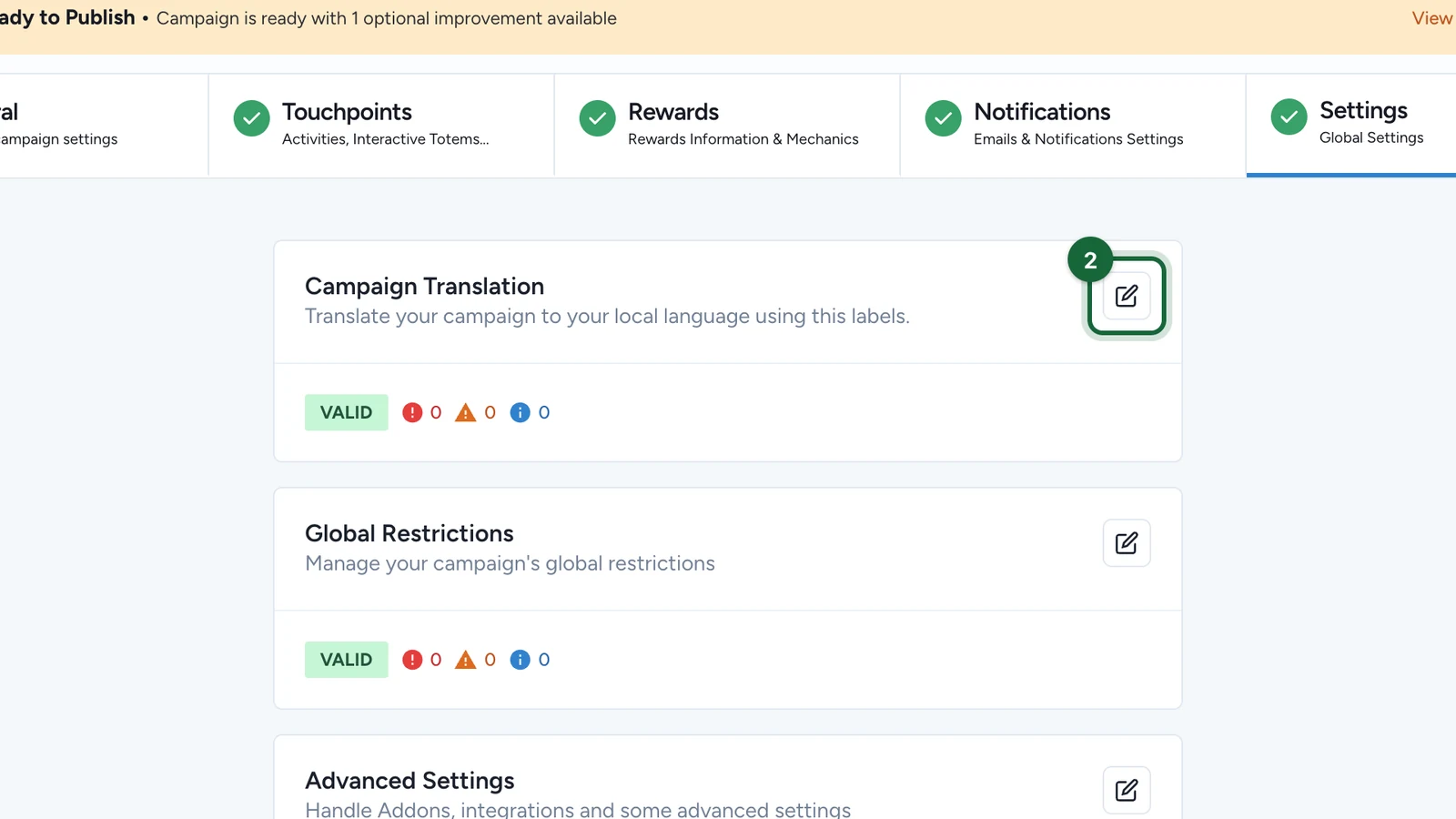
-
Open Acquisition Form.
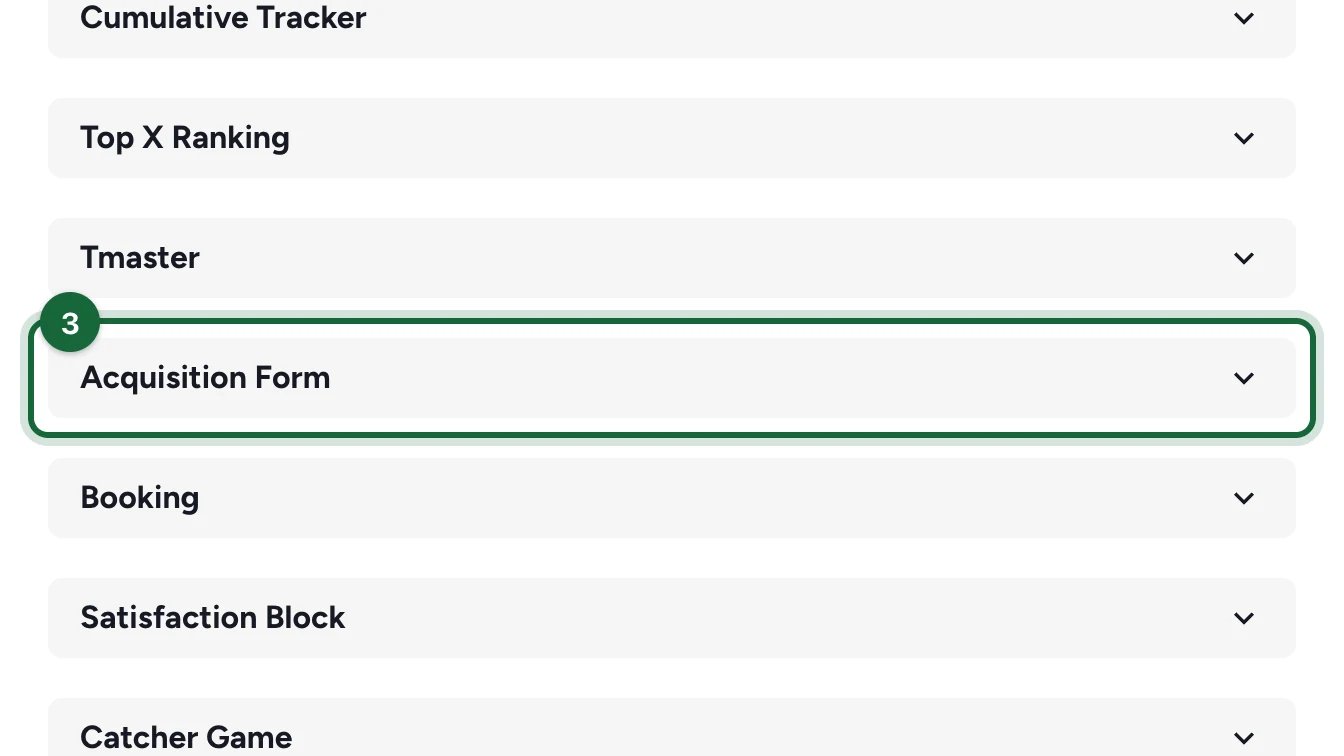
Each line is one text, named by its key.
-
Change the sign-up title,
passwordless.form.signup.title.text.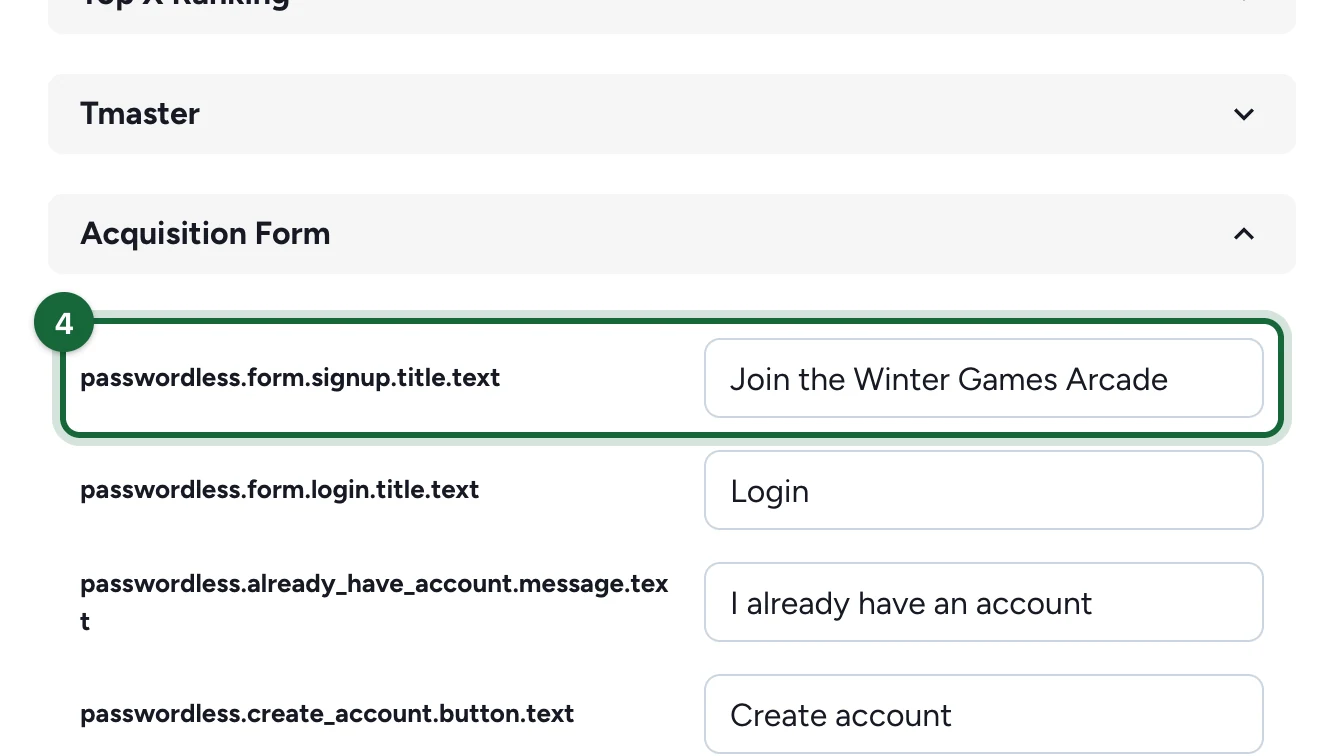
-
Change the accept wording,
passwordless.form.accept_optin.text.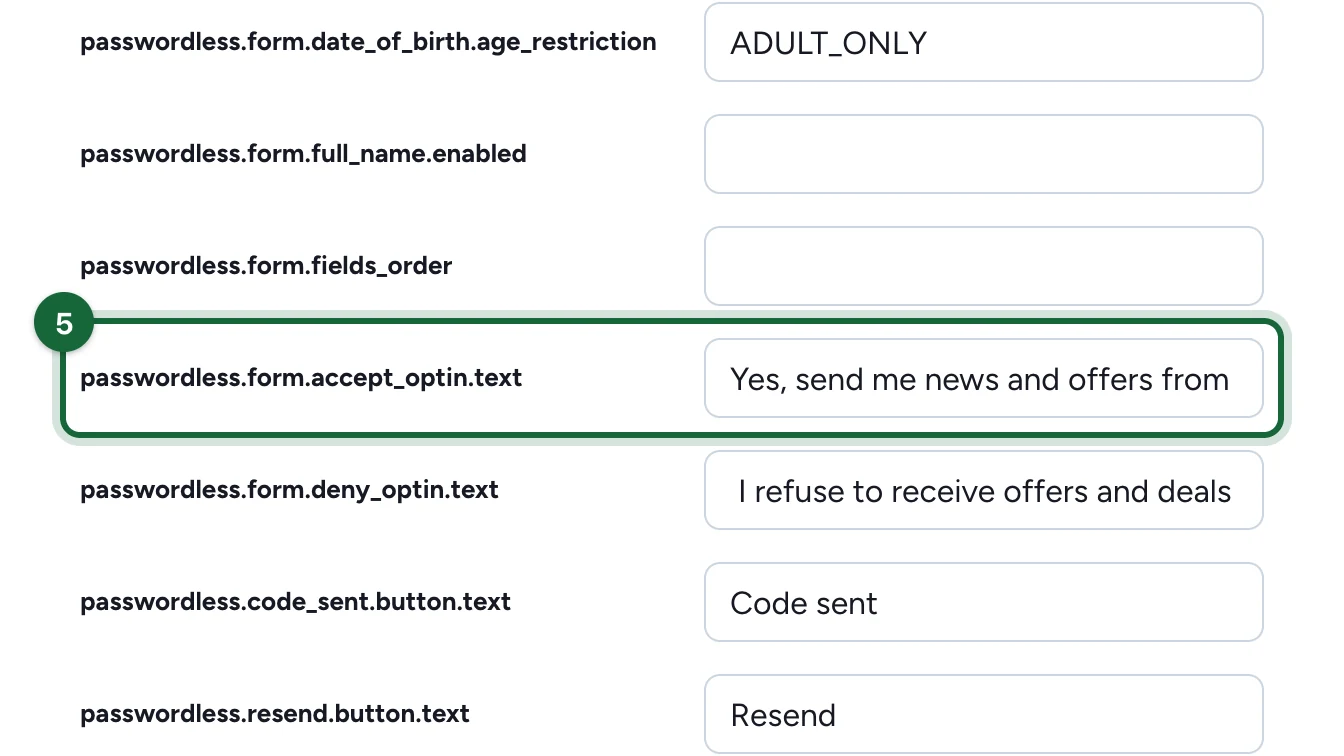
-
Change the decline wording,
passwordless.form.deny_optin.text.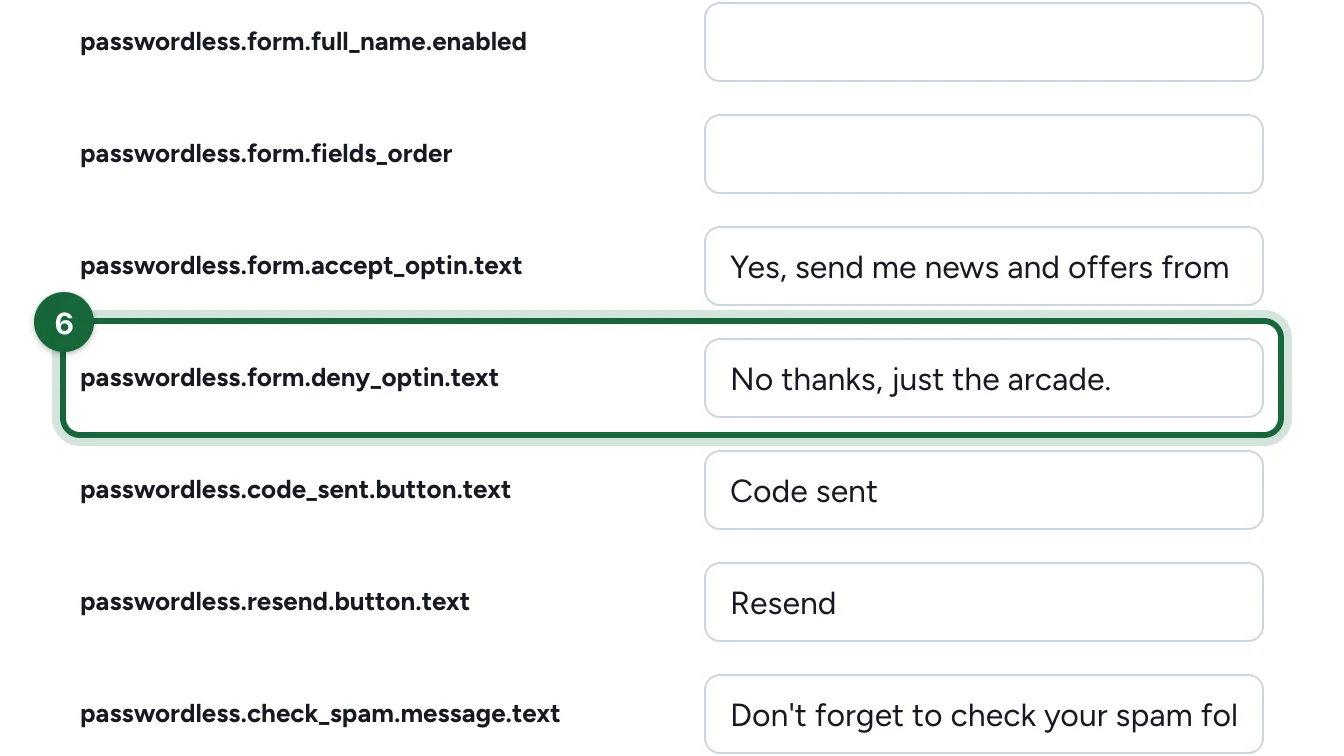
-
Enter your privacy policy's address,
passwordless.form.legal_notice.cta.link.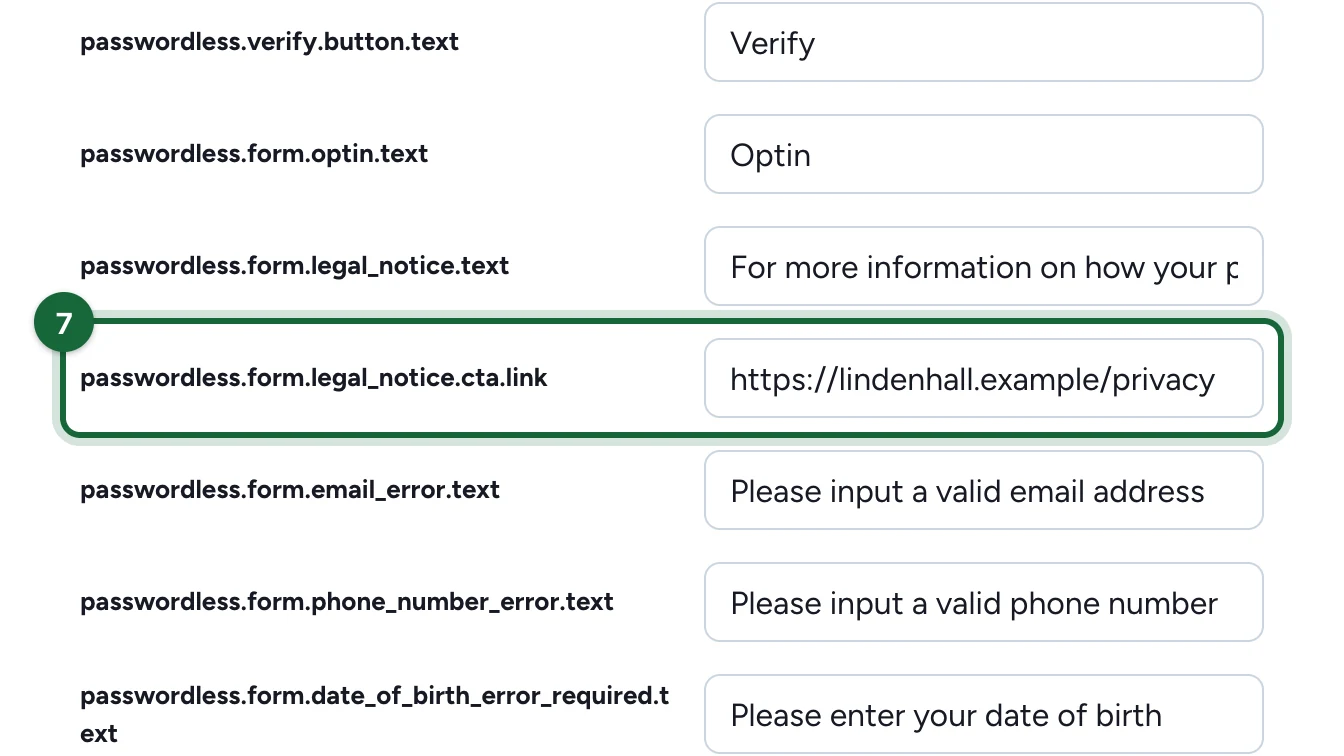
Its sentence is
passwordless.form.legal_notice.text. -
Select Save.
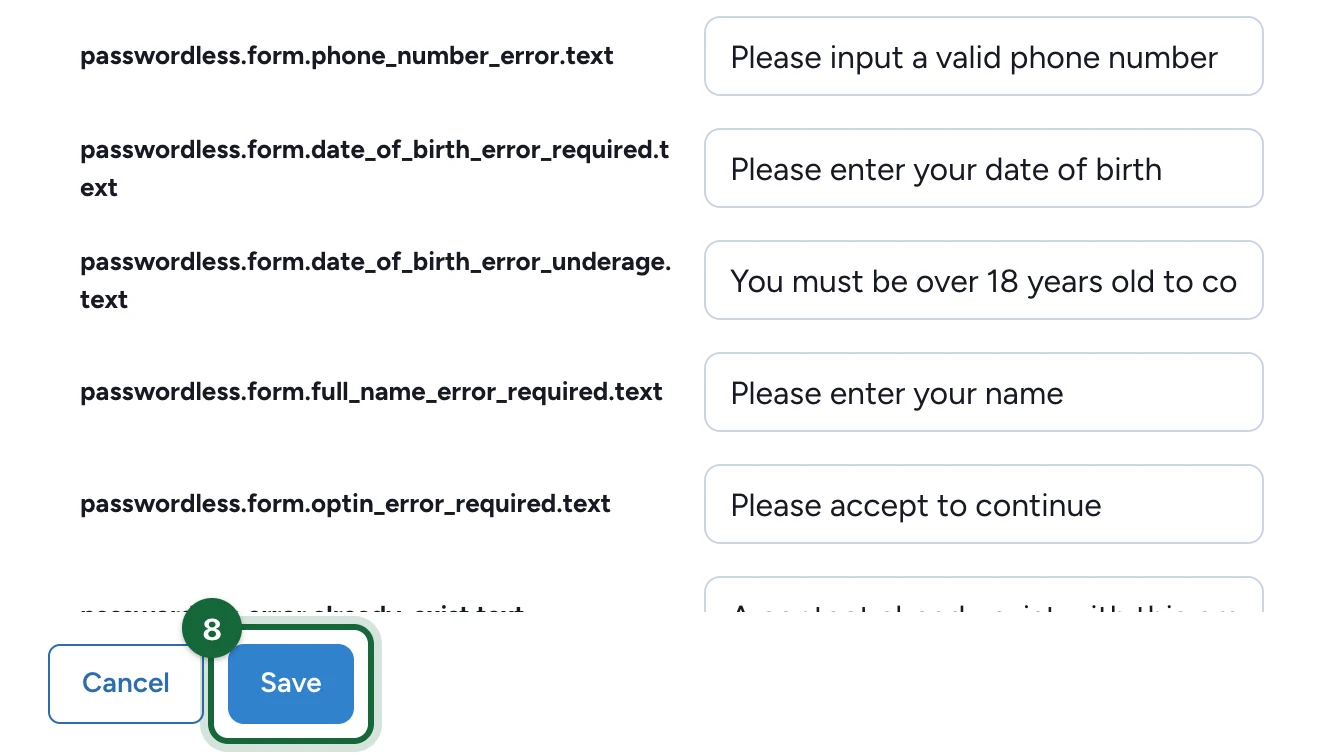
Publish the campaign again: the form is copied into the campaign when you publish. The same group holds the field names, the error messages and the verification screens: see the Acquisition form reference.
Campaigns in several languages
Choose the language at the top of the campaign before you edit, then repeat the changes for each language.