Find the game URL
Copy the link that opens one game straight away, or the campaign link when a landing page presents several games.
1 min read
Every game has its own link: the campaign's link followed by ?c= and the game's code. Share it directly: a game needs no landing page. The campaign link on its own opens the landing page, if the campaign has one.
Copy a game's link
-
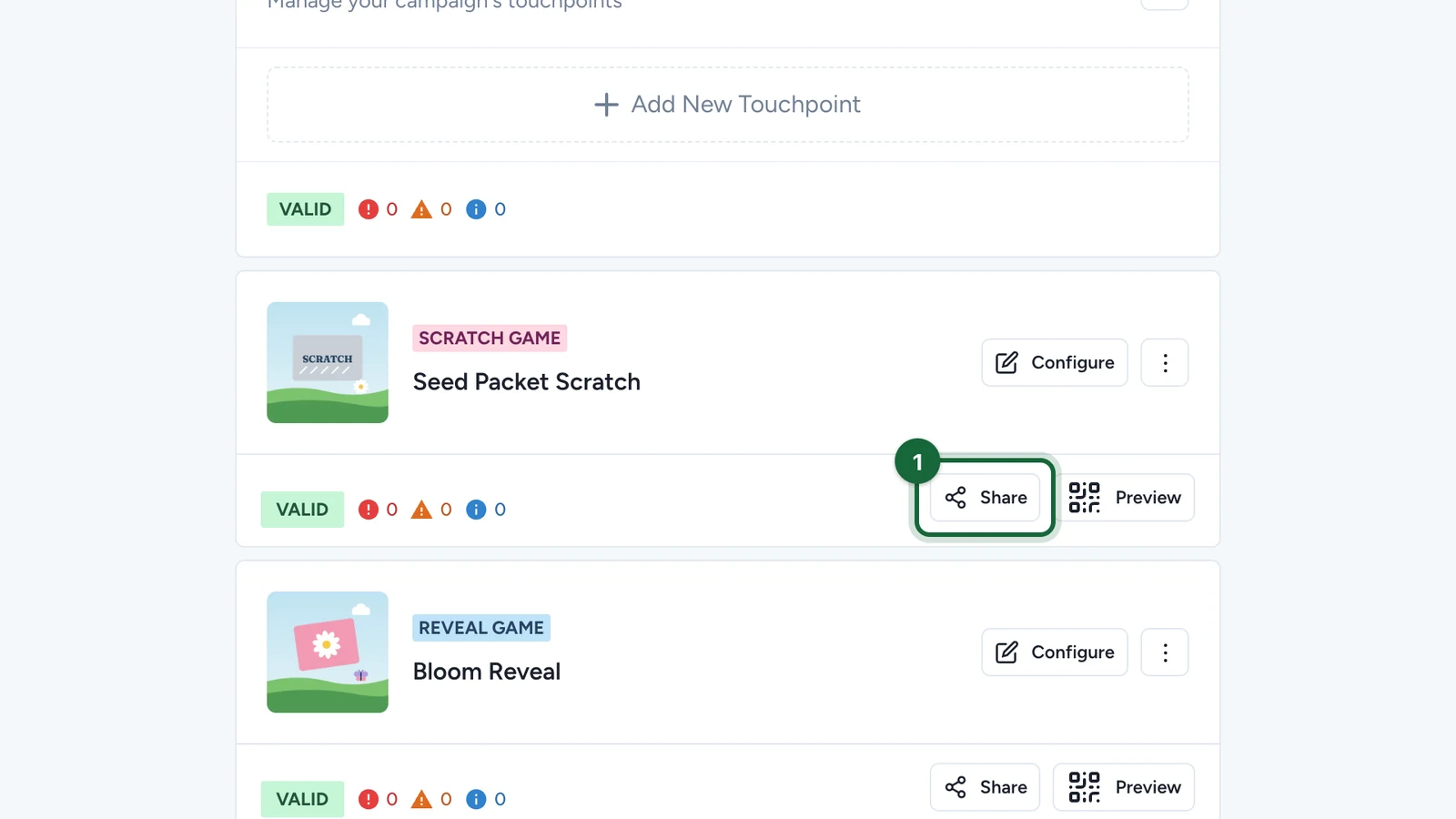
In Build > Touchpoints, select Share on the game.
-
Copy the first link.
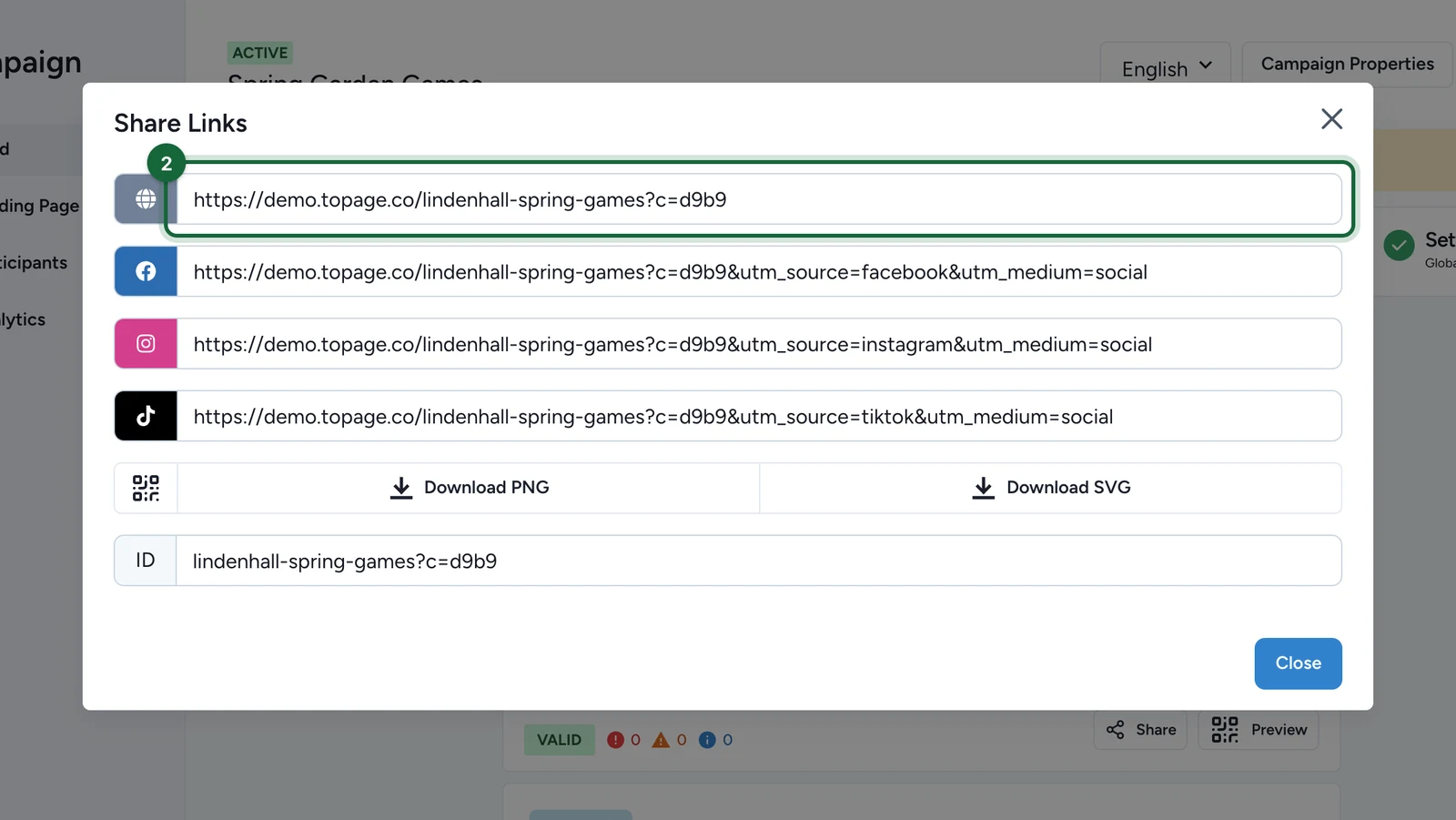
The next three add tracking for Facebook, Instagram and TikTok. The last field is the game's ID.
Which link to share
| Link | Opens | Share it on |
|---|---|---|
| Campaign link | The landing page, if there is one, with every game | A poster or an email about a campaign with several games |
Game link (?c=) | The game, straight away | A QR code next to one display, or an email about one game |