Set opt-in for a game
Where a game takes its consent checkbox and terms from, and how to give one game its own.
1 min read
A game shows the campaign's consent checkbox and terms, unless the campaign is set to Touchpoint Level. Then each game has its own, on its Terms & Conditions tab.
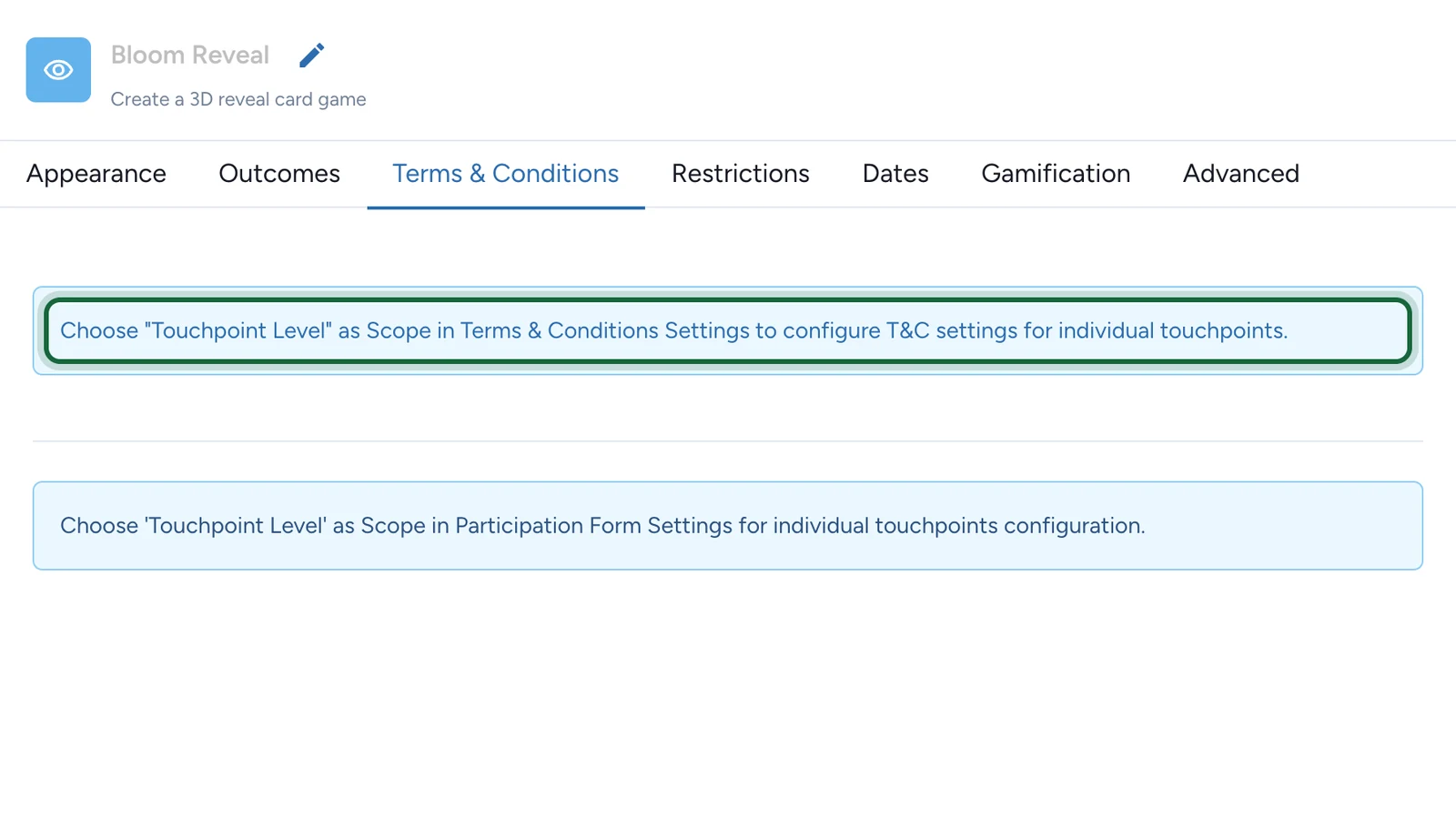
Opt-in starts off: switch it on before a game collects anyone's details.
Choose where it's set
| Scope | Where you set it | Use it when |
|---|---|---|
| Campaign Level | Once, in Build > General > Terms & Conditions | Every game shares the same terms |
| Touchpoint Level | On each game's Terms & Conditions tab | One game needs its own terms, such as a prize draw's rules |
The scope applies to the whole campaign: you can't change it for one game only.