Configure notifications for a game
The emails a game can trigger, from a win to a redeemed prize, and where you switch them on.
1 min read
A game doesn't send email itself: the campaign does, when something happens in the game. You switch each type on in Build > Notifications. Every type starts off.
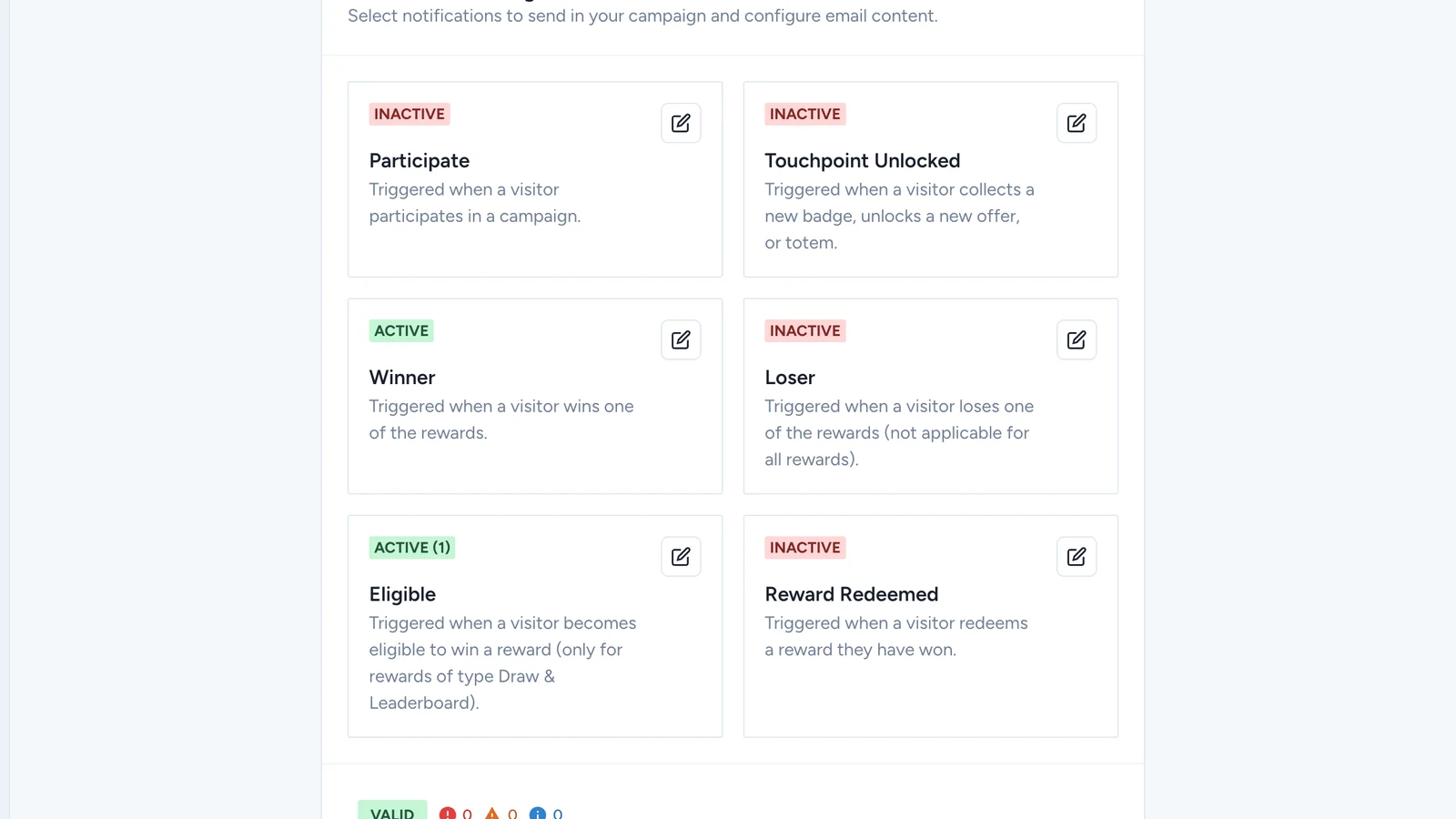
The emails a game can trigger
| Sent when | Can differ per | |
|---|---|---|
| Participate | A player takes part in the campaign for the first time | Campaign |
| Winner | A player wins a reward | Reward |
| Loser | A player doesn't win | Reward |
| Eligible | A player is entered for a lottery or a leaderboard prize | Reward |
| Reward Redeemed | A player redeems a prize they won | Reward |
| Touchpoint Unlocked | A player collects a badge, or unlocks an offer | Touchpoint |
Each type sends one email for the whole campaign, or a different one per reward or touchpoint.