Platform event functions
Write a function that runs asynchronously after something happens in OmniLab, and subscribe it to the event types it should react to.
A platform event function runs after the fact. Something happens in OmniLab — a touchpoint is completed, a reward is won, a contact is created — and your function is invoked with that event. It cannot change what already happened, which makes it the safe kind to start with.
When to use it
Choose a platform event function when you want to react to activity: enrich a contact after they play, push a record to your CRM, notify an internal channel when a prize is claimed. If instead you need to influence an operation while it is happening — reject a sign-up, rewrite a submitted email — you need a hook function.
The handler
Your file exports onPlatformEvent. It receives one event and returns nothing.
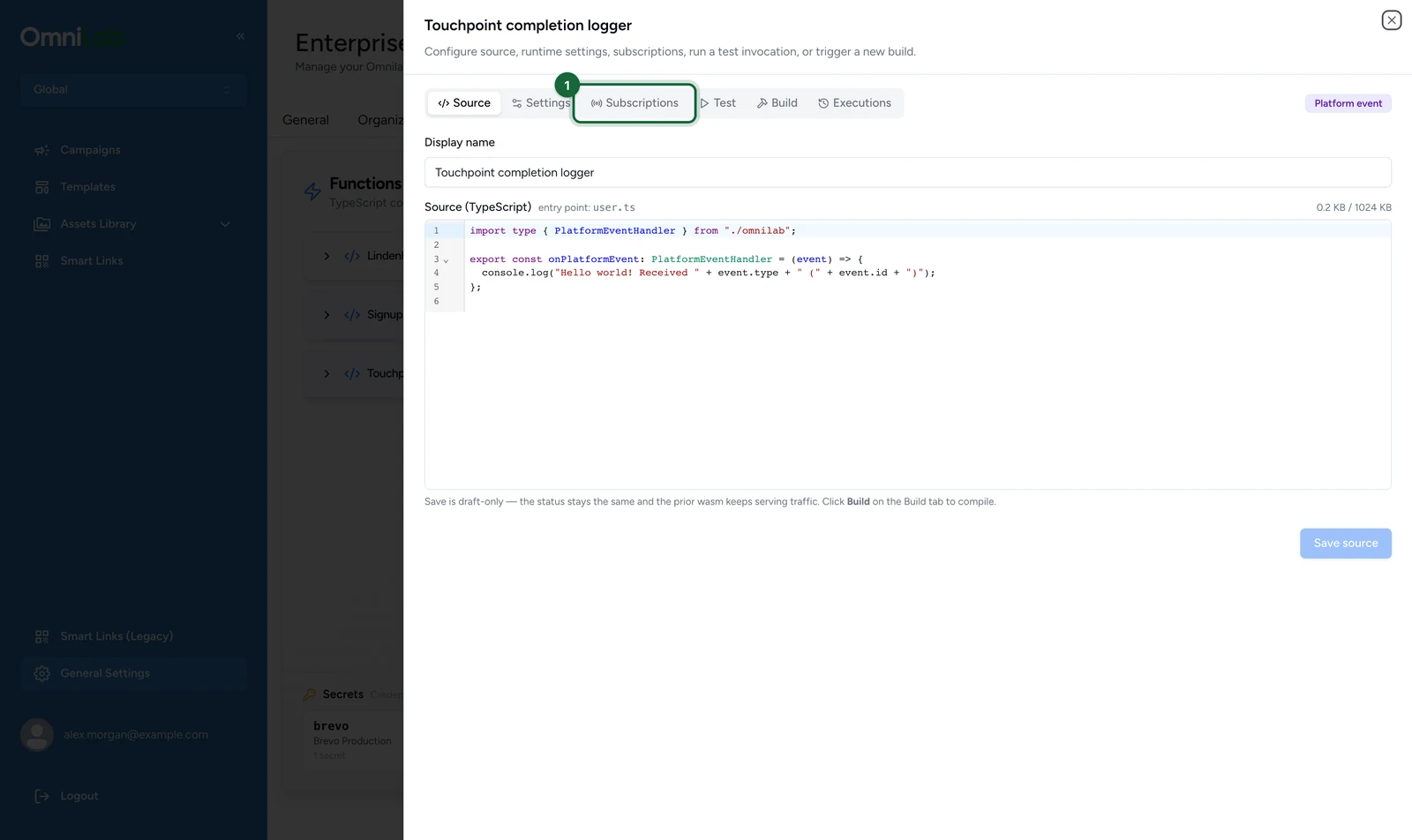
import type { PlatformEventHandler } from "./omnilab";

export const onPlatformEvent: PlatformEventHandler = (event) => {
  console.log("Hello world! Received " + event.type + " (" + event.id + ")");
};
Build this, subscribe it to an event type, and every matching event shows up in the execution log with your line in the Logs panel. That is the whole loop, and it is worth confirming before you write anything more involved.
The event you receive always has the same five fields:
{
  type: "touchpoint.completed.v1",
  id: "evt-...",              // unique per event
  time: "2026-05-28T14:48:31Z",
  source: "…",                // where the event came from
  data: { /* the event payload */ }
}
Doing something useful
Because the return value is discarded, a platform event function has an effect only by calling out through the SDK. This one tags the contact with the last touchpoint they finished:
import { OmniLab } from "./omnilab";
import type { PlatformEventHandler } from "./omnilab";

type TouchpointCompleted = {
  contact?: { contact_id?: string };
  touchpoint_title?: string;
};

export const onPlatformEvent: PlatformEventHandler = async (event) => {
  const data = event.data as TouchpointCompleted;
  const contactId = data.contact?.contact_id;

  if (!contactId) {
    console.log("No contact on " + event.id + ", nothing to do");
    return;
  }

  await OmniLab.Contact.setCustomField(
    contactId,
    "last_touchpoint",
    data.touchpoint_title ?? "unknown",
  );
};
event.data is the raw event payload, so cast it to the shape you expect and read defensively — fields differ between event types. The event reference lists what each type carries. For a complete sample of any type the picker lists, open the Test tab and use Load example.
The same event can reach your handler twice, so deduplicate on event.id before any external side effect.
Subscribe it to events
A built function runs only once you subscribe it to event types, and only for events that carry an identified contact.
In the function's editor:
-
Select the Subscriptions tab.
-
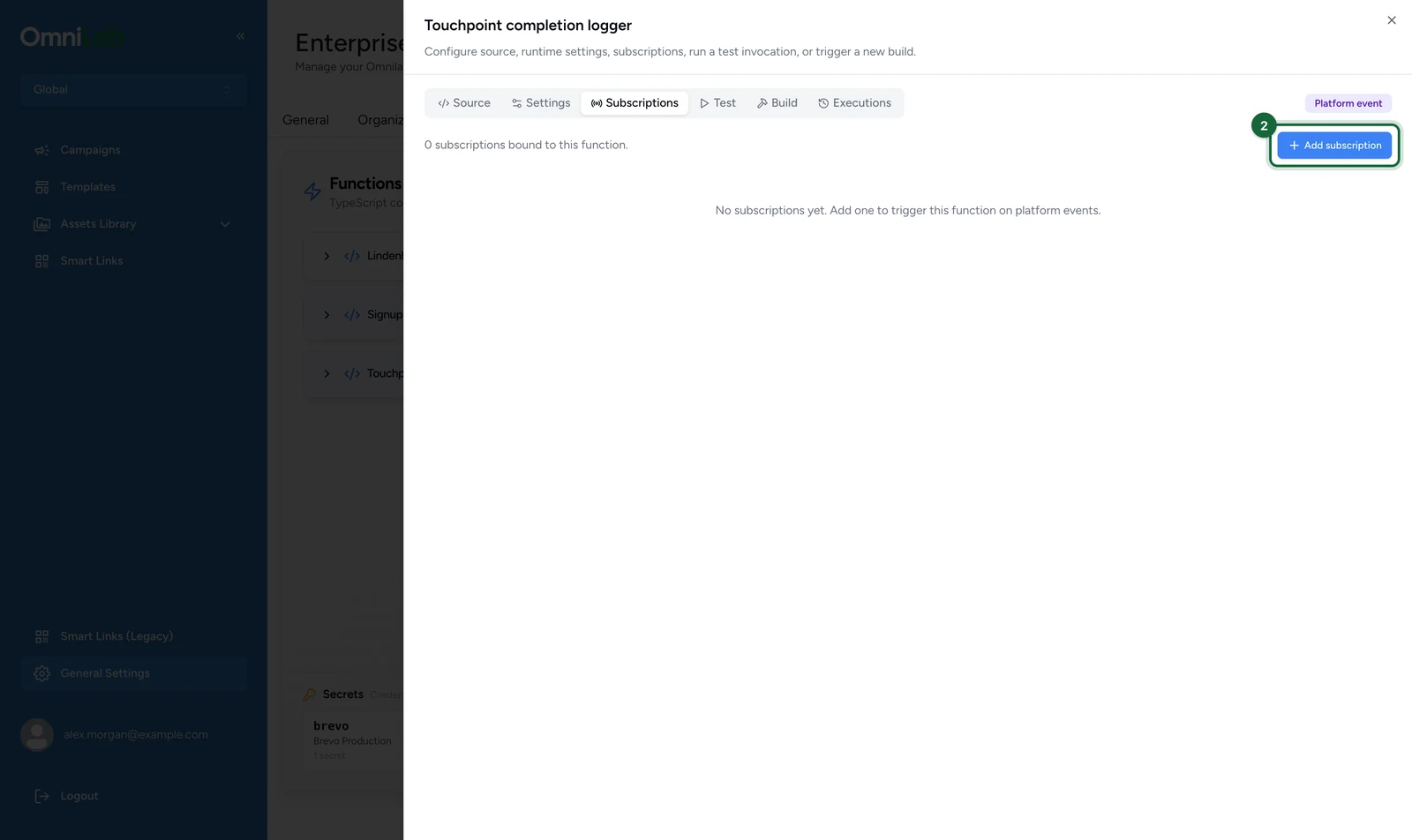
Select Add subscription.
-
Enter the Display name, here
Loyalty award trigger.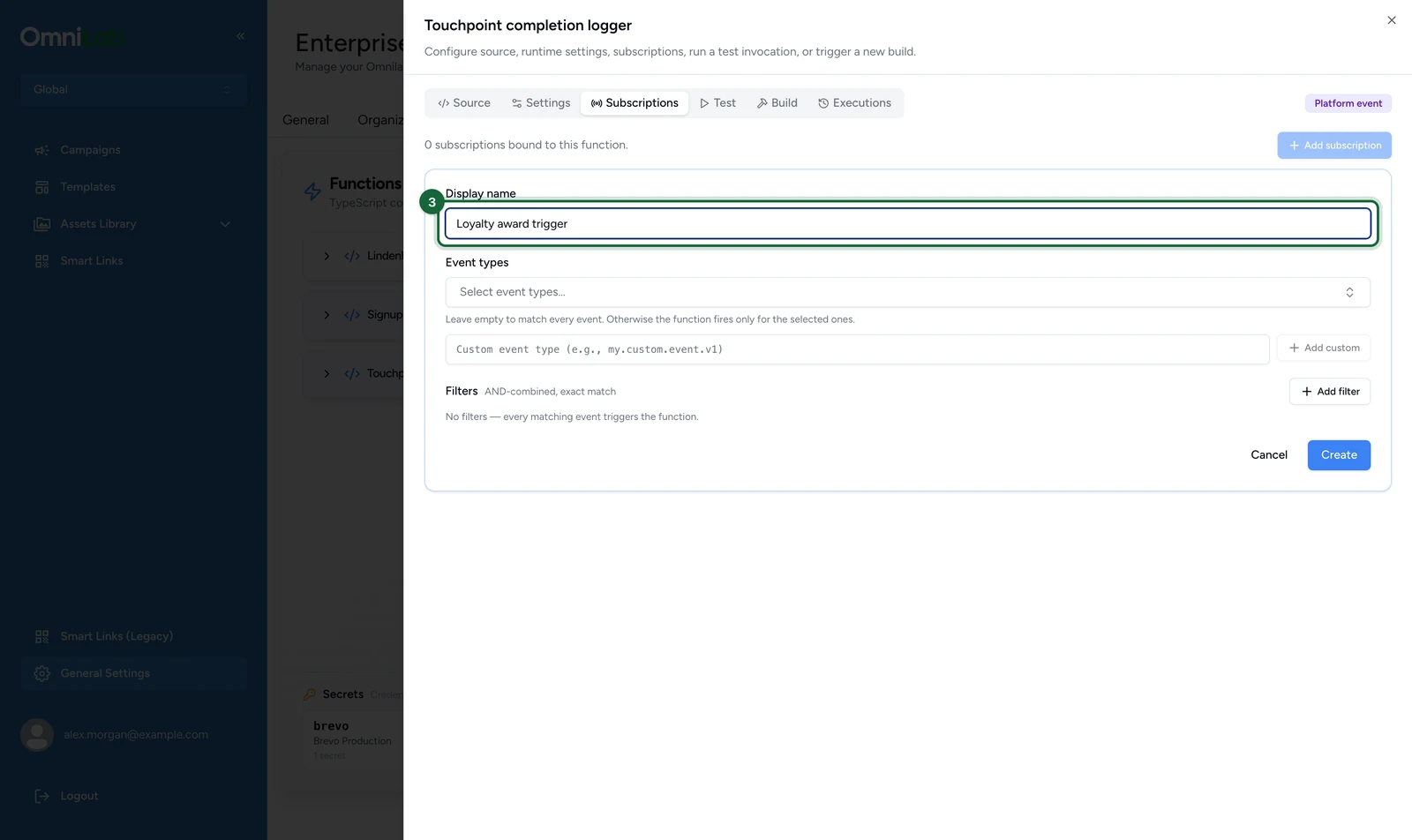
-
Under Event types, choose Completed in the Touchpoint group.
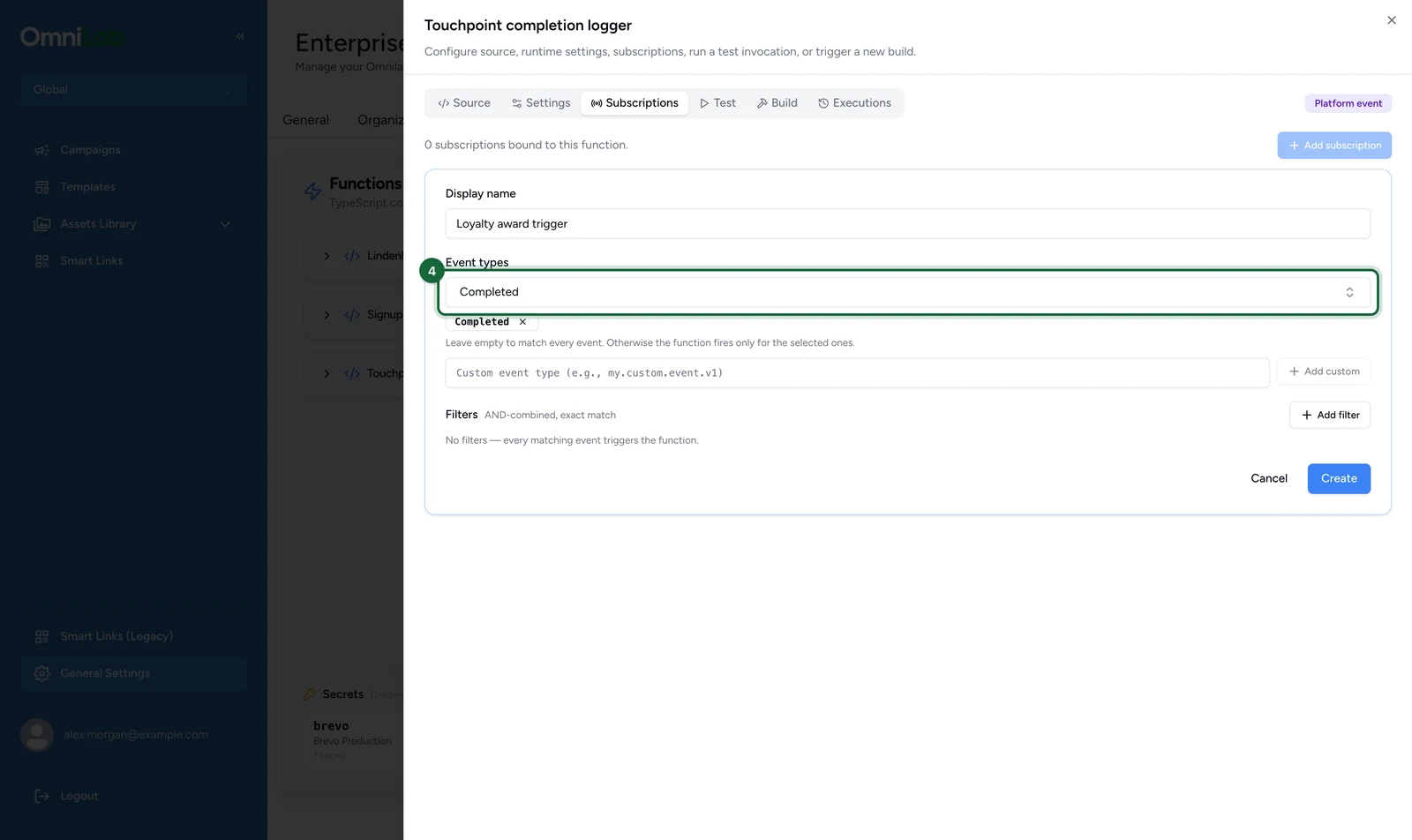
Leave Event types empty to match every event.
-
Select Create.
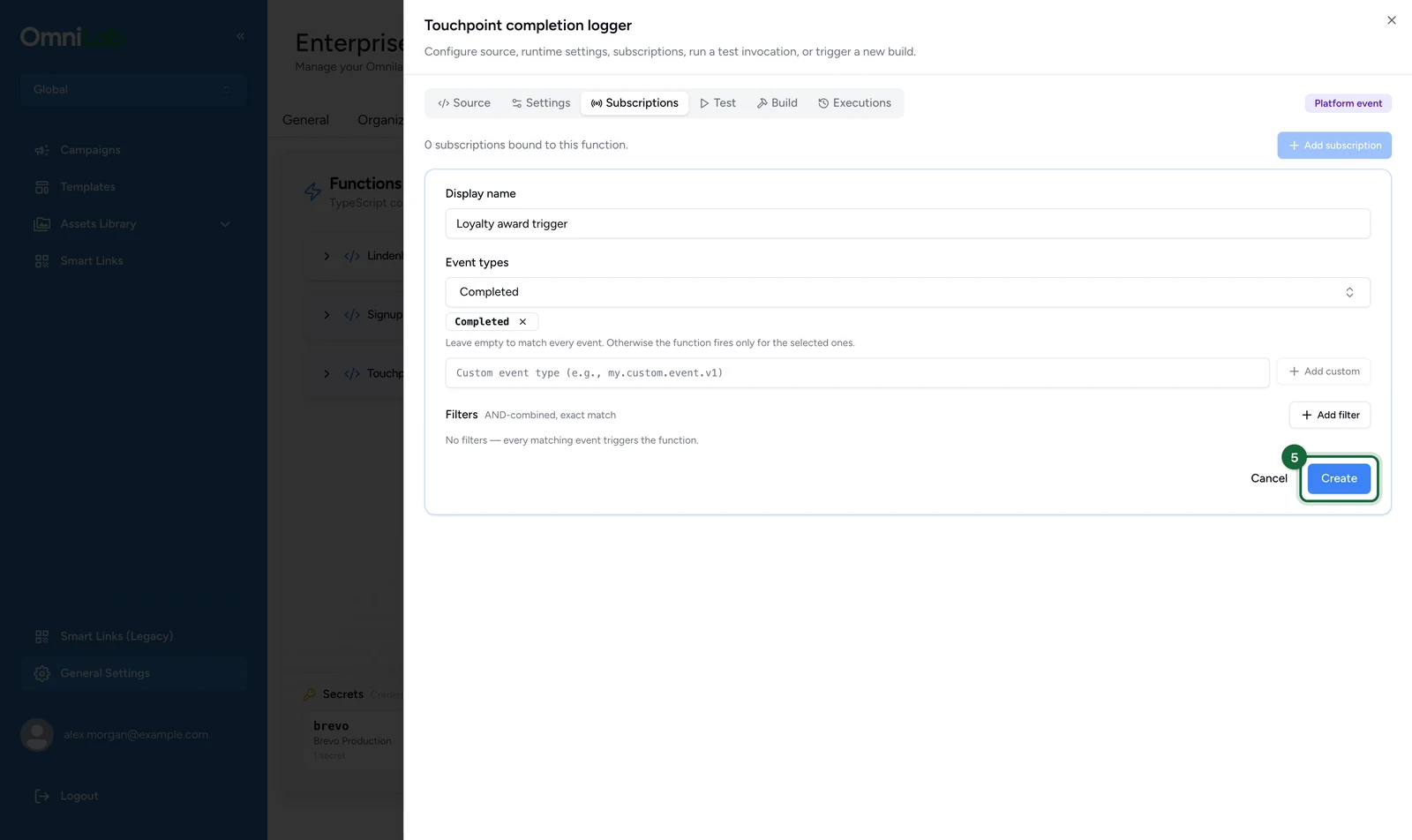
The subscription starts Active and appears in the list with its event types and filters. The picker groups events as Touchpoint, Reward, Contact and Other, and you can search it. Leave out Expired in the Reward group: the platform never sends it. The event reference shows which types reach a function, listed or not.
A function can carry several subscriptions. The tab warns you when an event type reaches its subscription cap.
Add an event type the picker doesn't list
In the subscription form:
-
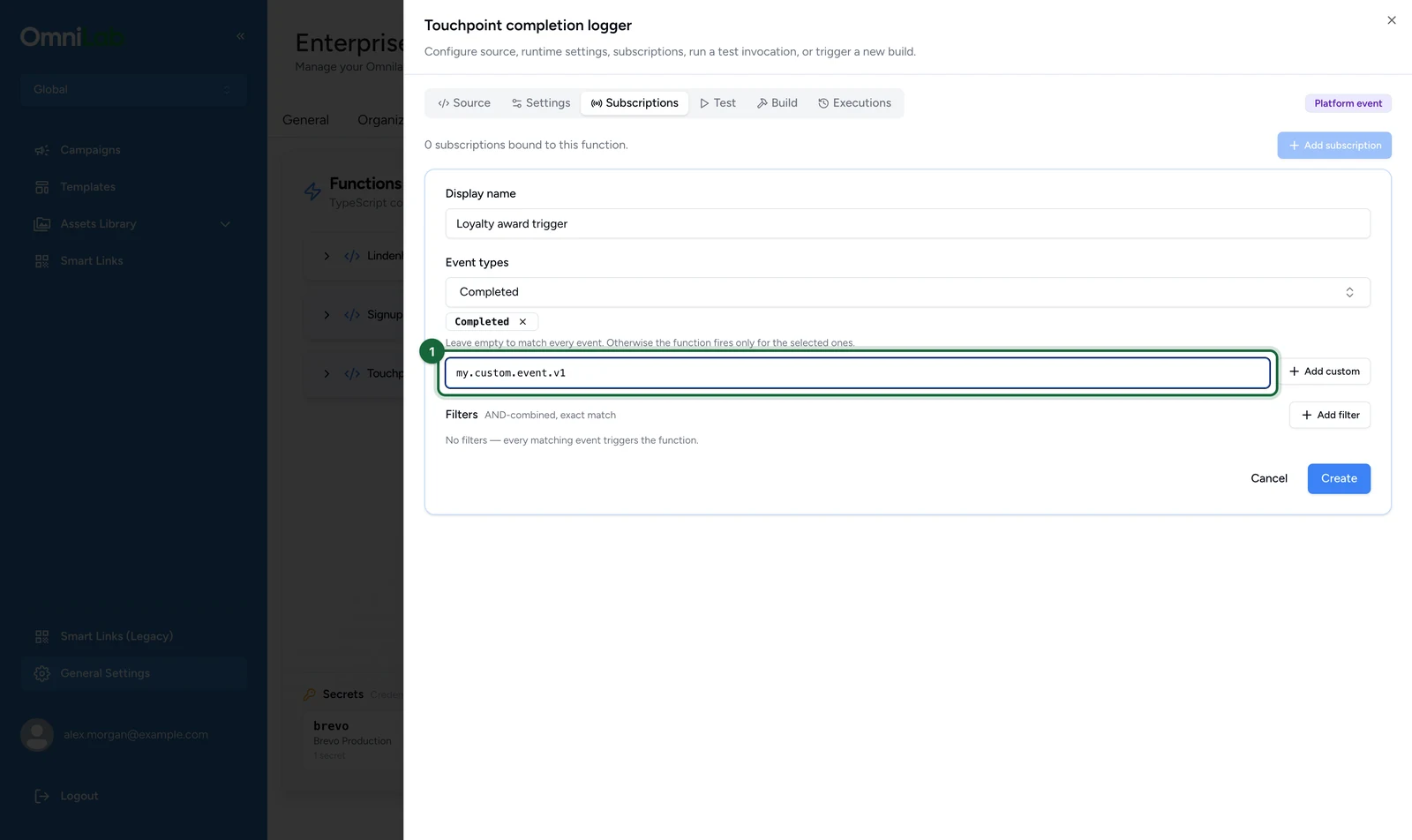
Enter the type in the custom event field, below Event types.
-
Select Add custom.
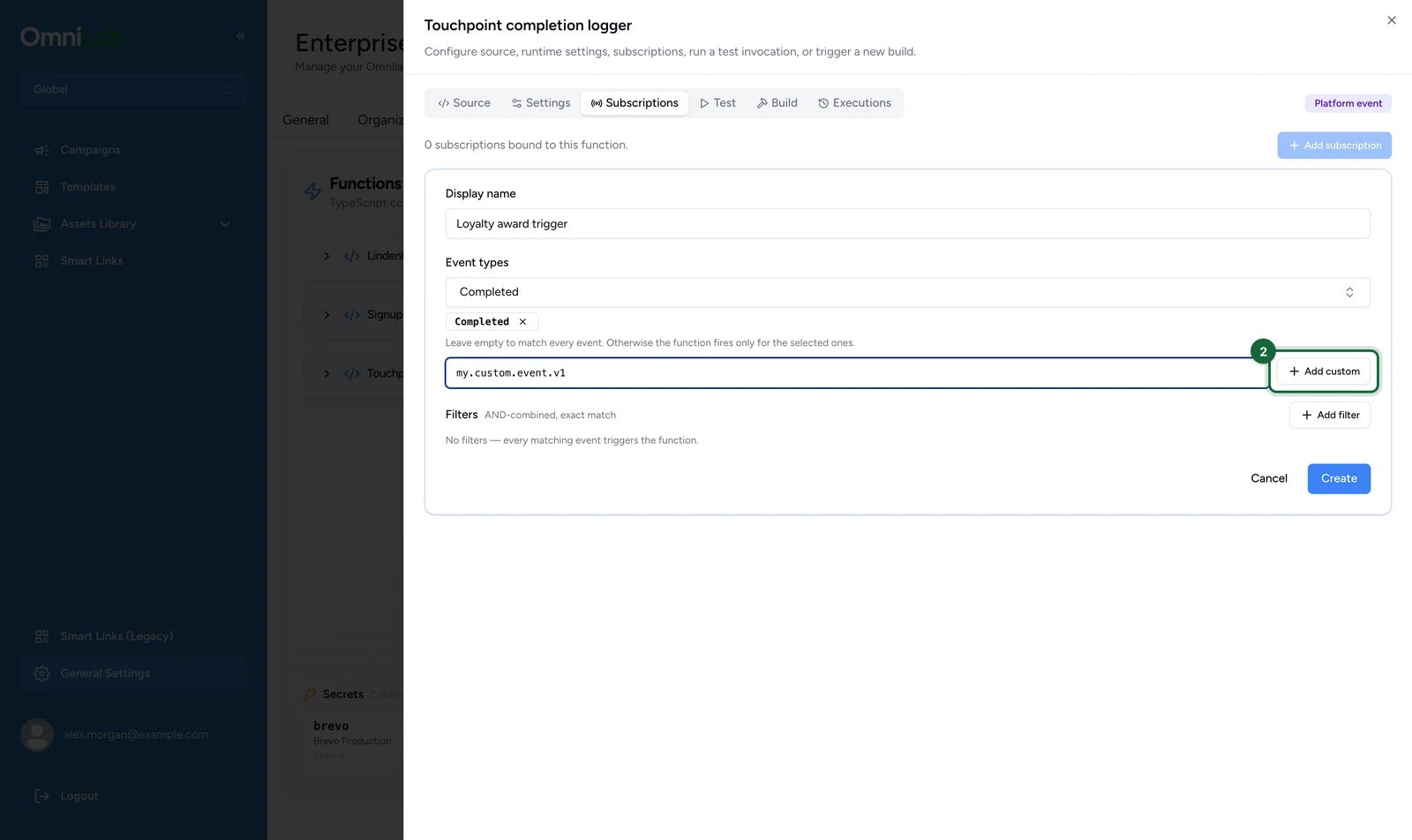
Booking, ticket, check-in and receipt submission events reach a function this way: copy their names from the event reference. Any other type saves too, even one the platform never sends, so a misspelt name never fires. Only touchpoint.page_visit.v1 is refused, when you select Create.
Narrow a subscription with filters
Filters are combined with AND and must match exactly. With no filters, every event of the selected types triggers the function.
Some booking and ticket events belong to no organisation: their group_context is empty. They reach only subscriptions with no Group filter.
In the subscription form:
-
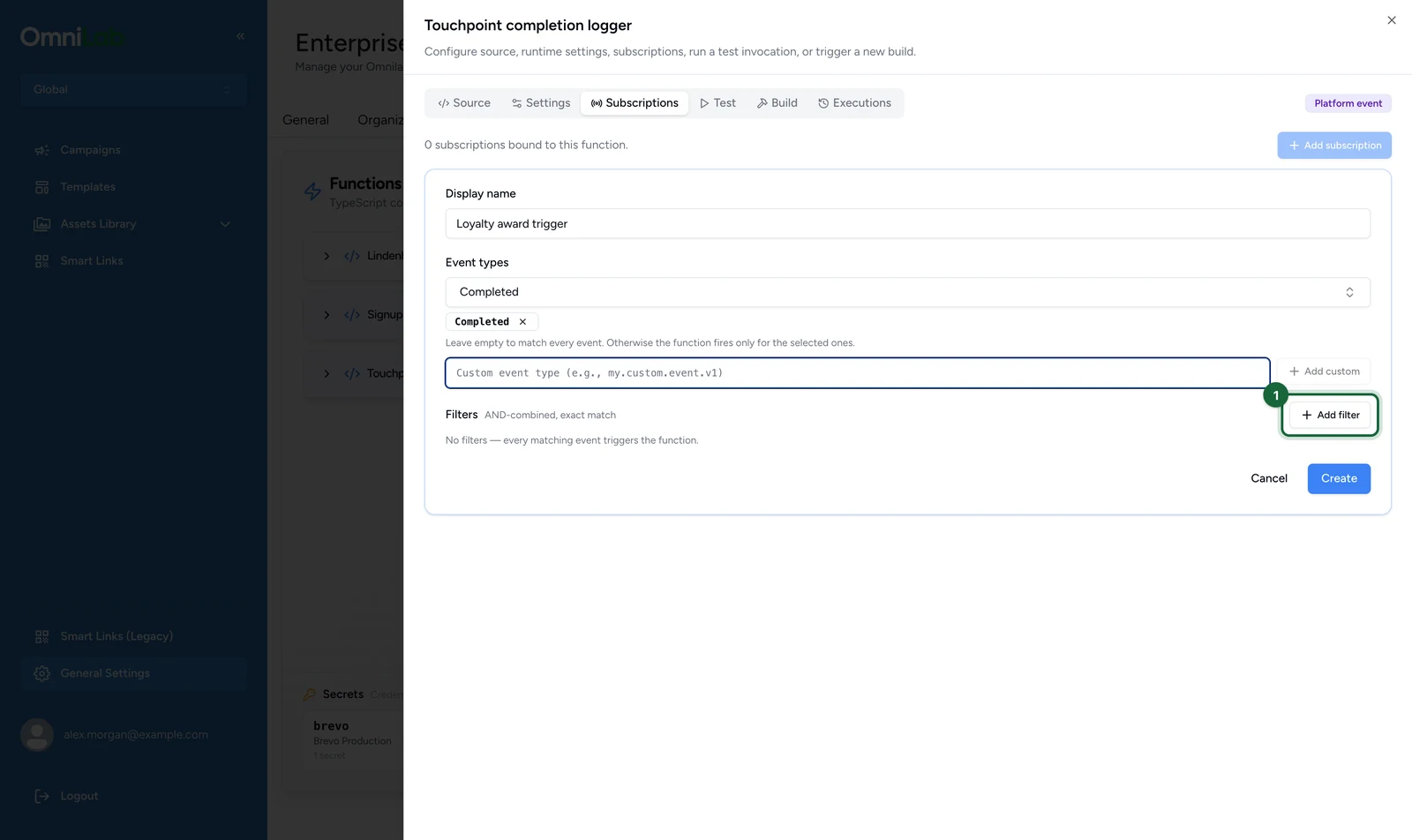
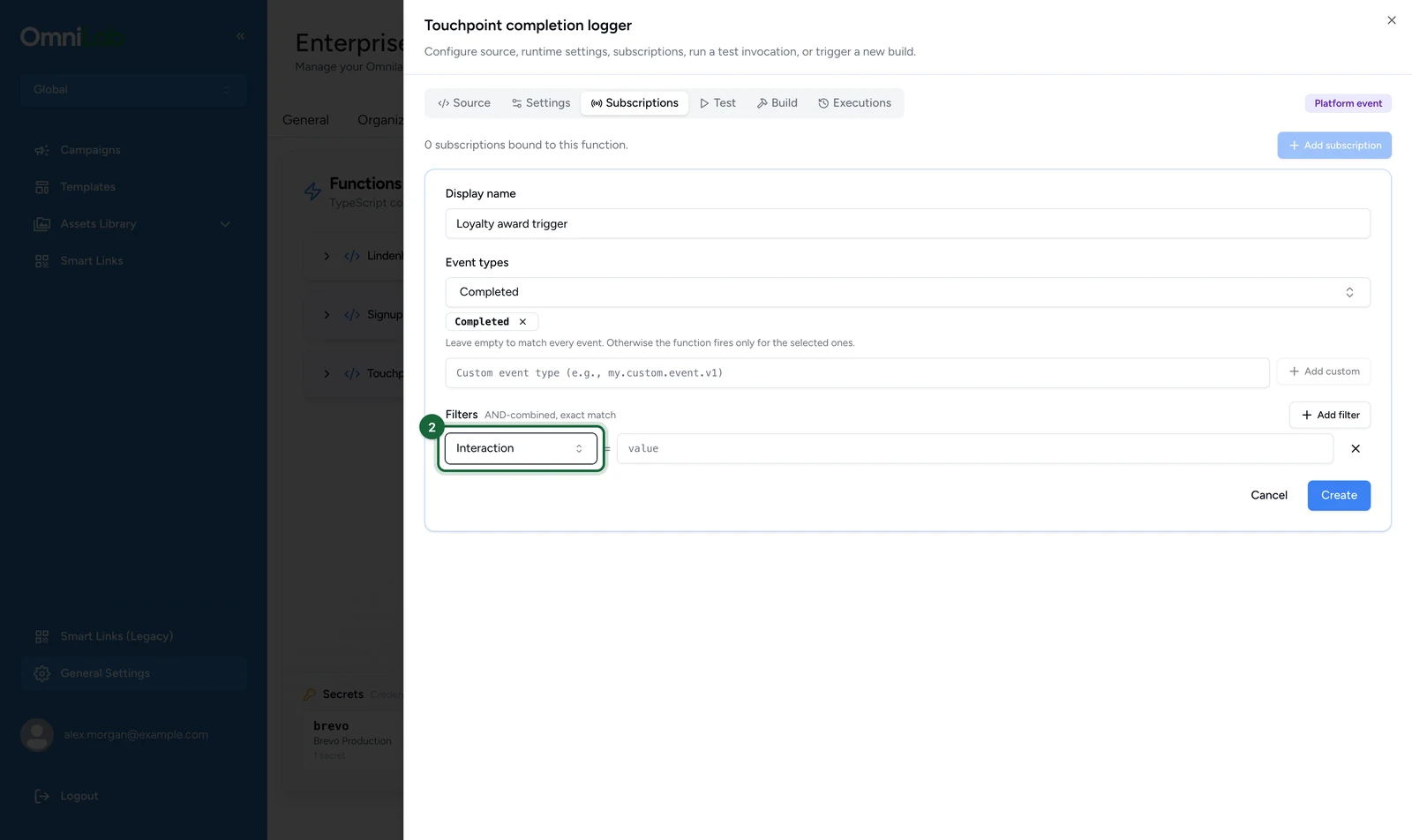
Select Add filter.
-
Choose the key, here Interaction. The others are Tenant, Group and Contact.
-
Enter the exact id to match, here the campaign's
interaction.interaction_idfrom the payload.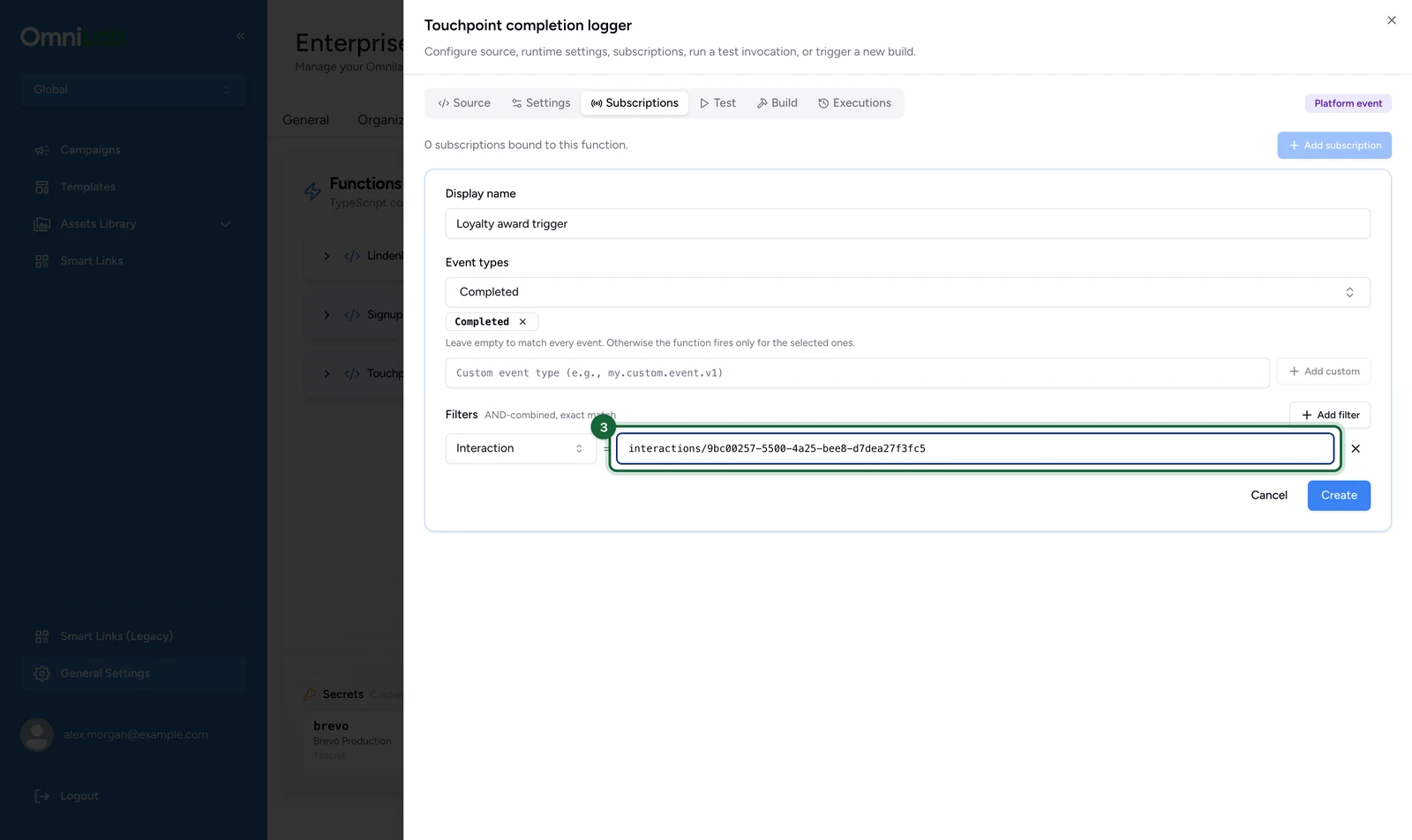
-
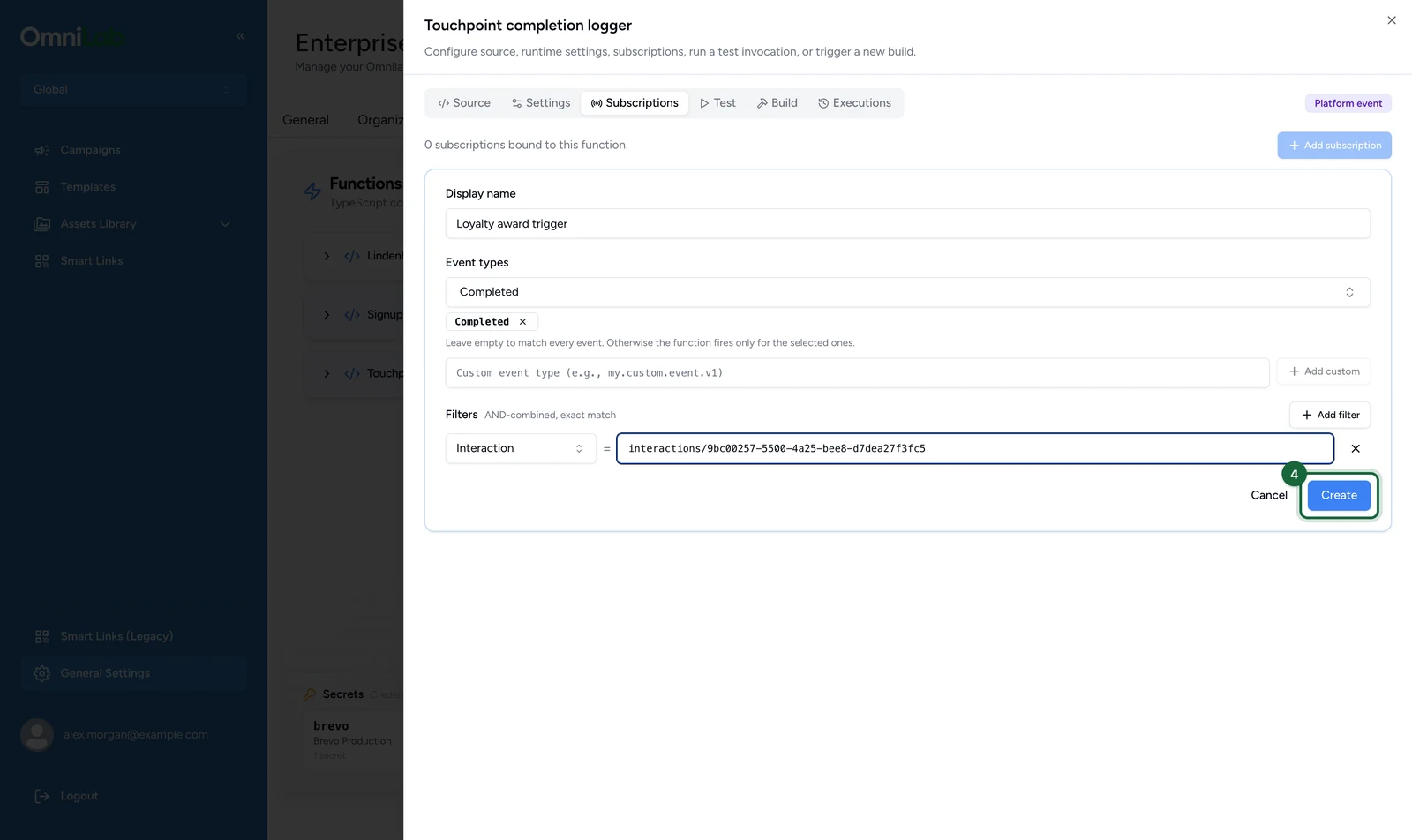
Select Create, or Save when you edit a subscription.
A subscription's status can't be changed
The Status field appears when you edit a subscription, but saving a change to it has no effect, and the form says so. To stop a subscription, delete it, and create it again when you need it back.
Failure and retries
Your function's failures do not affect the activity that produced the event — the operation has already completed by the time you are invoked.
| What happened | What OmniLab does |
|---|---|
| Your handler throws | The failure is recorded as an execution with a non-zero exit code, and is not retried — the same code would throw again |
| A transient problem on OmniLab's side | Retried up to 5 times after the first attempt, waiting longer each time |
| A permanent problem, such as the function having been deleted | Stops being retried, because retrying cannot help |
If something's blocked
- The Subscriptions tab is missing: the tab only appears on platform event functions. Check the kind badge at the top of the editor.
- A subscription exists but the function never runs: confirm the function status is Ready — a Draft function is skipped entirely — and that the subscription is Active. Then check that your filters are not excluding everything, and that the event carries an identified contact.
- A custom event type never fires: the platform doesn't send that type. A misspelt name saves without complaint, so check it against the event reference.
- The subscription is refused when you select Create: it names
touchpoint.page_visit.v1, which functions can never subscribe to. - It ran, but nothing changed: remember the return value is discarded. Check the Logs and the SDK call results in the execution detail — an
EGRESS_BLOCKED,PERMISSION_DENIEDorNOT_FOUNDerror there is the usual reason a handler runs cleanly but has no effect.