Smart Links
 Smart Links
Print once, then change the page.
An optional add-on for dynamic QR codes: your posters stay up all year and open this month’s campaign.
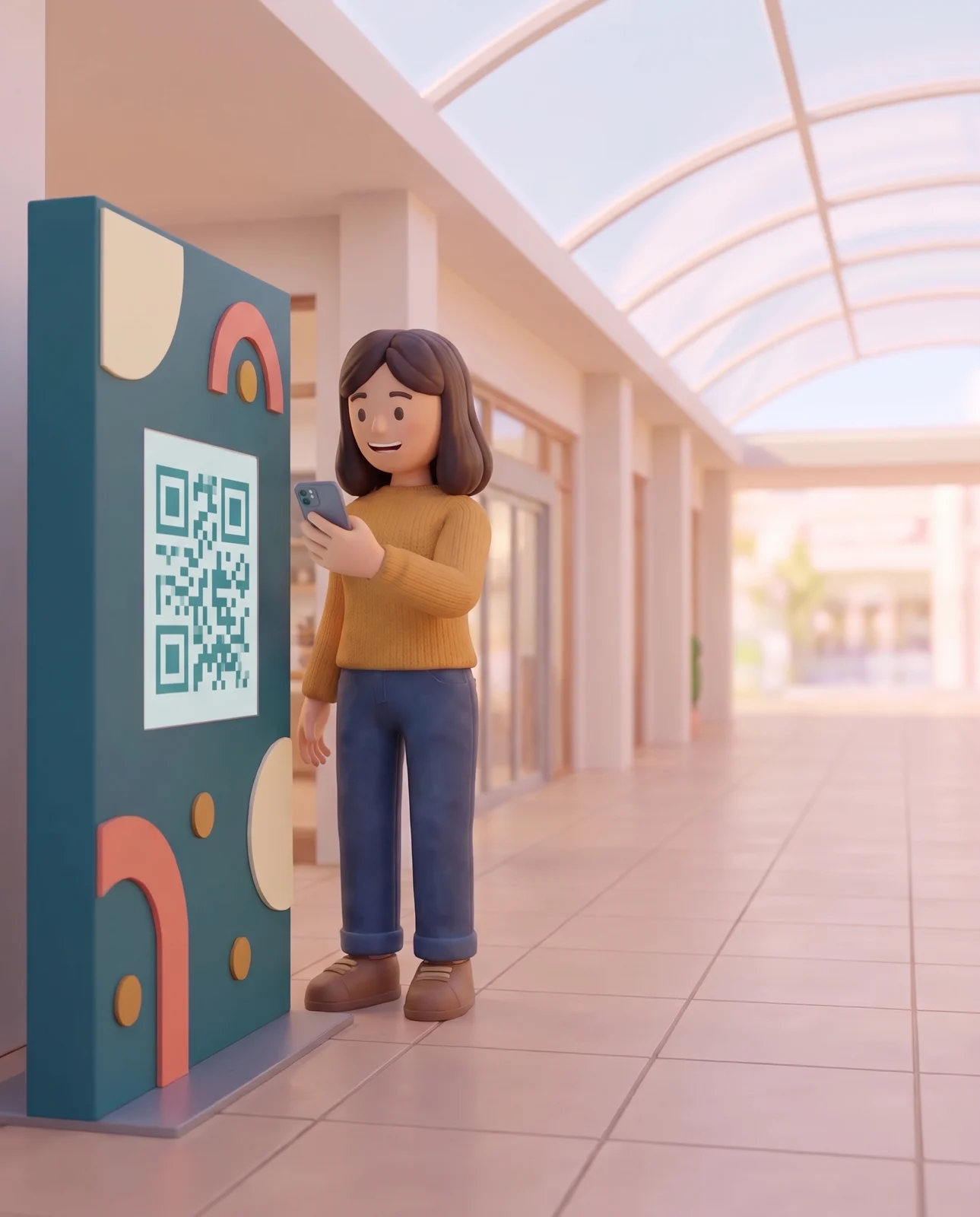
Dynamic QR codes
Same poster, new campaign
Change the destination in Studio. The next scan of the same code opens the new page.

The Lindenhall trail
Four golden stars are hidden in the shops. Find them all.
The map 1234
 Looking for the next objectFit the QR code in the frame
 Golden starBadge unlocked!
All four found. Pick up your goodie bag at the info desk.

Christmas workshops
Gingerbread and wreath making, every Saturday in December.
Placements
Which poster works best
Each sign gets its own QR code variant and its own scan count.
Lindenhall is a fictional centre. Figures are illustrative.
- North entrance
…/l/whatson?v=north-entrance946scans - Food court
…/l/whatson?v=food-court623scans - Cinema bridge
…/l/whatson?v=cinema-bridge303scans
App stores
One code, both app stores
Print one code instead of two store badges. Each phone opens its own store, and computers open a web page.
- iPhoneApp Store
- AndroidGoogle Play
- Everything elselindenhall.com/app
QR design
QR codes in your colours
Set your colours, logo and label once. Download the main code and one per placement in a single ZIP.
- What’s on.png
- What’s on – North entrance.png
- What’s on – Food court.png
- What’s on – Cinema bridge.png
Features
All Smart Links features
Link types, variants, expiry, folders and analytics, in full.
Link types4
- Redirection
- Opens one web page: a campaign page, a booking page, your website or any web address.
- App Stores
- Opens the App Store on iPhone, Google Play on Android and a web page you choose on every other device. Amazon Appstore and Huawei AppGallery are optional.
- Change of destination
- Edit the Destination URL at any time, and the next scan follows. Changes are not scheduled.
- Link address
- The end of the link is encoded in the QR code. Choose it before you print.
Variants and QR codes7
- One variant per placement
- Each sign or channel gets its own address, ending in ?v= and the Variant ID: …/l/whatson?v=north-entrance. Each has its own QR code and scan count.
- Variant tags
- A variant carries its own UTM parameters.
- Online channels
- The same short link works in emails, social posts and text messages, with a variant for each.
- Design
- Foreground and background colours, and your logo in the middle of the code, as a PNG or JPG up to 2 MB.
- Labels
- The Smart Link’s title under each code, on or off. A variant’s code shows its name too.
- Formats
- PNG from 512 to 4000 px, or SVG for professional print.
- Bulk download
- One ZIP holds the main code and one code per variant you tick.
Expiry, access and folders5
- Expiration date
- Give a link an end date and time. Any scan after that shows a Not Found page.
- Switch off
- Disable a link at any time. Scans show the same Not Found page.
- Requires Login
- Visitors sign in to your campaign before the page opens.
- Folders
- One per centre, campaign or print run. A folder can sit inside another.
- Moving a link
- Moving a link to another folder changes neither its address nor its QR code.
Tracking and analytics7
- UTM parameters
- Source, Medium, Campaign, Term and Content, added to every visit for your web analytics.
- Scans
- Number of scans, unique devices and average scans per device, over the dates you choose.
- Scans Over Time
- Scans per hour or per day.
- Devices
- Mobile, tablet, desktop and bot, with iOS and Android apart.
- Sources
- Top UTM Sources and Top Referrers.
- All links of a centre
- Analytics in the side menu totals the scans of every Smart Link of the centre you select.
- Export
- Download every link of a centre with its scans and settings as a CSV file.
FAQ
Frequently asked questions
Do we need Smart Links to get a QR code?
No. Smart Links is an optional paid add-on. Without it, every campaign still has its own link and QR code.
Can we change the link’s address after printing?
No, only its destination. The end of the link (…/l/whatson) is encoded in the QR code, so choose it before you print.
What happens to a printed code when the campaign ends?
You decide. Point it at the next campaign or at a closing page, or set an expiration date to show a Not Found page.
Do people need an app to scan?
No. The phone’s camera reads the code and opens the page in the browser.
Can we test a code before printing it?
Yes. Open the link or scan its QR code with a phone, and your test scans show up in its analytics.
Another question? Ask us in the contact form
Start with one campaign
Tell us about your next season, and we’ll show you how to run it in OmniLab.
- 30-minute demo
On your own venues and your next campaign.
- Full onboarding
Account setup, team training and your first campaign, built with you.
- Support on every plan
Plus a dedicated Customer Success Manager on Corporate and Enterprise.