OmniLab Platform
 OmniLab Platform
Know who plays, books and shops
Your team runs every game, event and reward from one Studio, and sees who took part in each.

- Participation date:
- 16 Oct 2026, 21:04
- Email:
- lea.martin@example.com
- Touchpoints:
- 4
- Last activity:
- 17 Oct 2026, 16:55
Products
What the five apps share
Sign-up, participant data, prizes, sites and reporting work the same way in every app.
- Games
- Events
- Treasure Hunts
- Transactions
- Smart Links


- Sign-up and consent
- Participant data
- Prizes and rules
- Head office and sites
- Reporting
- Webhooks and Functions
Head office and sites
Start every site from one template
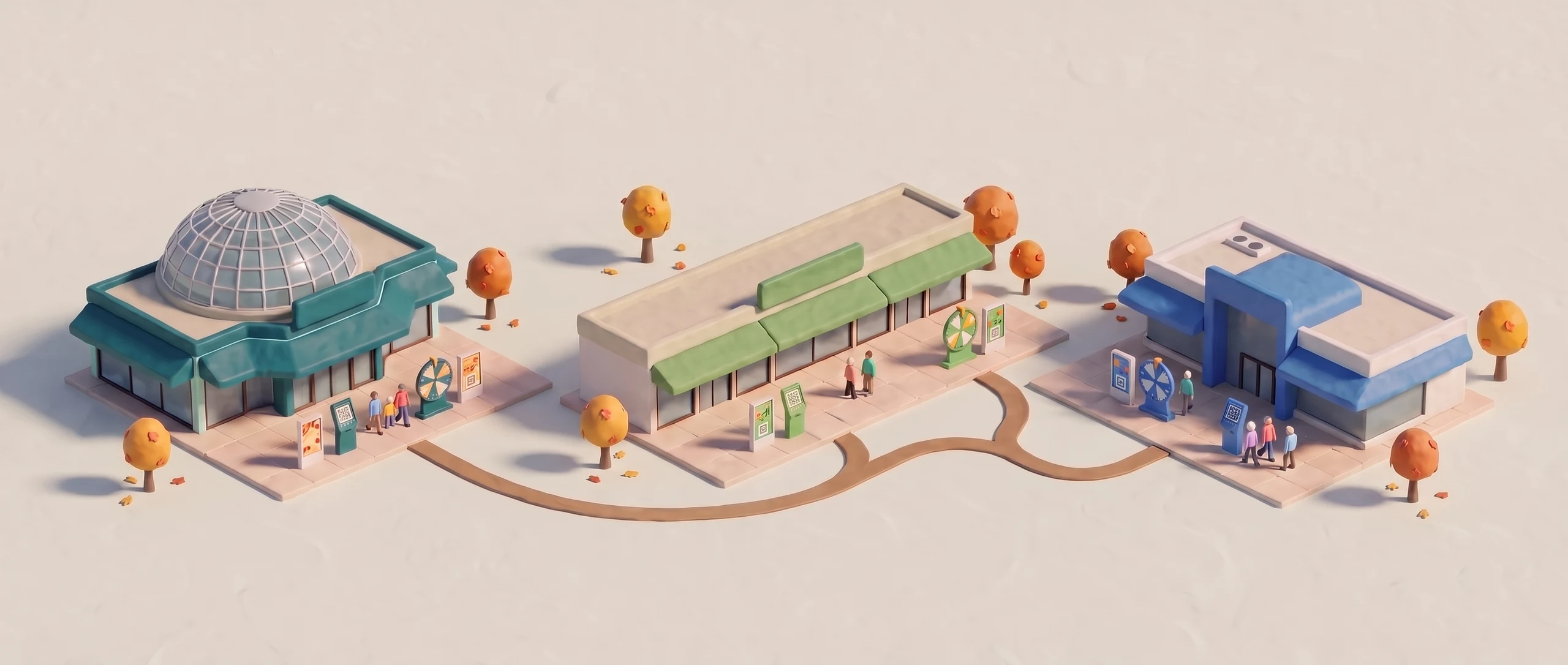
Head office shares a read-only template. Each site starts from it and sets its own dates and prizes.
- LLindenhall
 Lindenhall seasonActive
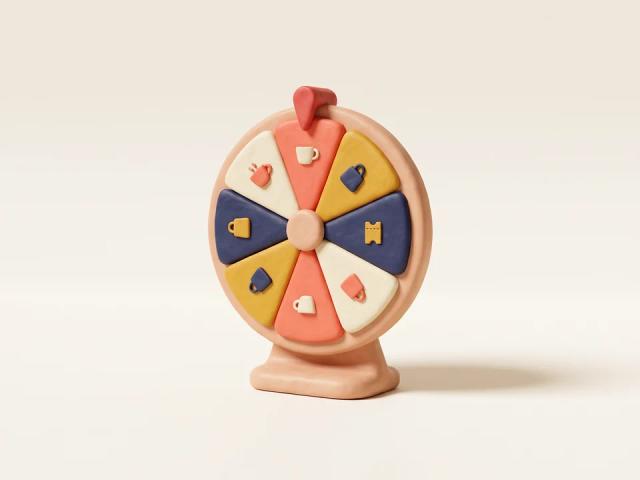
1 Oct – 2 Nov. Wheel prize: a free coffee at Café Linden.
- MMill Quarter
 Mill Quarter seasonActive
8 Oct – 9 Nov. Wheel prize: a hot chocolate at Bean & Co.
- HHarbour Row
 Harbour Row seasonActive
15 Oct – 16 Nov. Wheel prize: an ice cream at Dockside Ices.
Data
Contacts who chose to hear from you
A short form, once per campaign, with no password. Two buttons let each visitor accept or refuse your news.
Reporting
Who is new. Who came back.
Choose any dates to see new and returning visitors, participants per game and where they came from.
- 72%of identified visitors were new to your contact base
- 2.1games, workshops or hunts per active participant, on average
- 43%of participants came from Instagram, the top source
Lindenhall is a fictional centre. Figures are illustrative.
Features
All Platform features
Sign-up and consent4
- Sign-up
- A short form, once per campaign, with no password
- Returning visitors
- A one-time code sent to their email
- Fields
- Email, name, phone, date of birth with an age limit, and your own questions
- Consent
- A checkbox or two opt-in buttons, with terms per campaign or per game
Prizes and rules7
- Campaign-wide prizes
- A prize draw, instant wins or first come, first served
- Prizes inside a game
- Odds, a prize draw or a ranking
- Draws
- Equal chances, or better odds for people who took part in more of the campaign
- Past winners
- Leave them out of a draw if you wish
- Timed batches
- Each week gets its own quota, and prizes not won roll into the next week
- Redemption
- The winner activates the code at the till, and it shows only for the minutes you set
- Coupon codes
- Use our codes or upload your own
Campaigns, languages and reporting8
- Question types
- Text, number, date, dropdown, checkbox or file
- Links and QR codes
- Each game, event, hunt or receipt reward gets its own link and QR code
- Landing page and Space
- Every game, event and hunt on one page, or one QR code for the ones you pick
- Languages
- Any of 120 languages in the same campaign, switched from the globe at the top
- Translation check
- Studio won’t publish until every string is translated
- Dashboard
- New and returning visitors, participants per game, sources and devices
- Participant list
- One row per person, with everything they took part in
- Exports
- The dashboard as a PDF, every list as CSV
Head office, sites and roles7
- Your own web address
- A subdomain such as play.yourbrand.com
- Organisations
- Each site has its own campaigns, settings and web address, under one account
- Templates
- Shared by head office, read-only for the sites that receive them
- Local campaign
- The site names it, picks its link, then sets its own dates and prize
- Roles
- Admins manage users and settings, contributors build campaigns
- Site access
- Each person sees only the sites assigned to them
- Single sign-on
- Microsoft Entra ID or Salesforce Marketing Cloud
Developers and security8
- Webhooks
- 33 events, from sign-ups to check-ins and receipts, sent as CloudEvents
- Webhook examples
- A sign-up passes the new contact to your CRM, a win passes the reward and its coupon code
- Signed and retried
- An HMAC-SHA256 signature on each one, automatic retries, OAuth2 if your endpoint needs it
- Functions
- Your own TypeScript, run in a sandbox and set up in Studio
- Function uses
- Accept, rewrite or refuse a sign-up before it is saved, or send a double opt-in email
- Secrets
- Stored apart from your code and read by name when the Function runs
- Embed and kiosk
- A script tag for your website, a WebView for your app, a URL scheme for kiosks
- Campaign emails
- Sent through the Salesforce Marketing Cloud or Cheetah add-on
FAQ
Frequently asked questions
Do visitors need to download an app?
No. Every campaign opens in the phone’s browser, from a link or a QR code.
Can we use our own design?
Yes. Your colours, images and copy go in each game’s Appearance tab, with no developer.
Can OmniLab send contacts to our CRM?
Yes, through a webhook your developer sets up, or as a CSV export with each opt-in. There is no ready-made CRM connector.
Can several team members work on one campaign?
Yes. Invite them to Studio as contributors who build campaigns, or as admins who also manage users and settings.
Another question? Ask us in the contact form
Start with one campaign
Tell us about your next season, and we’ll show you how to run it in OmniLab.
- 30-minute demo
On your own venues and your next campaign.
- Full onboarding
Account setup, team training and your first campaign, built with you.
- Support on every plan
Plus a dedicated Customer Success Manager on Corporate and Enterprise.