Configure booking restrictions
Limit repeat attendance for one participant and know when to use generic Touchpoint Restrictions instead.
In this article, you'll see which event-specific restriction controls matter in the current v2 Activity flow, when to use them, and when the broader Restrictions (number, frequency, time slots, validation codes) model is the better fit.
Current v2 scope is intentionally narrow
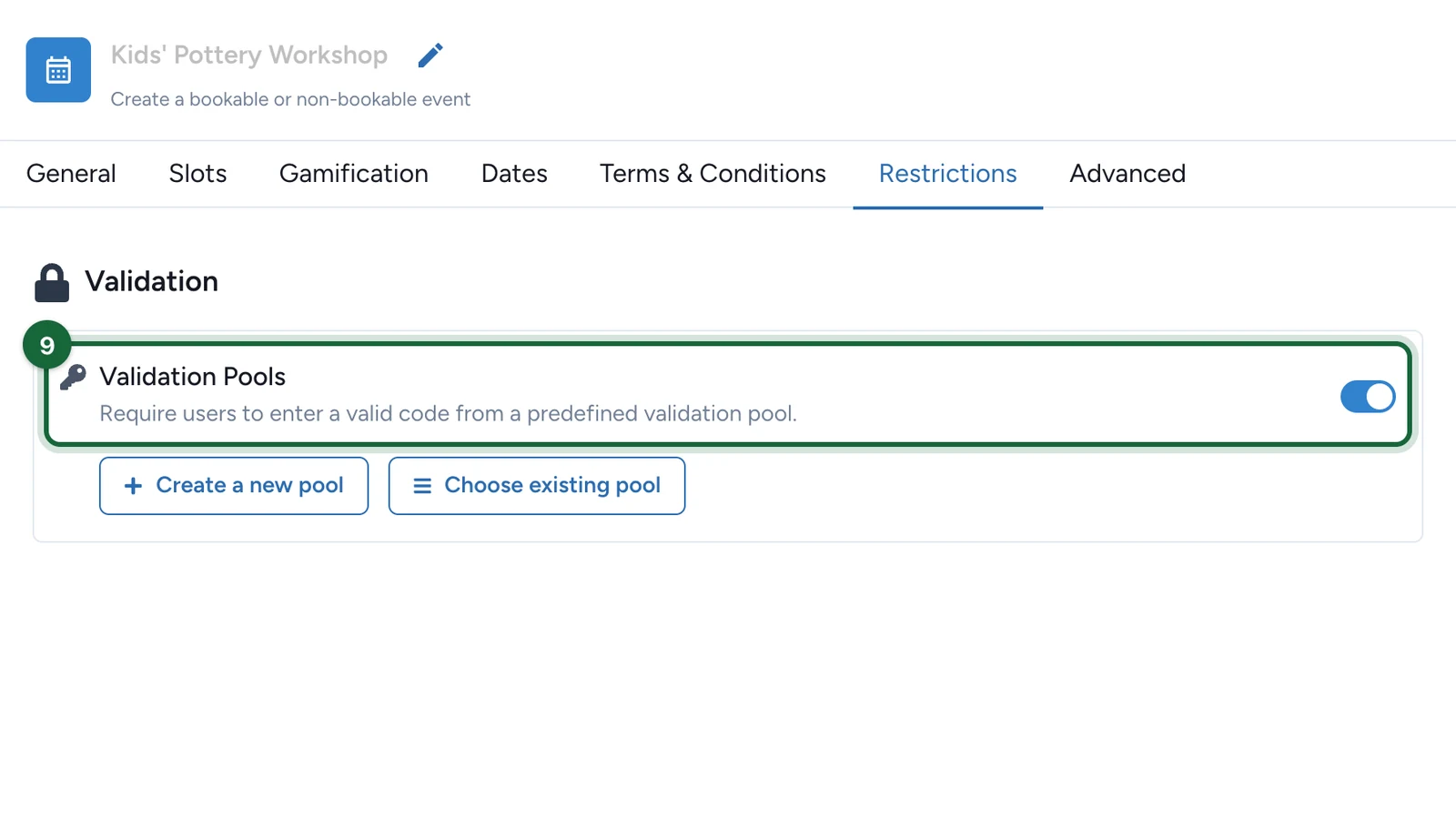
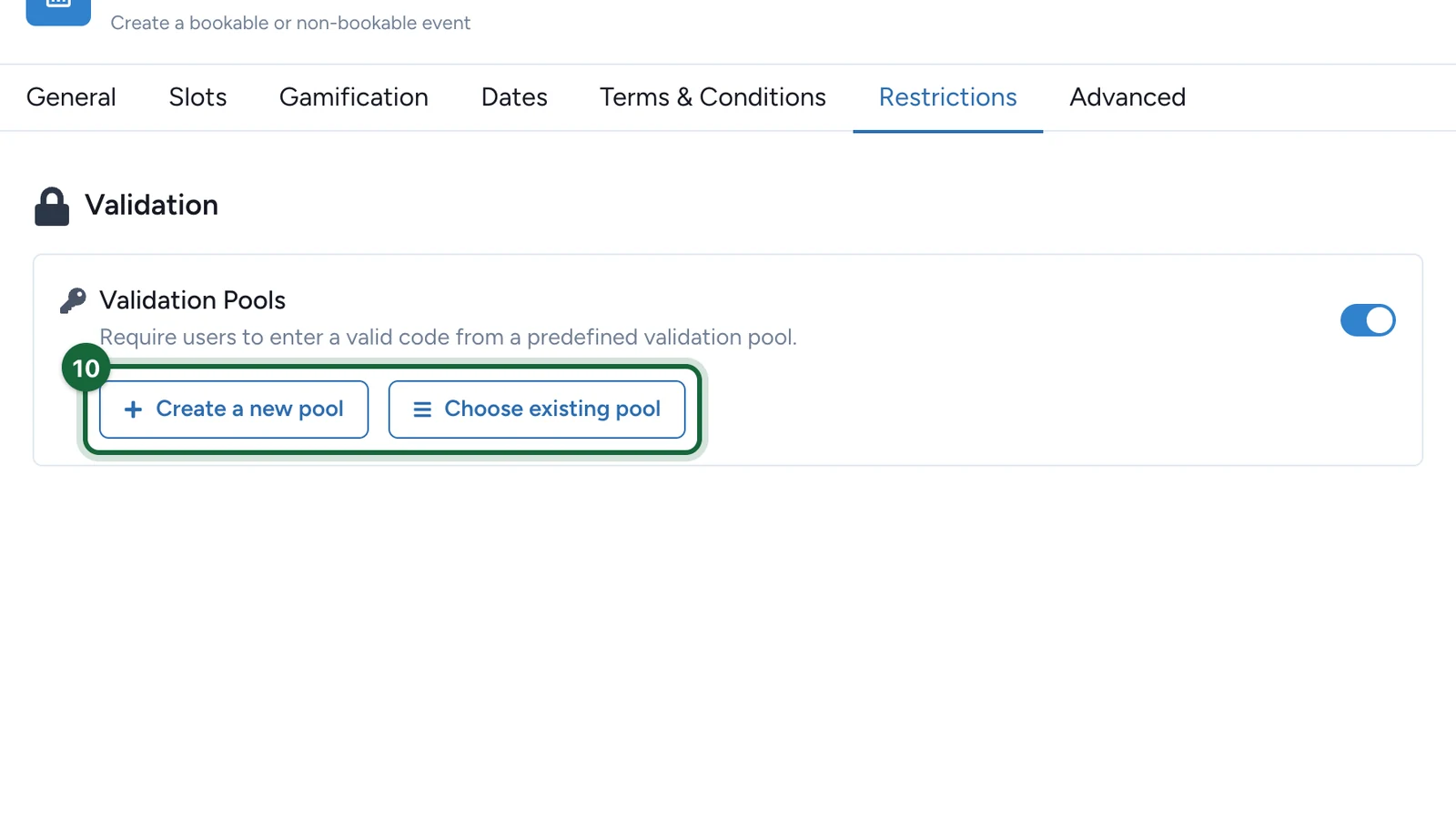
The standard v2 Activity editor mainly exposes per-participant attendance limits. If your team also uses a booking validation codes pool, treat that as a specialized setup and confirm it carefully before launch rather than assuming it is part of the default event flow.
When this page matters most
Use event-specific restrictions when the rule is about how many times one participant may attend the same Activity.
Common examples:
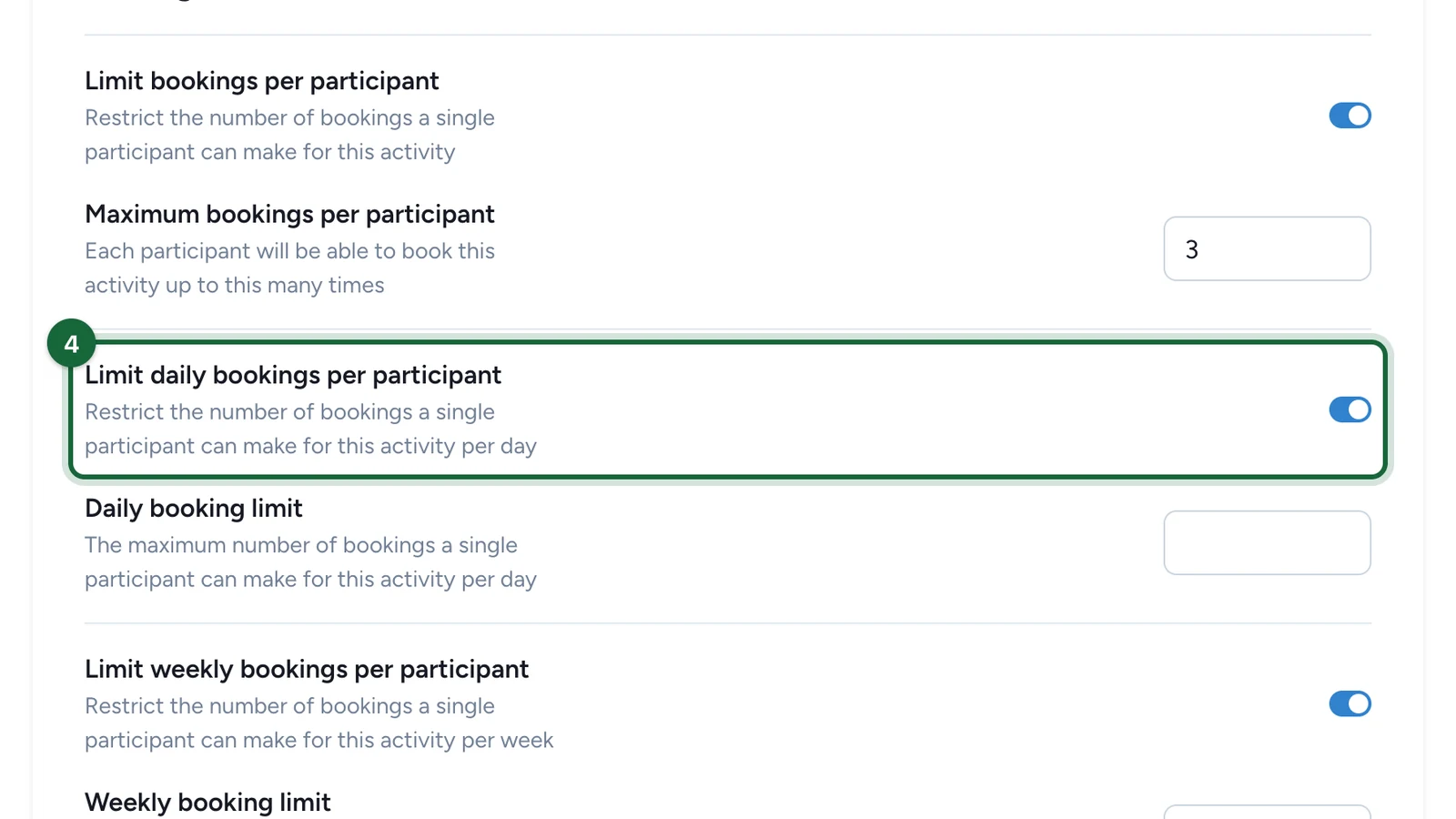
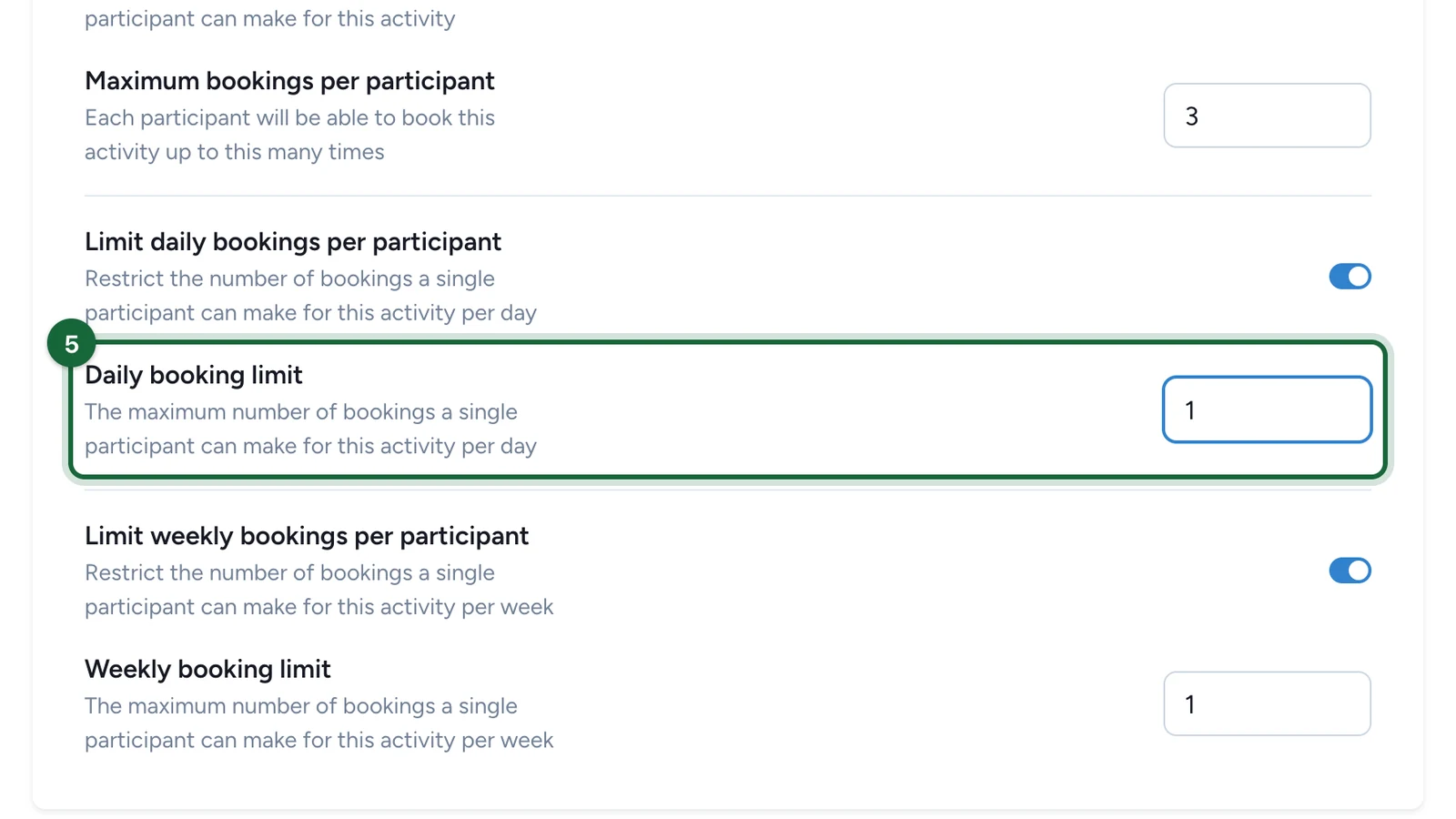
- a kids activity that should allow only one check-in per child per day
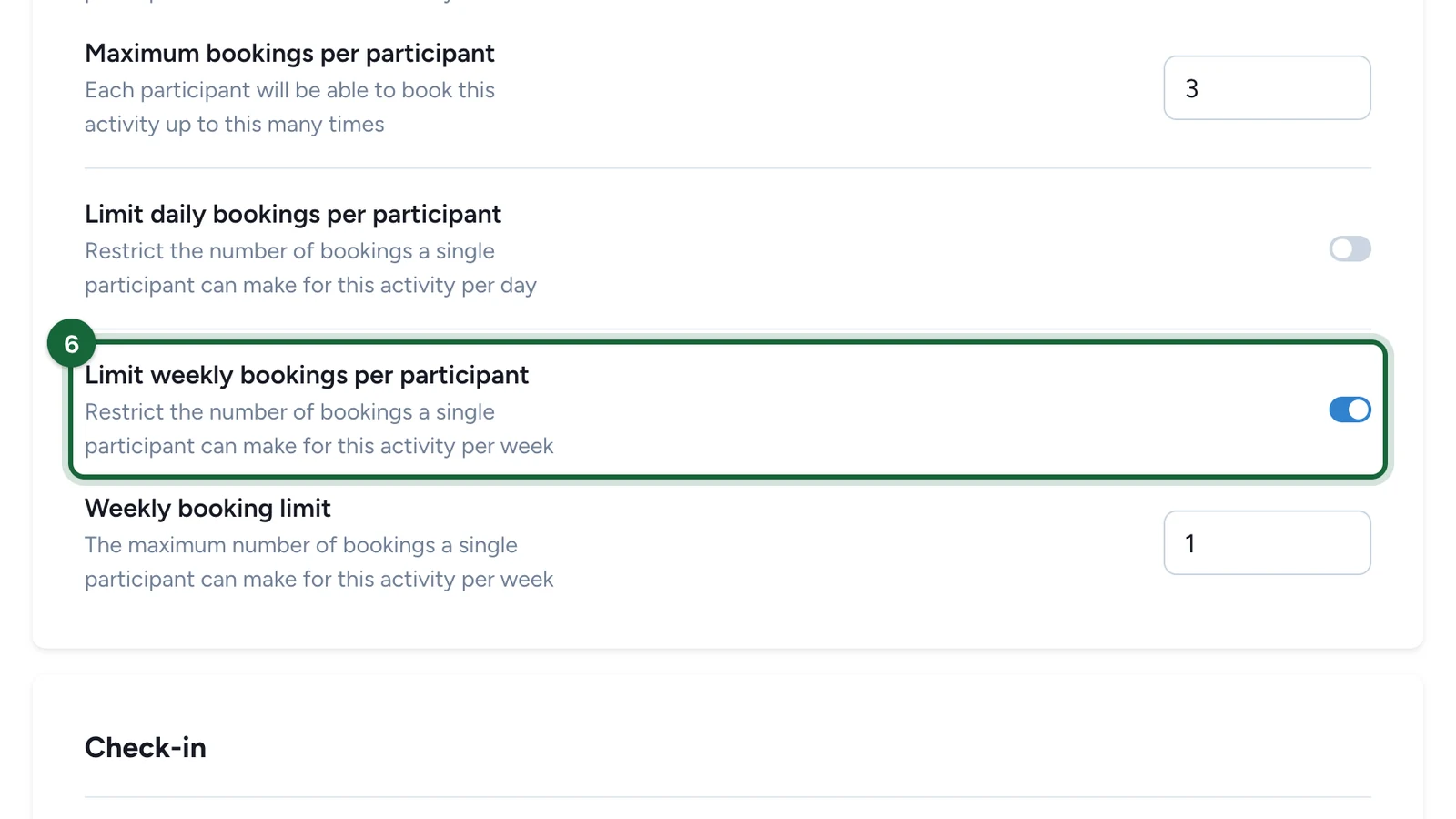
- a drop-in activation that should allow at most three visits during the campaign
- a repeated session where one participant should not occupy every slot
Choose the right restriction level
| Need | Best place to configure it | Example |
|---|---|---|
| Limit repeat attendance for one participant on this Activity | Event-level participant limits inside the Activity flow | One child may join the same workshop only once per day |
| Control how many people fit in one slot | Ticket capacity and slot setup | A VIP session with 8 seats per slot |
| Gate access with validation-code logic or broader Touchpoint rules | Restrictions | Invitation-only access to a private workshop |
Configuration
Decide whether the rule belongs to bookings or to the whole Touchpoint
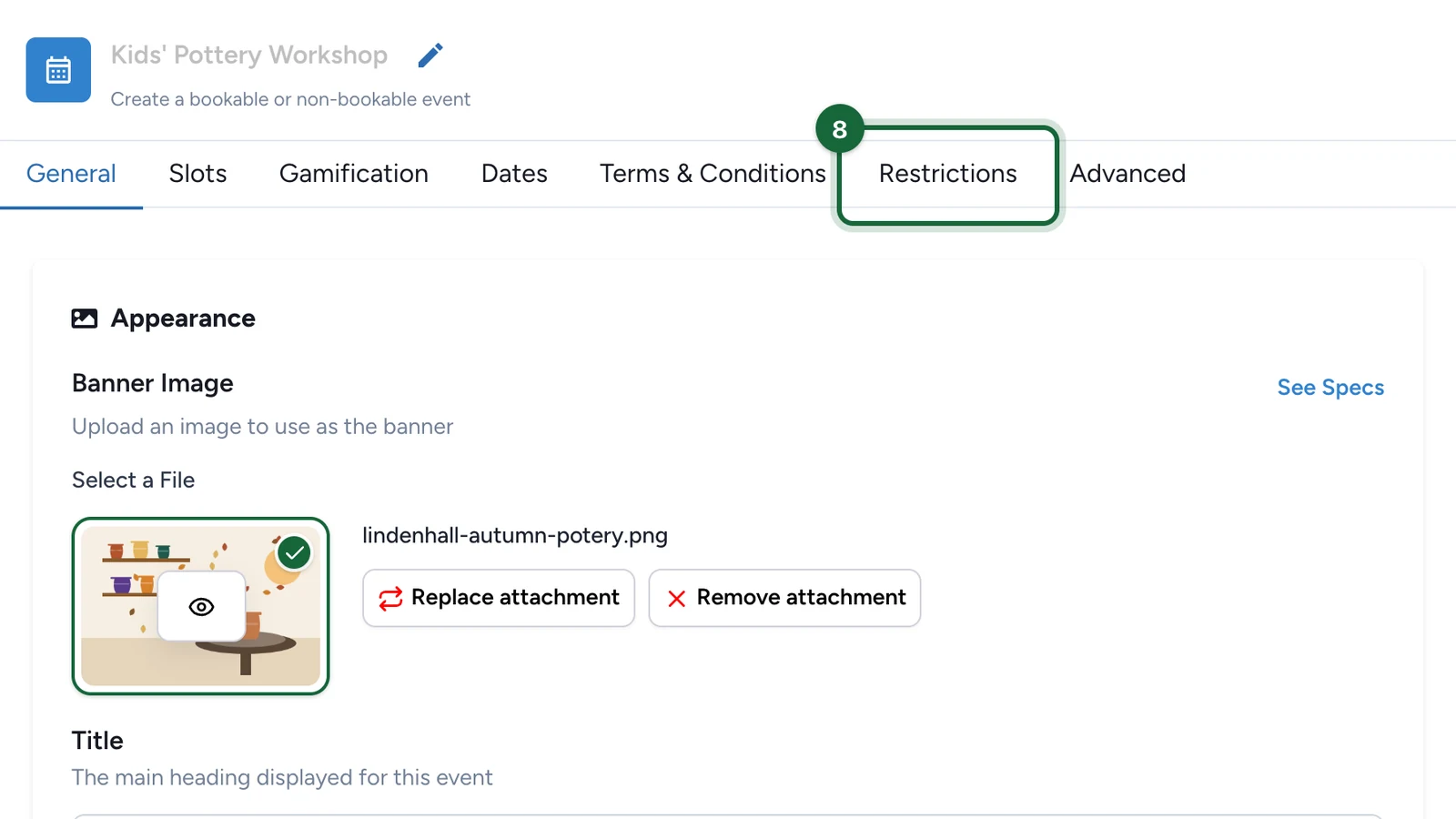
If the rule is about repeat attendance on this specific Activity, keep working in the event flow.
If the rule is really about generic gated access, validation codes, or broader Touchpoint participation rules, switch to the canonical Restrictions guidance instead.
Use the participant-limit controls only when they solve a real problem
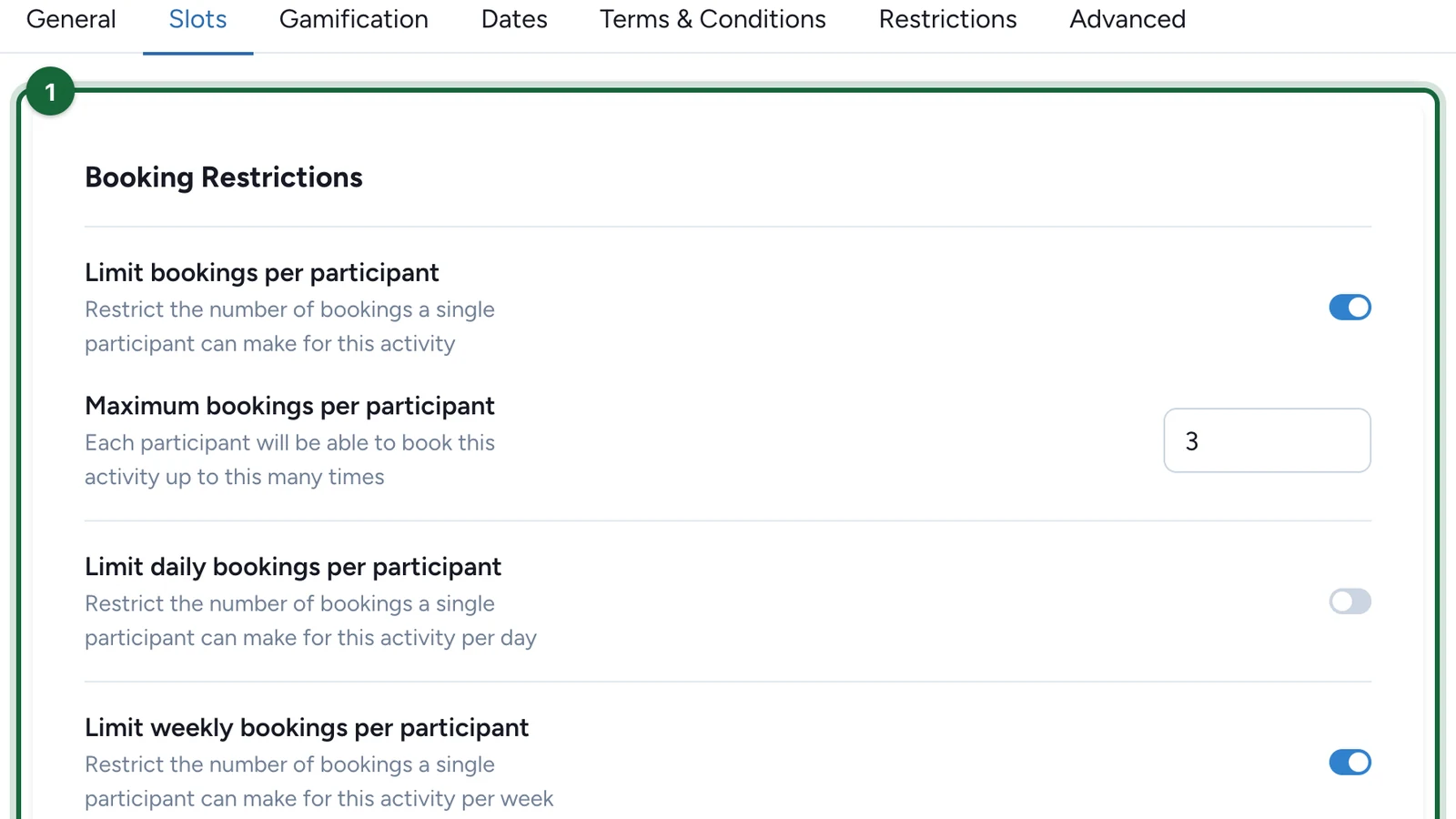
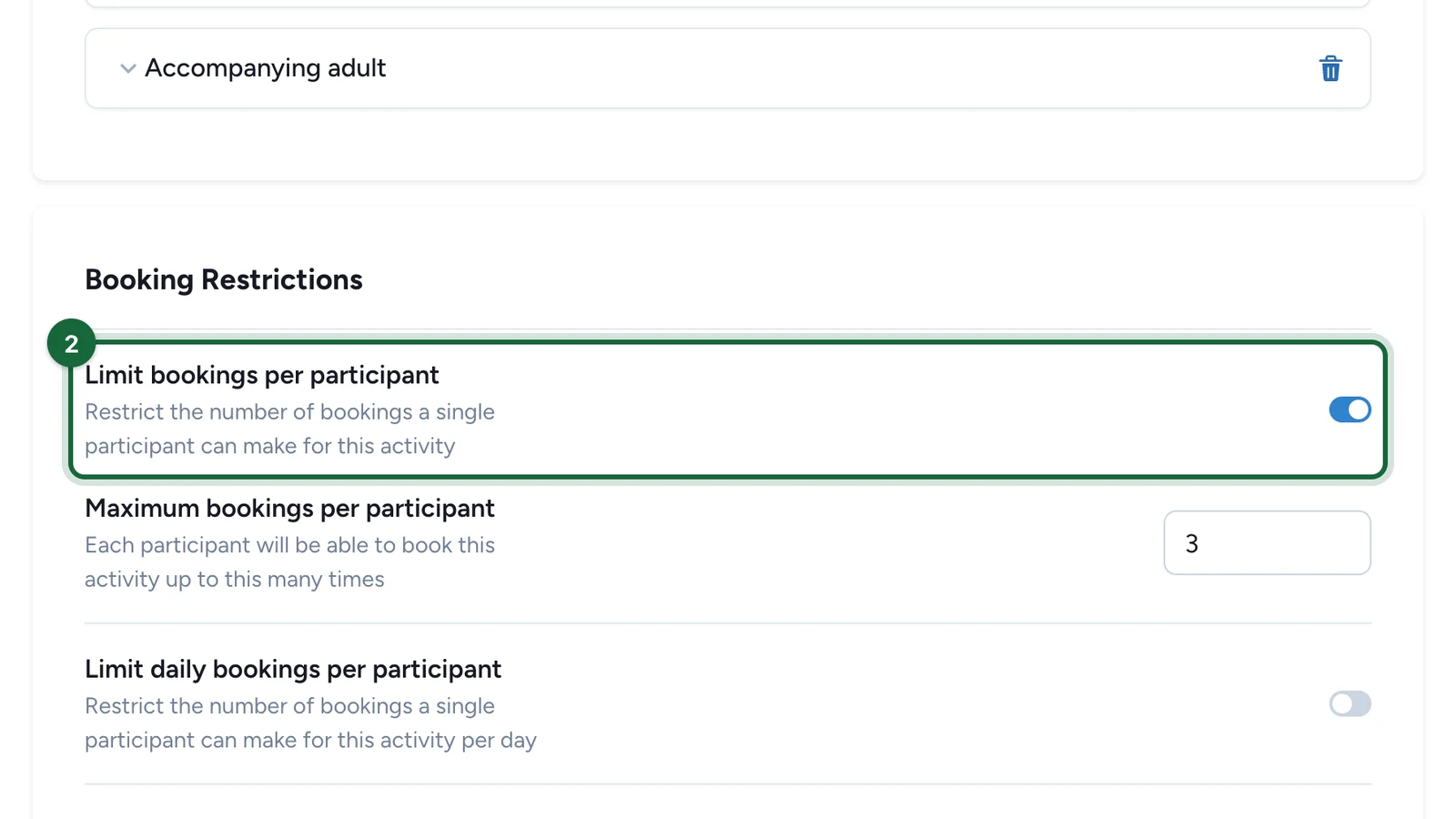
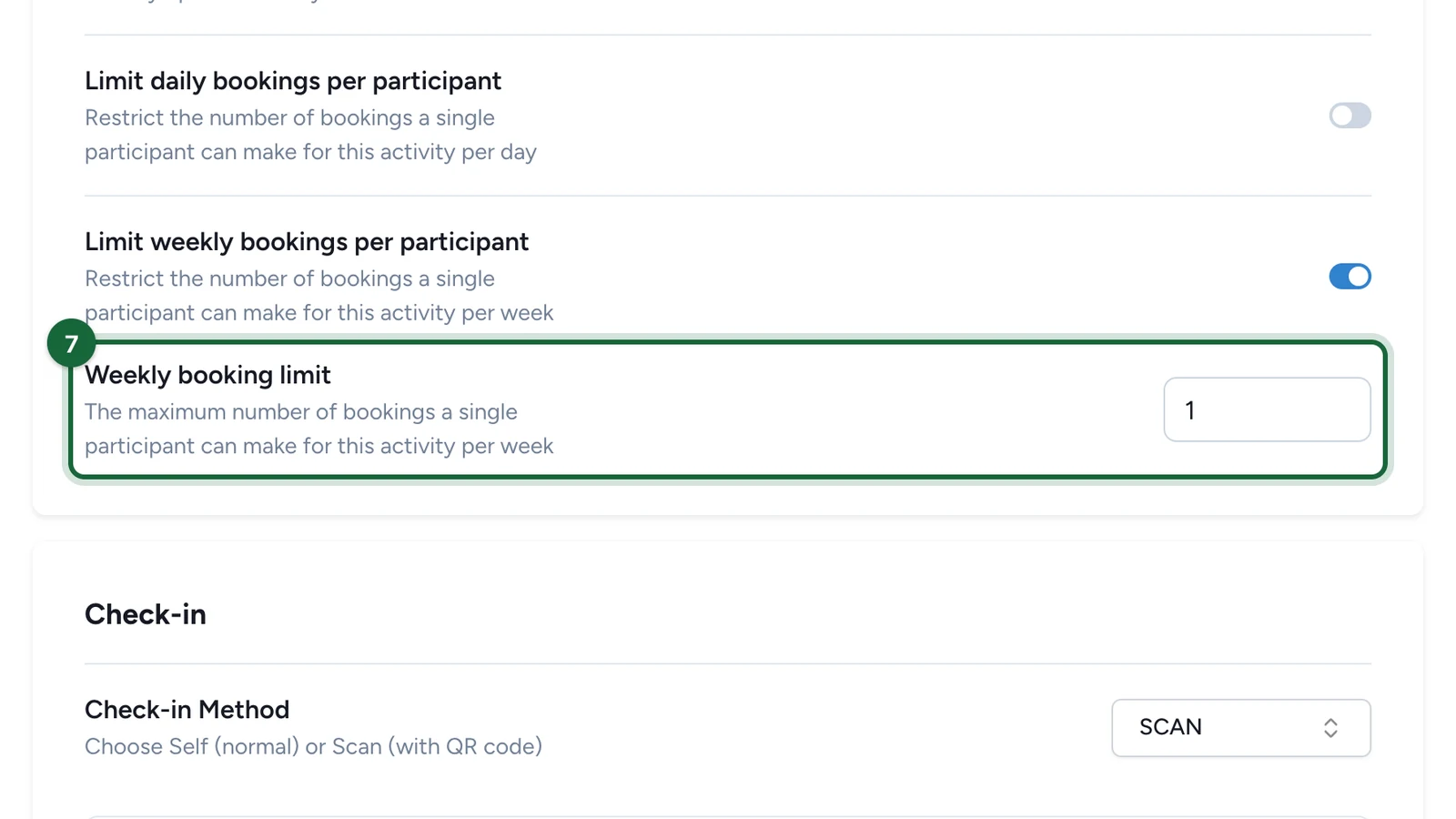
In the current v2 Activity editor, the visible limit controls are the per-participant counters used for repeat attendance.
That usually means:
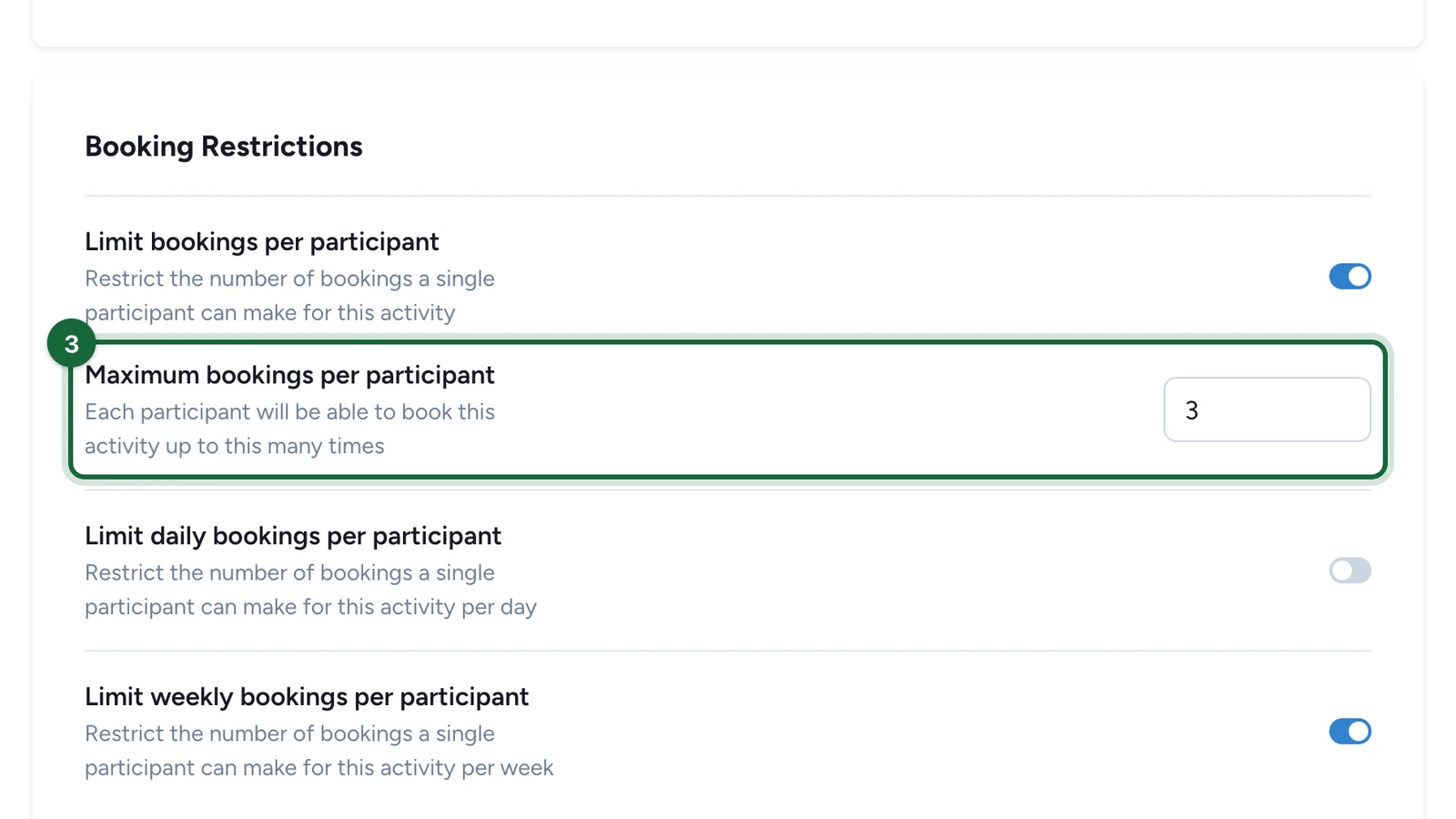
- a total cap for how many times one participant may attend
- optional daily and weekly caps when the same Activity repeats often
Set a positive limit and test a realistic attendee scenario
Use a realistic example when you choose the number.
For example:
- a kids workshop may use
1per day - a brand activation may use
3across the campaign - a recurring VIP consultation may use
1total booking per participant
Keep generic Touchpoint restrictions separate
If you need code-gated access, cross-touchpoint rate limits, or generic availability rules, keep those in the broader Touchpoint Restrictions model.
That separation makes it easier to tell whether you are controlling event attendance, generic Touchpoint access, or both.
Validation
If your Activity already uses booking-restriction data, validation may surface these messages:
| Validation key | Message | What to do |
|---|---|---|
activity.booking_restrictions.limited_booking_number.invalid | Activity '{{activity_name}}' has booking limit enabled but booking limit per contact is {{limited_number}} (must be greater than 0) | Set a positive participant limit, or turn that limit off. |
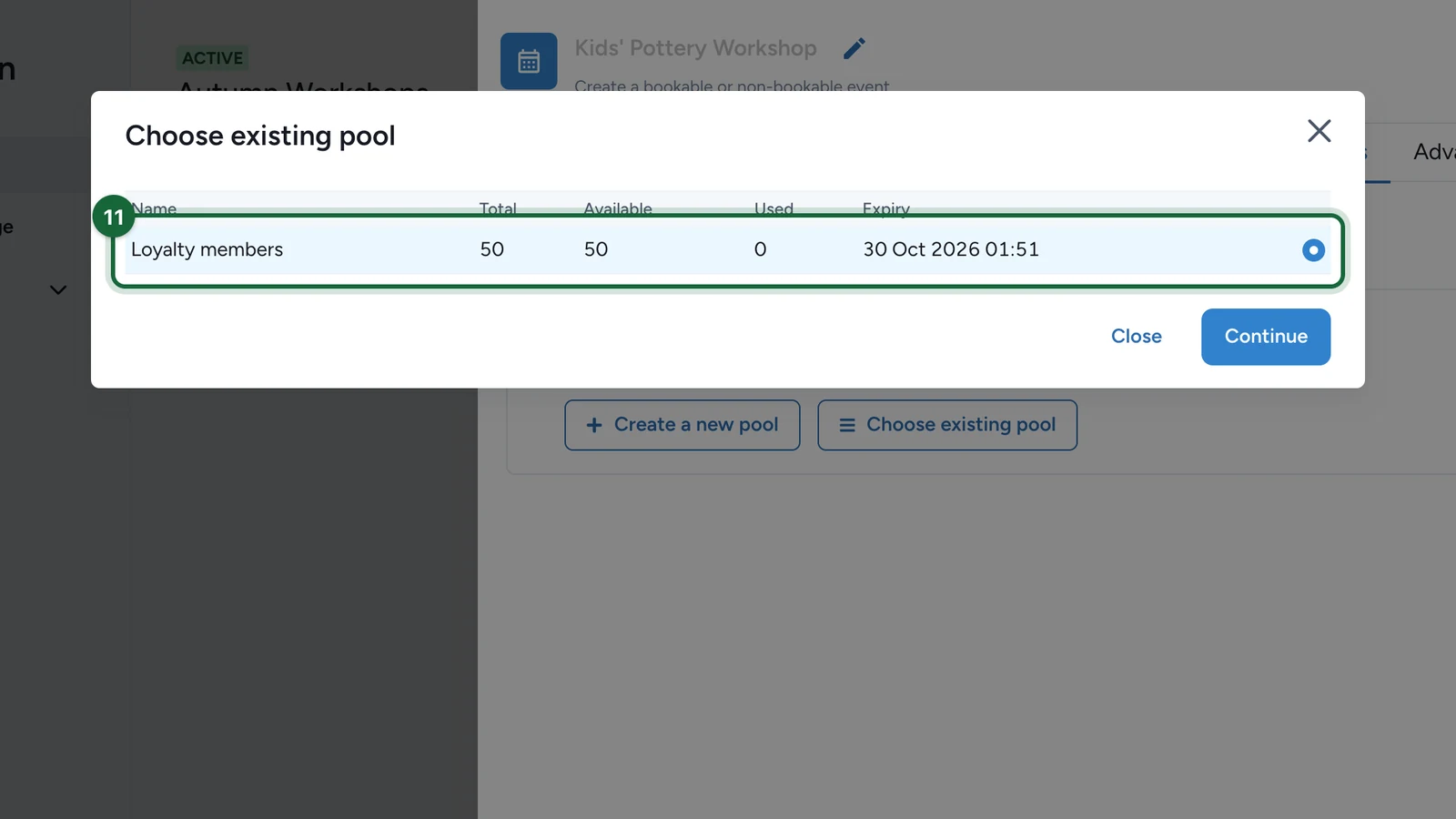
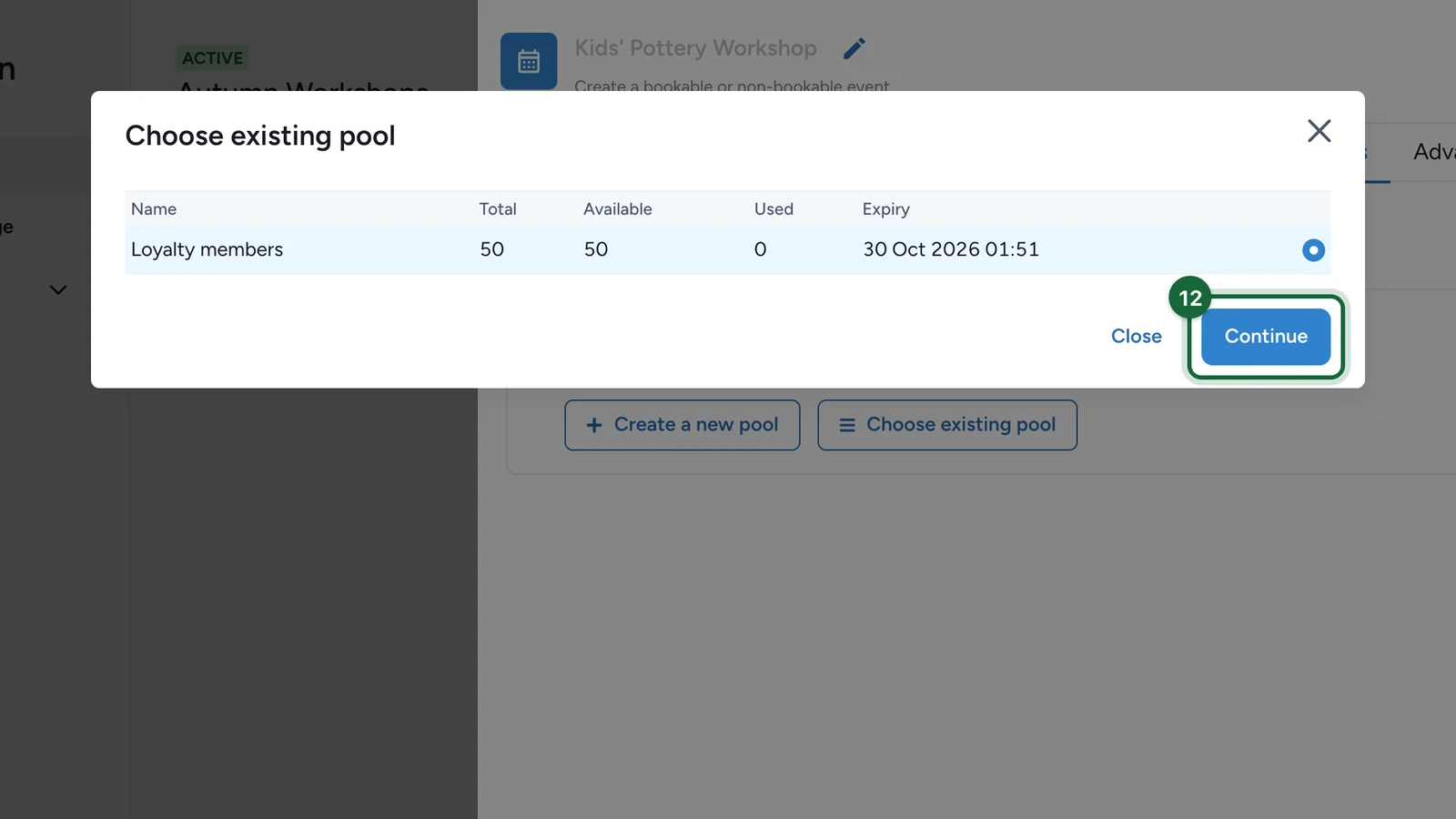
activity.booking_restrictions.validation_codes.missing | Activity '{{activity_name}}' has booking validation codes restriction enabled but no validation codes pool configured | Either choose the intended validation codes pool or remove that specialized restriction. |
See Validation & publishing for the broader publish flow.
Related
Restrictions (number, frequency, time slots, validation codes)
Use the generic Touchpoint restriction model for broader access and validation-code rules.
Configure tickets (Booking + Check-in events)
Use ticket capacity when the rule is really about seats per slot.
Event types (Booking + Check-in vs. Check-in Only)
Revisit whether the chosen event mode matches the restriction you actually need.
Configure check-in (Self vs. Scan)
Coordinate attendance limits with the day-of check-in flow.