The customer activation platform.Every interaction becomes a qualified contact. Book a demo

Print & place QR codes

Download the hunt and object QR codes, print them clearly, and place them where the route works best.

In this article, you'll prepare the live QR set for the Treasure Hunt, choose the right QR for each placement, and place the printed codes in the venue with confidence.

Choose the right QR code

Treasure Hunts commonly use:

QR code typeBest forWhat it opens
Hunt QR codeEntry posters, welcome desks, campaign signage, or the first invitation to joinThe full hunt
Object QR codeIndividual stops, displays, clues, or sponsor areasThe object directly in its own context

If your route is very location-specific, object QR codes are usually the better operational choice because they send participants straight to the correct object.

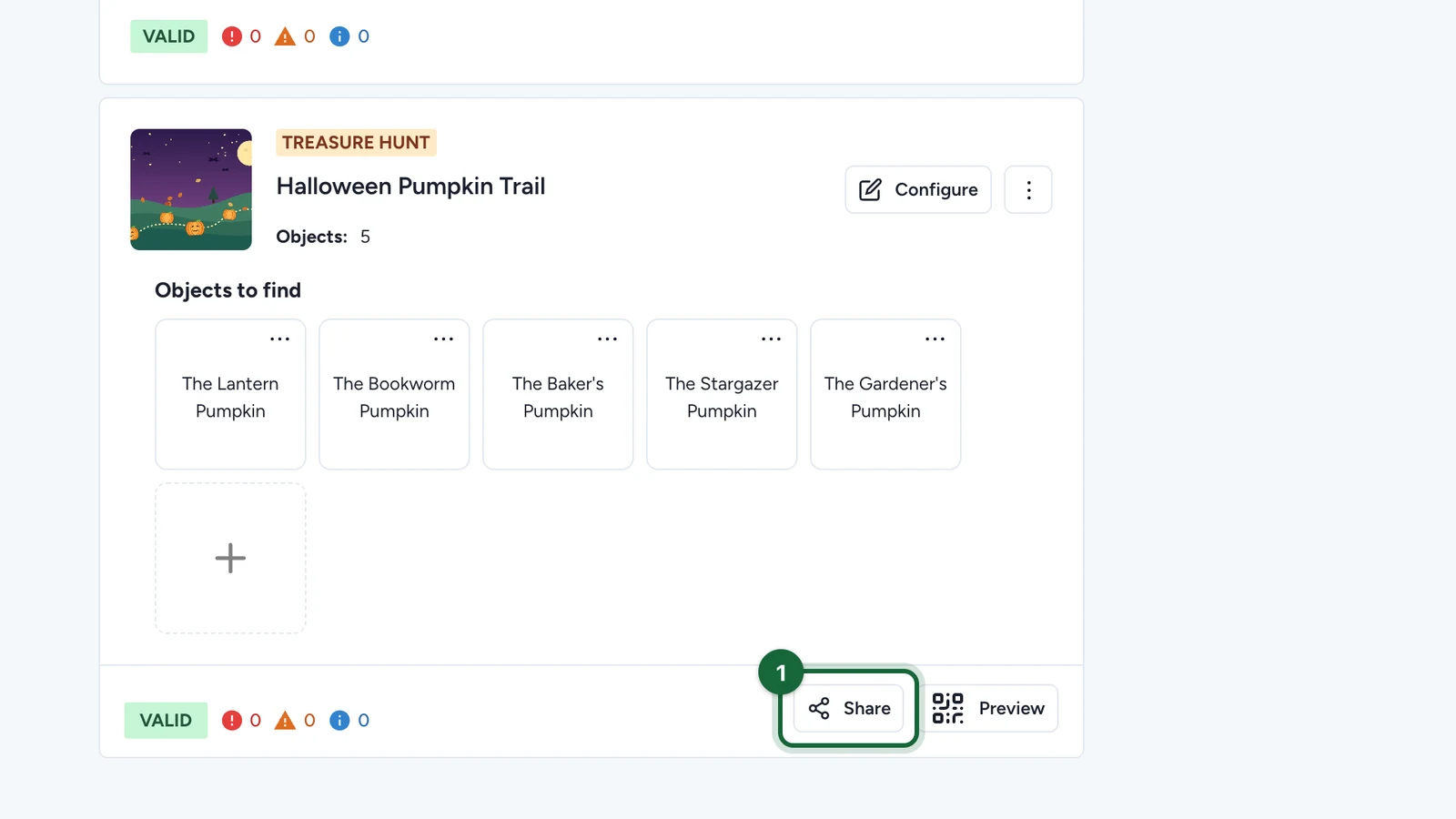
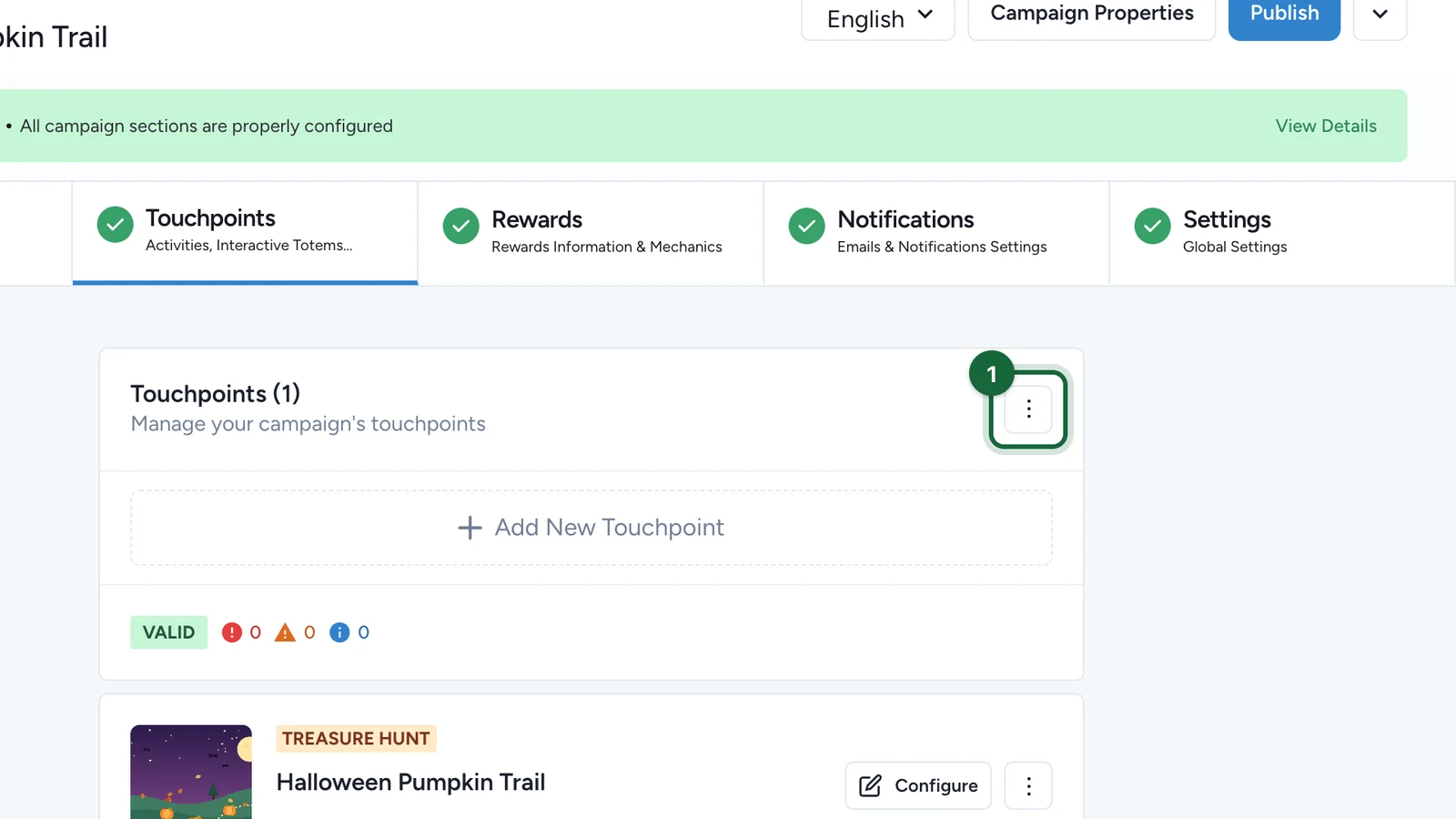
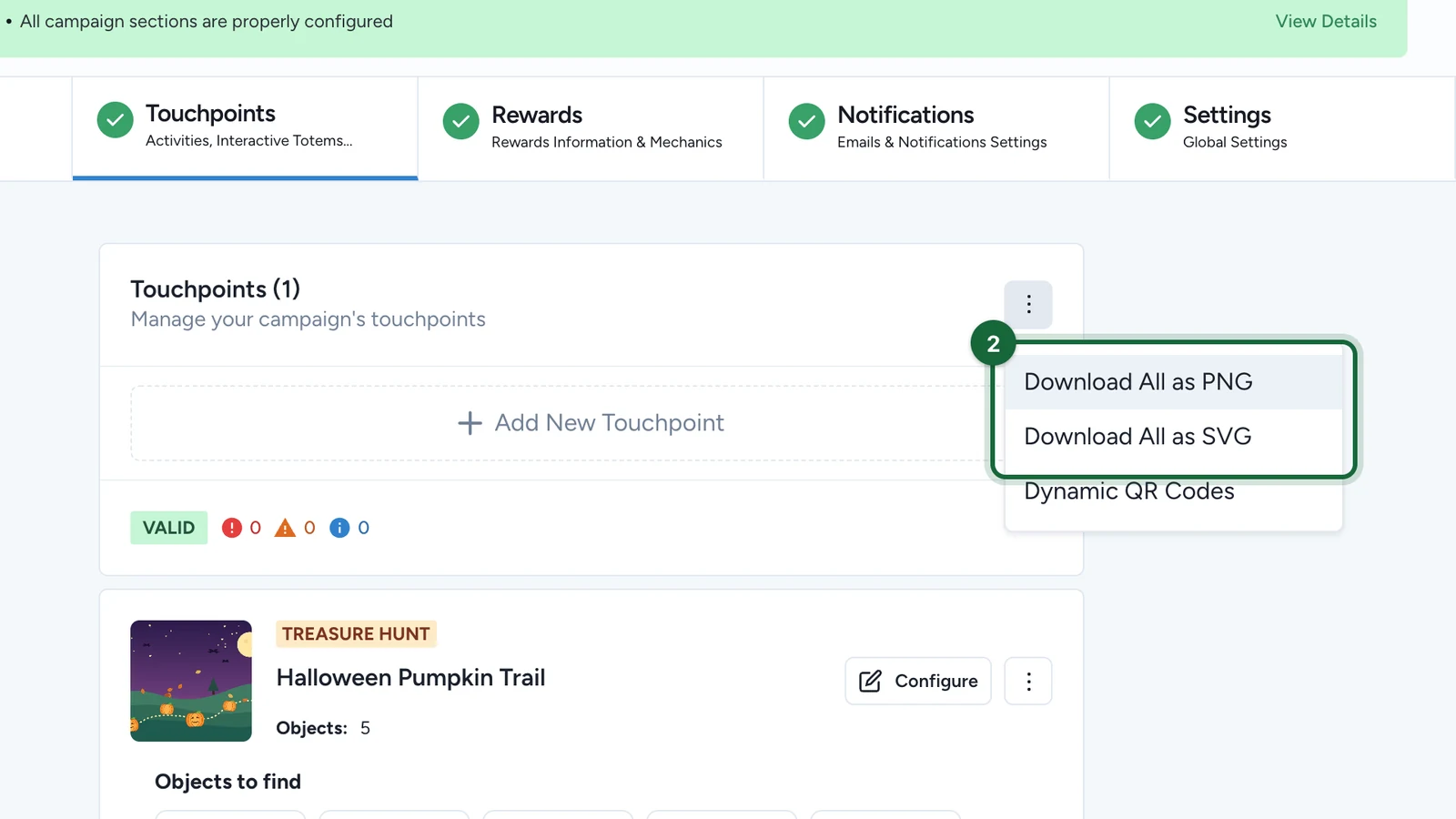
Open the share flow for the hunt or object

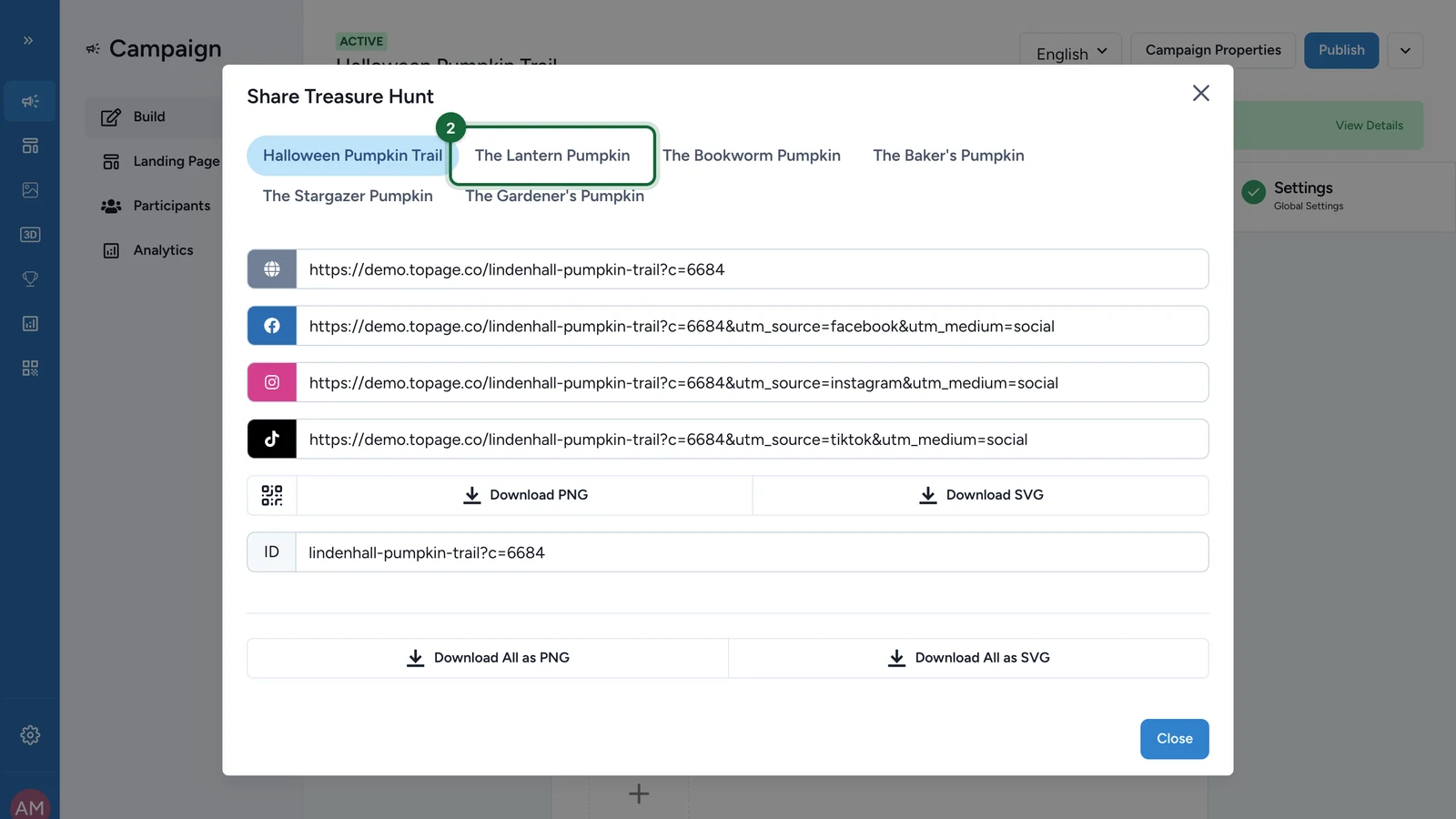
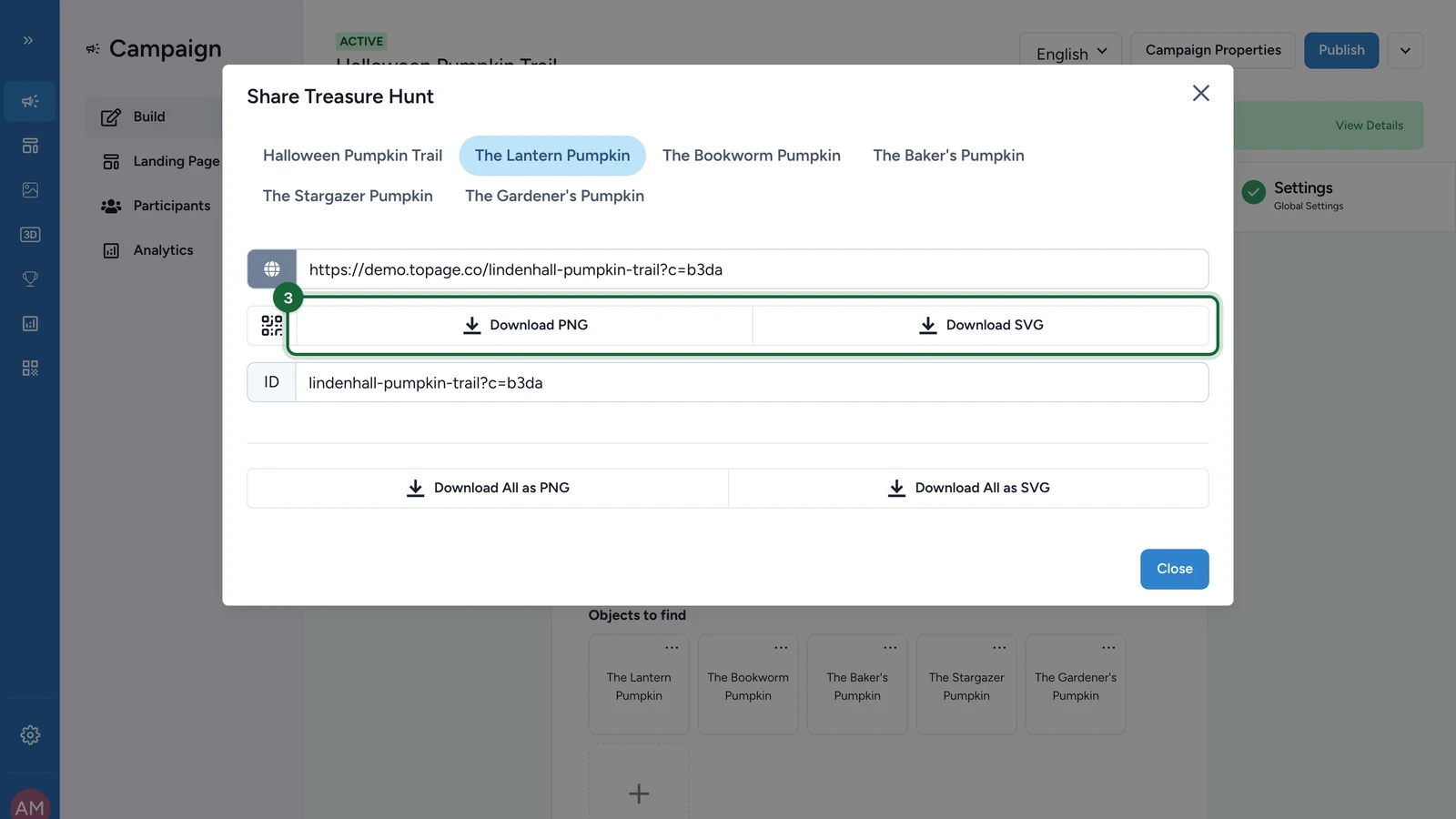
Use the hunt or object share controls to copy the generated link or download the generated QR code.

Do not rebuild the route manually. Use the links and QR codes generated for the hunt or object so the entry point opens in the correct context.

Export the right file format

Choose the format that matches the final use:

  • SVG for larger print or design layouts
  • PNG for fast digital sharing or smaller print jobs

If you need both, keep a named set for the production team so hunt and object codes do not get mixed up.

Label each code before printing

Give every printed file a clear purpose before it reaches the venue team.

For example:

  • hunt-entry-main-entrance
  • object-1-window-display
  • object-2-stage-area

This matters even more for Sequential hunts, where placing the wrong code in the wrong zone can break the intended route.

Test the final printed sample

Scan a real printed version on the devices that matter most.

Check:

  • scan speed
  • contrast and readability
  • whether the opened page matches the nearby sign or object
  • whether sequential routes still make sense in order

Place the codes in the venue

Install the codes where the participant can comfortably see and scan them.

For Sequential hunts, place them in route order and label the route clearly. For Any Order hunts, place them where natural discovery makes sense without forcing participants into one path.

Placement tips

  • Keep the main hunt QR easy to notice at the start of the journey.
  • Place object QR codes close to the clue, display, or physical area they relate to.
  • Avoid reflective surfaces or cramped angles that make scanning awkward.
  • Keep enough empty space around the code in the final artwork.
  • Re-test any code after it has been inserted into the final poster, vinyl, or sign layout.

Was this helpful?

Optional comments help us improve this page for future authors and readers.

On this page