Configure appearance & branding
The pictures and texts every game shares, where players see each one, and how to keep them readable on a phone.
Every game's Appearance tab starts with the same few fields. Each game type then adds its own, such as the wheel builder or the memory cards.
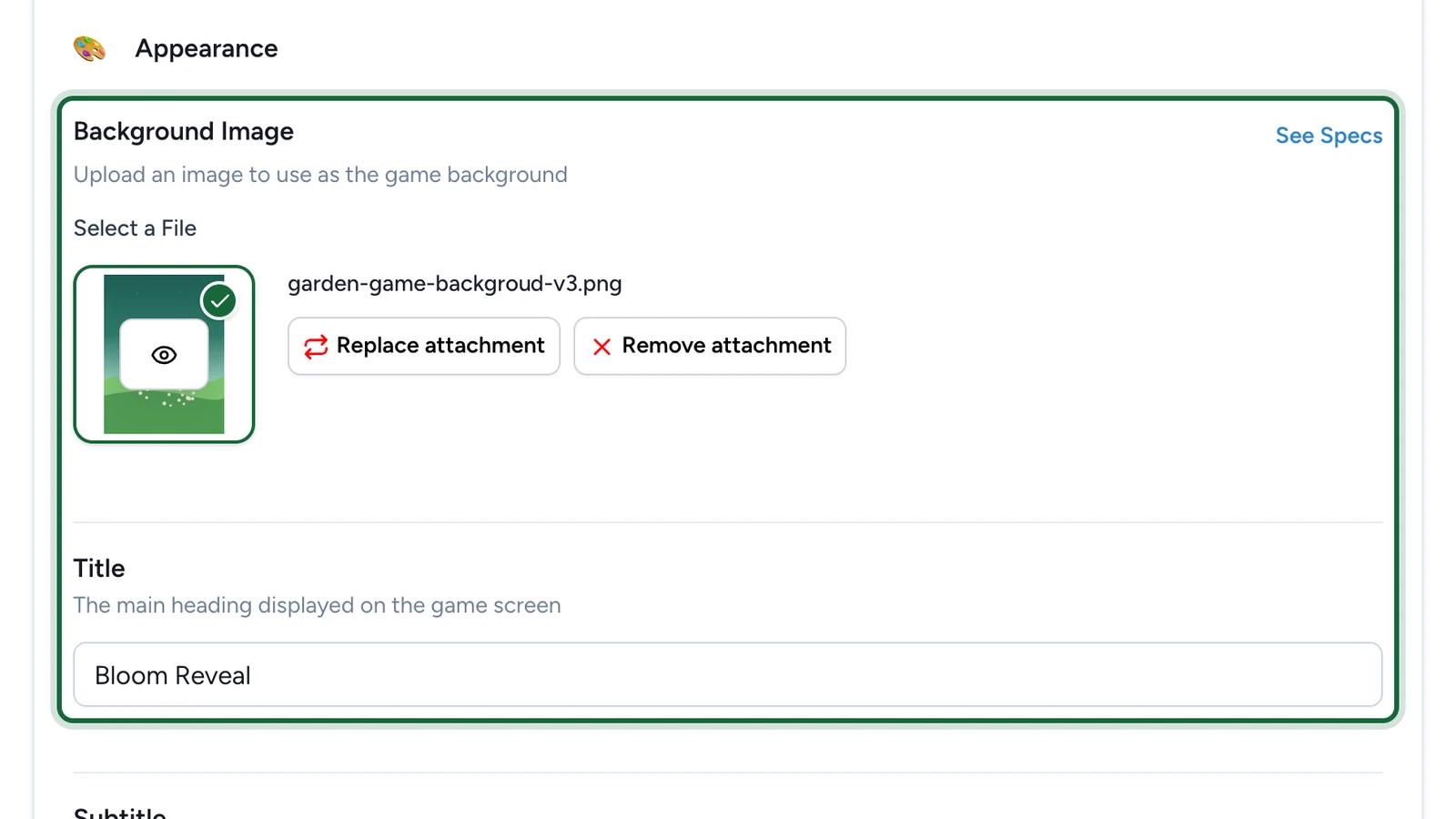
The fields most games share
| Field | Where players see it | Tip |
|---|---|---|
| Background Image | Behind the whole game | Keep key details away from the edges: phones crop the sides |
| Title | At the top of the game | Short enough for one or two lines on a phone |
| Subtitle | Under the title | One sentence: what to do, or what to win |
| The game's details, such as Scratch Game Details | Under How to play? | Say how often players can try, and where and when to collect the prize |
| Thumbnail or Thumbnail Image | On the landing page, as the game's tile | Required while the landing page is on |
The Simple Game and Gated Content use a Banner Image at the top instead of a background. The Form adds a Header Image above the questions.
Prepare the images
Background Image
RequiredThe full-screen visual behind any game (wheel, scratch, reveal, quiz, and more).
- Requiredexcept for instant reward and sign-up games
- Size1536 × 2048 px
- Aspect ratio3:4
- FormatsJPEG / WEBP / PNG
It fills the screen from the top centre, with the title, the game and the button on top, and phones crop about a fifth off each side: keep text and faces in the middle.
Thumbnail Image
RequiredThe square tile shown in carousels and campaign listings — not on the play screen. Offer passes and interactive totems use it as their image too.
- Requiredwhen the campaign has a landing page
- Size800 × 800 px
- Aspect ratio1:1
- FormatsJPEG / WEBP / PNG
Reward Icon
OptionalThe icon that represents a reward.
- Optional
- Size800 × 800 px
- Aspect ratio1:1
- FormatsJPEG / WEBP / PNG
Circular design and a transparent background work best.
Every size in one place: Image & asset specs.
Keep the campaign consistent
- Give the same prize, place and deadline in the subtitle, the details and the reward.
- Translate player-facing text into every language of the campaign.
- Open the game on a phone after changing a picture.